By using this site, you agree to the Privacy Policy and Terms of Use.
Accept
World of SoftwareWorld of SoftwareWorld of Software
  • News
  • Software
  • Mobile
  • Computing
  • Gaming
  • Videos
  • More
    • Gadget
    • Web Stories
    • Trending
    • Press Release
Search
  • Privacy
  • Terms
  • Advertise
  • Contact
Copyright © All Rights Reserved. World of Software.
Reading: Your Pixel just lost a handy Recents trick in the March update
Share
Sign In
Notification Show More
Font ResizerAa
World of SoftwareWorld of Software
Font ResizerAa
  • Software
  • Mobile
  • Computing
  • Gadget
  • Gaming
  • Videos
Search
  • News
  • Software
  • Mobile
  • Computing
  • Gaming
  • Videos
  • More
    • Gadget
    • Web Stories
    • Trending
    • Press Release
Have an existing account? Sign In
Follow US
  • Privacy
  • Terms
  • Advertise
  • Contact
Copyright © All Rights Reserved. World of Software.
World of Software > News > Your Pixel just lost a handy Recents trick in the March update
News

Your Pixel just lost a handy Recents trick in the March update

News Room
Last updated: 2026/03/13 at 1:40 AM
News Room Published 13 March 2026
Share
Your Pixel just lost a handy Recents trick in the March update
SHARE

Joe Maring / Android Authority

TL;DR

  • The March update has downgraded the Recent apps screen on Pixel phones.
  • You can no longer save selected images or search them using Google Lens.
  • Workarounds exist, but they’re not as intuitive as the previous menu options.

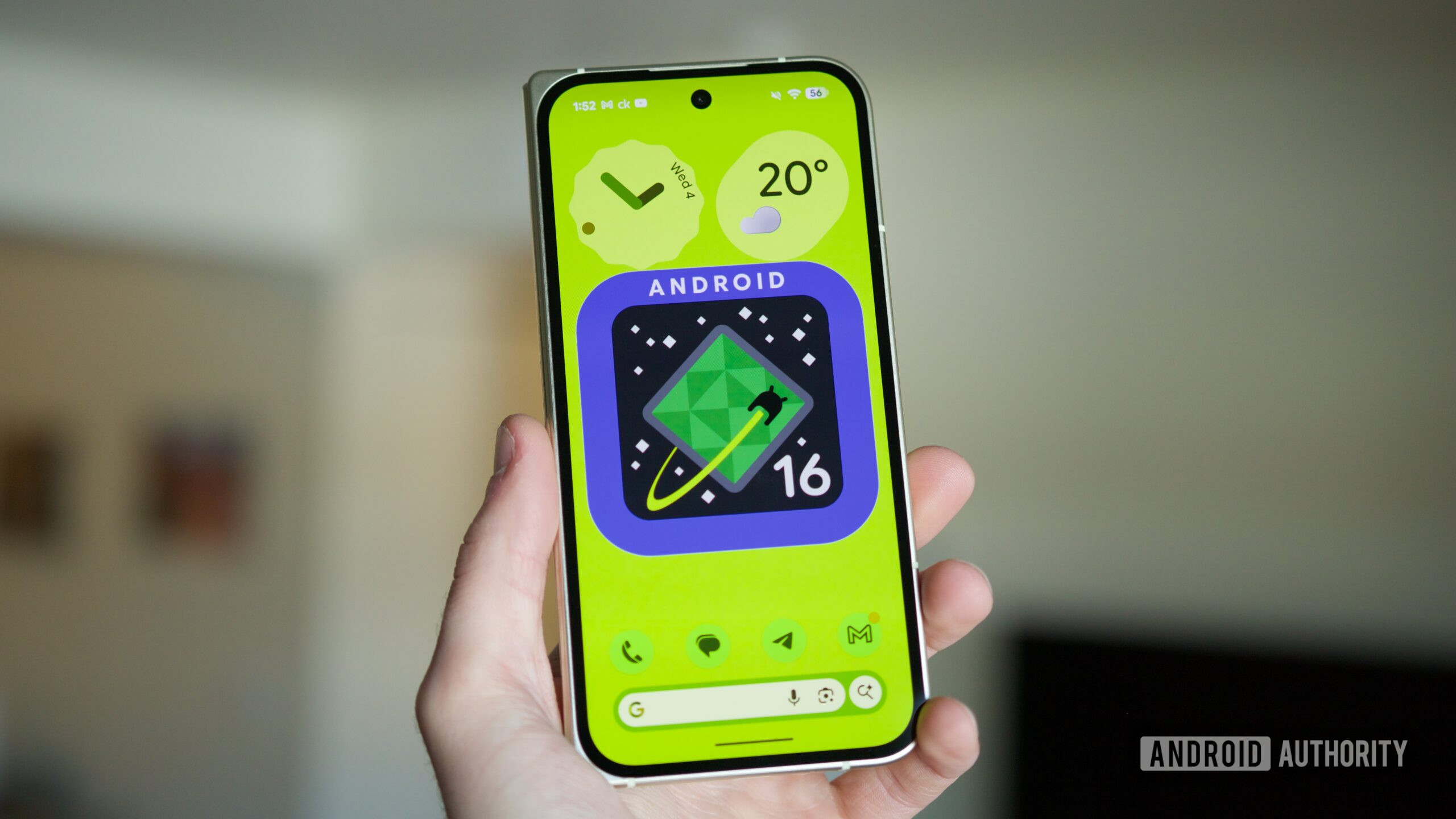
Google rolled out the stable Android 16 QPR3 update — commonly referred to as the March 2026 Pixel update — to Pixel phones earlier this month. If you’re using a Pixel device, there’s a good chance you’ve already installed the update. You’ve also probably noticed (like these folks on Reddit) a small but frustrating change in the Recent apps screen. We actually spotted and reported the change back in January, when it first appeared in testing, but we can now confirm that Google has rolled it out widely in the latest stable release.

Don’t want to miss the best from Android Authority?

google preferred source badge light@2xgoogle preferred source badge dark@2x

You can no longer save images easily from the Recents screen

If you’ve ever long-pressed an image or used the Select tool in the Recent apps screen, you might already know about one of Android’s lesser-known productivity tricks. These methods allow you to grab text and images directly from app previews. It’s a neat shortcut that can save you from digging through apps or screenshots.

Until recently, selecting an image gave you useful options to save it, share it, or open it with Google Lens. Here’s how it worked:

After the March update, that list has been severely cut down. You’ll now only see Copy, Share, and Edit options when selecting images. The option to save the image to Photos is no longer available.

If you still want to save the image, there’s a workaround, but it’s definitely clunkier.

You can find and select the “Upload to Photos” option from the share sheet. It’s buried in there, so you’ll have to peel your eyes and look for it. While this does save the image to Google Photos, it takes longer than just tapping the Save button that existed before. You can also share the selected image with Files by Google. The image will save to Photos, but it ends up in the Downloads folder.

For a Lens search replacement, you can try Circle to Search or the “Google Search Image” option from the share sheet, which essentially brings up a Lens search. Again, this was so much more convenient with the Lens button right up there in the older UI.

A lot of people may not have realized the feature existed, but once you start using it, it becomes a surprisingly handy way to grab images or text from apps without taking screenshots.

So if you updated your Pixel in the last few weeks and thought something felt different in the Recents screen, you’re not imagining things.

Thank you for being part of our community. Read our Comment Policy before posting.

Sign Up For Daily Newsletter

Be keep up! Get the latest breaking news delivered straight to your inbox.
By signing up, you agree to our Terms of Use and acknowledge the data practices in our Privacy Policy. You may unsubscribe at any time.
Share This Article
Facebook Twitter Email Print
Share
What do you think?
Love0
Sad0
Happy0
Sleepy0
Angry0
Dead0
Wink0
Previous Article Veeam Patches 7 Critical Backup & Replication Flaws Allowing Remote Code Execution Veeam Patches 7 Critical Backup & Replication Flaws Allowing Remote Code Execution
Next Article How to Create a DAO in 2026: 5 Critical Factors to Consider | HackerNoon How to Create a DAO in 2026: 5 Critical Factors to Consider | HackerNoon
Leave a comment

Leave a Reply Cancel reply

Your email address will not be published. Required fields are marked *

Stay Connected

248.1k Like
69.1k Follow
134k Pin
54.3k Follow

Latest News

Samsung phones can now tell you which apps work beyond cell towers and Wi-Fi
News
Tencent’s Yuanbao tops Apple’s China App Store, surpassing DeepSeek · TechNode
Computing
Today's NYT Connections Hints, Answers for March 12 #1005
News
Marathon is a stylishly merciless video game built for cut-throat times
News

You Might also Like

Samsung phones can now tell you which apps work beyond cell towers and Wi-Fi
News

Samsung phones can now tell you which apps work beyond cell towers and Wi-Fi

3 Min Read
Today's NYT Connections Hints, Answers for March 12 #1005
News

Today's NYT Connections Hints, Answers for March 12 #1005

4 Min Read
Marathon is a stylishly merciless video game built for cut-throat times
News

Marathon is a stylishly merciless video game built for cut-throat times

6 Min Read
Want to Run Android Apps, Games on Your PC? Try These 5 Programs
News

Want to Run Android Apps, Games on Your PC? Try These 5 Programs

12 Min Read
//

World of Software is your one-stop website for the latest tech news and updates, follow us now to get the news that matters to you.

Quick Link

  • Privacy Policy
  • Terms of use
  • Advertise
  • Contact

Topics

  • Computing
  • Software
  • Press Release
  • Trending

Sign Up for Our Newsletter

Subscribe to our newsletter to get our newest articles instantly!

World of SoftwareWorld of Software
Follow US
Copyright © All Rights Reserved. World of Software.
Welcome Back!

Sign in to your account

Lost your password?