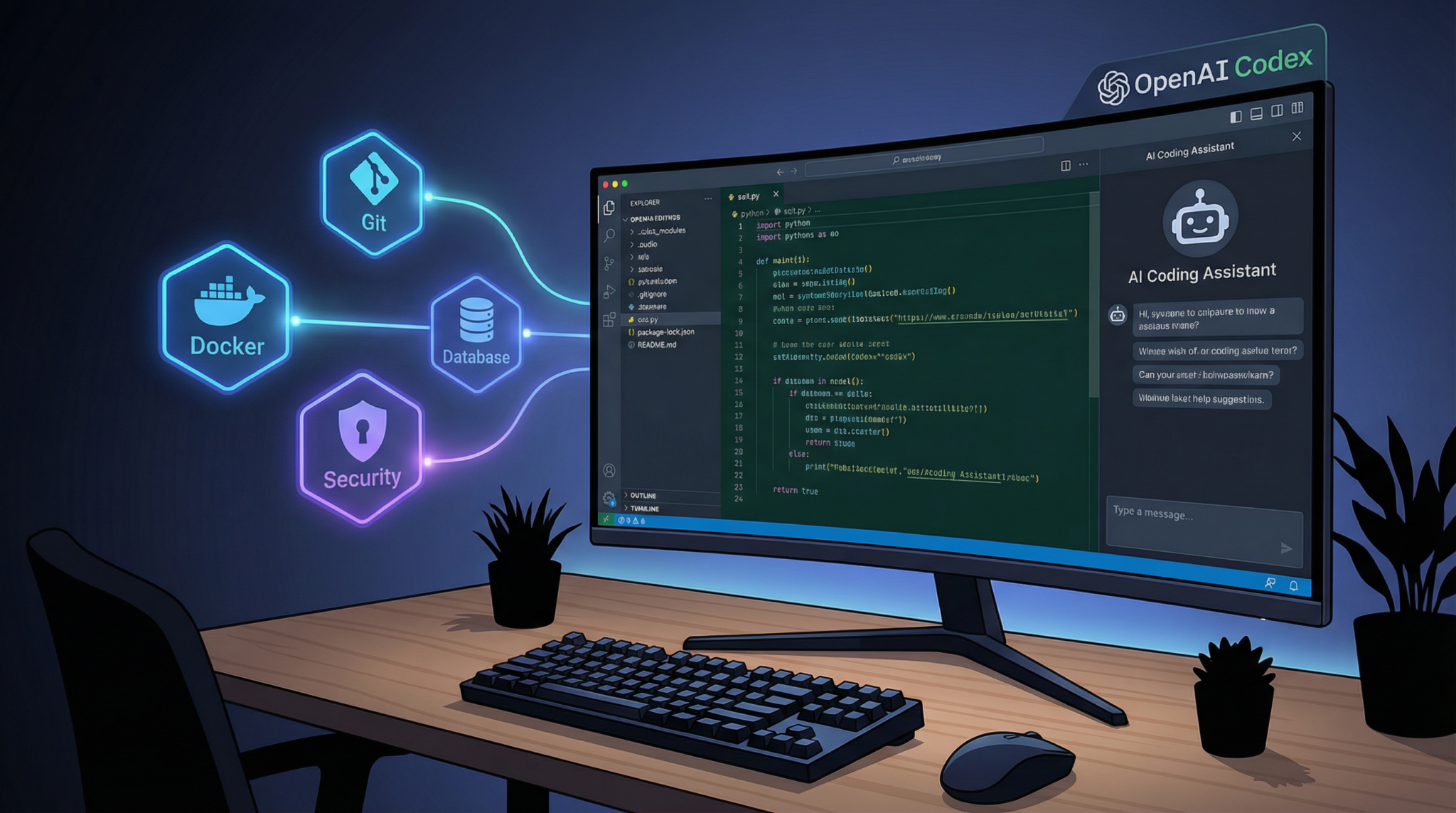
Introduction: Why Building Custom Plugins for OpenAI’s Codex Matters
In late March 2026, OpenAI unveiled a groundbreaking extension to its Codex platform by introducing robust plugin support, as reported by Ars Technica on March 27. This new capability transforms how developers and enterprise IT teams interact with Codex, enabling them to package complex coding workflows into reusable, modular plugins. The addition of this plugin system marks a pivotal moment in AI-assisted software development, positioning Codex to compete directly with alternatives like Anthropic’s Claude Code.
Custom plugins empower enterprises to tailor AI-driven coding assistance to their unique environments, integrating deeply with essential tools such as GitHub and Google Drive via the new Model Context Protocol (MCP). This allows the Codex model to access external data sources securely and contextually, enhancing its coding suggestions and automation capabilities. With a marketplace hosting pre-built connectors and a comprehensive plugin directory, organizations can rapidly adopt or build extensions that fit their operational needs.
Moreover, the plugin infrastructure emphasizes enterprise governance and security, with Codex running plugins inside sandboxed environments to mitigate risks. This comprehensive system enables IT teams to maintain control, enforce policies, and audit plugin behavior effectively, a critical factor for adoption in regulated industries.
In this tutorial, we will explore the entire process of building a custom Codex plugin—from understanding its architecture to implementing, testing, and deploying your solution. We will also delve into enterprise governance considerations and offer tips for submitting your plugin to the marketplace.
Prerequisites: Tools, Accounts, and Knowledge Needed
Before diving into plugin development, ensure you have the following prerequisites set up to maximize your productivity and comply with enterprise standards:
- OpenAI Developer Account: Access to the OpenAI Codex plugin development environment requires registration at the OpenAI Developer Portal. Ensure your account has permissions for plugin creation and API access.
- Enterprise Credentials: For organizations, administrative rights and compliance approval may be necessary to deploy and manage plugins, especially when integrating with internal systems like GitHub Enterprise or Google Workspace.
- Development Environment: A modern IDE such as Visual Studio Code or JetBrains IntelliJ, with support for JavaScript/TypeScript and Python, is recommended.
- Familiarity with RESTful APIs and Webhooks: Codex plugins interact with external services via APIs; understanding HTTP methods, authentication, and event-driven architecture is essential.
- Knowledge of MCP (Model Context Protocol): The MCP is critical for connecting Codex with external data sources securely. Familiarity with its specification facilitates effective plugin design.
- Understanding of Security Best Practices: Since plugins run with elevated privileges in sandboxed environments, knowledge of sandboxing, OAuth flows, and data governance is vital.
For a comprehensive understanding of Codex’s latest capabilities and how it functions as an AI coding agent, including its plugin system, you can explore our detailed [ChatGPT Coding Masterclass Part 3: What is Codex? The AI Coding Agent Explained](https://chatgptaihub.com/chatgpt-coding-masterclass-part-3-what-is-codex/) article. This resource offers valuable insights into Codex’s role within enterprise AI coding workflows and its comparison to other AI coding tools.
Understanding Codex Plugin Architecture and Structure
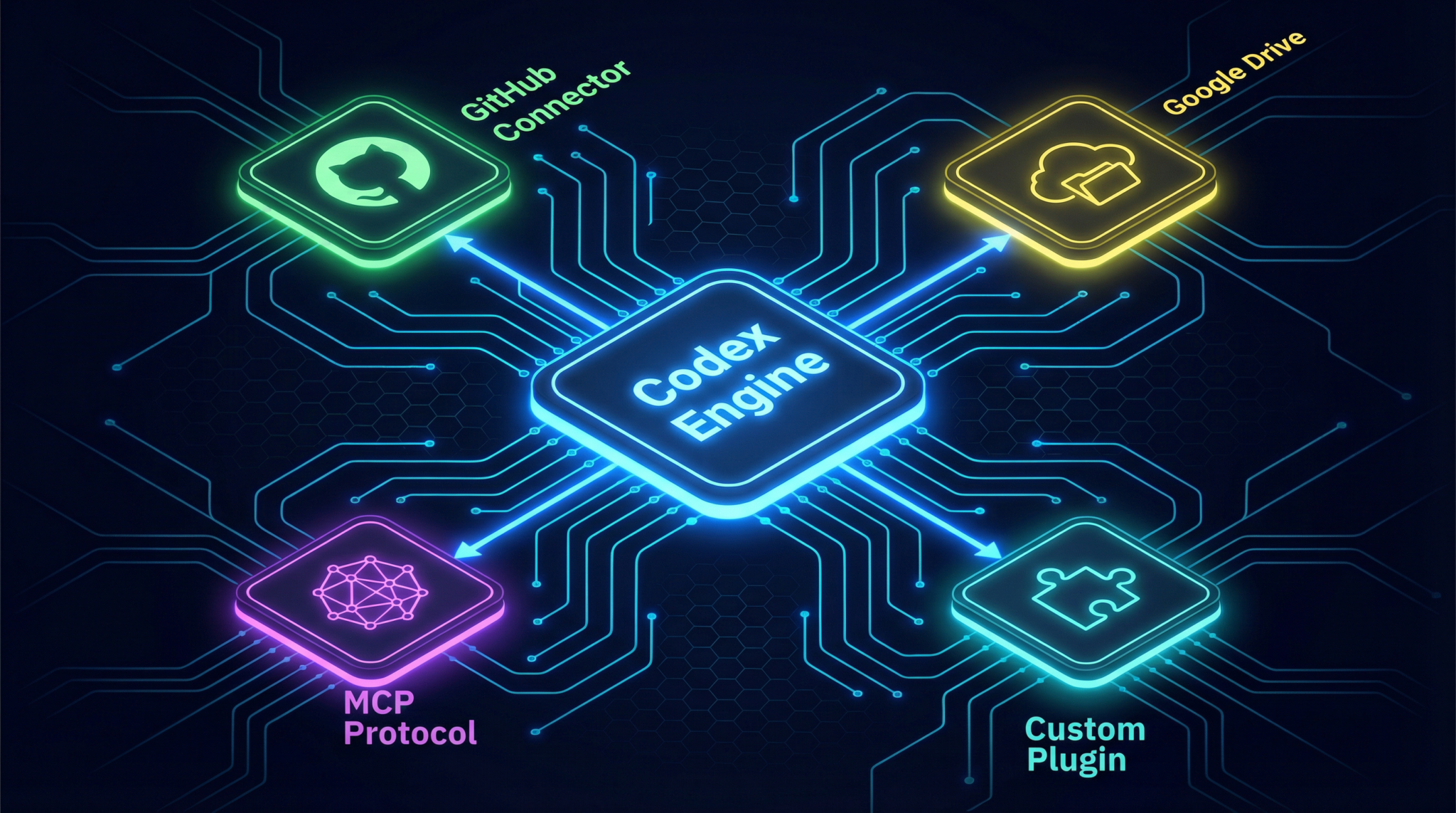
OpenAI’s Codex plugin system is designed to be modular, secure, and extensible. Each plugin acts as an isolated module that enables Codex to access external resources and enrich its coding suggestions. Below is an outline of the core components and architecture:
- Plugin Manifest: A JSON or YAML file describing the plugin’s metadata, permissions, endpoint URLs, and supported MCP connectors. This manifest facilitates registration with the Codex runtime and marketplace.
- API Endpoints: The plugin exposes RESTful APIs or webhook endpoints to handle requests from Codex. These endpoints provide data, perform operations, or trigger workflows based on model prompts.
- MCP Connectors: Model Context Protocol connectors enable data exchange between Codex and services like GitHub or Google Drive. Your plugin can implement custom MCP endpoints to extend this functionality.
- Sandbox Environment: Plugins run inside a secure, sandboxed container controlled by Codex’s runtime. This ensures that external code cannot compromise the host system or expose sensitive data.
- Authentication Layer: OAuth 2.0 or token-based authentication secures access to external services. Plugins must manage credentials securely and refresh tokens as needed.
The typical plugin folder structure looks like this:
/my-codex-plugin
├── manifest.json
├── src
│   ├── api.js
│   ├── mcpConnector.js
│   └── auth.js
├── tests
│   └── api.test.js
├── package.json
└── README.md
The manifest.json file includes critical information such as the plugin name, version, description, scopes, and endpoint URLs. The src/ directory contains implementation logic, with separate modules for API handling, MCP connection, and authentication.
Implementing a Custom Codex Plugin: A Hands-On Example
Let’s build a sample Codex plugin that connects to a fictional internal task management service called TaskStream. This plugin will enable Codex to query open tasks and create new ones within enterprise workflows.
Step 1: Create the Manifest File
The manifest defines plugin metadata and permissions. Save this as manifest.json:
{
  "name": "TaskStream Plugin",
  "version": "1.0.0",
  "description": "Integrates Codex with TaskStream to manage tasks.",
  "endpoints": {
    "queryTasks": "/api/tasks",
    "createTask": "/api/tasks/create"
  },
  "permissions": [
    "read:tasks",
    "write:tasks"
  ],
  "mcpConnectors": [
    "taskstream-mcp"
  ],
  "authentication": {
    "type": "OAuth2",
    "tokenUrl": "https://auth.taskstream.example.com/token"
  }
}
Step 2: Implement API Endpoints
Using Node.js with Express, create API handlers in src/api.js:
const express = require('express');
const router = express.Router();

// Mock in-memory task list
let tasks = [
  { id: 1, title: "Fix bug #123", status: "open" },
  { id: 2, title: "Develop plugin demo", status: "in progress" }
];

// GET /api/tasks - Return open tasks
router.get('/tasks', (req, res) => {
  const openTasks = tasks.filter(task => task.status === 'open');
  res.json({ tasks: openTasks });
});

// POST /api/tasks/create - Create a new task
router.post('/tasks/create', (req, res) => {
  const { title } = req.body;
  if (!title) {
    return res.status(400).json({ error: "Task title required" });
  }
  const newTask = {
    id: tasks.length + 1,
    title,
    status: "open"
  };
  tasks.push(newTask);
  res.status(201).json({ task: newTask });
});

module.exports = router;
Step 3: Setup MCP Connector
The MCP connector enables Codex to pass context to your plugin. Implement src/mcpConnector.js to handle MCP requests:
module.exports = {
  getContext: async function(request) {
    // Example: Provide current active tasks as context to Codex
    const activeTasks = tasks.filter(task => task.status === 'open');
    return {
      activeTasks
    };
  }
};
Step 4: Authentication Handling
Implement OAuth token management in src/auth.js:
const axios = require('axios');

let accessToken = null;

async function fetchAccessToken(clientId, clientSecret) {
  const response = await axios.post('https://auth.taskstream.example.com/token', {
    grant_type: 'client_credentials',
    client_id: clientId,
    client_secret: clientSecret
  });
  accessToken = response.data.access_token;
  return accessToken;
}

module.exports = { fetchAccessToken, accessToken };
Step 5: Plugin Server Setup
Finally, create the server entry point src/server.js:
const express = require('express');
const bodyParser = require('body-parser');
const apiRoutes = require('./api');
const { fetchAccessToken } = require('./auth');

const app = express();
app.use(bodyParser.json());

// Mount API endpoints
app.use('/api', apiRoutes);

// Initialize authentication token on startup
(async () => {
  await fetchAccessToken(process.env.CLIENT_ID, process.env.CLIENT_SECRET);
})();

const PORT = process.env.PORT || 4000;
app.listen(PORT, () => {
  console.log(`TaskStream plugin running on port ${PORT}`);
});
This sample plugin responds to Codex requests, provides task data, and supports task creation, all running within the sandboxed plugin environment.
Testing and Deploying Your Codex Plugin
Testing is crucial to ensure your plugin behaves correctly and securely within Codex’s sandbox:
- Unit Testing: Use frameworks like Jest or Mocha to test API endpoints and authentication flows. Example test for task querying:
const request = require('supertest');
const express = require('express');
const apiRoutes = require('../src/api');

const app = express();
app.use('/api', apiRoutes);

test('GET /api/tasks returns open tasks', async () => {
  const response = await request(app).get('/api/tasks');
  expect(response.statusCode).toBe(200);
  expect(response.body.tasks).toBeDefined();
  expect(Array.isArray(response.body.tasks)).toBe(true);
});
- Integration Testing: Simulate Codex requests in a staging environment. Use the OpenAI Developer Portal’s sandbox to verify your plugin’s interaction with the model.
- Security Auditing: Check that token management and API endpoints do not expose sensitive data. Use static analysis tools to scan your code for vulnerabilities.
When ready, deploy your plugin to a cloud service with HTTPS support, such as AWS Lambda, Google Cloud Functions, or Azure Functions. Ensure environment variables for credentials are securely stored, and configure your deployment for high availability if required.
Register your plugin manifest with the OpenAI Plugin Marketplace via the Developer Portal. The marketplace provides visibility to enterprise users and offers a directory of pre-built connectors compatible with Codex.
Enterprise Governance and Security Considerations
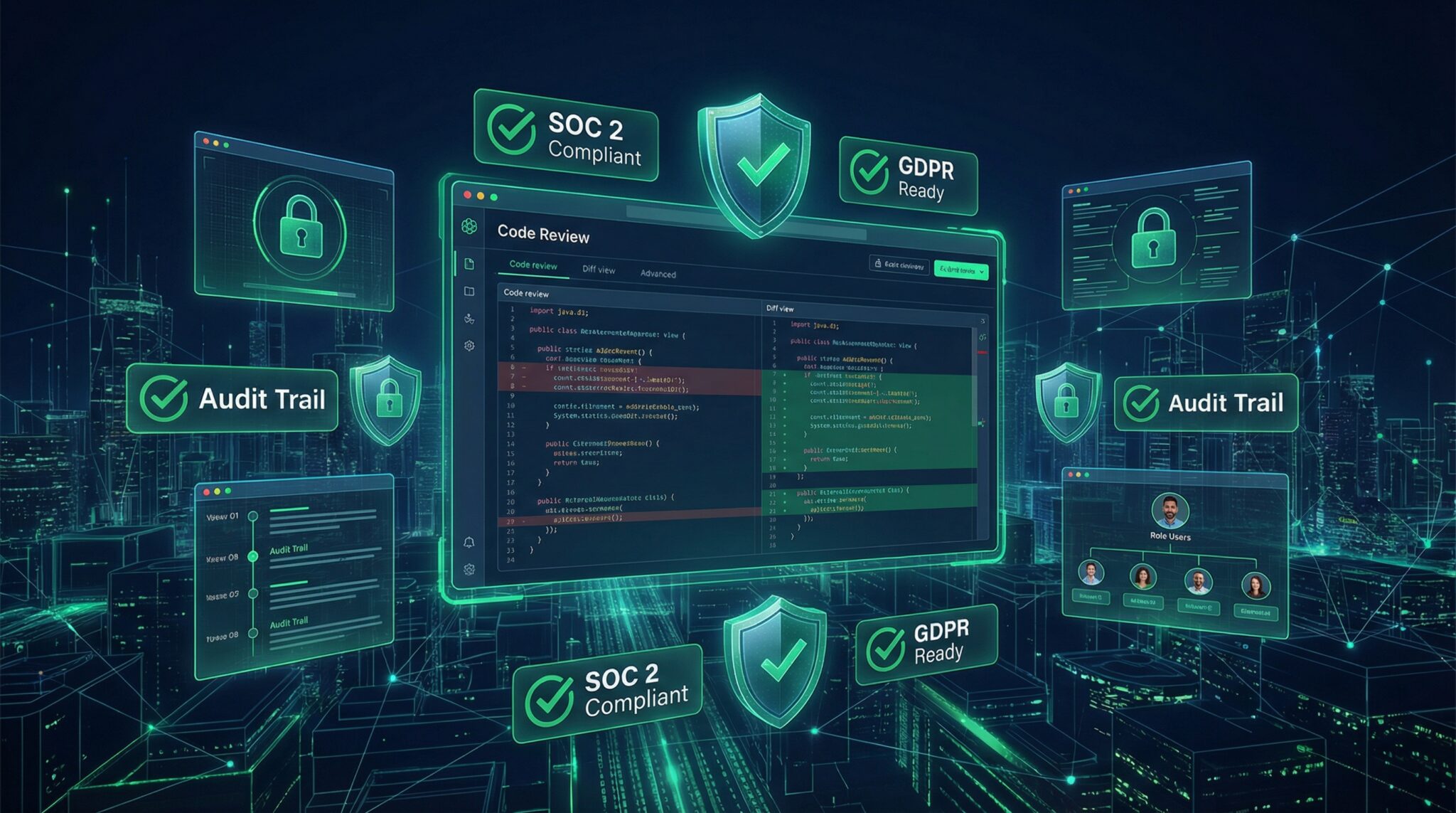
OpenAI’s Codex plugin system is built with enterprise governance at its core. Key security and compliance features include:
- Sandboxed Execution: Plugins execute in isolated containers preventing unauthorized access to system resources or data leakage.
- Fine-Grained Permissions: The manifest declares explicit scopes such as
read:tasksorwrite:tasks, enabling administrators to enforce least privilege principles. - Auditing and Logging: Enterprise-grade logs track plugin usage, API calls, and data access for compliance reporting and forensic analysis.
- Credential Management: OAuth token lifecycle is managed with automatic refresh and secure storage, minimizing the risk of token exposure.
- Policy Enforcement: IT teams can define policies to restrict which plugins are allowed, control data sharing, and enforce code quality standards.
These governance features allow enterprises to confidently leverage Codex plugins within sensitive environments, meeting regulatory requirements such as GDPR, HIPAA, or SOC 2. The sandbox also mitigates risks from third-party plugins, ensuring that even if compromised, the plugin cannot affect the broader infrastructure.
Tips for Submitting Your Plugin to the Codex Marketplace
Publishing your plugin to OpenAI’s Codex Plugin Marketplace can significantly increase its adoption. Follow these best practices to enhance your submission:
- Comprehensive Documentation: Provide detailed usage instructions, API endpoints, authentication flows, and example requests. Include a README with architecture diagrams if possible.
- Security Review: Conduct internal audits and include a security whitepaper outlining how you handle data protection, sandboxing, and credential management.
- Testing Evidence: Submit test coverage reports and integration test results demonstrating stable and reliable operation.
- Compliance Information: Declare compliance with relevant industry regulations and standards to reassure enterprise customers.
- Responsive Support: Set up a support channel for bug reports, feature requests, and security disclosures.
- Versioning and Updates: Use semantic versioning and plan regular updates to address bugs and add features.
Following these guidelines improves your plugin’s chances of approval and acceptance by enterprise teams seeking secure, well-documented, and maintainable extensions for Codex.
Access 40,000+ AI Prompts for ChatGPT, Claude & Codex — Free!
Subscribe to get instant access to our complete Notion Prompt Library — the largest curated collection of prompts for ChatGPT, Claude, OpenAI Codex, and other leading AI models. Optimized for real-world workflows across coding, research, content creation, and business.
Access Free Prompt Library
Conclusion
The introduction of plugin support to OpenAI’s Codex platform represents a major advancement in AI-assisted software development, giving enterprises powerful tools to customize and secure AI coding workflows. By leveraging the Model Context Protocol and integrating with popular services like GitHub and Google Drive, developers can build sophisticated plugins that enhance productivity and governance.
This tutorial has provided a detailed walkthrough of the plugin architecture, implementation with code examples, testing strategies, deployment considerations, and enterprise governance best practices. Armed with this knowledge, developers and IT teams can confidently create and manage custom plugins that unlock the full potential of Codex in their organizations.
For readers eager to deepen their understanding of prompt engineering techniques and enhance their AI coding skills, our detailed guide titled ChatGPT Coding Masterclass Part 2: Prompt Engineering for Developers in the Era of GPT-5.3-Codex offers valuable insights. Exploring this resource can provide practical strategies to optimize custom Codex plugins and streamline enterprise AI workflows.
Author: Markos Symeonides