The Pomodoro Technique: A Time-Tested Productivity Framework Reimagined for 2026
In the relentless pursuit of productivity, we often find ourselves battling distractions, facing mental fatigue, and struggling to maintain focus. The digital age, while offering unprecedented tools for connection and information, has also become our greatest adversary in the war for deep work. Enter the Pomodoro Technique, a deceptively simple yet profoundly effective time management method developed by Francesco Cirillo in the late 1980s. Named after the tomato-shaped kitchen timer he used as a university student (pomodoro is Italian for tomato), this framework has become a cornerstone of productivity for millions.
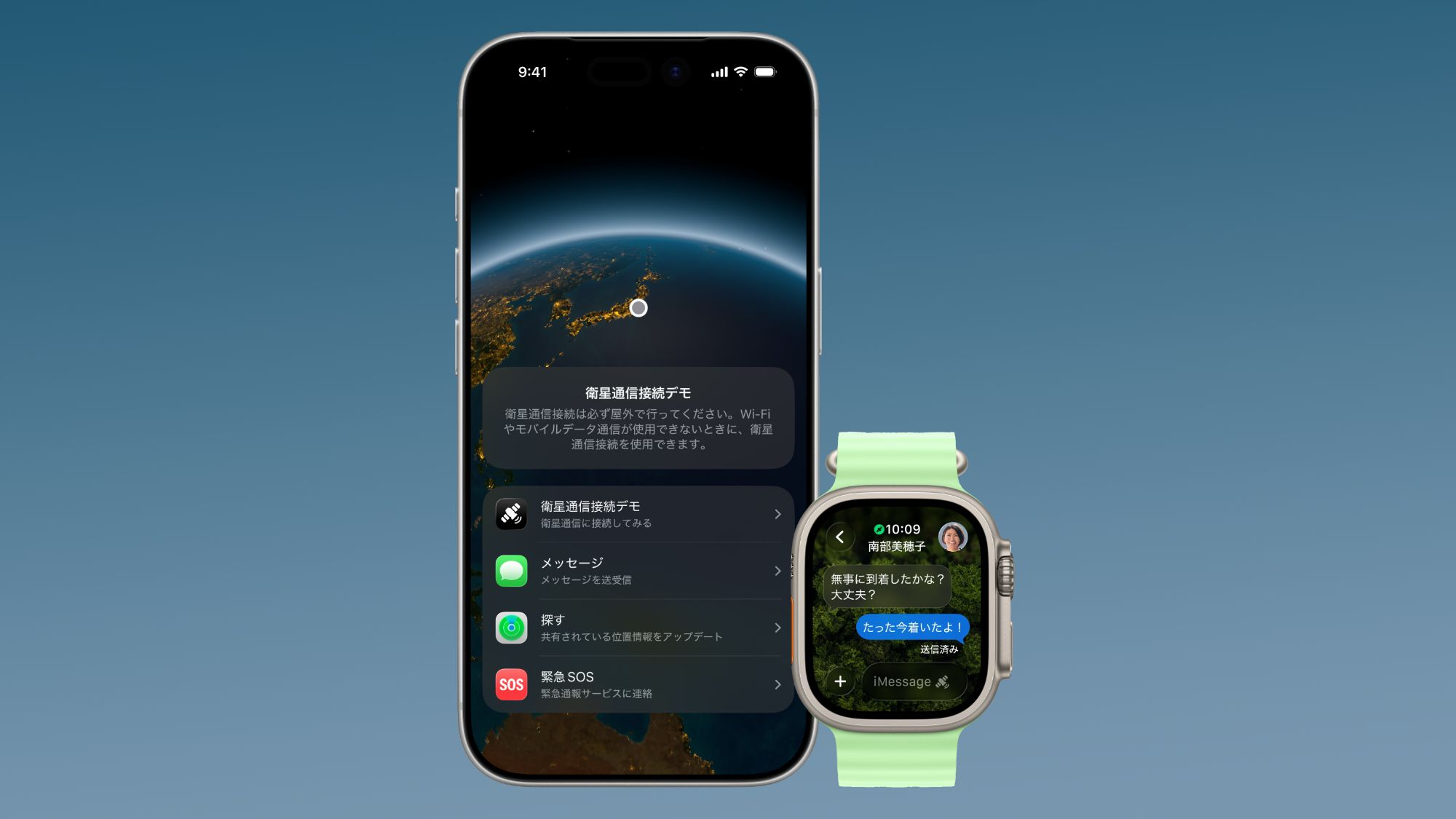
The core principle is straightforward: break down your work into focused, 25-minute intervals, separated by short breaks. This cyclical process of intense work followed by deliberate rest is designed to combat mental fatigue, sharpen focus, and create a sustainable rhythm for your workday. The traditional structure consists of a 25-minute work sprint (one “Pomodoro”), followed by a 5-minute break. After four Pomodoros, you take a longer break of 15-30 minutes. The benefits are well-documented, leading to enhanced concentration, a clearer understanding of the time tasks require, and a significant reduction in the burnout associated with long, unstructured work periods.
However, the classic Pomodoro Technique has a critical limitation: its rigid, one-size-fits-all structure. The 25/5 minute split, while a great starting point, doesn’t account for individual differences in cognitive rhythms, task complexity, or energy levels. A creative brainstorming session might require a different tempo than a detail-oriented coding task. This is where the power of artificial intelligence, specifically ChatGPT, can revolutionize this time-tested method, transforming it from a rigid stopwatch into a dynamic, personalized productivity system. By leveraging AI, we can move beyond the generic and architect a workflow that is truly our own.
Introducing Your AI Productivity Partner: ChatGPT
The static nature of traditional productivity methods is their greatest weakness in our dynamic work environments. What if your productivity system could learn, adapt, and collaborate with you? This is the paradigm shift offered by integrating Large Language Models (LLMs) like ChatGPT into your daily routine. Instead of merely following a rigid set of rules, you can engage in a dialogue with an AI expert to co-create a system that adapts to your unique needs in real-time. This moves you from being a passive follower of a method to an active architect of your own focus.
ChatGPT can act as your personal productivity consultant, available 24/7 to help you plan, execute, and refine your work sessions. It can help you break down complex projects, brainstorm solutions, and, most importantly, design a time-management strategy that aligns with your biological rhythms and the demands of your tasks. To begin this collaboration, we will use a specific, expertly crafted prompt designed to elicit a personalized Pomodoro plan from the AI.
Act as a productivity expert, introducing a modified version of the Pomodoro Technique. Your task is to suggest a personalized time-blocking method tailored to enhance productivity. Provide a detailed explanation of the modified technique, outlining the steps, duration, and breaks involved. Discuss potential benefits, such as increased focus, reduced burnout, and enhanced task completion. Additionally, offer any additional tips or considerations to maximize the effectiveness of this adapted time-management approach. My first request is: [Insert your specific task/goal here]
This prompt doesn’t just ask for a timer; it asks for a comprehensive strategy. By defining your role as a “productivity expert” and requesting a “personalized time-blocking method,” you are instructing ChatGPT to go beyond the basics and provide a nuanced, actionable plan. The final placeholder, “[Insert your specific task/goal here],” is the key that unlocks true personalization. This is where you provide the context for the work you’re about to do, enabling the AI to tailor its recommendations accordingly.
Your First Sprint: Creating a Personalized Pomodoro Plan with ChatGPT
With the master prompt in hand, it’s time to put theory into practice. Your first interaction with ChatGPT will set the foundation for your entire productivity session. The goal is not just to get a set of numbers, but to start a conversation that leads to a truly bespoke plan. Let’s walk through the process step-by-step.
Step 1: Define Your Task with Clarity
The quality of your output depends directly on the quality of your input. Before you even paste the prompt, take a moment to clearly define the task you want to accomplish. Vague goals lead to vague plans. Instead of “work on my report,” try “draft the introduction and first two sections of the Q3 financial performance report, incorporating the latest sales data.”
Step 2: Initiate the Prompt
Now, copy the master prompt into ChatGPT and replace the final placeholder with your clearly defined task. For example:
“Act as a productivity expert… My first request is: to write the first draft of a 2,000-word blog post on the topic of AI in project management.“
Step 3: Analyze and Refine the AI’s Recommendation
ChatGPT will respond with a structured plan. It might suggest a series of Pomodoros, recommend specific break activities, and outline the entire session. Here is an example of what it might generate:
Your Personalized Pomodoro Plan: AI in Project Management Blog Post
Here is a suggested time-blocking schedule designed for a creative and research-intensive task like blog post writing:
- Work Interval: 35 minutes (for deeper focus on writing)
- Short Break: 7 minutes (for cognitive reset)
- Long Break: 25 minutes (after 3 work intervals)
Session Breakdown:
- Pomodoro 1 (35 mins): Outline the blog post structure and key arguments.
- Short Break (7 mins): Stand up, stretch, and get a glass of water. Avoid checking your phone.
- Pomodoro 2 (35 mins): Write the introduction and first main section.
- Short Break (7 mins): Listen to one song with your eyes closed.
- Pomodoro 3 (35 mins): Write the second and third main sections.
- Long Break (25 mins): Take a short walk outside or do some light reading on a non-work topic.
This initial plan is your starting point, not the final word. Now, engage with the AI. You can refine the plan by providing more context. For instance, you could say: “That sounds good, but I find my energy dips in the afternoon. Can you adjust the plan for a 2 PM start time, perhaps with shorter initial sprints?” This iterative dialogue is what makes this method so powerful. You are co-designing your workflow with an AI that can instantly process your feedback and adjust the parameters.
Beyond the Basics: Customizing Your Pomodoro Intervals
The classic 25/5 Pomodoro split is a fantastic starting point, but it’s rooted in a pre-digital era of work. In 2026, the cognitive demands of our tasks are more varied than ever. A software developer debugging complex code requires a different mental state than a designer brainstorming a new logo. True productivity comes from aligning your work intervals with the specific nature of the task at hand. This is where a dialogue with ChatGPT can unlock a new level of efficiency.
The key is to move beyond asking for a generic timer and start a conversation about your personal work rhythms. You can ask ChatGPT directly: “Based on the principles of ultradian rhythms, what would be an ideal work-to-break ratio for a task that involves heavy data analysis?” This prompts the AI to access its vast knowledge base on productivity science and human biology to give you a more informed recommendation.
Consider these factors as you work with ChatGPT to define your custom intervals:
- Task Complexity: Simple, repetitive tasks (like answering emails) might be well-suited to shorter 15-20 minute sprints to maintain momentum. Deeply analytical or creative tasks may benefit from longer, 45-60 minute focus blocks.
- Your Energy Levels: Are you a morning person or a night owl? Your focus will naturally wax and wane throughout the day. Use ChatGPT to plan your most demanding tasks during your peak energy windows, perhaps using longer Pomodoros during those times and shorter ones as your energy dips.
- Cognitive Load: A task that requires holding a lot of information in your working memory (like editing a complex document) might necessitate shorter sprints to avoid cognitive overload. Conversely, a task that requires getting into a state of flow might need a longer on-ramp.
Here’s a sample prompt to refine your intervals: “Let’s refine my Pomodoro plan. I’m working on a financial modeling task that requires high concentration. I find that it takes me about 15 minutes to get into a state of flow. However, after about an hour, my attention starts to fade. Suggest a modified Pomodoro cycle that accounts for this.” This level of specific, personal input allows the AI to act as a true coach, helping you find the rhythm that works for you, not against you. For more ideas on how to craft such prompts, check out our AI productivity prompts guide.
From Mountains to Molehills: Breaking Down Large Projects with ChatGPT
One of the most significant challenges in productivity is tackling large, intimidating projects. A goal like “launch a new marketing campaign” is so vast that it can lead to procrastination and overwhelm. The Pomodoro Technique is effective for discrete tasks, but how do you apply it to a multi-week endeavor? The answer lies in project decomposition, and ChatGPT is an unparalleled assistant for this process.
The principle is to use the AI to break down a monumental goal into a series of manageable, Pomodoro-sized tasks. This transforms a daunting mountain into a clear path of small, achievable steps. You can start with a high-level prompt like: “I need to create a comprehensive online course. Act as a project manager and break this down into a series of high-level phases.”
ChatGPT might return phases like: 1. Course Outline & Curriculum Development, 2. Content Creation, 3. Video Recording & Editing, 4. Marketing & Launch. From there, you can dive deeper into each phase. For example: “Let’s focus on Phase 1: Course Outline & Curriculum Development. Break this down into a list of specific tasks that can each be completed in one or two 45-minute Pomodoro sprints.”
The AI might then generate a task list like this:
- Task 1 (45 mins): Brainstorm and finalize the top 5 learning outcomes for the course.
- Task 2 (45 mins): Research and list the 10 core modules that will deliver these outcomes.
- Task 3 (45 mins): For each module, write 3-5 specific lesson titles.
- Task 4 (45 mins): Create a high-level outline for the first three lessons.
Suddenly, the amorphous goal of “creating a course” has been transformed into a concrete action plan. You have a clear roadmap of tasks, each perfectly sized for a focused work sprint. This method not only provides clarity but also generates momentum. Completing each small task provides a sense of accomplishment that fuels you for the next one. By using ChatGPT as your project decomposition partner, you can apply the power of the Pomodoro Technique to your most ambitious goals, ensuring steady, measurable progress.
Recharge and Refocus: Optimizing Your Break Activities
The break is not an interruption of the work; it is an essential part of it. The effectiveness of the Pomodoro Technique hinges on the quality of your rest periods. A common mistake is to use breaks to check email, scroll through social media, or engage in other cognitively demanding activities. This doesn’t allow your brain to truly recharge, defeating the purpose of the break. Your goal during a break should be to step away from the screen and engage in an activity that is restorative, not just distracting.
This is another area where ChatGPT can serve as a creative and insightful coach. You can ask it for personalized break ideas based on your work, your environment, and your personal interests. Try a prompt like: “I am a software developer working from a home office. My work is highly analytical and screen-intensive. Suggest a list of 10 restorative 5-minute break activities that don’t involve a screen and can be done in a small space.”
The AI might suggest:
- Mindful breathing exercises
- Stretching, focusing on the neck and shoulders
- Walking to a window and focusing on a distant object to reduce eye strain
- Doing a set of 10 push-ups or squats
- Jotting down three things you are grateful for in a physical notebook
By curating a menu of effective break activities, you can ensure that you return to your next Pomodoro with renewed focus and energy. The key is to be intentional about your rest. Just as you plan your work, you must also plan your recovery.
The Pomodoro Technique in Action: Real-World Examples
The true test of any productivity system is its application in the real world. Let’s explore how different professionals can adapt this AI-powered Pomodoro method to their specific workflows.
For Writers:
A writer can use ChatGPT to structure a long-form article. The initial prompt could be to break down the writing process into research, outlining, drafting, and editing sprints. For the drafting phase, they might use 40-minute Pomodoros to encourage a state of flow, with 10-minute breaks for reading a physical book to stay in a linguistic mode without suffering screen fatigue. For more on this, see our guide to the Best ChatGPT Prompts for Productivity.
For Developers:
A developer could use a 50/10 cycle. The 50-minute block is for deep focus on a single function or bug. The 10-minute break is strictly for getting up, walking around, and not thinking about the code. They could use ChatGPT to generate a checklist of debugging steps to follow during a Pomodoro, ensuring a systematic approach.
For Marketers:
A marketer planning a campaign could use 30-minute sprints. The first sprint might be for brainstorming campaign angles with ChatGPT. The next could be for outlining a content calendar. The breaks could be used for checking social media for trending topics, a work-related but low-cognitive-load task.
Advanced Pomodoro Variations for Peak Performance
Once you’ve mastered the personalized Pomodoro, you can begin to explore more advanced variations. These are not for everyday use but can be deployed strategically for specific types of tasks.
The 52/17 Rule:
This oddly specific ratio emerged from a study by the Draugiem Group, which found that their most productive employees worked for an average of 52 minutes followed by a 17-minute break. This longer break allows for more significant mental detachment. This rhythm is excellent for creative tasks that benefit from periods of incubation.
90-Minute Deep Work Blocks:
Based on the concept of ultradian rhythms, these long-form focus sessions are designed for your most demanding work. A 90-minute block allows you to enter a deep state of flow. This should be followed by a more extended 20-30 minute break. Use this for your most critical, high-leverage tasks. You can learn more about advanced techniques in our 25 Advanced ChatGPT Prompting Techniques guide.
You can use ChatGPT to help you decide when to deploy these variations. For example: “I have a 3-hour block tomorrow morning to work on my most important project. Should I use a series of 52/17 cycles or two 90-minute deep work blocks? The task is to write a strategic business proposal.” The AI can help you weigh the pros and cons of each approach in the context of your specific task.
Conclusion: Building a Sustainable Productivity System with AI
The Pomodoro Technique is more than just a timer; it’s a philosophy of working with, not against, your natural rhythms. By integrating ChatGPT, you elevate this classic method into a dynamic, intelligent, and deeply personal system. You are no longer just managing time; you are orchestrating your focus, energy, and cognitive resources with the help of a powerful AI assistant.
The journey doesn’t end here. The perfect productivity system is not one you find, but one you build. Continue to experiment, to have conversations with your AI productivity partner, and to refine your approach. The goal is not to be a productivity machine, but to create a sustainable, effective, and even enjoyable way of engaging with your work. With ChatGPT as your guide, you have the tools to do just that.
Access 40,000+ AI Prompts for ChatGPT, Claude & Codex — Free!
Subscribe to get instant access to our complete Notion Prompt Library — the largest curated collection of prompts for ChatGPT, Claude, OpenAI Codex, and other leading AI models. Optimized for real-world workflows across coding, research, content creation, and business.
Access Free Prompt Library
Frequently Asked Questions
Can I use ChatGPT to act as the timer itself?
While you can ask ChatGPT to “start a 25-minute timer,” it’s not its primary function and can be unreliable for long periods. It’s better to use ChatGPT to create the plan and then use a dedicated timer app or physical timer to execute it. This separates the planning (AI-assisted) from the execution (your focused work).
How often should I adjust my Pomodoro intervals?
You don’t need to create a new plan for every single task. A good approach is to have 2-3 standard “modes” you can switch between. For example, a “Deep Work Mode” (e.g., 50/10), a “Standard Mode” (e.g., 25/5), and an “Admin Mode” (e.g., 15/3 for clearing small tasks). You can then ask ChatGPT to help you choose the right mode for your day’s agenda.
What if I get interrupted during a Pomodoro?
The classic Pomodoro rule is that a sprint is indivisible. If you are interrupted, you should stop the timer, deal with the interruption, and then start the Pomodoro again from the beginning. The goal is to train your focus and also to make you more aware of how often you are being distracted, which can prompt you to create a more protected work environment.