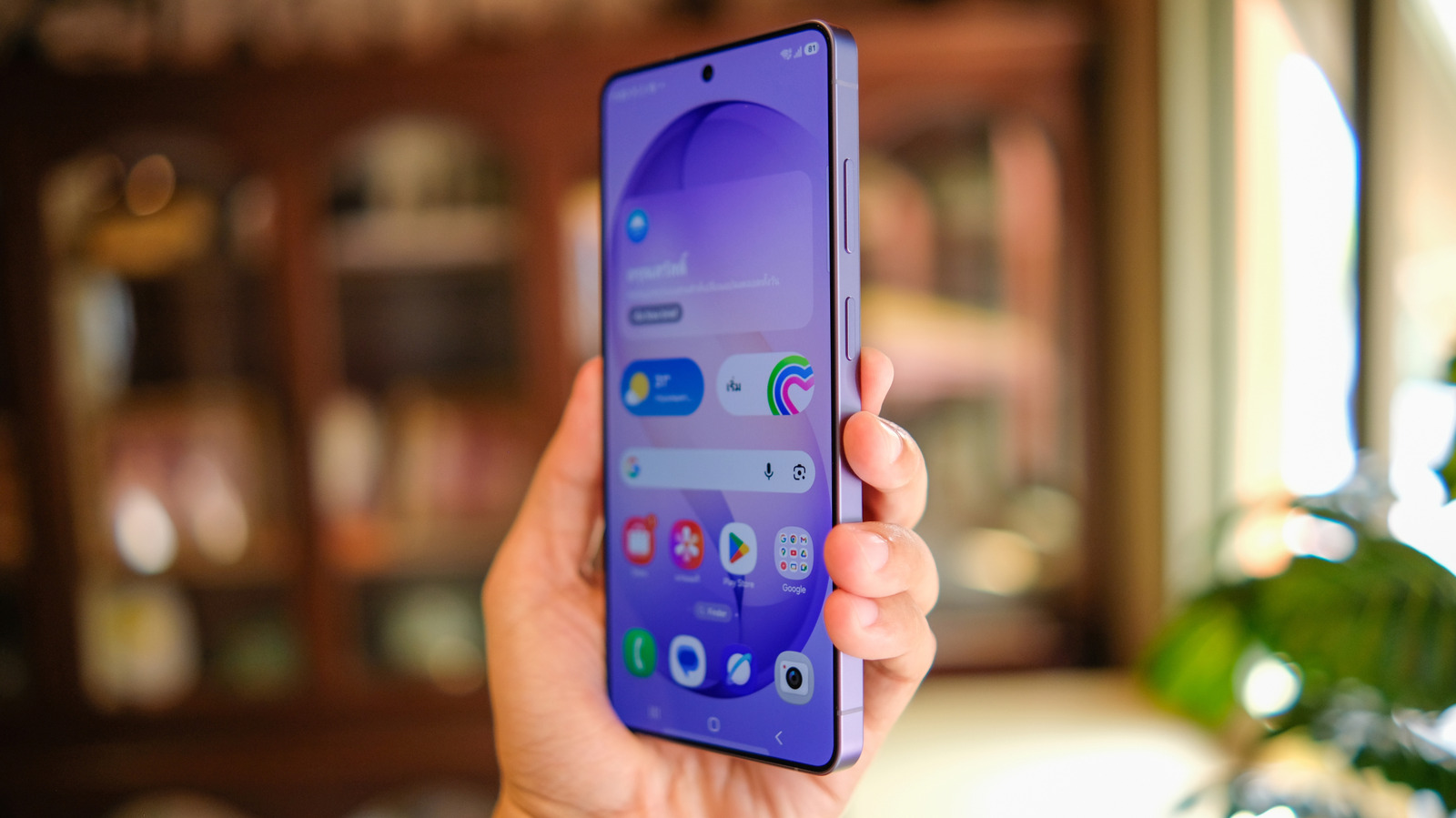
After Google’s rollout of Apple’s AirDrop feature to select Pixel devices, Samsung followed suit by adding AirDrop support to its recently released Samsung Galaxy S26 lineup, promising that more of its smartphones would soon get support through Quick Share. In late March, the company started offering AirDrop for older Galaxy devices running the One UI 8.5 beta through Quick Share updates. This beta is not yet a full software version, but it still enables this feature on more products.
According to TechRadar, the Samsung Galaxy S22, Galaxy S23, Galaxy S24, Galaxy S25, and Galaxy Z Fold 7 are among the devices that got support for AirDrop. However, since Samsung started to roll out these Quick Share updates, users have been complaining that AirDrop has been unreliable or completely dysfunctional. Not only are older devices having issues locating iPhone devices, but even the new Galaxy S26 products are having a hard time using AirDrop. On a Samsung community forum post, several users said they couldn’t use this feature.
Samsung’s AirDrop implementation seems far from final
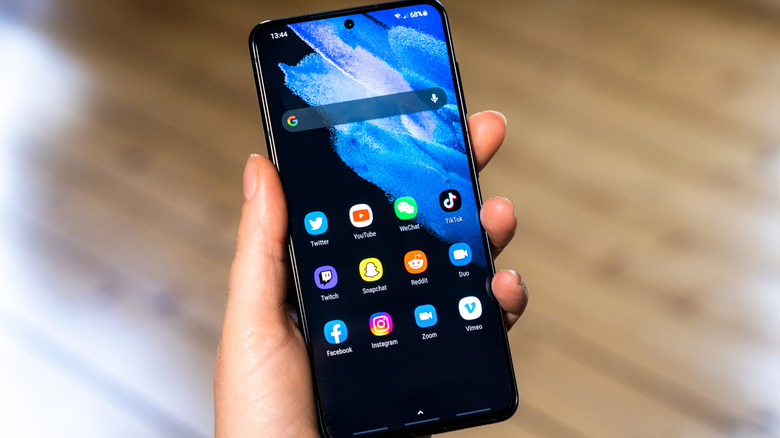
Users have already discovered a number of tweaks that can help you reliably use AirDrop. For example, the Galaxy S26 needs to be running Quick Share Extension 13.8.51.30 or newer. It also seems to depend on users having installed the One UI 8.5 beta, and requires a server-side rollout from Samsung.
It’s important to note that most Samsung users are currently using AirDrop through its beta version, which means bugs are also expected. An improved experience should become available when the official One UI 8.5 launches. A Reddit post also shows that a few users have managed to install and make the AirDrop update work reliably on Galaxy devices through official updates.
Google Pixel users have also had AirDrop problems since its release, but truth be told, even Apple users have issues with it. It sometimes has trouble recognizing a second Apple device, files take forever to go through, or users may need to force quit apps and then re-open them to get sharing to work as intended.
AirDrop on Android, explained
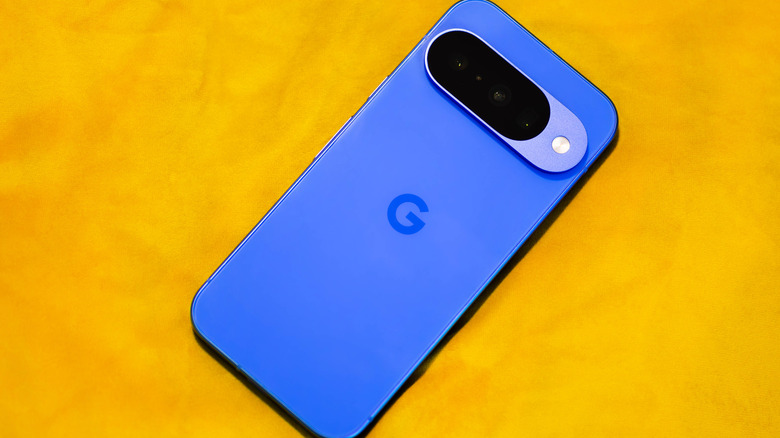
Last year, Google announced that sharing with an iPhone would become simpler, as Quick Share would become compatible with AirDrop. This is the result of the EU’s Digital Markets Act, which issued regulations requiring Apple to improve how its software interacts with third parties. While the integration is still not perfect, it will continue to expand to more Android devices over the coming months.
The updates appear to be secure, so users don’t have to worry about information leaking during file transfers from Android to iPhone and vice versa. According to Google, independent security assessment firm NetSPI tested the feature, affirming that the connection between Android and iPhone is secure.
Just like on iPhone, users with a compatible Pixel or Samsung device can access AirDrop by opening the Settings app and selecting Quick Share. There, you can use the “Everyone for 10 minutes” option to enable AirDrop. Android users can find iPhone users, so long as their “Everyone for 10 minutes” AirDrop setting is toggled on as well.