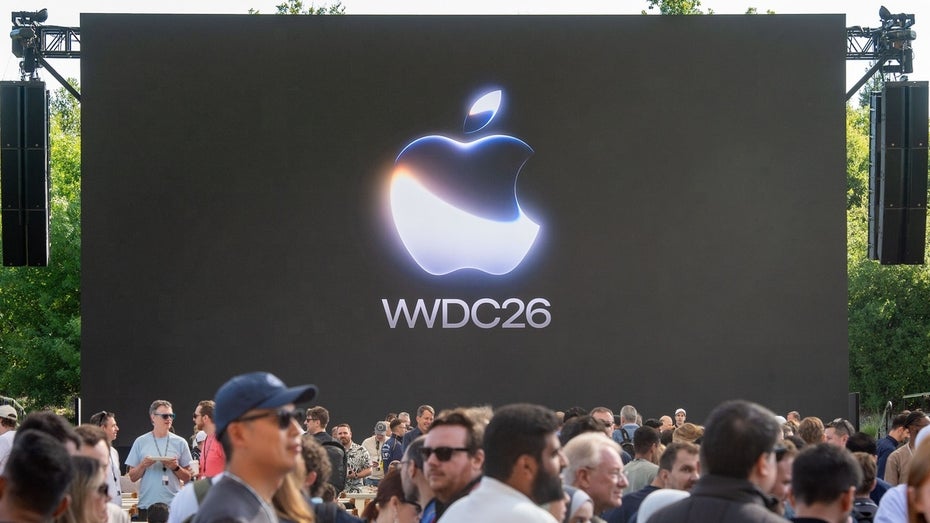
Presumably for the last time, Apple CEO Tim Cook opened a keynote with his signature move, a cheerful “Good Morning.” In September 2026, Cook will move to the supervisory board as chairman. John Ternus, former hardware boss, will be his successor. The exciting question in advance was: How does Cook say goodbye to the big stage? After all, Apple almost missed its entry into the AI age. Can the company turn things around with new Apple Intelligence features at WWDC 2026? After all, there were a lot of them to see.
AI Siri is back – including its own app
It was clear long beforehand that Apple’s new Siri version would play a role at WWDC 2026. After all, Apple had confirmed its collaboration with Google and access to Gemini long in advance. There was also talk several times in advance that Apple would bring its own AI Siri app for Siri to its devices. So it’s no surprise that both have now arrived. As in 2024, when Apple Intelligence was first announced, the company’s focus is on privacy.
Editorial recommendations
${content}
${custom_anzeige-badge}
${custom_tr-badge}
${section}
${title}
Apple representatives kept repeating the words “on-device” and “private cloud compute”. In other words, anything that cannot be processed on the iPhone or Mac should be sent to a secure cloud environment that, according to the company, no one has access to.
AI is being built in just to build in AI, said Apple’s software boss Craig Federighi about the competition. At Apple, the focus should instead be on users. They should benefit from new functions in the future. This includes improved language assistance. The new version of Siri is now called Siri AI. It can be activated as usual by pressing the side button, using the phrase “Hey Siri” and now also by pulling down on the Dynamic Island on the iPhone. As promised two years ago, Siri is intended to be a more powerful private assistant that understands context.
Apple demonstrated this using concert tickets. When does the concert take place? How do I get tickets? Can you remind me of that? At least in the demonstration Siri could. At the end, if requested, the assistant played the music of the artist we were looking for.

If desired, Siri AI can also rate users’ writing style and suggest changes. (Image: Apple)
Another example from the manufacturer was the upcoming World Cup, which is partly taking place in the USA. Siri knew the game plan, helped create a menu for a watch party, worded and sent out an invitation. The assistant obtained the necessary information from the Internet or from the user’s private messages. In any case, the news app has been used several times as an example of a source of information. This meant that Siri could also assign an address to a contact and take this into account when routing via Apple Maps.
On the Mac, you can find Siri in Spotlight search. You can type prompts directly into this. Spotlight detects these and consults Siri. Alternatively, Apple has integrated a new field into the context menu, which you can open by right-clicking. In the example shown, it was possible to select multiple PDFs and have Siri compare them. In addition, the assistant can now design texts and insert them directly into the mail app.

Prompts and trivia questions can now be entered directly into Spotlight search. (Image: Apple)
In the future, all actions will also come together in a Siri app. In the Apple system you can then seamlessly continue on the iPhone what you started on the Mac. The app will also be available for watchOS, the operating system for the Apple Watch, on the iPad and on the Vision Pro.
What’s new at Apple Intelligence
Aside from Siri, Apple has introduced a few smaller functions that go under the Apple Intelligence label. Safari users in particular should benefit from this. This is how Apple Intelligence can help organize tabs by having AI group them into higher-level topics. With the “Describe an Extension” function, users can put together their own extension. The same also works in the Shortcuts app. This is interesting because the company has taken increased action against Vibe coding apps on the iPhone in recent weeks and is now offering options for this itself.
A new function for the passwords app sounds exciting. This is intended to update weak passwords with one tap. To do this, Apple Intelligence logs in to the page in question in the background and changes the password. The camera app also gets its own Siri mode. This is intended for the assistance to see what users have in front of their lens. The feature then uses image recognition to provide information, such as the calorie content of a dish.
In the Image Playground app you can now create not only comic graphics, but also realistic photos. In the photos app, users should benefit from so-called spatial reframing. This allows the camera to be digitally repositioned later. On-device models should then recalculate the image.
Limitation on Apple Intelligence
That sounds practical and useful. However, many restrictions also await users. At launch, Siri will only be available in a beta version in English. In the European Union, the new assistance will initially only appear on the Mac, the Apple Watch and the Vision Pro, but not on the iPhone and iPad. As usual, Apple cites regulatory hurdles. There are also usage limits for features such as image generation. This is familiar from other AI models. And just like the competition, Apple offers more capacity for money – if you subscribe to the iCloud Plus offers.

In order to benefit from Apple Intelligence, iPhone users in particular need very up-to-date hardware. (Image: Apple)
You still have to rely on certain Apple devices. The new functions should generally be available on all devices that have previously supported Apple Intelligence. That means: iPhone 15 Pro (Max) or newer, a Mac or an iPad with an M1 or newer processor. However, some functions are reserved for particularly powerful devices. According to software boss Federighi, these include the new on-device model, the ability to adjust the sound and speed of the new Siri voice, and more advanced dictation technology is only available for the iPhone models 17 Pro (Max) and Air, as well as the iPad Air or Pro tablets with an M4 processor (and twelve gigabytes of free memory) or newer, as well as Mac models with an M3 processor or newer.
Safety for children
Away from Apple Intelligence and Siri, Apple has spent a lot of time talking about new features to protect children. In the future, parents should be able to control more precisely which content their children can access with their child’s account. Not a coincidence. Social media bans and mandatory age restrictions are currently in effect in many parts of the world.

How long is my child allowed to do something? Parents can set this better in iOS 27. (Image: Apple)
Among other things, the so-called “Screentime Time Allowances” is new. The feature is divided into three areas: entertainment, games and social media. Parents can individually set how long the kids can spend doing something. Recommendations are based on the child’s age. Guardians also have the option of setting up a schedule and determining which apps are available at what time. Parents can also use the redesigned dashboard to see at a glance how their children have used their devices.
Also new are permission requests that parents receive when children want to communicate with a new contact or surf a previously unknown website. A new filter is also intended to ensure that violent images in chats are initially unrecognizable for children. This feature already exists. Until now it was limited to nude photos. Thanks to existing interfaces, developers can start here and integrate these blocks into their apps.
Side notes on iOS 27, macOS 27 and iPadOS 27
Liquid becomes easier to customize
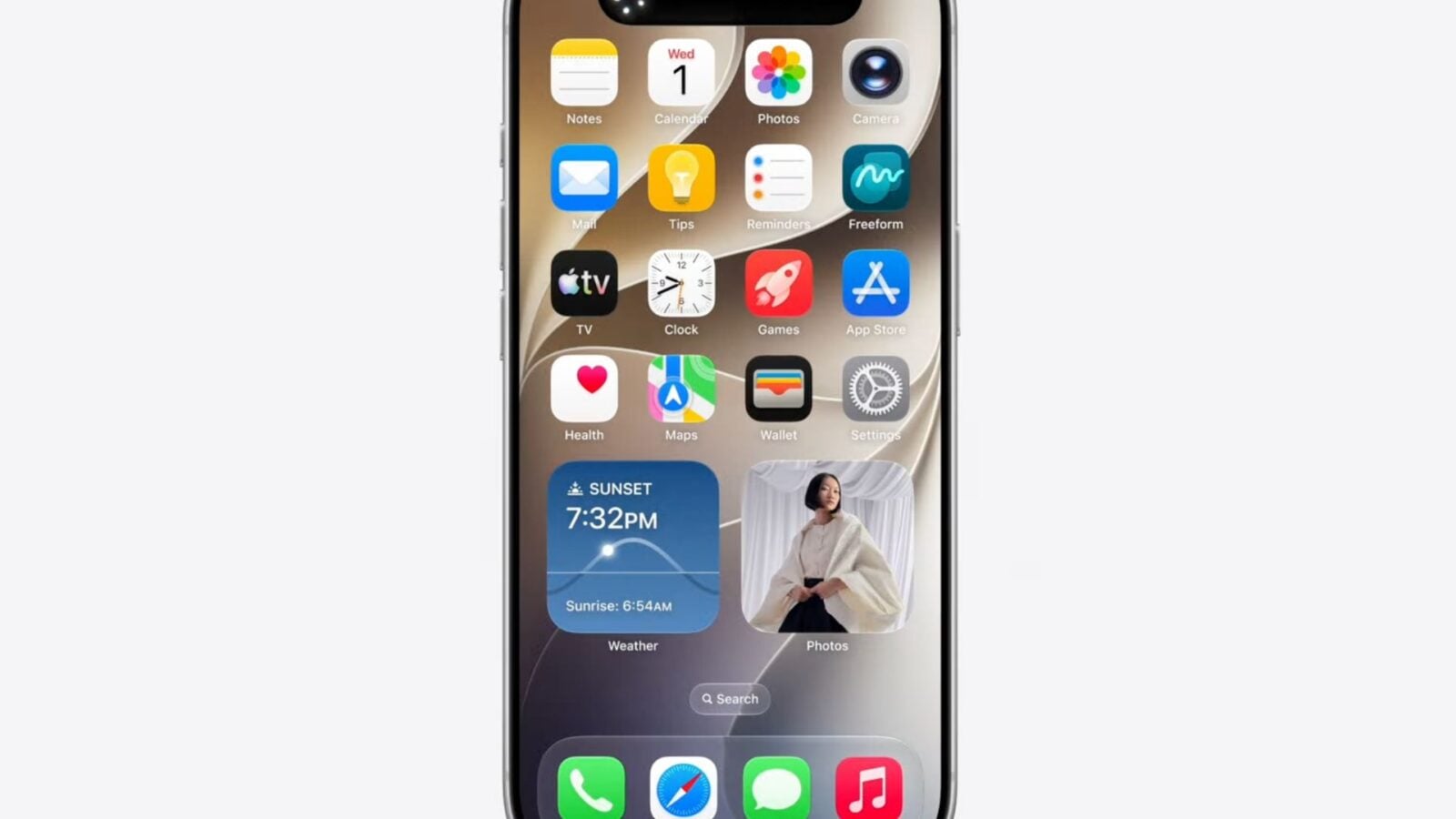
Last year, Apple introduced Liquid Glass, a new look for iOS 26 and Co. However, this wasn’t well received by users. The design with the transparent tiles makes it difficult, among other things, to see through texts and menus. In the new operating systems around iOS 27, the company is now incorporating a slider that can be used to adjust the level of transparency.
Plus, Apple has
- announced better search on the iPhone, iPad and Mac.
- reveal the name for macOS 27: The system is called Golden Gate.
- developed an equalizer for Airpods that allows users to adjust the sound according to their preferences.
- iOS 27 claims to be designed to make older iPhones feel faster.
- announced that apps on iPhones and iPads should start up to 30 percent faster.
Overall, there was little new for the operating systems themselves. However, this had already been leaked in advance. Apple wants to concentrate on eliminating errors and improving stability. It remains to be seen whether this will all happen, how good Siri AI and the new Apple intelligence functions are and whether it is worth buying a new device for on-device AI. The first beta for developers starts now, which usually still contains many errors and does not belong on an everyday device. Apple has announced a public preview for July. As usual, the finished systems will appear in autumn. However, it remains unclear whether all functions will be included. In recent years, the company has gradually delivered new features. Whether Tim Cook’s last big show was what Apple fans were waiting for remains to be seen.
Top Article
${content}
${custom_anzeige-badge}
${custom_tr-badge}
${section}
${title}