

By using this site, you agree to the Privacy Policy and Terms of Use.
Accept
World of SoftwareWorld of SoftwareWorld of Software
  • News
  • Software
  • Mobile
  • Computing
  • Gaming
  • Videos
  • More
    • Gadget
    • Web Stories
    • Trending
    • Press Release
Search
  • Privacy
  • Terms
  • Advertise
  • Contact
Copyright © All Rights Reserved. World of Software.
Reading: Can You Fix A Broken HDMI Port On Your TV? – BGR
Share
Sign In
Notification Show More
Font ResizerAa
World of SoftwareWorld of Software
Font ResizerAa
  • Software
  • Mobile
  • Computing
  • Gadget
  • Gaming
  • Videos
Search
  • News
  • Software
  • Mobile
  • Computing
  • Gaming
  • Videos
  • More
    • Gadget
    • Web Stories
    • Trending
    • Press Release
Have an existing account? Sign In
Follow US
  • Privacy
  • Terms
  • Advertise
  • Contact
Copyright © All Rights Reserved. World of Software.
World of Software > News > Can You Fix A Broken HDMI Port On Your TV? – BGR
News

Can You Fix A Broken HDMI Port On Your TV? – BGR

News Room
Last updated: 2026/01/28 at 12:27 AM
News Room Published 28 January 2026
Share
Can You Fix A Broken HDMI Port On Your TV? – BGR
SHARE


Sylvia Biskupek/Shutterstock

We may receive a commission on purchases made from links.

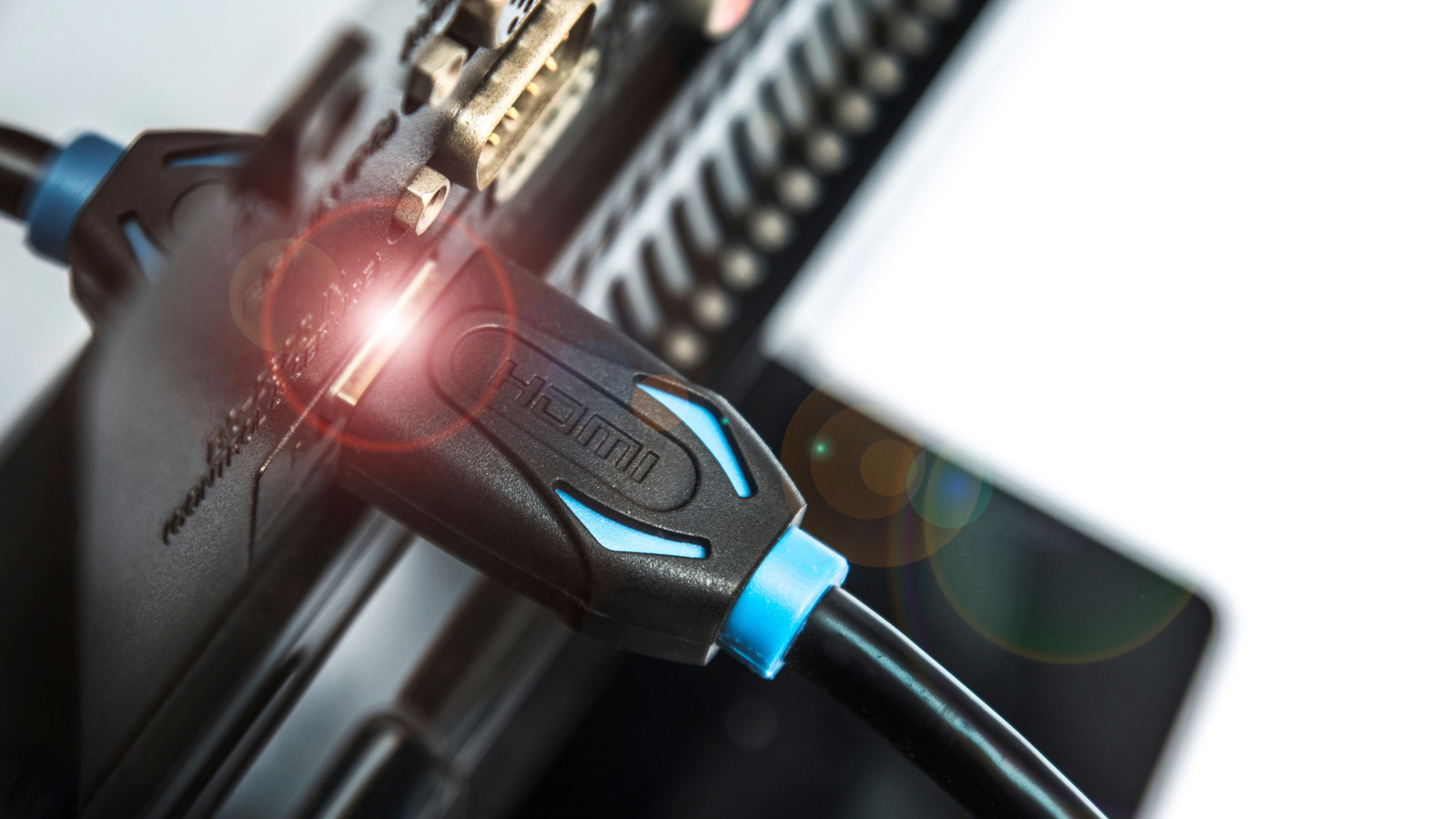
The HDMI ports on your TV are the proverbial gateways to all sorts of audiovisual experiences, from TV shows to movies to video games. That is, of course, assuming your TV’s HDMI ports actually work. If your ports are experiencing glitches, you may be able to get things running again after conducting some small checks and fixes. But if they’re completely broken, you’ll need to call a professional to handle the job. Contrary to popular belief, HDMI ports can and do degrade over time, and replacing them isn’t easy.

Modern TVs are more like computers than their tube-powered predecessors were. As such, performing any kind of repair on their components requires specialized knowledge, tools, and skills. If you’re certain the HDMI port on your TV is well and truly fried, you have two real options: call a repair expert to fix the port, or replace the entire TV. If you’re lucky, though, your HDMI port may not be damaged beyond use. The problem could also be with the cable or whatever device you’re trying to connect to your TV. You should explore all possible connection options before calling a professional, but you should be ready — financially and emotionally — if you have to do so.

HDMI port replacement requires professional expertise
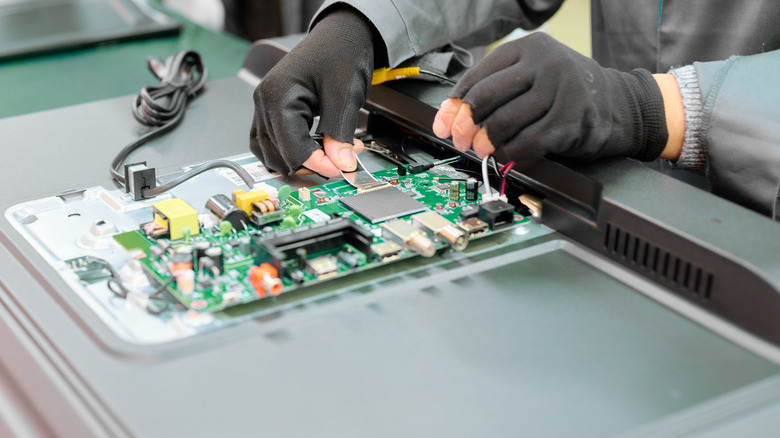

A worker assembling electronic components on a TV circuit board panel
Nordroden/Shutterstock

Much like the HDMI ports on a PC’s graphics card, the HDMI ports on a TV are hardwired into the circuit board. You can’t simply unplug and plug them back in because they’re soldered on. This means removing and replacing an HDMI port requires specific tools and skills to both desolder the port from the board and then solder on a new one in its place.

Additionally, HDMI ports are often positioned close to other major components on a TV’s circuit board. If you pull your TV apart and start yanking at wires to get to the HDMI port, odds are high that you’ll end up breaking the whole TV, whether you know how to solder or not.

Only professional repair workers should replace a broken HDMI port on a TV. They need precise tools to safely disassemble the device, move components out of the way without damaging them, desolder the old HDMI port, solder on a new port, reassemble the TV, and reseal everything as it was to ensure the safe, continued function of your device.

Try a few small fixes before calling a professional
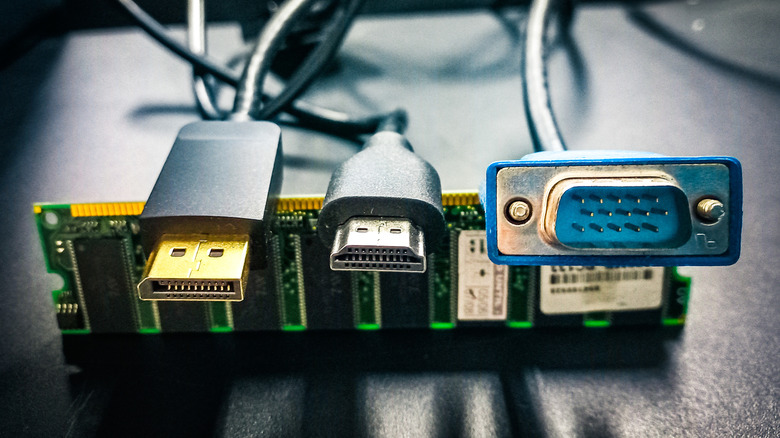

HDMI, DisplayPort, and VGA connectors lined up on top of a stick of RAM
Yori Meirizan/Getty Images

Although repairing a broken HDMI port should be left to a professional, there are a few tricks and tests you can try before making a service call. If you’re lucky, there may not actually be a problem with the HDMI port itself. Even if there is, it may not be bad enough to prevent you from using your TV normally.

First, try using a different HDMI cable to connect the TV to whatever device you’re using. If you’ve got an old or low-quality cable that doesn’t seem to be transmitting data, that can be remedied easily enough with a quick trip to your local electronics store. Similarly, you should also test your cable on a different HDMI port than the one you usually use. If that port isn’t responding either, the problem is likely with your cable or with the device you’re trying to connect. Don’t forget to check your HDMI ports for excess dust or debris preventing them from making a connection. If you notice anything, try giving the ports a quick blast with some compressed air to clean them out.

If the problematic port still isn’t functioning properly, you may be able to circumvent the problem by using a different port entirely. For instance, you could use a VGA port connected to an HDMI adapter, plus an RCA converter for sound, if your TV happens to support those inputs. If it does, you can find affordable HDMI to VGA adapters on Amazon. While that solution won’t fix a broken HDMI port, it’s a lot cheaper than getting the whole TV serviced.


Sign Up For Daily Newsletter

Be keep up! Get the latest breaking news delivered straight to your inbox.
By signing up, you agree to our Terms of Use and acknowledge the data practices in our Privacy Policy. You may unsubscribe at any time.
Share This Article
Facebook Twitter Email Print
Share
What do you think?
Love0
Sad0
Happy0
Sleepy0
Angry0
Dead0
Wink0
Previous Article RFC Patches Posted For Klint Integration With The Linux Kernel: Rust-Based Linting Tool RFC Patches Posted For Klint Integration With The Linux Kernel: Rust-Based Linting Tool
Next Article Tim Cook addresses Minneapolis shootings in internal memo – 9to5Mac Tim Cook addresses Minneapolis shootings in internal memo – 9to5Mac
Leave a comment

Leave a Reply Cancel reply

Your email address will not be published. Required fields are marked *

Stay Connected

248.1k Like
69.1k Follow
134k Pin
54.3k Follow

Latest News

Save over a grand on TCL’s huge 98-inch 4K TV
Gadget
Pro-Level Deal: The Razer Gaming Mouse Just Clicks at This 44% Discount
News
Apple announced with great fanfare that the new Siri would be different from the rest of the AIs. It turned out that without Google there was no Siri
Mobile
Would a stroke be less painful?
Mobile

You Might also Like

Pro-Level Deal: The Razer Gaming Mouse Just Clicks at This 44% Discount
News

Pro-Level Deal: The Razer Gaming Mouse Just Clicks at This 44% Discount

4 Min Read
You Shouldn’t Buy Streaming Subscriptions From Roku – Here’s Why – BGR
News

You Shouldn’t Buy Streaming Subscriptions From Roku – Here’s Why – BGR

5 Min Read
‘My Tesla has become ordinary’: Turkey catches up with EU in electric car sales
News

‘My Tesla has become ordinary’: Turkey catches up with EU in electric car sales

6 Min Read
Nothing Phone 4a Pro leak suggests improved IP rating, and that’s good news
News

Nothing Phone 4a Pro leak suggests improved IP rating, and that’s good news

4 Min Read
//

World of Software is your one-stop website for the latest tech news and updates, follow us now to get the news that matters to you.

Quick Link

  • Privacy Policy
  • Terms of use
  • Advertise
  • Contact

Topics

  • Computing
  • Software
  • Press Release
  • Trending

Sign Up for Our Newsletter

Subscribe to our newsletter to get our newest articles instantly!

World of SoftwareWorld of Software
Follow US
Copyright © All Rights Reserved. World of Software.
Welcome Back!

Sign in to your account

Lost your password?