

By using this site, you agree to the Privacy Policy and Terms of Use.
Accept
World of SoftwareWorld of SoftwareWorld of Software
  • News
  • Software
  • Mobile
  • Computing
  • Gaming
  • Videos
  • More
    • Gadget
    • Web Stories
    • Trending
    • Press Release
Search
  • Privacy
  • Terms
  • Advertise
  • Contact
Copyright © All Rights Reserved. World of Software.
Reading: Can You Use Apple CarPlay To Track Your Car? – BGR
Share
Sign In
Notification Show More
Font ResizerAa
World of SoftwareWorld of Software
Font ResizerAa
  • Software
  • Mobile
  • Computing
  • Gadget
  • Gaming
  • Videos
Search
  • News
  • Software
  • Mobile
  • Computing
  • Gaming
  • Videos
  • More
    • Gadget
    • Web Stories
    • Trending
    • Press Release
Have an existing account? Sign In
Follow US
  • Privacy
  • Terms
  • Advertise
  • Contact
Copyright © All Rights Reserved. World of Software.
World of Software > News > Can You Use Apple CarPlay To Track Your Car? – BGR
News

Can You Use Apple CarPlay To Track Your Car? – BGR

News Room
Last updated: 2025/12/23 at 12:00 AM
News Room Published 23 December 2025
Share
Can You Use Apple CarPlay To Track Your Car? – BGR
SHARE


Harry Howitt/Shutterstock

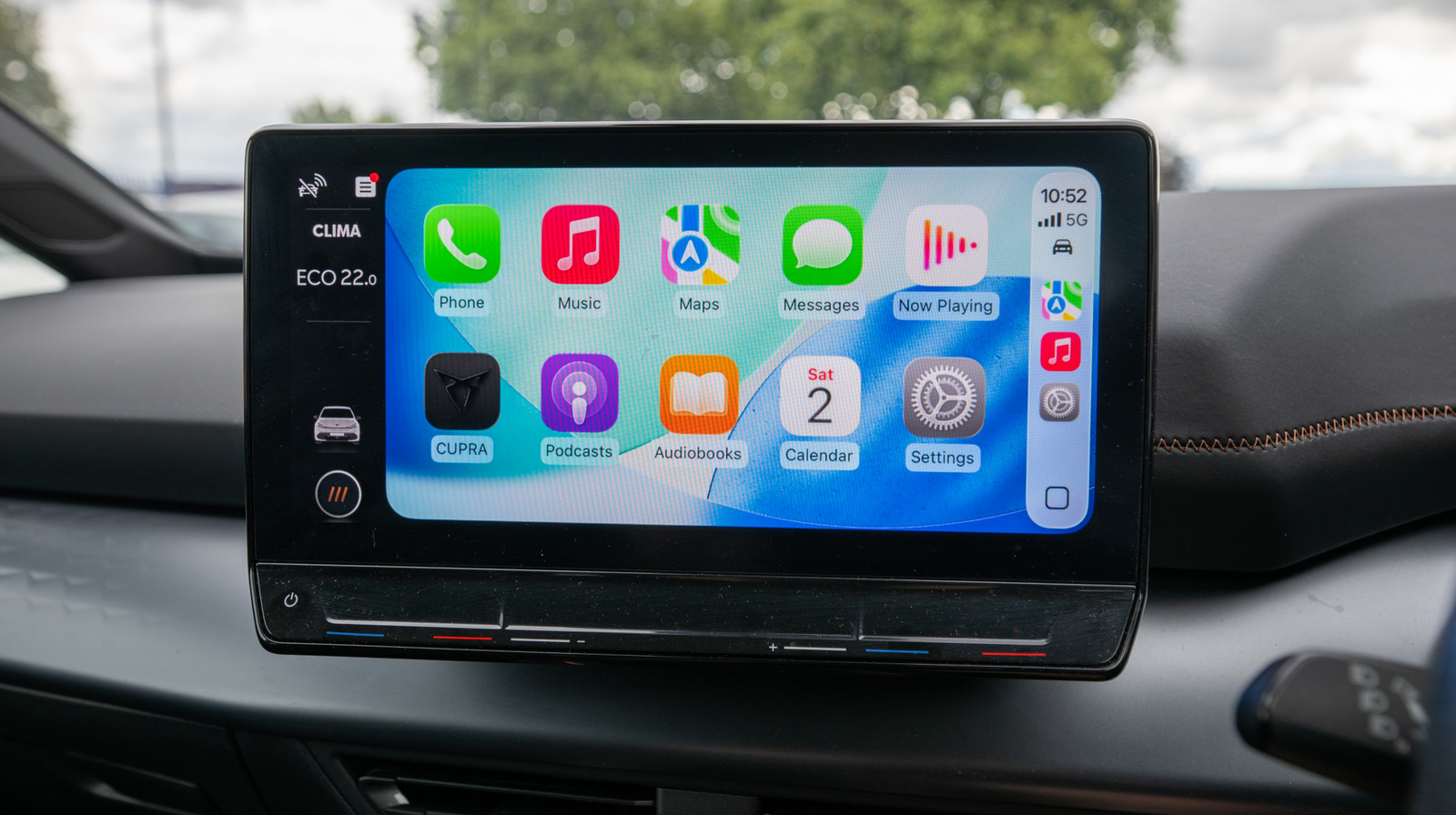
Using Apple CarPlay through your vehicle’s infotainment screen can enhance a driving experience, but its capabilities within the vehicle only extend so far. If you’re not sure what CarPlay does, it essentially delivers an iOS experience while driving without the need for physically interacting with your iPhone. Among other things, Apple CarPlay brings several free apps users swear by to your drive, but tracking your vehicle isn’t one of them.

There’s no real way to track your vehicle with CarPlay, as it’s not a provided feature. While CarPlay does connect to your infotainment system, it’s simply mirroring your iPhone, so it leaves the vehicle when you do. Though Apple CarPlay can’t keep track of your automobile once you have left it, there are some workarounds, but one requires an additional Apple product and the other only helps in specific situations.

One easy place to start is checking if your vehicle has built-in GPS. It has become a more common feature in modern cars and is often accompanied by location tracking capability. Unfortunately, you may need a subscription to access these features, but this is largely going to depend on the manufacturer.

Apple AirTags offer a car tracking workaround
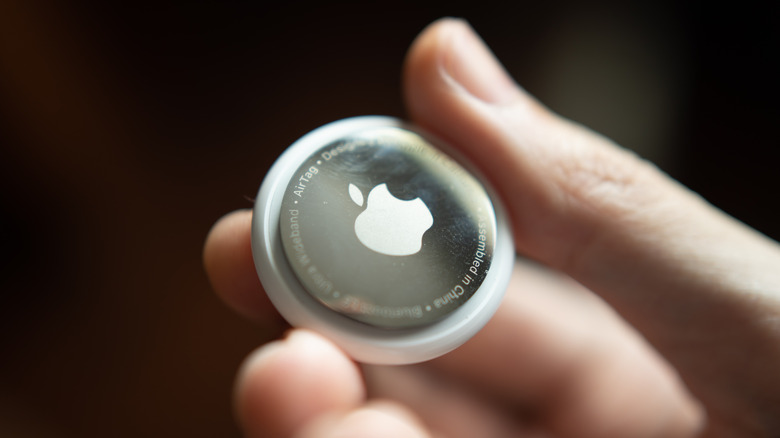

Apple AirTag in a hand
Wachiwit/Getty Images

CarPlay won’t help you track your vehicle, but you could use an Apple AirTag as a workaround. This is not a perfect solution as an AirTag does not have its own GPS. Instead, AirTags rely on other devices with Apple’s Find My network to ping a location. So don’t rely on it in an emergency — and there are things you should never track with an AirTag — but it can be helpful if you don’t want to shell out for a full-fledged tracking and security system.

Considering Colorado police were giving out AirTags to fight car thefts in January 2025, Apple’s little tracking device can be of some help, but if you’re looking for real-time updates on the location of your vehicle, it won’t work. However, when using CarPlay, two popular map apps can at least help you out of a sticky situation.

Finding your car in a parking lot
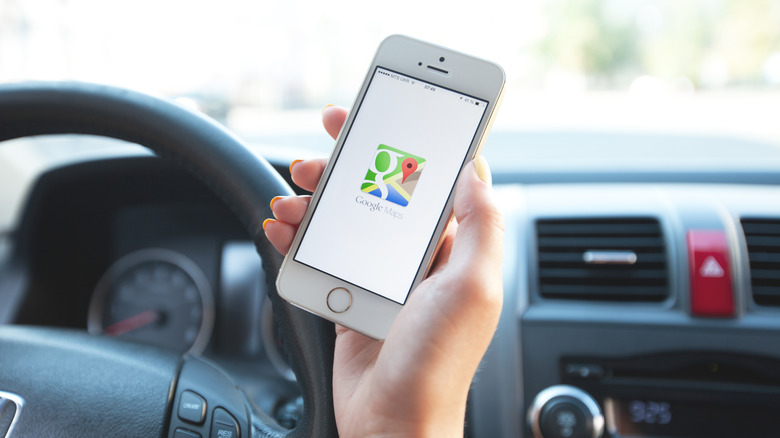

A closeup of a hand in front of the steering steering wheel in a vehicle, the hand is holding a white iPhone displaying the Google Maps icon
Aleksle/Getty Images

When it comes to finding your car in a congested parking lot, both Apple Maps and Google Maps offer methods of saving the location. This is not real-time tracking while the car is in motion, but it can still help you in the annoying scenario of forgetting where you parked.

Both apps will save your parking spot once you have disconnected from CarPlay and left the vehicle. For Google Maps, it will save your location automatically for 48 hours. You can find your parking spot by tapping the search bar and selecting Saved parking.

With Apple Maps, you’ll need iOS 10 and an iPhone 6 or newer. You also need to ensure both Location Services and Significant Locations are enabled. Here’s how:

  1. Open the Settings app on your iPhone.

  2. Select Privacy & Security.

  3. Select Location Services.

  4. Ensure Location Services is enabled on the next screen.

  5. Go back to Location Services and select System Services.

  6. Tap Significant Locations or Significant Locations & Routes, and verify it’s enabled on the next screen.

From here, just make sure Show Parked Locations is enabled in Apple Maps. To do so, open the Settings app, tap Apps, select Maps and then make sure Show Parked Location is on. Then you can open Maps, search for Parked Car and select it from the results. You’ll be able to view the car’s location, get directions to it, or add notes. It’s not the same as dedicated vehicle tracking, but it will certainly help in a pinch.



Sign Up For Daily Newsletter

Be keep up! Get the latest breaking news delivered straight to your inbox.
By signing up, you agree to our Terms of Use and acknowledge the data practices in our Privacy Policy. You may unsubscribe at any time.
Share This Article
Facebook Twitter Email Print
Share
What do you think?
Love0
Sad0
Happy0
Sleepy0
Angry0
Dead0
Wink0
Previous Article Qualcomm bets on on-device AI as new interface | MWC Shanghai 2025 · TechNode Qualcomm bets on on-device AI as new interface | MWC Shanghai 2025 · TechNode
Next Article Average Social Media Manager Salary in 2024 | Average Social Media Manager Salary in 2024 |
Leave a comment

Leave a Reply Cancel reply

Your email address will not be published. Required fields are marked *

Stay Connected

248.1k Like
69.1k Follow
134k Pin
54.3k Follow

Latest News

Critical n8n Flaw (CVSS 9.9) Enables Arbitrary Code Execution Across Thousands of Instances
Computing
Federal judge strikes down Louisiana age verification bill
News
The price has already dropped on Call of Duty: Black Ops 7, just in time for Christmas
Gadget
Xiaohongshu account ban trends on Weibo hot topics  · TechNode
Computing

You Might also Like

Federal judge strikes down Louisiana age verification bill
News

Federal judge strikes down Louisiana age verification bill

2 Min Read
Apple reiterates long-term commitment to China – 9to5Mac
News

Apple reiterates long-term commitment to China – 9to5Mac

2 Min Read
5 Clever Uses For Your Old Kindle – BGR
News

5 Clever Uses For Your Old Kindle – BGR

9 Min Read
New Google Photos shortcuts make it easier to search for pictures of people and pets
News

New Google Photos shortcuts make it easier to search for pictures of people and pets

3 Min Read
//

World of Software is your one-stop website for the latest tech news and updates, follow us now to get the news that matters to you.

Quick Link

  • Privacy Policy
  • Terms of use
  • Advertise
  • Contact

Topics

  • Computing
  • Software
  • Press Release
  • Trending

Sign Up for Our Newsletter

Subscribe to our newsletter to get our newest articles instantly!

World of SoftwareWorld of Software
Follow US
Copyright © All Rights Reserved. World of Software.
Welcome Back!

Sign in to your account

Lost your password?