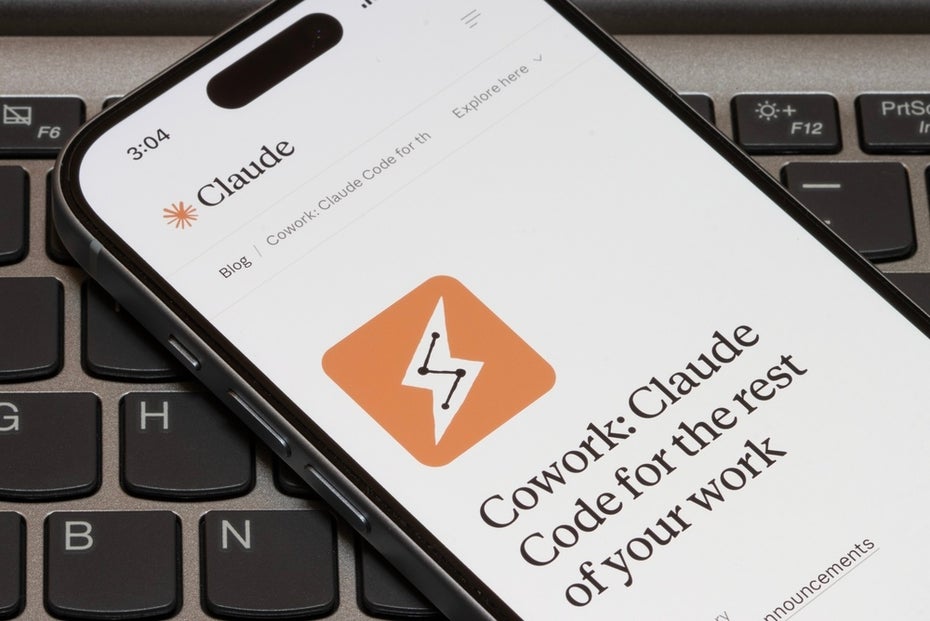
Since Anthropic introduced Claude Cowork, it has been clear: the jump from the chat window to the locally working AI assistant is more than a feature update. Cowork plans tasks across several steps, accesses files directly – and asks if something is unclear. Whether you want to call it an AI agent or an “assistant with extended rights” is a debate in itself. The practical question is much more exciting: How do you go from desktop installation to workflows that actually save time in everyday life?
Claude Cowork in practice: What the AI assistant can really do
This is exactly where the online course “Claude Cowork: Your introduction to smart AI assistants” comes in – a two-hour live training with business IT specialist and product developer Alex Sprogis, which takes you from setup to your own skills to productive AI workflows.
Knowledge workers spend a significant amount of their time bringing together information from different sources: proofreading reports, maintaining comparison tables, putting together presentations. Claude Cowork is designed precisely for such multi-stage tasks: you describe the goal, Cowork reads the relevant files, structures the results and delivers finished documents. What would traditionally cost half a working day can ideally be reduced to an hour including a review.
Skills, Plugins, Subagents: The three levers for productive AI workflows
If you want to build such workflows, you should know three concepts from the Claude ecosystem:
- Skills are reusable work instructions in Markdown – once defined, they can be called up again and again using a slash command. Instead of rewriting every prompt, build a toolbox for recurring tasks.
- Plugins bundle several skills plus suitable connectors into a finished package. Anthropic provides official plugins for marketing, product management and productivity.
- Subagents Cowork lets you carry out multiple research at the same time – several strands run in parallel and the result is available in minutes.
Security, permissions, best practices: What the course also covers
Cowork is currently changing rapidly, and caution is warranted in some places: We have already reported on prompt injection vulnerabilities, and the more autonomy the tool gets, the more important permissions modes and a clearly delineated work folder become. The course therefore has a separate block on security and best practices – including the question of which access rights Cowork really needs, how to sensibly supervise Cowork and how a structured workflow prevents the assistant from doing things independently that you did not intend.
As the founder of the software agency VisualMakers, lecturer Alex Sprogis has accompanied over 150 projects – from startup MVPs to AI transformations in corporations. The course lives from workflows that he uses every day, including the points at which Cowork reaches its limits or raises questions.
Who is the Claude Cowork course worthwhile for?
The course is particularly relevant for product and project managers, marketing professionals, team leads and anyone who regularly processes a lot of documents or creates recurring reports. Basic knowledge of Claude or other AI chatbots is required – anyone who has already tried out the first AI workflows will find it easier to get started. Deeper prompt engineering experience is helpful, but not required. Requirements on the tool side: an active Claude Pro or Max account, the Claude desktop app and the Chrome browser for browser integration.
The live online course takes place on June 3, 2026 from 10 a.m. to 12 p.m instead and costs 149 Euro. The price includes the recording (available for 14 days) and the course materials. -PRO subscribers take part free of charge.
To register