Inside the Google Play Store sits a large number of potentially dangerous apps. These are unlicensed and in some cases unsecured AI apps that are being promoted for editing and identity verification. What is dangerous about these apps is that they have exposed billions of personal records belonging to Android users. A report says that one particular app is a huge problem. That app, listed in the Google Play Store, is called “Video AI Art Generator & Maker.”
Watch out for another app from the same developer called IDMerit
This is the type of personal info IDMerit gave malicious attackers access to
- Full names
- Addresses
- Post codes
- Dates of birth
- National IDs
- Phone numbers
- Genders
- Email addresses
- Telco metadata
If you don’t believe that access to such personal information is dangerous, you probably haven’t experienced what it’s like to have your sensitive data and credentials stolen. All of the apps you use for your bank accounts, securities trading accounts, credit card accounts, and more have to be considered compromised. Much of the fault can be placed on developers of these leaky AI apps, who use an oft-criticized technique called “hardcoding secrets.” This practice leads to the embedding of sensitive info such as passwords and encryption keys right into the app’s source code.
72% of Play Store apps researchers analyzed had this vulnerability
Cybernews found that 72% of the hundreds of Play Store apps analyzed by researchers had similar vulnerabilities One issue is that malicious bots crawling through public repositories like GitHub can compromise a hardcoded key in seconds. Studies have shown that when a developer accidentally includes a hardcoded key to a public GitHub repository, it is compromised in less than five seconds.
How to avoid installing these apps
So what can you do to make sure that you don’t end up having your personal information floating around the internet? One thing you can do is to check out the developer’s portfolio of apps. If you see 50 similar looking titles, you might want to stay away from any app created by this developer since it indicates that this developer chooses quantity over quality. You should also look for Google’s “Verified Developer” badge in the Play Store.
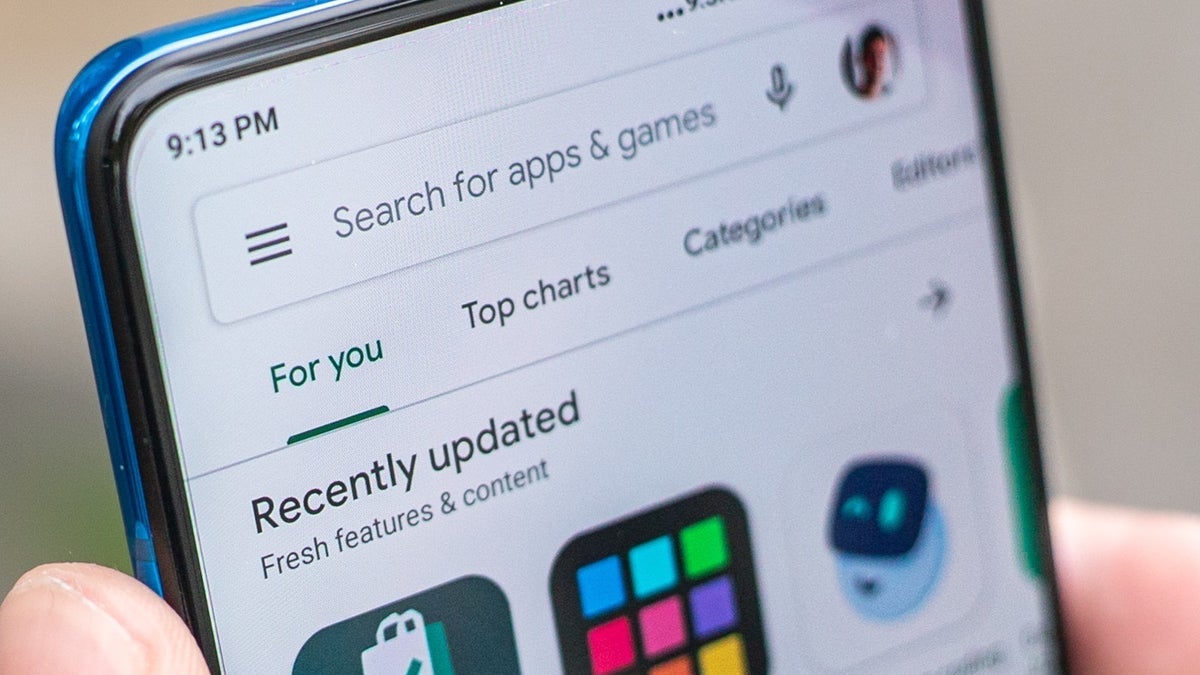
Watch out for apps that make your phone run hot and drain the battery even when the app is closed. Also, beware of apps that offer a lifetime Pro subscription for a low price (like $4.99, for example). You might want to have the apps on your phone scanned by Google’s Play Protect. Open the Play Store and tap your Profile icon in the upper right corner. Select Play Protect > Scan.