

By using this site, you agree to the Privacy Policy and Terms of Use.
Accept
World of SoftwareWorld of SoftwareWorld of Software
  • News
  • Software
  • Mobile
  • Computing
  • Gaming
  • Videos
  • More
    • Gadget
    • Web Stories
    • Trending
    • Press Release
Search
  • Privacy
  • Terms
  • Advertise
  • Contact
Copyright © All Rights Reserved. World of Software.
Reading: Do Nvidia Graphics Cards Work With AMD FreeSync? – BGR
Share
Sign In
Notification Show More
Font ResizerAa
World of SoftwareWorld of Software
Font ResizerAa
  • Software
  • Mobile
  • Computing
  • Gadget
  • Gaming
  • Videos
Search
  • News
  • Software
  • Mobile
  • Computing
  • Gaming
  • Videos
  • More
    • Gadget
    • Web Stories
    • Trending
    • Press Release
Have an existing account? Sign In
Follow US
  • Privacy
  • Terms
  • Advertise
  • Contact
Copyright © All Rights Reserved. World of Software.
World of Software > News > Do Nvidia Graphics Cards Work With AMD FreeSync? – BGR
News

Do Nvidia Graphics Cards Work With AMD FreeSync? – BGR

News Room
Last updated: 2025/10/18 at 8:59 AM
News Room Published 18 October 2025
Share
Do Nvidia Graphics Cards Work With AMD FreeSync? – BGR
SHARE


Frame Stock Footage/Shutterstock

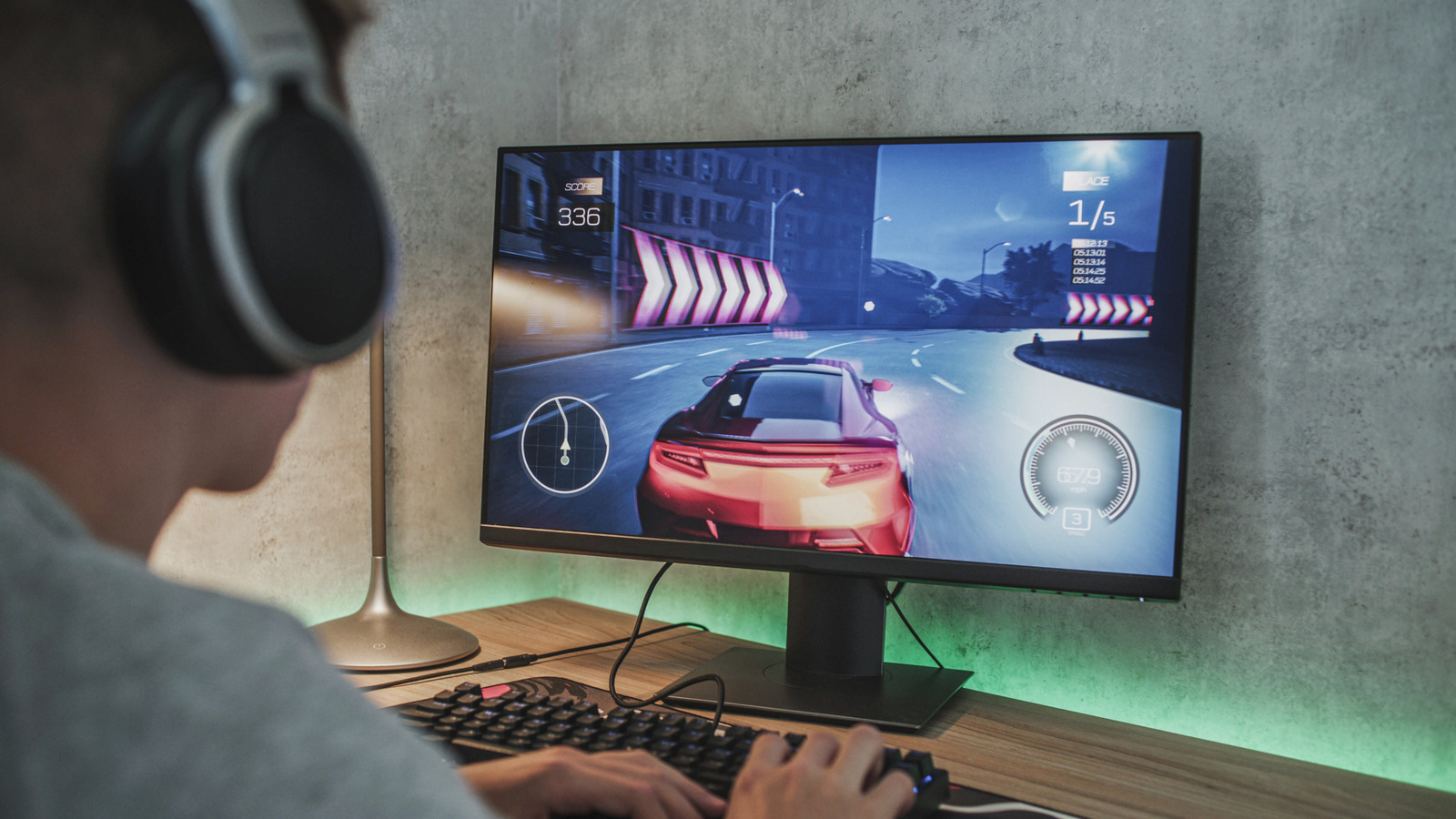
Luckily, FreeSync is compatible with Nvidia cards. FreeSync, like Nvidia’s G-Sync, activates variable refresh rate technology. This will have the monitor adjust its framerate to what is on screen to reduce screen tearing. However, there are some stipulations to harnessing FreeSync.

Not all FreeSync monitors will work with Nvidia cards. You can check the official Nvidia compatibility list to see if your monitor is eligible, as these monitors will specifically have FreeSync Compatible listed next to them. If your monitor is not among those on the list, there’s still a chance it can make use of FreeSync. However, there may be some hiccups you experience when using the feature. 

You also need a relatively modern graphics card: GTX-10 series, 16-series, and RTX 20-series and newer cards can make use of variable refresh rate. For most monitors, you will need to use a DisplayPort 1.2 or higher connection to pair it with your graphics card. However, in recent years, HDMI options for FreeSync have become more prevalent, but they are still uncommon. Check your monitor’s manual to see what port you need to use for FreeSync.

How to use FreeSync with an Nvidia card
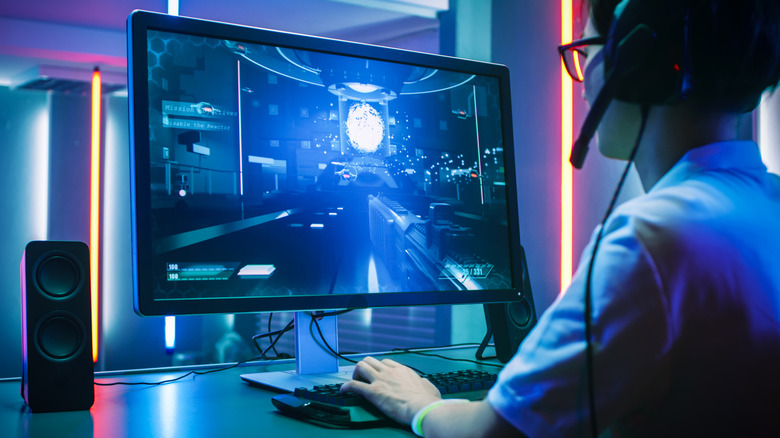

Gamer playing a PC shooter
Gorodenkoff/Getty Images

The first step is to activate FreeSync on your monitor. This setting can be found in your monitor’s On-Screen Display (OSD) menu. The menu will look different depending on your monitor’s manufacturer, so you may need to poke around to find it and turn it on. Once that’s done, you need to activate Variable Refresh Rate on Windows, following the instructions below.

  1. Right-click on your desktop, and select Display Settings in the drop-down menu.
  2. Select Graphics under “Related Settings.”
  3. Click on Advanced Graphics Settings.
  4. In the drop-down menu, ensure Variable Refresh Rate is set to On. 

Next, you need to fiddle with the Nvidia Control Panel to complete the setup. Here’s what to do:

  1. Launch the Nvidia Control Panel.
  2. Select Manage 3D Settings.
  3. Click the drop-down next to Monitor Technology.
  4. Select the G-Sync Compatible option if it is not already on.

Now you can enable G-Sync and adjust your settings by following these directions:

  1. On the settings tree on the left side of the Control Panel, click Set up G-Sync. (If these settings are not available, you may not have FreeSync activated in your monitor settings.)
  2. Check Enable G-Sync, G-Sync Compatible.
  3. Check Enable for Full Screen Mode or Enable for Windowed and Full Screen Mode based on your preference.

Now FreeSync should be fully activated. If things still feel choppy, make sure your monitor is set at its highest possible refresh rate and V-Sync is on in the Nvidia Control Panel.


Sign Up For Daily Newsletter

Be keep up! Get the latest breaking news delivered straight to your inbox.
By signing up, you agree to our Terms of Use and acknowledge the data practices in our Privacy Policy. You may unsubscribe at any time.
Share This Article
Facebook Twitter Email Print
Share
What do you think?
Love0
Sad0
Happy0
Sleepy0
Angry0
Dead0
Wink0
Previous Article The future I saw through the Meta Ray-Ban Display amazes and terrifies me The future I saw through the Meta Ray-Ban Display amazes and terrifies me
Next Article Best gaming monitor deal: Save 3 on LG 45GR75DC-B Ultragear Curved Best gaming monitor deal: Save $103 on LG 45GR75DC-B Ultragear Curved
Leave a comment

Leave a Reply Cancel reply

Your email address will not be published. Required fields are marked *

Stay Connected

248.1k Like
69.1k Follow
134k Pin
54.3k Follow

Latest News

WeChat’s HarmonyOS version surpasses six million installs · TechNode
Computing
There may be two models of Apple's rumored budget MacBook
News
Gemini for Home is missing something Google Assistant users took for granted
News
How Does Social Media Sharing Impact Your Reach? |
Computing

You Might also Like

There may be two models of Apple's rumored budget MacBook
News

There may be two models of Apple's rumored budget MacBook

1 Min Read
Gemini for Home is missing something Google Assistant users took for granted
News

Gemini for Home is missing something Google Assistant users took for granted

3 Min Read
Forgotten staircase found that leads to ‘lost Pompeii’ where the elite partied
News

Forgotten staircase found that leads to ‘lost Pompeii’ where the elite partied

7 Min Read
NASA’s Voyager 1 will reach one light-day from Earth in 2026 — what does that mean?
News

NASA’s Voyager 1 will reach one light-day from Earth in 2026 — what does that mean?

5 Min Read
//

World of Software is your one-stop website for the latest tech news and updates, follow us now to get the news that matters to you.

Quick Link

  • Privacy Policy
  • Terms of use
  • Advertise
  • Contact

Topics

  • Computing
  • Software
  • Press Release
  • Trending

Sign Up for Our Newsletter

Subscribe to our newsletter to get our newest articles instantly!

World of SoftwareWorld of Software
Follow US
Copyright © All Rights Reserved. World of Software.
Welcome Back!

Sign in to your account

Lost your password?