By using this site, you agree to the Privacy Policy and Terms of Use.
Accept
World of SoftwareWorld of SoftwareWorld of Software
  • News
  • Software
  • Mobile
  • Computing
  • Gaming
  • Videos
  • More
    • Gadget
    • Web Stories
    • Trending
    • Press Release
Search
  • Privacy
  • Terms
  • Advertise
  • Contact
Copyright © All Rights Reserved. World of Software.
Reading: Does your Google Photos app look different today? Here’s what’s changed
Share
Sign In
Notification Show More
Font ResizerAa
World of SoftwareWorld of Software
Font ResizerAa
  • Software
  • Mobile
  • Computing
  • Gadget
  • Gaming
  • Videos
Search
  • News
  • Software
  • Mobile
  • Computing
  • Gaming
  • Videos
  • More
    • Gadget
    • Web Stories
    • Trending
    • Press Release
Have an existing account? Sign In
Follow US
  • Privacy
  • Terms
  • Advertise
  • Contact
Copyright © All Rights Reserved. World of Software.
World of Software > News > Does your Google Photos app look different today? Here’s what’s changed
News

Does your Google Photos app look different today? Here’s what’s changed

News Room
Last updated: 2026/02/01 at 8:55 PM
News Room Published 1 February 2026
Share
Does your Google Photos app look different today? Here’s what’s changed
SHARE

TL;DR

  • Google Photos is rolling out a refreshed Memories carousel with bright colors and more playful card designs.
  • “X years ago” memories now use number-shaped cutouts, while other memories get abstract shapes.
  • The update appears to be a visual refresh only and looks to be rolling out widely.

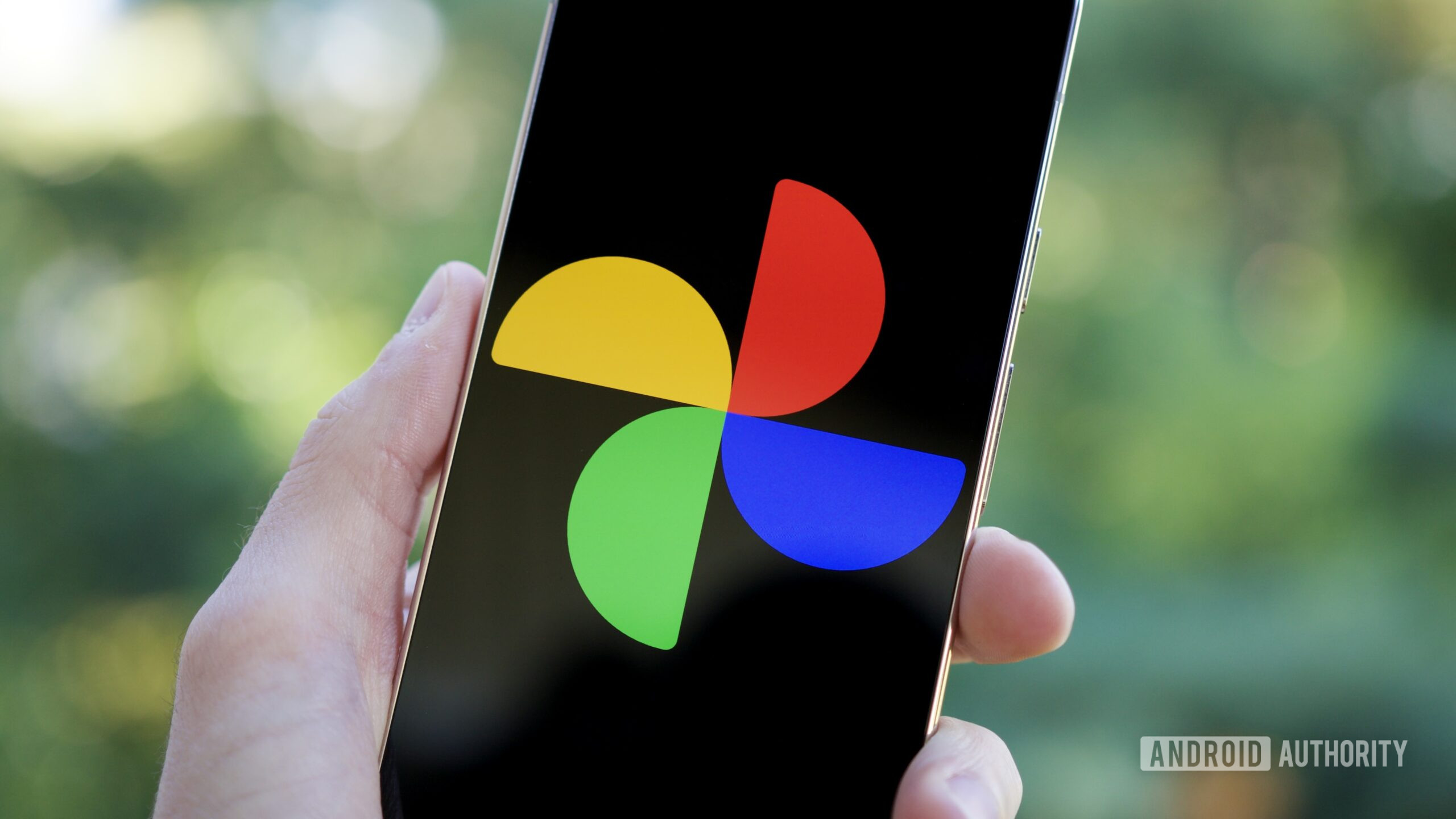
Google Photos is giving its Memories carousel a bit of a glow-up, and it already seems to be rolling out widely. If you open the app right now, the cards at the top of your feed may look noticeably different, with bright colors and some playful shapes to catch the eye.

Don’t want to miss the best from Android Authority?

google preferred source badge dark@2x

The biggest change shows up in “X years ago” memories. Instead of the usual rounded card, the photo is now cut into the shape of the number itself, sitting on a bold, colored background. Other Memories, like on this day or another photo category, get their own abstract cut-out shapes, with background colors that vary from card to card. It’s still the same Memories feature underneath, but it’s a lot harder to miss as you scroll.

We’ve seen this type of tinkering before. Last year, we spotted Google experimenting with adding more color and shape to the Memories carousel, though all the designs used the same cutout shape for the image preview. What’s rolling out now feels like the next step, taking that splash of color and pairing it with more expressive layouts.

There’s no big announcement attached to the change, and Google doesn’t seem to be tweaking how Memories works beyond the visuals. If your app still looks the same, it’s probably just rolling out gradually. Several of us here already have it on various devices in different countries, so you probably won’t have to wait long.

Thank you for being part of our community. Read our Comment Policy before posting.
Sign Up For Daily Newsletter

Be keep up! Get the latest breaking news delivered straight to your inbox.
By signing up, you agree to our Terms of Use and acknowledge the data practices in our Privacy Policy. You may unsubscribe at any time.
Share This Article
Facebook Twitter Email Print
Share
What do you think?
Love0
Sad0
Happy0
Sleepy0
Angry0
Dead0
Wink0
Previous Article Outlook vs. Gmail: Choosing the Kind of Email Security Your Business Can Live With | HackerNoon Outlook vs. Gmail: Choosing the Kind of Email Security Your Business Can Live With | HackerNoon
Next Article The Markup’s Publishing System Will Now Include Right-Aligned Text: Here’s Why | HackerNoon The Markup’s Publishing System Will Now Include Right-Aligned Text: Here’s Why | HackerNoon
Leave a comment

Leave a Reply Cancel reply

Your email address will not be published. Required fields are marked *

Stay Connected

248.1k Like
69.1k Follow
134k Pin
54.3k Follow

Latest News

Belkin Ends Support for Wemo on Jan 31: Act Now to Keep Devices Working
News
Apple May Break a 12-Year Chip Strategy
News
You Can Turn Your Drone Into A Handheld Camera With This Clever Mount – BGR
News
Best Walking Pad for Remote Work
News

You Might also Like

Belkin Ends Support for Wemo on Jan 31: Act Now to Keep Devices Working
News

Belkin Ends Support for Wemo on Jan 31: Act Now to Keep Devices Working

5 Min Read
Apple May Break a 12-Year Chip Strategy
News

Apple May Break a 12-Year Chip Strategy

4 Min Read
You Can Turn Your Drone Into A Handheld Camera With This Clever Mount – BGR
News

You Can Turn Your Drone Into A Handheld Camera With This Clever Mount – BGR

4 Min Read
Best Walking Pad for Remote Work
News

Best Walking Pad for Remote Work

12 Min Read
//

World of Software is your one-stop website for the latest tech news and updates, follow us now to get the news that matters to you.

Quick Link

  • Privacy Policy
  • Terms of use
  • Advertise
  • Contact

Topics

  • Computing
  • Software
  • Press Release
  • Trending

Sign Up for Our Newsletter

Subscribe to our newsletter to get our newest articles instantly!

World of SoftwareWorld of Software
Follow US
Copyright © All Rights Reserved. World of Software.
Welcome Back!

Sign in to your account

Lost your password?