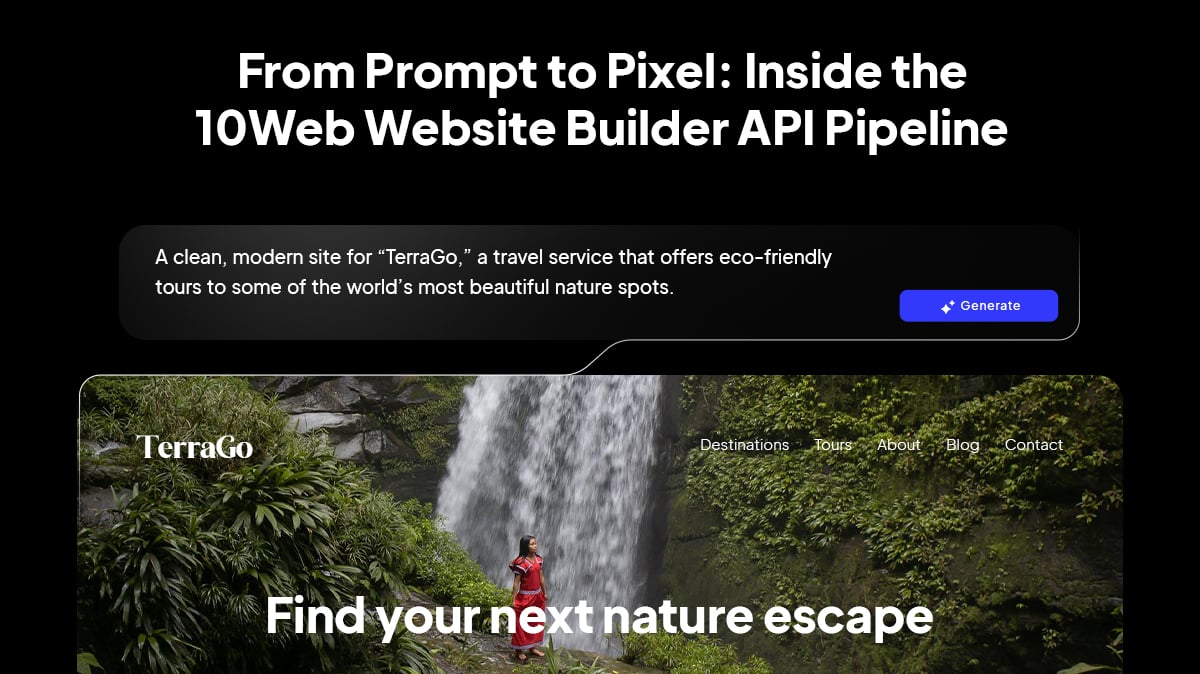
Most AI website builders look the same on the outside. You enter a sentence or two, hit “generate,” and a website appears with surprising speed. But if you’ve ever tried embedding one of these tools into a SaaS platform, a CRM, a registrar flow, or a hosting product, you know it can be like fitting a square peg into a round hole. Underneath the surface, many builders still rely on rigid templates, black-box code, and a one-size-fits-all integration that breaks the moment your customers want something slightly different.
That’s the problem 10Web set out to solve. The AI Website Builder API is the first system that generates unique, WordPress-native websites from a simple text input, complete with structure, content, design, hosting, and ecommerce capability. It was built specifically for platforms serving entrepreneurs and small businesses, as well as for teams that need automation that scales without sacrificing control.
In this article, we’ll pull back the curtain for an inside look into the Website Builder API from prompt to pixel.
- What turns a prompt into a functioning website
- Where the AI models come in
- How the system maintains consistency
- How the API integrates into a product flow
Why most AI builders still hit a wall
The majority of AI website builders still follow a surprisingly old pattern. They take a handful of templates, inject AI-generated text, and use CSS tweaks to make the output somewhat customized. For casual users, this may be good enough. But for developers embedding site creation into real products, this approach quickly hits limits:
- Templates produce repetitive structures
- Edits become unpredictable
- Version control is difficult
- Scaling across many generated sites becomes unmanageable
- The output rarely fits nicely into a product workflow
The worst part is that these tools often hide the underlying code entirely. That makes debugging and customization almost impossible.
What developers actually need is different. They need an API that gives them end-to-end lifecycle control, from provisioning to hosting to editing, without locking them into a proprietary ecosystem.
That’s the engineering philosophy behind the 10Web pipeline.
Inside the AI Website Builder API pipeline
Under the hood, the API follows a multi-stage generative workflow that turns a simple prompt into a complete, hosted WordPress website. To deliver predictable results and high-quality sites, the API relies on a structured pipeline rather than a single model. This workflow sets a new standard compared to other website builder APIs, breaking the generation process into focused stages, with each responsible for interpreting, organizing, or building a different aspect of the website.
Stage 1: How the API embeds into real products
The API integrates adaptively within partner platforms, so the experience aligns with the typical flows of SaaS providers, registrars, hosting companies, and agencies. A simplified flow looks like this:
- A user starts a project, signs up, or buys a domain.
- Your platform triggers an API call with a prompt or structured data.
- The API generates the site and returns:
- The hosted site URL
- The editing environment (white-labeled if needed)
- The WordPress admin access (if enabled)
- Your UI presents the website inside your branded dashboard.
- Users edit their site using AI Co-Pilot, Vibe, or the classic Elementor-based WordPress editor.
You retain complete control over branding, pricing, onboarding, and UX. For many partners, website creation becomes an in-product upgrade or an integrated step in a domain flow. This is why the API is used by SaaS platforms, registrars, telcos, creative agencies, and even non-WP hosting providers who want to offer WordPress or AI-powered website building and editing without operational overhead.
Request your API demo now
See how easy it is to integrate AI website generation into your platform!
Stage 2: Turning a prompt into a structured plan
Everything begins with the prompt, which can be a detailed description or a single sentence, such as I’m starting a mobile dog grooming business. Instead of handing this text off to a single model, 10Web routes it into a multi-agent preprocessing system.
This system draws on leading LLMs (including models from Google, OpenAI, and Anthropic) and is tuned to interpret intent and generate a structured description of the site. It identifies:
- The type of business
- The likely pages the site needs
- Visual and functional expectations
The key output here is a structured blueprint for a website. That means later stages don’t have to guess what the site should look like. Everything goes according to plan.
Stage 3: Layout planning
With the spec ready, the system hands the layout engine the task. This is where 10Web breaks from template-based AI builders. Instead of selecting a predefined layout, the engine generates a unique page structure for every project.
If the input describes a bakery, the generated layout may emphasize products, images, and local calls to action. If the business is a freelance developer, the layout may highlight services, testimonials, and a portfolio grid. The engine determines:
- The number and order of sections
- Where media belongs
- How content should flow
- The structural hierarchy of each page
- Responsiveness patterns
- Visual density and spacing
The result is a generative layout, not template recycling. And because the system is built around WordPress conventions, it ensures the architecture maps cleanly to real CMS structures.
Stage 4: Multi-agent orchestration
Once the layout is defined, the pipeline activates a multi-agent system, where each agent is trained to perform precise tasks in the workflow, generating copy, visuals, and WordPress-ready output. This multi-agent approach is designed to produce consistent, high-quality output across sites.
Stage 5: Frontend vibe coding
With structure and content prepared, the next phase of the pipeline is vibe coding the frontend.
Vibe for WordPress is a modern frontend environment built with React and Tailwind, and designed for AI-native editing. It stands out because every change, AI-driven or manual, produces a deterministic code diff.
Deterministic diffs mean:
- Predictable updates
- Cleaner version control
- Safer multi-site changes
- Better debugging
- A transparent, auditable workflow
Instead of regenerating entire pages and rewriting markup unpredictably, Vibe for WordPress adjusts the component structure in controlled, traceable steps. Each site becomes a collection of well-defined components, tokens, and patterns, which is precisely the kind of frontend environment a developer can trust.
For partners embedding this into products, determinism keeps support overhead low and ensures changes behave consistently.
Stage 6: WordPress-native generation
After the frontend is assembled, the next step is translating the output into a real, editable WordPress site. This is one of the Website Builder API’s biggest differentiators. It produces WordPress-native websites built using the world’s most widely used CMS.
Because the entire system is built around WordPress conventions, sites are immediately compatible with plugins, SEO tooling, analytics, and all the capabilities WordPress users expect. They get the flexibility of the open WordPress ecosystem, with AI handling the coding tasks formerly required to update and manage their sites.
Stage 7: Ecommerce generation with WooCommerce
If the prompt or partner configuration indicates ecommerce, the system goes a step further, delivering a full WooCommerce-ready experience. This can include:
- Unlimited products and variations
- Connecting payment methods
- Conversion-optimized checkout for global sales
For partners who serve sellers, local businesses, or vertical marketplaces, this unlocks a full online store experience built on WooCommerce, the same trusted platform powering a major share of global online stores.
Stage 8: Provisioning, hosting, and lifecycle
Once the WordPress site is generated, the pipeline continues into hosting and lifecycle automation. This is where the API becomes a full-stack solution rather than a simple generator.
Leveraging the API, partners unlock access to WordPress hosting built on cloud infrastructure with features such as:
- SSL, automated backups
- Plugin management
- DNS management
- Performance optimization
The API can create and manage websites, site metadata, backups, domains, DNS zones, and more, offering the kind of lifecycle control that modern SaaS and hosting partners require. For partners, this means that integrating the Website Builder API gives you a complete site lifecycle solution.
Best practices for strong prompt-to-site results
Although the pipeline is built to handle anything from a full brief to a one-sentence prompt, a few practical habits help ensure consistently high-quality output.
- Describe the business clearly
A short line like mobile dog grooming for small breeds gives the system useful semantic anchors.
- List the pages you want
Adding a Pricing page, Gallery, or any other feature is accomplished with a few words.
- Include brand direction
Describing design as minimal and modern, friendly and colorful, or professional and clean helps steer the web design process.
- Use structured input when embedding
If your platform already collects user data (product listings, service descriptions, business details), passing that data to the API produces more personalized sites.
These small practices help ensure the initial specification is solid, providing the generative agents with a strong starting point.
Plug into a WordPress-native generative pipeline
The 10Web Website Builder API represents a shift from template-based site builders to a true generative pipeline. By combining multi-agent AI processing with WordPress-native output and managed infrastructure, the API enables SaaS platforms, hosting providers, registrars, agencies, and marketplaces to offer website creation as a seamless, embedded experience. The approach preserves flexibility and extensibility while providing the automation, consistency, and reliability required for real product environments.
As the demand for faster digital onboarding grows, this model offers partners a way to deliver entirely generated websites—powered by open technologies and tailored to each business—directly within their own product flows. From prompt to pixel, the Website Builder API transforms website creation into a scalable, programmable capability that can serve millions of end users with minimal friction.

Request your API demo now
See how easy it is to integrate AI website generation into your platform!
FAQ
How is 10Web’s Website Builder API different from other AI website builders?
Most AI builders still rely on static templates and fill AI-generated content into predefined layouts. The 10Web Website Builder API generates unique, structured WordPress websites, using a multi-agent system and a generative layout engine, not template recycling. It also handles hosting, lifecycle operations, and white-label embedding, which most consumer-focused builders do not support.
Can I embed the AI Website Builder API directly into my SaaS or product onboarding flow?
Yes. The API is designed for platforms such as SaaS tools, registrars, hosting providers, vertical marketplaces and supports embedding site creation into sign-up flows, dashboards, checkout funnels, or CRM environments. Every element is fully white-labeled throughout the product lifecycle.
Does the API support ecommerce?
Yes. When ecommerce is part of the prompt or partner configuration, the system generates a WooCommerce-powered store, including product structures, checkout, and payment-ready flows. Partners can then customize store settings and add products through WooCommerce.
What does WordPress-native generation mean in practice?
It means the output is a real WordPress site, not a static HTML export or proprietary builder. Pages, templates, and patterns are generated following WordPress conventions, making the site fully compatible with plugins, analytics tools, SEO frameworks, and custom development.
What hosting and lifecycle operations can the API perform?
The API can create and manage websites, backups, DNS zones, SSL certificates, plugin presets, site metadata, and more. This gives partners end-to-end lifecycle control for site creation and hosting infrastructure.
What security measures are included?
The hosting stack includes SSL, automated backups, isolated containers, DNS management, and WordPress’s security ecosystem. Partners inherit the benefits of 10Web’s managed WordPress environment without running all infrastructure in-house.