Tushar Mehta / Android Authority
TL;DR
- The altest Gboard beta is showing new Expressive settings UI and updated emoji tab colors.
- These features largely match redesigns we previously spotted in testing, though there has been at least one change between then and now.
- The new UI is currently only available on Android 16 devices running the latest beta version.
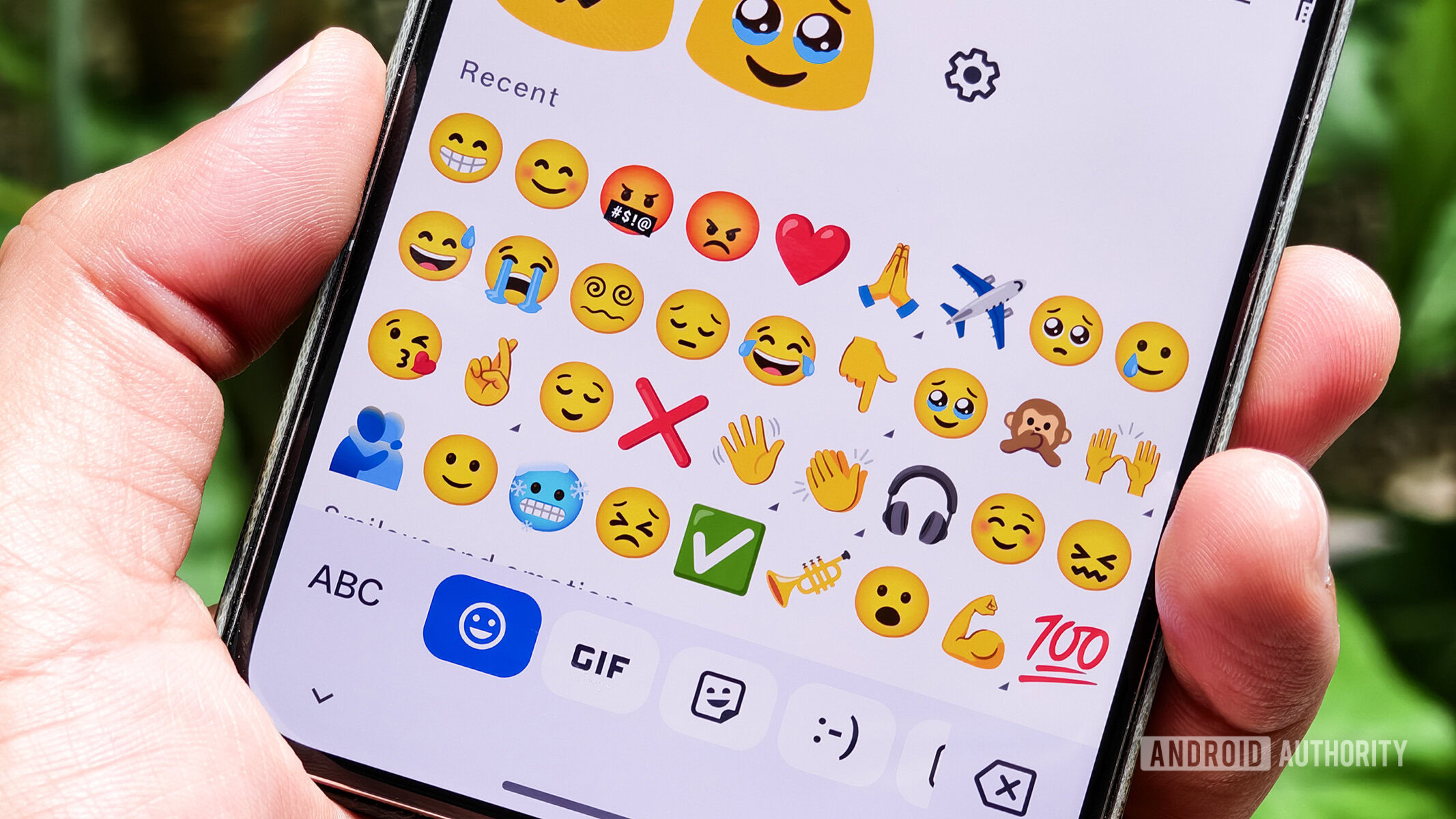
As Google continues to refine its features, the Gboard is now beginning to introduce some of the visual changes we’ve been waiting for. In version 16.5.1.838613058-beta-arm64-v8a, users of the latest Gboard beta are seeing Google’s refreshed Expressive settings UI and the subtle color updates to the emoji picker tabs.
Don’t want to miss the best from Android Authority?


In the first image above, you can see the emoji picker as it currently appears, and how it was tested at the time. In the second image, you can see how the selected tab now appears in the new beta, looking noticeably rounder than in the test version.
The bigger addition is the new Material 3 Expressive settings UI. As expected from our previous investigation, it revamps the menus to align with Google’s updated design direction. The images below show how it looks in the latest beta version.
While these changes are rolling out, not everyone will see them just yet, even if you check out the beta version. The redesign appears only on devices running Android 16, so users running Android 15 will have to wait a little longer to check out the new look. We’ll keep an eye on future versions to see when they expand more broadly.
Thank you for being part of our community. Read our Comment Policy before posting.