

By using this site, you agree to the Privacy Policy and Terms of Use.
Accept
World of SoftwareWorld of SoftwareWorld of Software
  • News
  • Software
  • Mobile
  • Computing
  • Gaming
  • Videos
  • More
    • Gadget
    • Web Stories
    • Trending
    • Press Release
Search
  • Privacy
  • Terms
  • Advertise
  • Contact
Copyright © All Rights Reserved. World of Software.
Reading: Google Gemini Vs. Copilot – Which AI Chatbot Should You Really Use? – BGR
Share
Sign In
Notification Show More
Font ResizerAa
World of SoftwareWorld of Software
Font ResizerAa
  • Software
  • Mobile
  • Computing
  • Gadget
  • Gaming
  • Videos
Search
  • News
  • Software
  • Mobile
  • Computing
  • Gaming
  • Videos
  • More
    • Gadget
    • Web Stories
    • Trending
    • Press Release
Have an existing account? Sign In
Follow US
  • Privacy
  • Terms
  • Advertise
  • Contact
Copyright © All Rights Reserved. World of Software.
World of Software > News > Google Gemini Vs. Copilot – Which AI Chatbot Should You Really Use? – BGR
News

Google Gemini Vs. Copilot – Which AI Chatbot Should You Really Use? – BGR

News Room
Last updated: 2026/01/06 at 5:41 PM
News Room Published 6 January 2026
Share
Google Gemini Vs. Copilot – Which AI Chatbot Should You Really Use? – BGR
SHARE


Mamun_Sheikh/Shutterstock

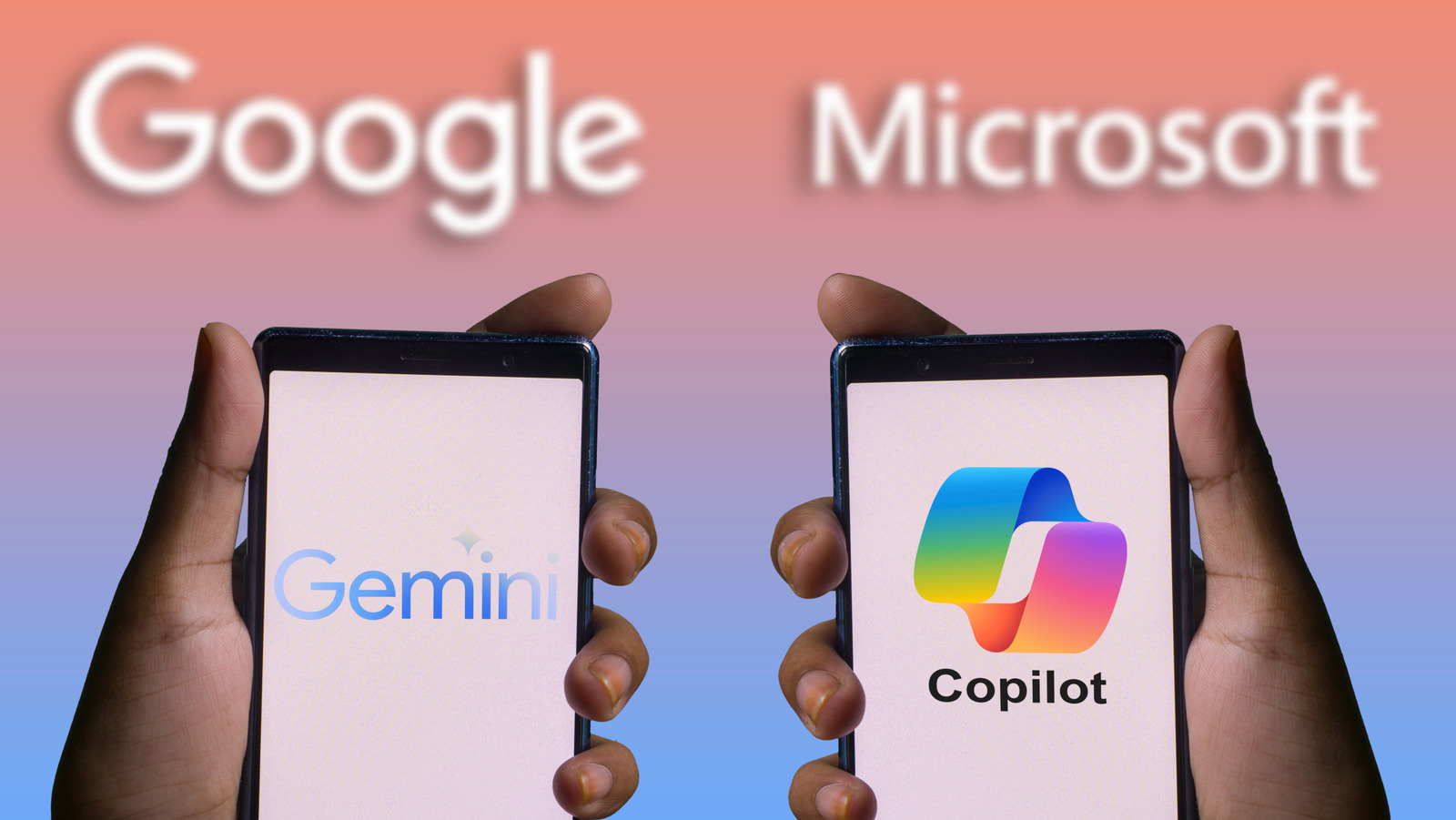
A while ago, ChatGPT was the only AI chatbot that mattered. Today, Google and Microsoft, the two biggest tech giants, have pushed into the AI market and your browsers. Google’s Gemini has exploded in popularity, amassing over 650 million users every month, while Copilot claims 150 million. They both promise to be the ultimate AI assistant that can write emails, code websites, and do research. 

Gemini has become synonymous with brainstorming and research: Users praise its ability to handle complex queries, multimodal inputs (meaning it can understand text and images), and its deep integration across the Google ecosystem. Meanwhile, Copilot has carved out its reputation as the AI that gets stuff done, whether that’s drafting emails, automating spreadsheets, or completing code directly in Visual Studio Code.

So how do you choose between these chatbot heavyweights? It helps to know that Microsoft’s own AI boss has openly acknowledged that Gemini 3 “can do things Copilot can’t do,” while also pointing out Copilot’s practical strengths like real-time vision. Each has very different personalities, strengths, and weaknesses.

What each AI chatbot is good for

Gemini logo on phone screen
Primakov/Shutterstock

For many users, Gemini’s strengths lie in research, content creation, and handling large amounts of information. The underlying model supports a very large context window of 1 million tokens, which helps Gemini process information from long documents more effectively than more limited chatbots. Because it’s built into the Google ecosystem, Gemini integrates naturally with Google Workspace apps like Gmail, Google Docs, Sheets, and Drive, making it easy to draft emails, summarize documents, or brainstorm ideas without leaving your browser. 

Gemini also supports multimodal tasks, allowing users to analyze multiple files in a single session, and blend text with images or other file types. Gemini also provides sources and citations when possible for you to dig deeper and get more information. When you need to gather, summarize, or distill information quickly, Gemini’s strong research and multimodal skills help make sense of complex input more efficiently than many alternatives.

On the other hand, Copilot serves a different audience, especially those deeply invested in Microsoft 365. Copilot is embedded directly into Office apps such as Word, Excel, PowerPoint, Outlook, and Teams, enabling it to perform productivity-focused tasks like converting Word documents into PowerPoint decks or generating complex Excel analyses with a few natural-language prompts. Developers also benefit from GitHub Copilot integration, which provides context-aware code suggestions, helps build functions, and accelerates programming workflows. 

What’s lacking from each chatbot

Copilot chatbot on a phone screen
Nwz/Shutterstock

One of Gemini’s biggest issues is the short memory and abrupt context loss. Users have reported that hours of work disappear because Gemini sometimes deletes earlier prompts and entire conversations without warning, erasing a lot of back-and-forth collaboration. These kinds of issues stem from limitations in how some AI models manage long context windows and session history, which can make extended collaboration frustrating. 

There are also privacy concerns for users handling sensitive data in Gemini. Google has explicitly warned users not to share confidential information with Gemini because AI chats can be reviewed internally, raising questions about data control for highly regulated or privacy-focused work.

Copilot has its own set of frustrations. Many users experience frequent crashes and session losses, especially when Copilot runs alongside multiple Office apps. Problems like incorrect formula suggestions in Excel and erroneous troubleshooting steps have also been reported in official support forums, where Copilot outputs wrong information that doesn’t actually solve the user’s problem. There’s also the issue of Copilot’s full AI features being tied into paid Microsoft 365 subscriptions like Premium. This puts many advanced capabilities behind a paywall, and users outside Microsoft-heavy environments often find it less useful.


Sign Up For Daily Newsletter

Be keep up! Get the latest breaking news delivered straight to your inbox.
By signing up, you agree to our Terms of Use and acknowledge the data practices in our Privacy Policy. You may unsubscribe at any time.
Share This Article
Facebook Twitter Email Print
Share
What do you think?
Love0
Sad0
Happy0
Sleepy0
Angry0
Dead0
Wink0
Previous Article Wi-Fi 8 is appearing at CES before most of us have switched to Wi-Fi 7 Wi-Fi 8 is appearing at CES before most of us have switched to Wi-Fi 7
Next Article Razer offers to bring an interactive waifu directly to your desktop Razer offers to bring an interactive waifu directly to your desktop
Leave a comment

Leave a Reply Cancel reply

Your email address will not be published. Required fields are marked *

Stay Connected

248.1k Like
69.1k Follow
134k Pin
54.3k Follow

Latest News

Xfinity Adds Fan-First Upgrades for Your 2026 Winter Olympics Viewing
News
Insta360 CEO reveals company rewards for employee love confessions on Chinese New Year’s Eve · TechNode
Computing
Grab a bargain and save 39% on this 55 inch Ultra HD Fire 4K TV
Gadget
UK tech funding roundup: This week’s deals from Sokin to Flowla – UKTN
News

You Might also Like

Xfinity Adds Fan-First Upgrades for Your 2026 Winter Olympics Viewing
News

Xfinity Adds Fan-First Upgrades for Your 2026 Winter Olympics Viewing

5 Min Read
UK tech funding roundup: This week’s deals from Sokin to Flowla – UKTN
News

UK tech funding roundup: This week’s deals from Sokin to Flowla – UKTN

1 Min Read
Surfshark has reduced Android support – here’s what you need to know
News

Surfshark has reduced Android support – here’s what you need to know

5 Min Read
Microsoft Office 2021 Covers All Core Apps for a Single  Payment
News

Microsoft Office 2021 Covers All Core Apps for a Single $35 Payment

3 Min Read
//

World of Software is your one-stop website for the latest tech news and updates, follow us now to get the news that matters to you.

Quick Link

  • Privacy Policy
  • Terms of use
  • Advertise
  • Contact

Topics

  • Computing
  • Software
  • Press Release
  • Trending

Sign Up for Our Newsletter

Subscribe to our newsletter to get our newest articles instantly!

World of SoftwareWorld of Software
Follow US
Copyright © All Rights Reserved. World of Software.
Welcome Back!

Sign in to your account

Lost your password?