By using this site, you agree to the Privacy Policy and Terms of Use.
Accept
World of SoftwareWorld of SoftwareWorld of Software
  • News
  • Software
  • Mobile
  • Computing
  • Gaming
  • Videos
  • More
    • Gadget
    • Web Stories
    • Trending
    • Press Release
Search
  • Privacy
  • Terms
  • Advertise
  • Contact
Copyright © All Rights Reserved. World of Software.
Reading: Google Gemini’s task automation is finally live on the Galaxy S26
Share
Sign In
Notification Show More
Font ResizerAa
World of SoftwareWorld of Software
Font ResizerAa
  • Software
  • Mobile
  • Computing
  • Gadget
  • Gaming
  • Videos
Search
  • News
  • Software
  • Mobile
  • Computing
  • Gaming
  • Videos
  • More
    • Gadget
    • Web Stories
    • Trending
    • Press Release
Have an existing account? Sign In
Follow US
  • Privacy
  • Terms
  • Advertise
  • Contact
Copyright © All Rights Reserved. World of Software.
World of Software > News > Google Gemini’s task automation is finally live on the Galaxy S26
News

Google Gemini’s task automation is finally live on the Galaxy S26

News Room
Last updated: 2026/03/12 at 7:27 PM
News Room Published 12 March 2026
Share
Google Gemini’s task automation is finally live on the Galaxy S26
SHARE

TL;DR

  • Gemini can now perform tasks on your phone, with the Galaxy S26 series getting the feature first.
  • Instead of opening apps manually, you can say something like “Get me a ride to the airport,” and Gemini handles the workflow.

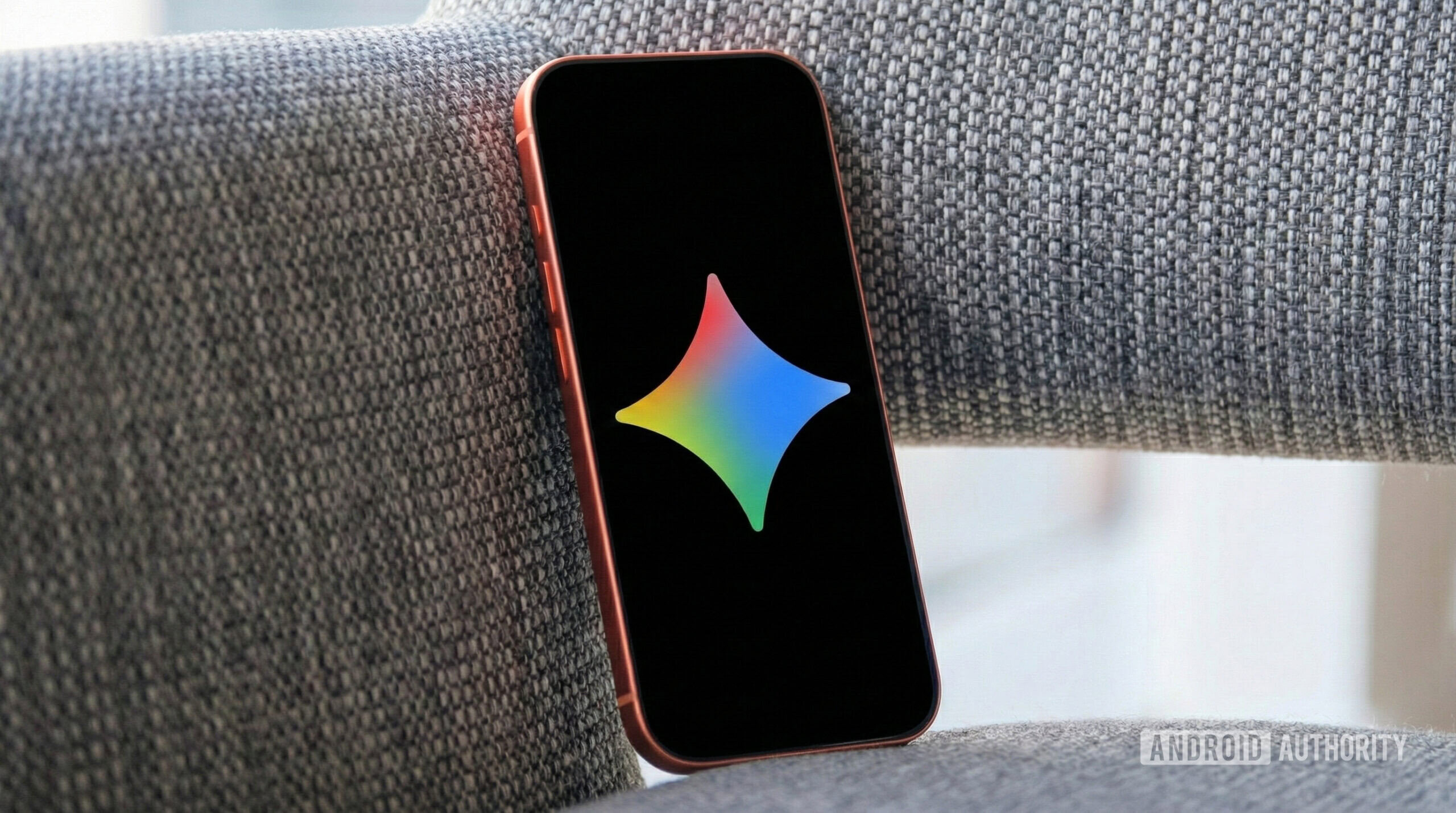
The new feature, Gemini task automation, is easy to use. You just tell your phone what you want, and Gemini takes care of the steps. For example, you can ask Gemini to order a coffee and a croissant or book a ride somewhere. Instead of you opening the apps, the AI goes into the right apps and finishes the process (via 9to5Google). It can even skip extra steps and pick the right options when you order.

Don’t want to miss the best from Android Authority?

google preferred source badge dark@2x

This feature also handles multi-step requests. Instead of saying “open Uber” and then typing in an address, you can just say, “Get me a ride to the airport.” Gemini will do the rest.

You’ll get a notification when Gemini is working on something. You can watch it happen live or just keep using your phone as usual.

Be ready to finish things up at the end, though. For safety, Google does not let Gemini press the final “place order” or “pay” button. After Gemini builds your cart and skips the extra screens, your phone will prompt you to complete the purchase.

This automation system is not available everywhere yet. For now, it is launching on the Galaxy S26 and Pixel 10 phones, starting in places like the United States and South Korea.

Support is also limited to a small number of app categories at launch, including ride-hailing and food delivery. More apps are expected to join later as Google expands the system.

Thank you for being part of our community. Read our Comment Policy before posting.
Sign Up For Daily Newsletter

Be keep up! Get the latest breaking news delivered straight to your inbox.
By signing up, you agree to our Terms of Use and acknowledge the data practices in our Privacy Policy. You may unsubscribe at any time.
Share This Article
Facebook Twitter Email Print
Share
What do you think?
Love0
Sad0
Happy0
Sleepy0
Angry0
Dead0
Wink0
Previous Article Influencer Marketing as Business Infrastructure: 2025 Insights |
Next Article Starting today, Google Maps launches its biggest navigation upgrade in over 10 years Starting today, Google Maps launches its biggest navigation upgrade in over 10 years
Leave a comment

Leave a Reply Cancel reply

Your email address will not be published. Required fields are marked *

Stay Connected

248.1k Like
69.1k Follow
134k Pin
54.3k Follow

Latest News

Verifiable AI startup Axiom raises 0M to prove AI-generated code is safe to use –  News
Verifiable AI startup Axiom raises $200M to prove AI-generated code is safe to use – News
News
IDrive Review: Excellent Backup Software With Unmatched Value
News
How to Install OpenClaw with Ollama (Step-by-Step Tutorial) | HackerNoon
Computing
Best Hisense deal: Save 2.03 on the Hisense 100-inch Class QD7 Mini-LED 4K TV at Amazon
Best Hisense deal: Save $502.03 on the Hisense 100-inch Class QD7 Mini-LED 4K TV at Amazon
News

You Might also Like

Verifiable AI startup Axiom raises 0M to prove AI-generated code is safe to use –  News
News

Verifiable AI startup Axiom raises $200M to prove AI-generated code is safe to use – News

7 Min Read
IDrive Review: Excellent Backup Software With Unmatched Value
News

IDrive Review: Excellent Backup Software With Unmatched Value

4 Min Read
Best Hisense deal: Save 2.03 on the Hisense 100-inch Class QD7 Mini-LED 4K TV at Amazon
News

Best Hisense deal: Save $502.03 on the Hisense 100-inch Class QD7 Mini-LED 4K TV at Amazon

3 Min Read
The Sci-Fi Western That Turned Into One Of Harrison Ford’s Biggest Box Office Flops – BGR
News

The Sci-Fi Western That Turned Into One Of Harrison Ford’s Biggest Box Office Flops – BGR

4 Min Read
//

World of Software is your one-stop website for the latest tech news and updates, follow us now to get the news that matters to you.

Quick Link

  • Privacy Policy
  • Terms of use
  • Advertise
  • Contact

Topics

  • Computing
  • Software
  • Press Release
  • Trending

Sign Up for Our Newsletter

Subscribe to our newsletter to get our newest articles instantly!

World of SoftwareWorld of Software
Follow US
Copyright © All Rights Reserved. World of Software.
Welcome Back!

Sign in to your account

Lost your password?