By using this site, you agree to the Privacy Policy and Terms of Use.
Accept
World of SoftwareWorld of SoftwareWorld of Software
  • News
  • Software
  • Mobile
  • Computing
  • Gaming
  • Videos
  • More
    • Gadget
    • Web Stories
    • Trending
    • Press Release
Search
  • Privacy
  • Terms
  • Advertise
  • Contact
Copyright © All Rights Reserved. World of Software.
Reading: Google’s big change to the Android phone app prevents users from “flipping” out
Share
Sign In
Notification Show More
Font ResizerAa
World of SoftwareWorld of Software
Font ResizerAa
  • Software
  • Mobile
  • Computing
  • Gadget
  • Gaming
  • Videos
Search
  • News
  • Software
  • Mobile
  • Computing
  • Gaming
  • Videos
  • More
    • Gadget
    • Web Stories
    • Trending
    • Press Release
Have an existing account? Sign In
Follow US
  • Privacy
  • Terms
  • Advertise
  • Contact
Copyright © All Rights Reserved. World of Software.
World of Software > News > Google’s big change to the Android phone app prevents users from “flipping” out
News

Google’s big change to the Android phone app prevents users from “flipping” out

News Room
Last updated: 2026/01/25 at 3:25 AM
News Room Published 25 January 2026
Share
Google’s big change to the Android phone app prevents users from “flipping” out
SHARE

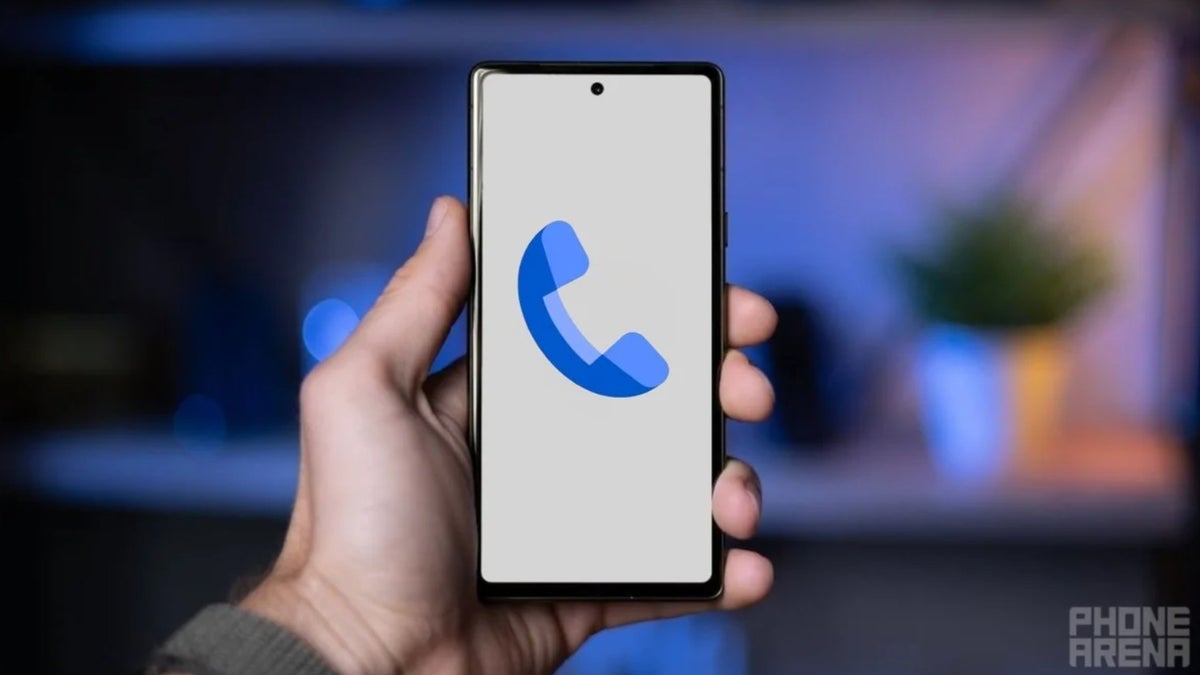
You might recall that last September, we told you that the Phone by Google app would rotate into landscape mode when the phone slightly turned sideways. The big problem came when someone holding their phone in portrait mode during a phone call would try to blindly hang up and the phone turned slightly into landscape mode. As a result, the on-screen buttons would move and while you might have thought that you were pressing the buttons to disconnect the call, you were actually tapping on no buttons at all. The bottom line is that it becomes a little harder to hang up on a call if the phone app is rotating.

Google releases support note revealing the new “Keep portrait mode on calls” toggle

After teasing a fix for the unwanted screen rotation by adding a “Keep portrait mode on calls” toggle on version 202 Beta of the Phone by Google app, Google caused confusion by briefly removing the toggle in versions 203 and 204 of the phone app. In a support note to Android users released last week, Google said that after listening to all of your feedback about automatic landscape mode during calls, “You can now prevent your phone screen from rotating to landscape during calls.”

How to disable the “Keep Portrait mode on calls” toggle

The support note states that a new “Keep portrait mode” setting is now available. Google says that the new setting can give you more control by keeping your calls in portrait mode. Google admits that those who are Phone by Google Beta testers were confused when the “Keep portrait mode” setting was introduced and then it disappeared. Google explained that “we briefly removed this setting to update it in response to community’s helpful feedback.”

It is quite possible that you are one of the rare birds who want to have the Phone by Google app on their Android phone rotate to landscape during phone calls. Once you receive the new “Keep portrait mode on calls” feature, you can disable it by following these directions. Open the Phone app and tap the three-line hamburger icon on the left side of the search bar at the top of the app. Go to Settings > Display options > Turn off Keep portrait mode.

Android users made it clear to Google that they want the Phone by Google app to remain in portrait mode during phone calls by default, which explains why the toggle is enabled when it lands on your Android phone. When that happens, most Android users will simply have to do nothing to stay in portrait mode while on a call.

Read the latest from Alan Friedman

Sign Up For Daily Newsletter

Be keep up! Get the latest breaking news delivered straight to your inbox.
By signing up, you agree to our Terms of Use and acknowledge the data practices in our Privacy Policy. You may unsubscribe at any time.
Share This Article
Facebook Twitter Email Print
Share
What do you think?
Love0
Sad0
Happy0
Sleepy0
Angry0
Dead0
Wink0
Previous Article Poco M8 Pro review: this phone makes a great case for ignoring superior specs and spending less Poco M8 Pro review: this phone makes a great case for ignoring superior specs and spending less
Next Article Two Missing Characters: How a Regex Flaw Exposed AWS GitHub Repos to Supply-Chain Risk Two Missing Characters: How a Regex Flaw Exposed AWS GitHub Repos to Supply-Chain Risk
Leave a comment

Leave a Reply Cancel reply

Your email address will not be published. Required fields are marked *

Stay Connected

248.1k Like
69.1k Follow
134k Pin
54.3k Follow

Latest News

The TechBeat: Will AI Agents Pump Up Our Profits? (1/25/2026) | HackerNoon
Computing
The 11 best Windows laptops for 2026, tested by us
News
Focusrite Forte USB Audio Interface To Be Supported By Linux 7.0
Computing
7 CarPlay Features Apple Recently Added To Your Vehicle – BGR
News

You Might also Like

The 11 best Windows laptops for 2026, tested by us
News

The 11 best Windows laptops for 2026, tested by us

5 Min Read
7 CarPlay Features Apple Recently Added To Your Vehicle – BGR
News

7 CarPlay Features Apple Recently Added To Your Vehicle – BGR

8 Min Read
Meet ‘Amelia’: the AI-generated British schoolgirl who is a far-right social media star
News

Meet ‘Amelia’: the AI-generated British schoolgirl who is a far-right social media star

9 Min Read
Top 6 Personal Project Management Software in 2026
News

Top 6 Personal Project Management Software in 2026

19 Min Read
//

World of Software is your one-stop website for the latest tech news and updates, follow us now to get the news that matters to you.

Quick Link

  • Privacy Policy
  • Terms of use
  • Advertise
  • Contact

Topics

  • Computing
  • Software
  • Press Release
  • Trending

Sign Up for Our Newsletter

Subscribe to our newsletter to get our newest articles instantly!

World of SoftwareWorld of Software
Follow US
Copyright © All Rights Reserved. World of Software.
Welcome Back!

Sign in to your account

Lost your password?