Creating social media videos that perform well is no longer about having a big production budget – or even a camera, for that matter.
Today, you are competing with several videos posted every minute across different social media platforms. To stand out, your videos need to be engaging and visually appealing, and this is where AI video tools for social media are changing the game.
With AI video tools, you can turn scripts into videos, generate captions, and resize content for multiple platforms. Best of all, you do not need to be a tech expert to use these tools, as they’re designed to fit into your existing production process.
In this guide, you will learn how to create high-performing social media videos using AI. You will understand what these tools can do and how to use them.
What Are AI Video Tools for Social Media?
AI video tools use artificial intelligence to help you plan, create, edit, and optimize videos for social platforms.
These tools work across different stages of video content creation. You can use them before, during, and after production.
Here’s what AI video tools can help you:
- Generate video scripts and storyboards from simple ideas
- Automatically edit footage by trimming clips and removing pauses
- Enhance video quality by improving lighting, color, and audio
- Create captions and subtitles for better accessibility
- Add transitions, effects, and background music
- Resize and optimize videos for different social media platforms
- Analyze performance and suggest improvements for future videos
Most AI video tools are built for non-technical users. You do not need advanced editing skills to get started. With simple inputs and prompts, you can produce professional-looking videos that engage your audience.
AI Tools You Can Use to Create Social Media Videos
Different AI video tools provide different features for the video creation process for social media platforms. When you understand what each tool does best, you can choose the ones that fit your workflow and content goals.
Below are some popular and effective AI video tools you can use to create videos.
1. LTX Studio
Image via LTX Studio
Also called LTX Platform, LTX Studio is a powerful AI-driven web app that supports end-to-end video creation. You can use it to plan, visualize, and structure videos before production even begins.
You can start with a script, a concept, an image, or even an existing video. LTX Studio uses Lightricks’ LTX-2 video model to generate synchronized audio and video with high visual quality at record speeds.
You get strong control over camera movement, motion, and visual direction. The platform helps you plan video concepts, scenes, build storyboards, and edit videos using AI.
Best of all, LTX Studio is one of the AI video tools that makes it easy to share projects and collect feedback from your team with its collaboration feature.
Key Features
- Generative AI engine for creating video and audio, reference images, storyboards and custom characters
- Text-to-video generation, image-to-video and video-to-video conversion
- AI-powered storyboarding from scripts, concepts, or images
- Camera and motion control with keyframes
- Preset visual styles for cinematic and branded looks
- Team collaboration workspace for project management and feedback
Pricing
- Free
- Lite: $15/month
- Standard: $35/month
- Pro: $125/month
2. Pictory
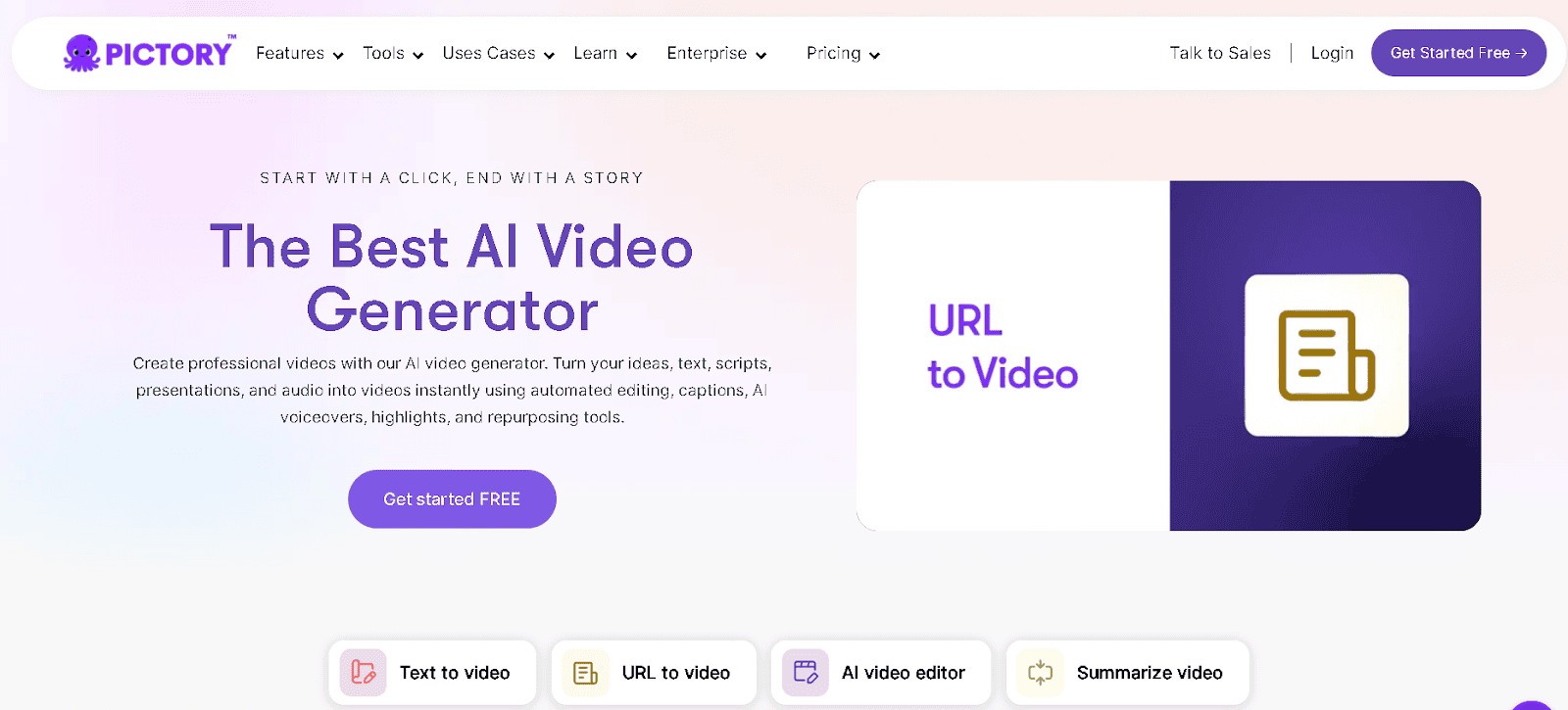
Image via Pictory
Pictory is one of the AI video tools that makes video production fast and scalable. You can use blog posts, presentations, images, or audio files as the starting point. Pictory’s AI video generator will create a video that aligns with your message.
With its AI Studio, you can generate unique images or video clips from text prompts to include in your scenes. The tool also provides smart templates to structure visuals, text, and timing for a professional look.
That’s not all. Pictory is among the AI video tools that integrates with workflow tools like Make and Zapier. This enables automated content distribution and reduces repetitive manual steps.
Key Features
- AI studio for custom image and video clip creation
- Smart templates for automated scene structuring
- Video trimming and layout adjustments
- Automatic captions and subtitle generation
- Brand customization with fonts, colors, and logos
- Stock library and media asset integration
Pricing
- Starter: $25/month
- Professional: $49/month
- Team: $119/month
- Enterprise: Custom pricing
3. InVideo
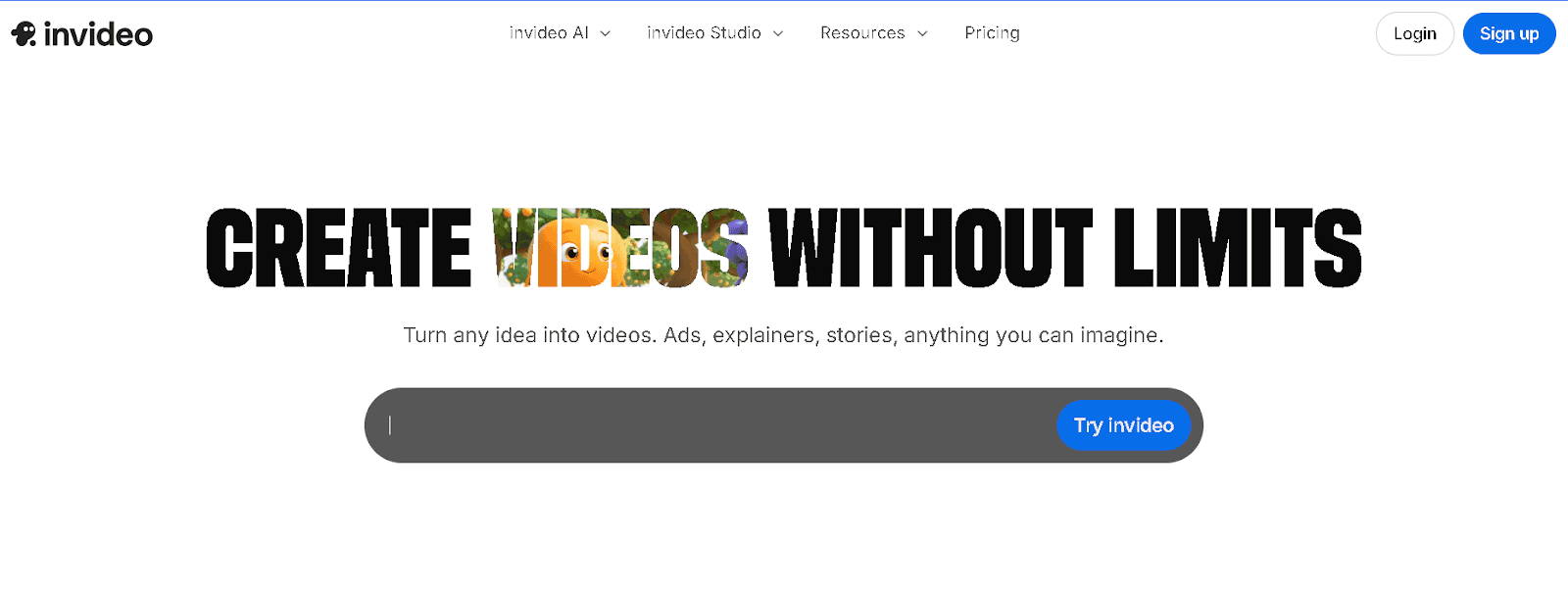
Image via InVideo
InVideo helps beginners to create videos for social media content, marketing videos, and promotional clips. The platform offers AI-generated scripts and visuals, which save time and make the video creation process easier.
In addition, InVideo provides access to over 16 million stock photos and videos. Plus, you get access to human-like AI voices in more than 50 languages.
By simply pasting in an article URL, you can even convert written longform content into a video with visuals, background music, subtitles, and voiceovers within minutes.
Key Features
- Pre-made templates for social media platforms
- AI-powered text-to-video editor
- URL-to-video generator for quick content repurposing
- Easy scene editing with text prompts
- Automatic captions and subtitles
- Background music and sound effects library
Pricing
- Free
- Plus: $35/month
- Max: $60/month
- Generative: $120/month
- Team: $999/month
- Enterprise: Custom pricing
4. Synthesia
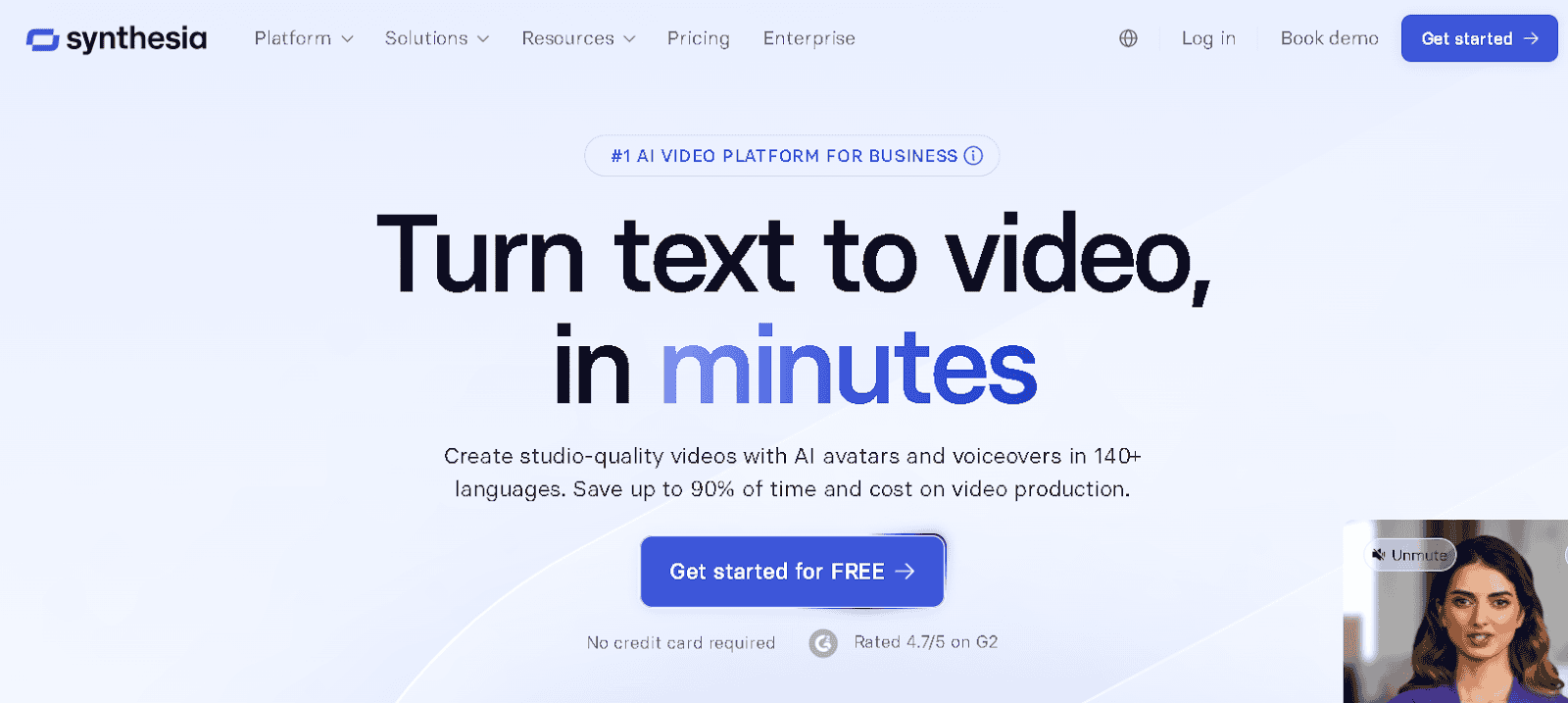
Image via Synthesia
Imagine creating a professional, studio-quality video without a camera, microphone, or even actors. That’s what Synthesia helps you to do.
Synthesia works with AI avatars that speak naturally in 140+ languages. Each avatar delivers your message with realistic expressions and clear lip-syncing.
For beginners, Synthesia offers templates and a free AI video generator to get started. Advanced users can use additional customization options like creating longer videos to adjusting avatars and voices.
Key Features
- AI voice generator for natural-sounding voiceovers
- An “AI Video Assistant” to turn content into videos
- Collaboration tools for teams
- Script-to-video and text-to-video functionality
- Multilingual video player to organize content
- 250+ video templates for easy customization
Pricing
- Basic: Free
- Starter: $29/month
- Creator: $89/month
- Enterprise: Custom pricing
5. Descript
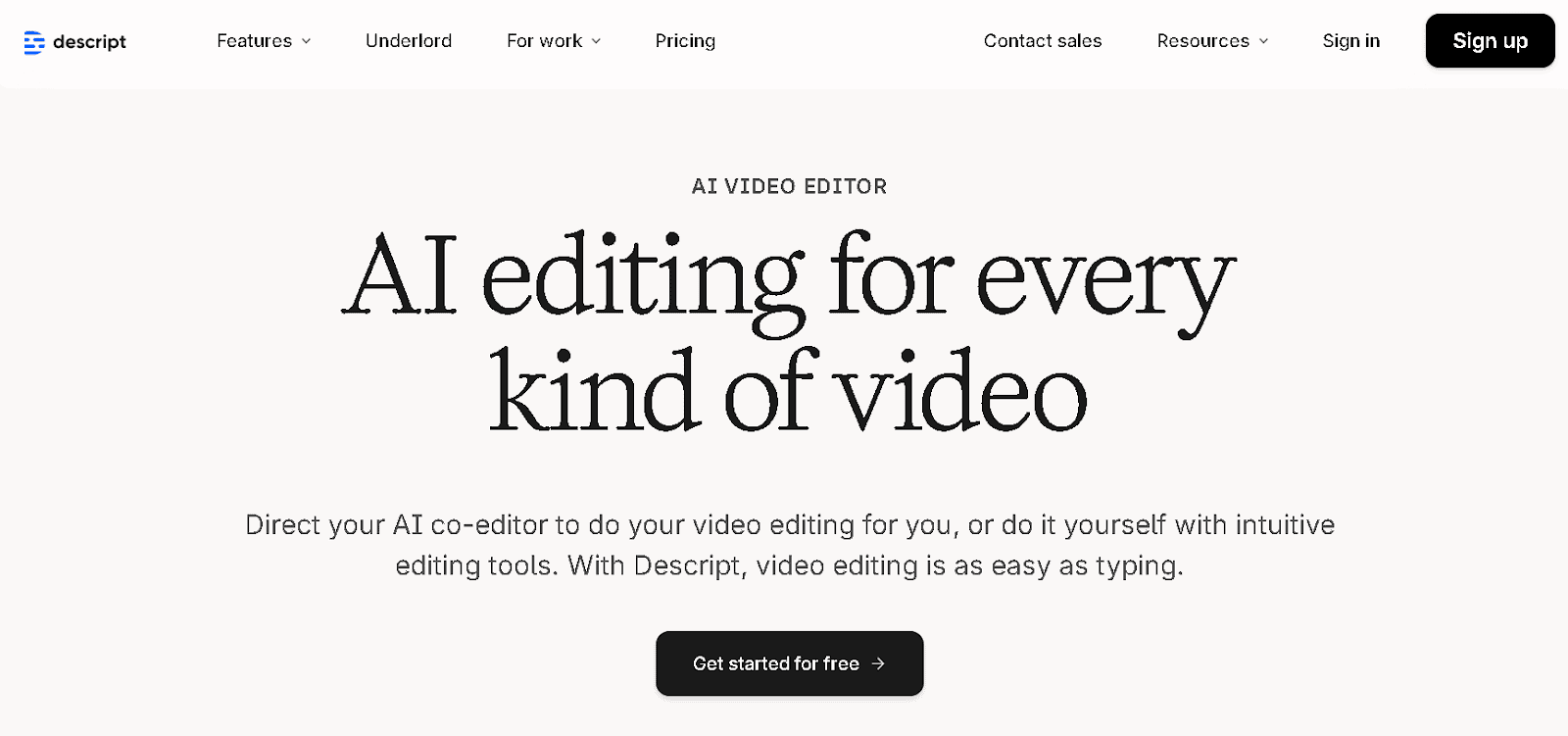
Image via Descript
One of the free AI video tools you can use to create videos from scratch or refine existing content is Descript.
You can write your own script and ask its AI assistant, Underlord, to provide feedback and make improvements. Alternatively, you can give Underlord an idea, and it will generate a script for you, which you can tweak until it matches your vision.
The platform also helps you create custom visuals. You can generate B-roll, animate static images, visualize data, and even make entire social media videos from scratch. Descript can also identify the most engaging moments in your videos, helping you create clips that are likely to perform well online.
Key Features
- AI-powered script generation and feedback with Underlord
- Text-based video editing from transcripts
- Professional layouts and smart transitions
- Custom B-roll and generative video creation
- Green screen background removal
- AI-selected clips for social media optimization
Pricing
- Free
- Hobbyist: $16/person/month
- Creator: $24/person/month
How to Plan and Create Social Media Videos Using AI Tools
Creating social media videos requires planning and execution. AI video tools come in handy every step of the way. Here’s a simple breakdown of how you can use AI video tools to create videos.
1. Defining Your Video Goal and Audience
Before you start creating a video, you need to be clear about your social media goal and audience. Knowing the purpose of your video helps you decide on content, style, and messaging.
Some AI tools allow you to start a project by selecting a content goal, such as promotional, educational, or social. When you choose a goal, the tool adjusts templates, pacing, and structure to match that objective.
Over time, as you create more videos, these tools learn from your content and help you refine your goals and audience better.
2. Ideating Video Concepts with AI
As a beginner, you do not need to know how to write a perfect script. You can begin with a rough post idea or a few sentences.
Start by typing what you want the video to be about in simple language. AI video tools help shape that input into a clear script.
Also, you can paste this script into an AI video tool to generate a storyboard. For example, with LTX Studio, you can paste a short script or article into the AI storyboard generator.
The tool automatically divides your content into scenes and creates a basic storyboard with suggested visuals. This helps you see how your message will flow from start to finish without having to plan every frame yourself.
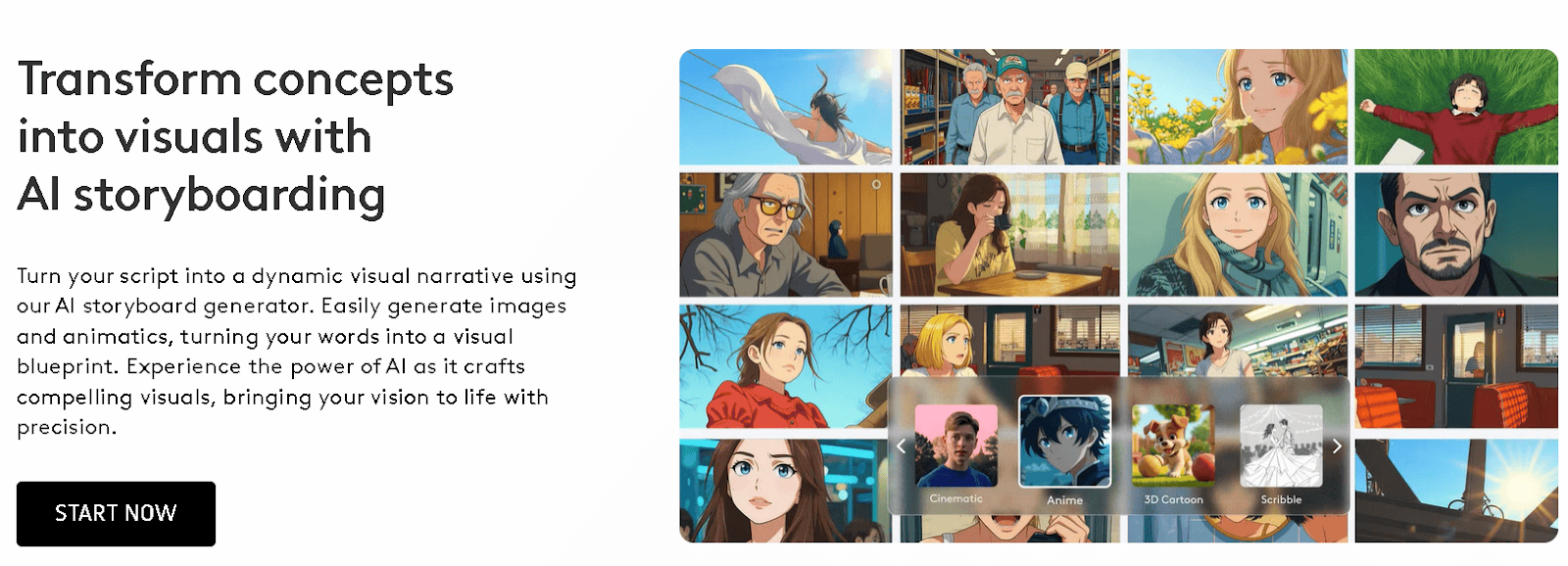
Image via LTX Studio
3. Editing and Enhancing Videos Using AI Automation
Editing is often the most time-consuming part of video production. AI video tools simplify this step by handling most of the technical editing work for you.
Once you upload your video clips or let the tool generate visuals based on your script, the AI tool automatically arranges them into a rough cut. It trims unnecessary pauses, aligns audio with visuals, and adds basic transitions between scenes.
Many AI video tools also enhance the quality of your video. They can balance brightness and contrast, clean up audio, and adjust colors to make scenes look polished.
4. Adding Captions, Subtitles, and Effects with AI
Many viewers watch videos without sound, which makes captions and subtitles important features to include. With AI video tools, you can add these features to your videos easily.
Most AI video tools can automatically generate captions from your video’s audio or script. You can choose different styles, fonts, and colors to match your brand. Subtitles can also be added in multiple languages with AI translation features.
For example, on Descript, you can choose from several languages for your video captions.
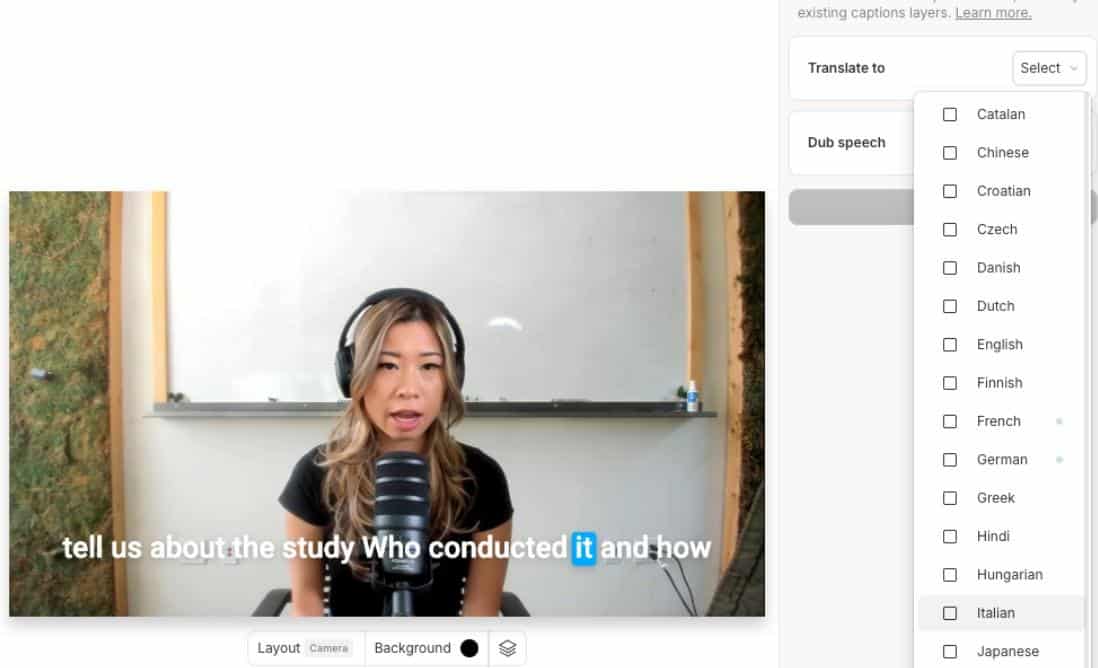
Image via Descript
Also, adding effects is often as simple as selecting them from a menu, and the AI automatically applies them to the right sections of your video.
5. Using AI to Optimize Videos for Different Platforms
To get the most engagement, your video needs to be optimized for the platform where it will be shared. AI video tools make this process simple, especially if you are just starting out.
Different platforms have different requirements and formats, and their newsfeed algorithms have different content preferences. AI tools can automatically resize and reframe your video so it fits the correct dimensions without cutting out important visuals.
Many AI video tools also provide these templates including recommended layouts, transitions, and visual styles designed to perform well on each network.
For instance, you can find different AI video templates on InVideo for various use cases, such as promotional content. You can copy the prompts of the video templates to create your own for different platforms.
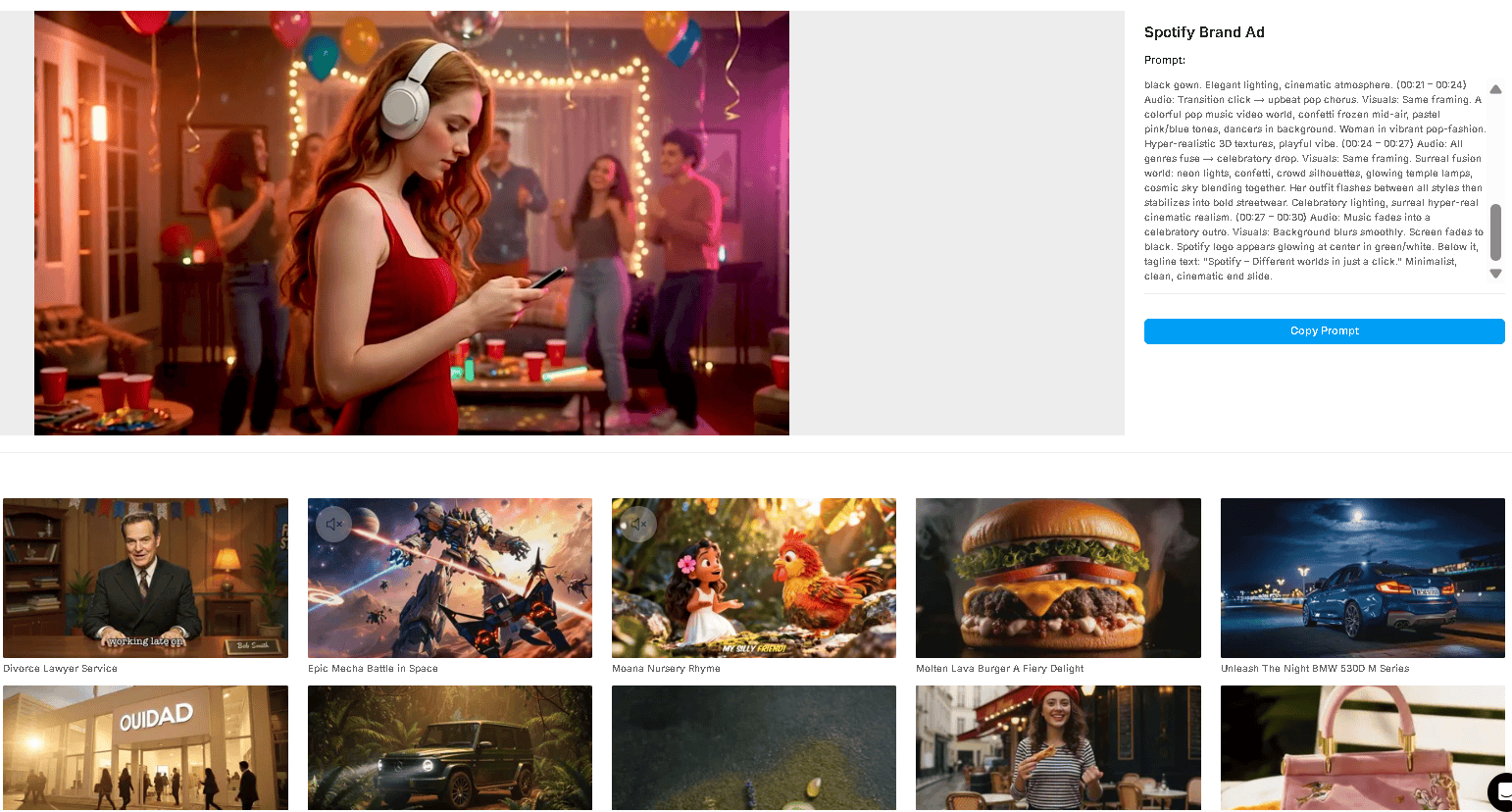
Image via InVideo
6. Testing and Refining Video Content with AI Insights
After publishing, it is important to track performance and refine your videos. Many AI video tools include analytics dashboards that show key metrics like watch time, engagement rates, clicks, and drop-off points.
This data helps you understand which parts of your video captured attention and which parts viewers skipped. AI tools can also provide recommendations based on patterns they detect across multiple videos.
You can also run small tests using AI. For example, create two versions of the same video with different openings or visuals. Publish them to a limited audience and let the AI analyze which version performs better.
Final Thoughts on Using AI Video Tools for Social Media
With AI video tools, you can simplify the entire video creation process. This includes scripting, storyboarding, editing, and optimizing for multiple platforms. These tools help reduce technical barriers and focus on making content that connects with your audience.
If you’re just getting started, freemium tools like LTX Studio are a great way to experiment. You can work on large video projects while still maintaining professional control.
The key is to plan carefully, use AI to streamline repetitive tasks, and always review your content to ensure it meets your goals.