Adamya Sharma / Android Authority
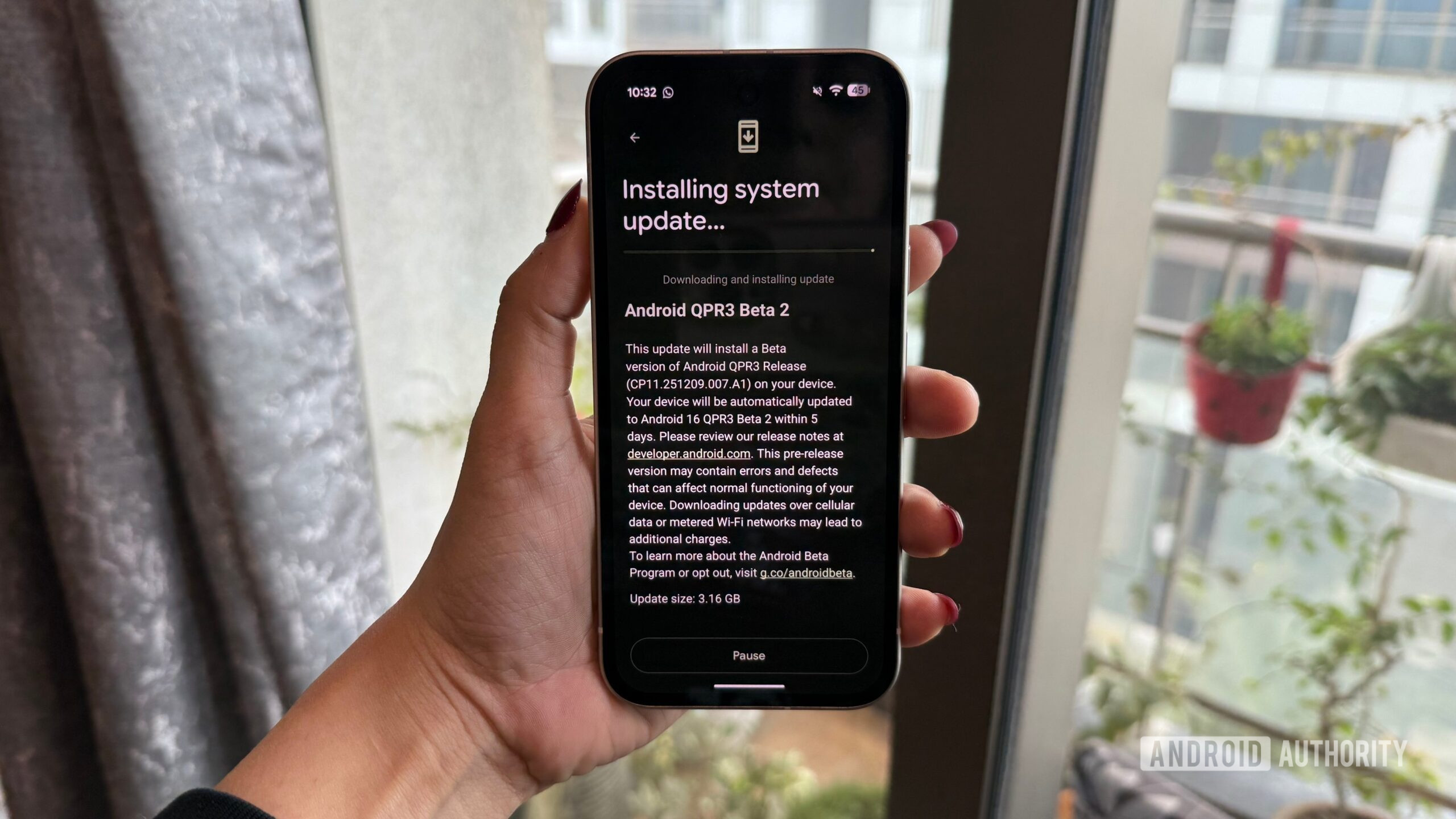
Google began the QPR3 beta program in December with the release of QPR3 Beta 1, and with QPR3 Beta 2, Google has squashed a ton of bugs to make this next Android update more stable and usable.
Interested in downloading Android 16 QPR3 Beta 2 on your Pixel? Whether you’ve been using Beta 1 or are downloading QPR3 for the first time, here’s what you need to know.
How to download Android 16 QPR3 Beta 2 if you already have Beta 1
If you’re currently using Android 16 QPR3 Beta 1, updating to Beta 2 is as simple as downloading any other Android update. You may have already received a notification for the update, but if not, you can manually check for it by following these steps:
- Open the Settings app on your phone.
- Scroll down the page.
- Tap System.
- Tap Software updates.
- Tap System update.
- Tap Check for updates.
Within a second or two, Android 16 QPR3 Beta 2 should appear. Follow the on-screen instructions to download and install it, and that’s all there is to it.
How to download Android 16 QPR3 Beta 2 if you didn’t join Beta 1
If you didn’t join Beta 1 last month, but you’re now interested in checking out Beta 2, it’s still relatively easy to download — you just have a few more steps to follow. First, you need to enroll your Pixel in Google’s beta program so you’re eligible to download Android 16 QPR3 Beta 2. Here’s how to do so.
- Open Google Chrome (or any web browser) and go to google.com/android/beta.
- Tap your profile icon in the top-right corner (log in to your account if you aren’t already).
- Scroll down the page until you find Your eligible devices.
- Tap Opt in next to the Pixel you want to download the beta onto.
- Scroll to agree to the terms of the beta.
- Tap Confirm and enroll.
- Tap OK.

Adamya Sharma / Android Authority
With this done, your Pixel is enrolled in the beta program and should now be able to download Android 16 QPR3 Beta 2. You’ll follow the same steps above to check for a software update, which for reference, are as follows:
- Open the Settings app on your phone.
- Scroll down the page.
- Tap System.
- Tap Software updates.
- Tap System update.
- Tap Check for updates.
It can sometimes take a couple of hours for Google to properly register your device in the beta, so if you don’t immediately see QPR3 Beta 2 as an available update, that’s OK. Come back later, follow the steps again to check for an update, and it should be there waiting for you.
Don’t want to miss the best from Android Authority?


Thank you for being part of our community. Read our Comment Policy before posting.