By using this site, you agree to the Privacy Policy and Terms of Use.
Accept
World of SoftwareWorld of SoftwareWorld of Software
  • News
  • Software
  • Mobile
  • Computing
  • Gaming
  • Videos
  • More
    • Gadget
    • Web Stories
    • Trending
    • Press Release
Search
  • Privacy
  • Terms
  • Advertise
  • Contact
Copyright © All Rights Reserved. World of Software.
Reading: How to turn off Liquid Glass on your iPhone once you’ve got iOS 26.1 | Stuff
Share
Sign In
Notification Show More
Font ResizerAa
World of SoftwareWorld of Software
Font ResizerAa
  • Software
  • Mobile
  • Computing
  • Gadget
  • Gaming
  • Videos
Search
  • News
  • Software
  • Mobile
  • Computing
  • Gaming
  • Videos
  • More
    • Gadget
    • Web Stories
    • Trending
    • Press Release
Have an existing account? Sign In
Follow US
  • Privacy
  • Terms
  • Advertise
  • Contact
Copyright © All Rights Reserved. World of Software.
World of Software > Gadget > How to turn off Liquid Glass on your iPhone once you’ve got iOS 26.1 | Stuff
Gadget

How to turn off Liquid Glass on your iPhone once you’ve got iOS 26.1 | Stuff

News Room
Last updated: 2025/11/04 at 3:35 AM
News Room Published 4 November 2025
Share
How to turn off Liquid Glass on your iPhone once you’ve got iOS 26.1 | Stuff
SHARE

It’s fair to say that Apple’s Liquid Glass design language hasn’t exactly been a roaring success. I think it’s absolutely fine on larger screens in fairness – I’ve got used to it on macOS 26 Tahoe for example and it’s not too invasive on iPadOS 26 either. And it’s essentially a relief that the latest version of the iPad software has finally nailed some decent multitasking features. The new windowing feature works well.

But on the iPhone‘s smaller display, Liquid Glass is a different story for me and as I’ve said in reviews, some apps have become harder to use.

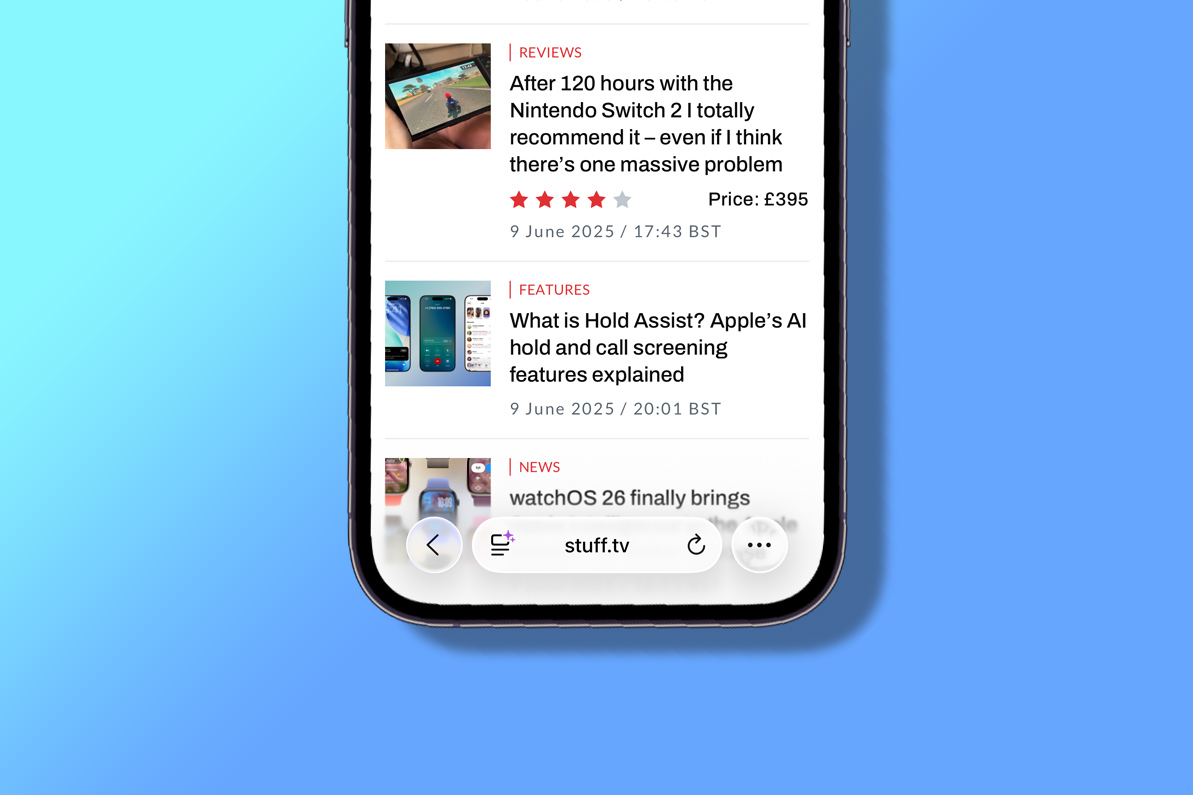
It’s hard to read text in the menu of the Apple Music interface while Safari’s address/search bar is not only small and hard to target properly but the text is also hard to read with the transparency. I found it so difficult in fact, that I just did what I thought I’d have done years ago and replaced Safari with Chrome on my iPhone’s home screen.

However, with the iOS 26.1 update, Apple has given you the option of reducing the effect of Liquid Glass with a new Liquid Glass toggle that enables you to reduce the level of transparency in Settings > Display & Brightness. An option now gives you the option to instead add a tint to elements, rather than making them almost see-through – the Liquid Glass default, called ‘Clear’ in the menu options.

The description on the feature says: “Choose your preferred look for Liquid Glass. Clear is more transparent, revealing the content beneath. Tinted increases opacity and adds more contrast.”

So what’s it like? Well, it basically softens the effect. There’s still a hint of transparency, but it really is just a hint and elements are nearly opaque. It’s a lot better to use in my opinion and will probably assuage those who have made complaints.

As you might expect, the feature is also available in iPadOS 26.1 – again via Settings > Display & Brightness – as well as in macOS 26.1 via Settings > Appearance.

Liquid Glass toggle on macOS 26.1

All these features appear to be similar to the Accessibility setting called Reduce Transparency that has been present in earlier versions of iOS 26. This toggle says it will “improve contrast by reducing transparency and blurs on some backgrounds to increase legbility”.

In the iOS 26.1 update, Apple has also fixed the alarm screen while iPadOS 26.1 brings back the popular Slide Over multitasking feature for iPad users, having previously removed it.

Also don’t forget to check out some of our favourite iOS 26 tips and tricks including Call Screening, Hold Assist, polls in Messages and lots more.

Sign Up For Daily Newsletter

Be keep up! Get the latest breaking news delivered straight to your inbox.
By signing up, you agree to our Terms of Use and acknowledge the data practices in our Privacy Policy. You may unsubscribe at any time.
Share This Article
Facebook Twitter Email Print
Share
What do you think?
Love0
Sad0
Happy0
Sleepy0
Angry0
Dead0
Wink0
Previous Article Google’s AI ‘Big Sleep’ Finds 5 New Vulnerabilities in Apple’s Safari WebKit Google’s AI ‘Big Sleep’ Finds 5 New Vulnerabilities in Apple’s Safari WebKit
Next Article It’s something at least: Nothing offers a half-hearted fix to its latest bloatware problem It’s something at least: Nothing offers a half-hearted fix to its latest bloatware problem
Leave a comment

Leave a Reply Cancel reply

Your email address will not be published. Required fields are marked *

Stay Connected

248.1k Like
69.1k Follow
134k Pin
54.3k Follow

Latest News

Roman ‘cult’ shrine found with tombs & skull showing signs of ‘advanced’ surgery
News
A Wikipedia Group Made a Guide to Detect AI Writing. Now a Plug-In Uses It to ‘Humanize’ Chatbots
Gadget
Inside FirstFounders’ playbook for building Africa’s AI startups
Computing
What’s worrying tech firms’ legal teams in 2026? – UKTN
News

You Might also Like

A Wikipedia Group Made a Guide to Detect AI Writing. Now a Plug-In Uses It to ‘Humanize’ Chatbots
Gadget

A Wikipedia Group Made a Guide to Detect AI Writing. Now a Plug-In Uses It to ‘Humanize’ Chatbots

5 Min Read
Logitech G915 TKL
Gadget

Logitech G915 TKL

1 Min Read
Razer DeathAdder V2 Pro
Gadget

Razer DeathAdder V2 Pro

2 Min Read
Apple HomePod Review
Gadget

Apple HomePod Review

19 Min Read
//

World of Software is your one-stop website for the latest tech news and updates, follow us now to get the news that matters to you.

Quick Link

  • Privacy Policy
  • Terms of use
  • Advertise
  • Contact

Topics

  • Computing
  • Software
  • Press Release
  • Trending

Sign Up for Our Newsletter

Subscribe to our newsletter to get our newest articles instantly!

World of SoftwareWorld of Software
Follow US
Copyright © All Rights Reserved. World of Software.
Welcome Back!

Sign in to your account

Lost your password?