Kenya’s leading telecoms operator, Safaricom, is testing a subtle change in how money moves within the country’s most dominant financial product, M-PESA.
In January 2026, the telco added Shiriki Pay, a new mini-app within the M-PESA super app. Shiriki Pay allows a user to add up to two beneficiaries who can pay merchants using the sponsor’s wallet balance, subject to a preset monthly cap.
It is an experiment designed to test delegated spending without transferring ownership of the funds. For a platform built on the idea of personal wallets, that represents a meaningful shift.
The mechanics of delegated spending
M-PESA’s super app serves as a hub for multiple financial services, including payments and savings, as well as loans and investments.
Within it, Safaricom has been building mini-apps, which are lightweight services that run inside the main app rather than as standalone products. Shiriki Pay is one such module.
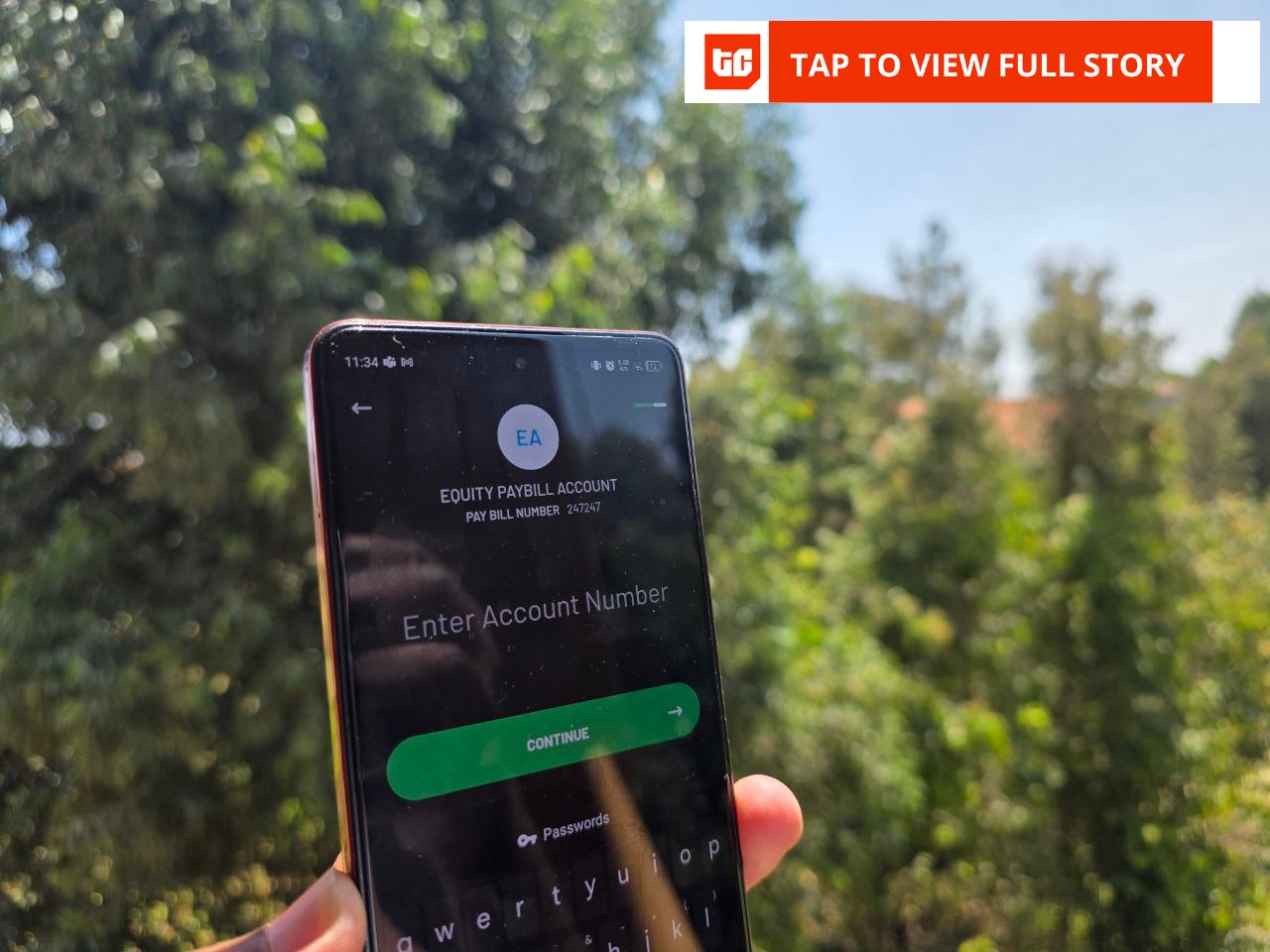
Users can access Shiriki Pay through the Financial Services tab in the M-PESA app. The mini-app appears alongside other modules, such as savings and standing orders.
During setup, users must accept the terms and conditions before authenticating with their M-PESA PIN or fingerprint.
The interface is stripped back, featuring a dashboard with two primary buttons–“Add beneficiary” and “Pay”–alongside a simple list view showing existing beneficiaries and their monthly caps. There is no visible breakdown of usage analytics beyond transaction confirmations.
A sponsor can add up to two beneficiaries by entering their Safaricom numbers and setting a monthly spending limit, say, KES 1,000 ($7.75). The beneficiary receives an SMS notification confirming the arrangement.
From there, the beneficiary can initiate payments to merchants using three M-PESA rails. Buy Goods refers to payments made to a till number, typically used by retail shops and physical businesses. Paybill is the channel used by institutions such as schools, utilities, and corporates, where users enter a business number and an account reference. Pochi la Biashara is a simplified business wallet for informal traders who want to separate business collections from personal funds without setting up a full merchant till.
The beneficiary selects the service, enters the amount, and chooses the sponsor as the payment source. The funds are deducted directly from the sponsor’s wallet, not from the beneficiary’s balance. The sponsor’s preset limit caps total monthly usage—limits reset at the end of each month rather than rolling over.
While testing the services, I noticed that beneficiaries cannot withdraw cash, but can initiate peer-to-peer transfers, which Shiriki Pay does not disclose during set-up. This means the service is not restricted to merchant payments.
Technically, Shiriki Pay appears to function as a permissions layer on top of an existing wallet rather than as a separate pooled account. No sub-wallet is created, and no funds are ring-fenced in advance. Transactions are executed against the sponsor’s balance in real time, keeping liquidity centralised and avoiding float fragmentation across multiple accounts.
The risk also remains centralised since any misuse ultimately hits the sponsor’s wallet.
Spending power without ownership
M-PESA already operates another mini app called Ratiba, which handles standing orders. A standing order is a fixed, recurring instruction—for example, KES 15,000 ($115) to a landlord on the fifth of every month. Ratiba executes automatically on a defined schedule.
Shiriki Pay does something different. Ratiba removes human discretion after setup, but Shiriki Pay depends on it.
With Shiriki Pay, the beneficiary decides when to initiate payment. The sponsor only defines the limit. Ratiba creates predictability for recurring obligations, whereas Shiriki Pay redistributes spending authority within a controlled boundary.
That distinction is important because it reflects two different product philosophies. Ratiba is about automation and reliability. Shiriki Pay is about trust, supervision, and flexible household budgeting.
Why Safaricom is testing this now
Some Kenyan households often operate around a central wallet holder—a parent, a spouse, or a business owner—who receives income and redistributes it. The standard method has been to send funds to another wallet, effectively relinquishing control once the transfer is complete.
Shiriki Pay removes that transfer step. Instead of sending KES 5,000 ($39) upfront, a sponsor can grant a KES 1,000 ($7.75) monthly merchant allowance. The beneficiary gains access to spending but not cash autonomy.
In an environment where incomes are under pressure and budgeting discipline is tighter, controlled delegation may appeal to families managing school fees, food shopping, or shared bills.
The design has a commercial logic. It is limiting usage to Buy Goods, Paybill, Pochi la Biashara, and peer-to-peer transfers to channel more transactions through merchant rails, which are central to M-PESA’s revenue mix. It also keeps value anchored in a primary wallet rather than dispersing it across multiple user balances.
Shared financial arrangements embedded within a single ecosystem can raise switching costs, particularly when entire households coordinate spending within a single wallet.
How far can shared money go?
Shiriki Pay allows a maximum of two beneficiaries, limits expire monthly, and there is no analytics layer visible to the sponsor beyond transaction notifications.
That raises questions about scale: is Shiriki Pay intended as a lightweight household budgeting tool, or is it an early step toward more complex shared-wallet functionality?
Safaricom could expand beneficiary limits, introduce spending insights, or connect delegated spending to credit and savings products if adoption grows. If usage remains marginal, it may remain a niche module within an increasingly crowded super app that has over 60 mini apps.