By using this site, you agree to the Privacy Policy and Terms of Use.
Accept
World of SoftwareWorld of SoftwareWorld of Software
  • News
  • Software
  • Mobile
  • Computing
  • Gaming
  • Videos
  • More
    • Gadget
    • Web Stories
    • Trending
    • Press Release
Search
  • Privacy
  • Terms
  • Advertise
  • Contact
Copyright © All Rights Reserved. World of Software.
Reading: New iOS 26.1 toggle can stop accidental Camera launches – 9to5Mac
Share
Sign In
Notification Show More
Font ResizerAa
World of SoftwareWorld of Software
Font ResizerAa
  • Software
  • Mobile
  • Computing
  • Gadget
  • Gaming
  • Videos
Search
  • News
  • Software
  • Mobile
  • Computing
  • Gaming
  • Videos
  • More
    • Gadget
    • Web Stories
    • Trending
    • Press Release
Have an existing account? Sign In
Follow US
  • Privacy
  • Terms
  • Advertise
  • Contact
Copyright © All Rights Reserved. World of Software.
World of Software > News > New iOS 26.1 toggle can stop accidental Camera launches – 9to5Mac
News

New iOS 26.1 toggle can stop accidental Camera launches – 9to5Mac

News Room
Last updated: 2025/10/20 at 2:56 PM
News Room Published 20 October 2025
Share
New iOS 26.1 toggle can stop accidental Camera launches – 9to5Mac
SHARE

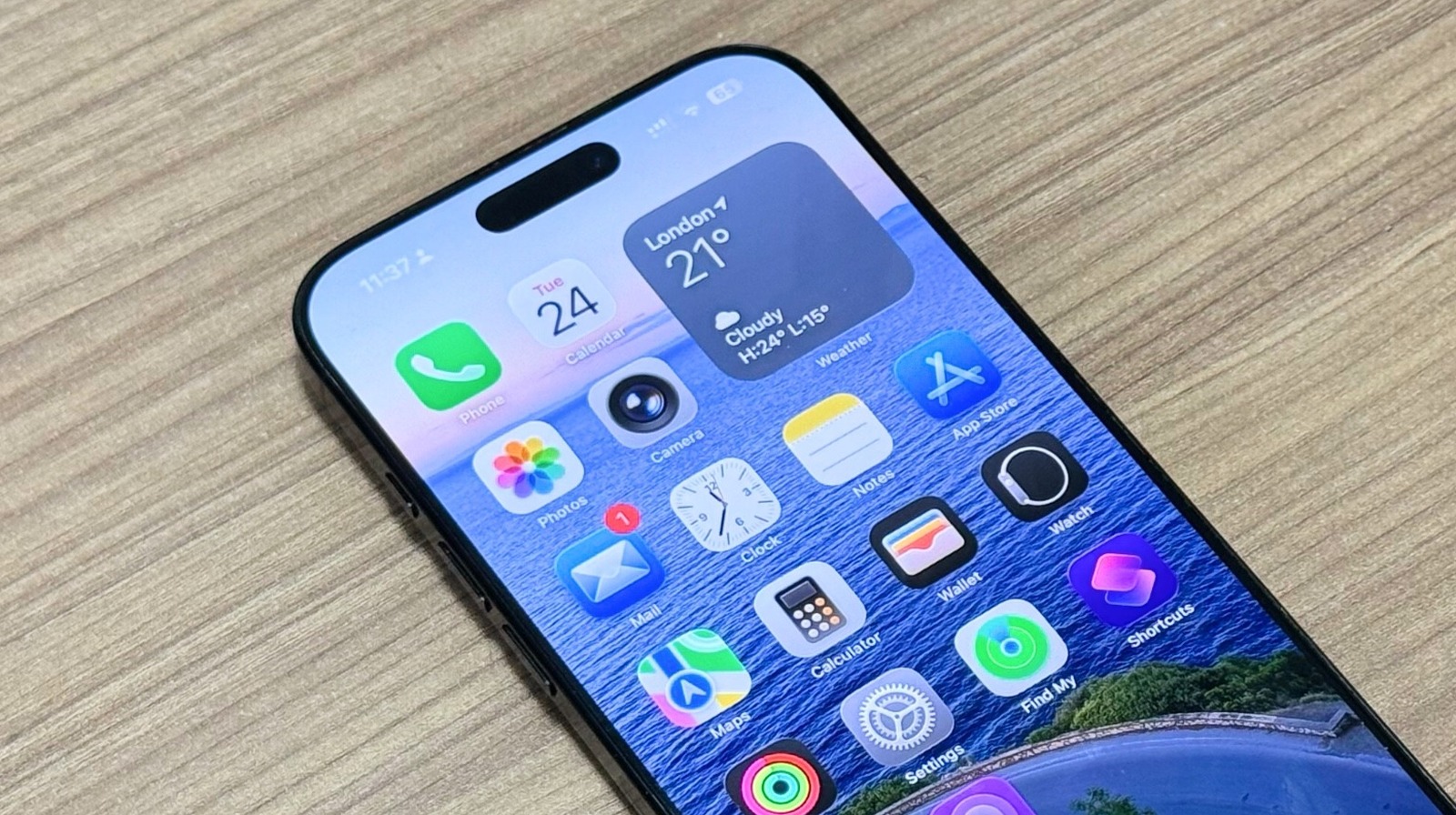
iOS 26.1 beta 4 was released today, and in addition to offering a new setting to tone down Liquid Glass, there’s also a toggle that can stop you from accidentally launching the Camera app on your Lock Screen. Here’s what’s new.

iOS 26.1 setting lets you disable Lock Screen’s ‘Swipe to open Camera’ feature

For years, the iPhone’s Lock Screen has offered a simple shortcut to open the Camera app.

You can swipe left anywhere on the Lock Screen to jump quickly into Camera.

This mode of Camera launching used to be a lot more popular before the iPhone X debuted. But when it did launch, Apple added a new dedicated Lock Screen button for the Camera. And even more recently, the Camera Control button on iPhone 16 and iPhone 17 has emerged as a new alternative.

Still, until now it’s never been possible to entirely disable the Camera’s swipe gesture.

This meant that if you didn’t use it as your primary method of launching into Camera, you might at times accidentally launch Camera without realizing it.

But iOS 26.1 beta 4 now lets you disable the Camera swipe gesture entirely.

Aaron Perris posted the discovery on X:

For anyone prone to accidental Camera launches, this new option is great to have—even if it took far too long to arrive.

Now that more iPhone models include the dedicated Camera Control button on the right side of the device, the swipe gesture was even less useful than ever.

Speaking of launching the Camera, in case you were unaware, the Camera button on the iPhone’s Lock Screen can be swapped out for a different control of your liking. This ability was added last year in iOS 18. You can change the control from the wallpaper editing screen.

Do you plan to leave the Camera swipe gesture on or turn it off in iOS 26.1? Let us know in the comments.

Best iPhone accessories

Add 9to5Mac as a preferred source on Google

FTC: We use income earning auto affiliate links. More.

Sign Up For Daily Newsletter

Be keep up! Get the latest breaking news delivered straight to your inbox.
By signing up, you agree to our Terms of Use and acknowledge the data practices in our Privacy Policy. You may unsubscribe at any time.
Share This Article
Facebook Twitter Email Print
Share
What do you think?
Love0
Sad0
Happy0
Sleepy0
Angry0
Dead0
Wink0
Previous Article iOS 26.1 Beta 4 Now Available To Developers As Official Release Nears – BGR iOS 26.1 Beta 4 Now Available To Developers As Official Release Nears – BGR
Next Article ChatGPT Is Not Just a Tool; It’s a Mirror for How You Think | HackerNoon ChatGPT Is Not Just a Tool; It’s a Mirror for How You Think | HackerNoon
Leave a comment

Leave a Reply Cancel reply

Your email address will not be published. Required fields are marked *

Stay Connected

248.1k Like
69.1k Follow
134k Pin
54.3k Follow

Latest News

UK to fast track AI deepfake enforcement following Grok investigation – UKTN
News
Forget M1, M4 is the dominant Apple Silicon chip on Steam
News
Want Better Photos? Try These 12 iPhone Features for the Best Results
News
Designing the Future at a Human Scale: Inside Manjeri’s Growing Innovation Framework
Gadget

You Might also Like

UK to fast track AI deepfake enforcement following Grok investigation – UKTN
News

UK to fast track AI deepfake enforcement following Grok investigation – UKTN

2 Min Read
Forget M1, M4 is the dominant Apple Silicon chip on Steam
News

Forget M1, M4 is the dominant Apple Silicon chip on Steam

1 Min Read
Want Better Photos? Try These 12 iPhone Features for the Best Results
News

Want Better Photos? Try These 12 iPhone Features for the Best Results

16 Min Read
Samsung 77-inch S85F OLED TV deal: Save 46% at Amazon
News

Samsung 77-inch S85F OLED TV deal: Save 46% at Amazon

3 Min Read
//

World of Software is your one-stop website for the latest tech news and updates, follow us now to get the news that matters to you.

Quick Link

  • Privacy Policy
  • Terms of use
  • Advertise
  • Contact

Topics

  • Computing
  • Software
  • Press Release
  • Trending

Sign Up for Our Newsletter

Subscribe to our newsletter to get our newest articles instantly!

World of SoftwareWorld of Software
Follow US
Copyright © All Rights Reserved. World of Software.
Welcome Back!

Sign in to your account

Lost your password?