Adamya Sharma / Android Authority
TL;DR
- Samsung introduced Privacy Display with the Galaxy S26 Ultra to protect sensitive on-screen content.
- On the S26U, Privacy Display offers limited partial-screen support, able to protect notifications.
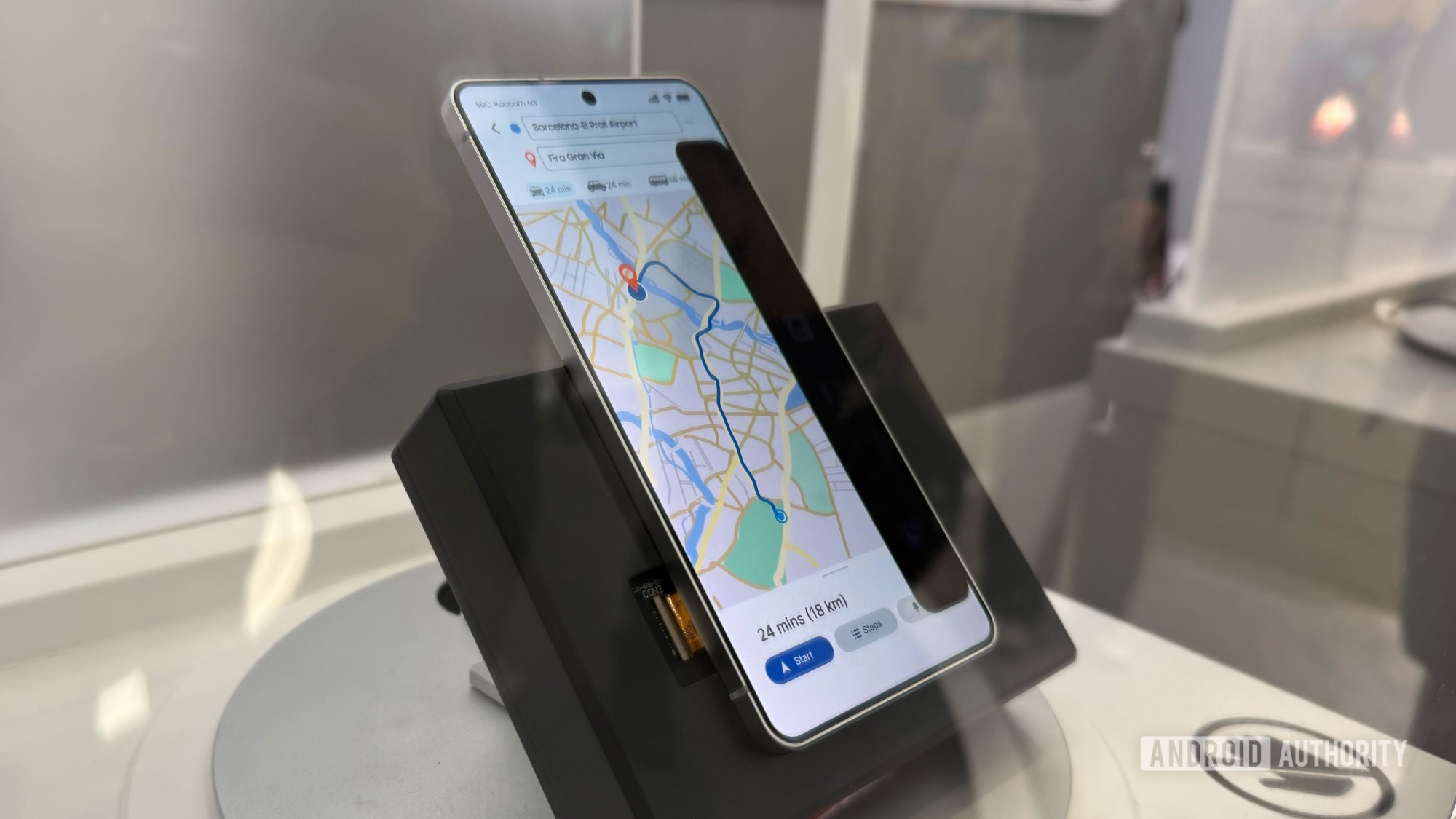
- At MWC, Samsung is showing off Privacy Display tech with more flexible partial-screen coverage.
Update: March 4, 2026 (7:58 AM ET): Samsung Display has reached out to Android Authority to clarify that some of the information provided to us during our tour of the company’s booth at MWC was inaccurate.
Samsung Display now maintains that the displays that were demonstrating partial privacy are not next-generation Privacy Displays. While that particular tech may be under development, it’s still achievable on the company’s current-generation Flex Magic Pixel displays. This is the full statement provided to us by the company:
“No new hardware is required to enable the various partial privacy display modes demonstrated with Flex Magic Pixel (FMP). These capabilities are already achievable with the current FMP technology. Therefore, it would not be accurate to describe the technology shown at the booth as a next-generation Privacy Display. We are not demonstrating a next-generation version of FMP.”
Original article: March 3, 2026 (10:49 AM ET): It’s not too often anymore that we see a new smartphone do something that truly feels novel, but we’ve got to hand it to Samsung for bringing us just that with the Privacy Display on its Galaxy S26 Ultra. The software-switchable privacy filter is the sort of feature we never even realized we needed, protecting sensitive information on our screen from prying eyes. And as impressive as this initial effort is, this year at MWC in Barcelona, we’re already checking out some of the ways that Privacy Display will get even better in the future.
Don’t want to miss the best from Android Authority?


Privacy Display works because Samsung gave the Galaxy S26 Ultra a screen built with two distinct types of subpixels: those with narrow viewing angles, that are only visible from straight ahead; and those with wide viewing angles, that are visible from the side, as well. In normal operation, both types of subpixels are active, but when Privacy Display is engaged, the wide ones turn off, restricting who can see the screen.
With the Galaxy S26 Ultra, Samsung gives us two main ways to use Privacy Display. We can just turn it all the way on, activating it across the entire screen, or deploy it conditionally. Here, Samsung activates the Privacy Display only when we’re in a specific app, viewing a notification, or entering our PIN/password.
Those are all totally sensible uses for Privacy Display, but if you take a moment to stop and think about it, we bet you could come up with plenty of additional ones — when else might you want to hide what’s going on on your screen? Maybe whenever you’re entering text with the on-screen keyboard? Turns out, Samsung Display is way ahead of you, and at MWC the company is already showing off some possibilities from a next-gen Privacy Display.
What’s next for Privacy Display?
In addition to what’s currently possible on the Privacy Display on the Galaxy S26 Ultra, Samsung Display is also developing technology that allows selective protection of specific regions of the screen. That’s basically the same trick the Galaxy S26 Ultra can already do with Privacy Display on your notifications, only here impacting much larger screen areas. We’re not sure exactly what’s limiting the Galaxy S26 Ultra from doing the same, but Samsung Display told us this is achieved through newer hardware and not something that can be introduced in the S26 Ultra’s existing Privacy Display through a software update.
Samsung Display is not sharing any specifics right now, but a company exec hinted that we might see this next-gen Privacy Display on a next-gen Galaxy handset. We may not hold our breath about seeing Privacy Display already being adapted for this year’s upcoming foldables, but as far as the S27 series goes — well, with any luck, we might be getting some decent Privacy Display upgrades next year!
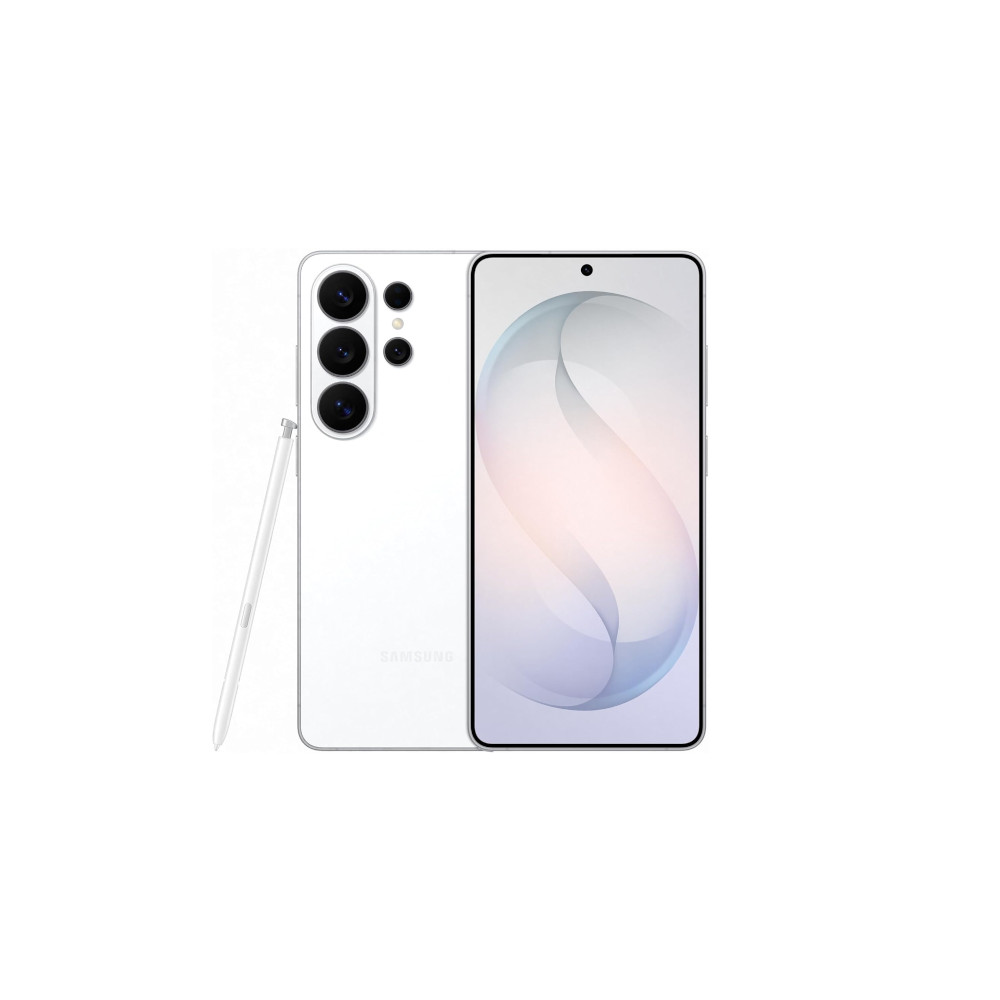
Samsung Galaxy S26 Ultra
Privacy display • Snapdragon 8 Elite Gen 5 for Galaxy • Power AI features •
Powerful flagship with top-tier cameras, AI, and privacy features.
The Galaxy S26 Ultra is Samsung’s slimmest and lightest Ultra yet, pairing a 6.9-inch 10-bit display with the Snapdragon 8 Elite Gen 5 for Galaxy and a redesigned cooling system. It doubles down on imaging with a brighter 200MP main camera, upgraded zoom, advanced 8K video features, and Ultra-exclusive privacy and Galaxy AI tools.
Thank you for being part of our community. Read our Comment Policy before posting.