Ryan Haines / Android Authority
TL;DR
- A new LockStar update introduces dynamic transition effects in One UI 8.5, replacing the standard static unlock.
- You get granular control over the animations, allowing you to tweak the speed, direction, distortion, and even the physics of the movement.
- You can also override the system’s auto-brightness for the Always On Display as part of the update.
For all the power packed into our Galaxy phones, the act of unlocking them has felt pretty utilitarian for a while. You tap, the screen turns on, and that’s it. It works, but it’s not very exciting, except for the new fingerprint unlocking animations that arrived last year. If you’re using the latest One UI 8.5 beta, though, that quick moment is about to get a lot more interesting.
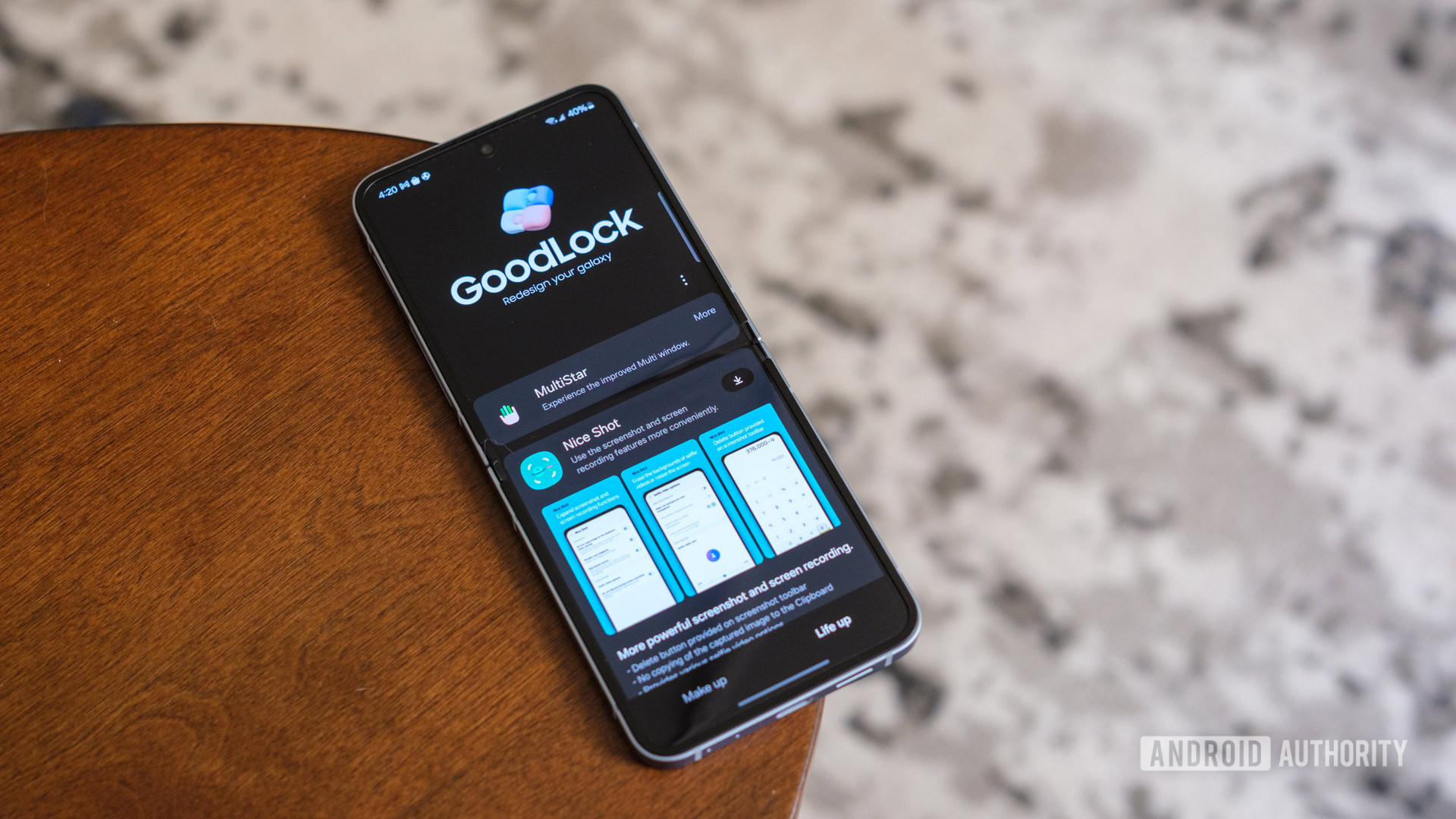
Samsung has released a quiet update to its LockStar module. As per a post on X by tipster Ice Universe, the latest version (8.5.00.8) brings fully customizable unlock animations, meaning you now have several transition effects that make unlocking your phone feel smooth and intentional.

You can choose from animation options like Slide, Expand, Spread, Wave, Warp, and Ripple. Samsung lets you customize these effects instead of sticking to a single style.
Don’t want to miss the best from Android Authority?


After picking an effect, you can adjust details like the ripple’s distortion or the animation speed. You can also control the interpolator, which is how the animation speeds up or slows down.
While the animations are the main headline, there’s another functional upgrade tucked away in this release. LockStar now lets you manually control the brightness of your Always On Display (AOD), according to a separate X post by Tarun Vats.

Previously, you were largely at the mercy of Samsung’s auto-brightness algorithms for the AOD. Now, you can override that. If you have a device with full-screen AOD, like the Galaxy S24 or S25 series, this makes a big difference. You can keep it dim to save battery or make it brighter to see your wallpaper clearly.
Samsung could have easily baked these animations into the main settings menu eventually, but putting them in LockStar proves it’s still committed to the enthusiast crowd. The company knows we want to tinker with every millisecond of the UI interaction.
Thank you for being part of our community. Read our Comment Policy before posting.