We may receive a commission on purchases made from links.
Modern phones come with a lot more storage these days, in excess of 256 GB in some cases, which is enough to store over 214,000 photos at a 12 megapixel quality. But, obviously, if you have a phone with less storage, it holds far less. If your phone includes an SD card slot, you can always add a card with more storage, but the difficulties of maintaining physical storage have spawned convenient cloud storage options. Those also come at a cost, among other concerns, like privacy and security risks. But there is another far-simpler option: portable hard drives, like the Seagate Ultra Compact. It’s small enough to carry with you or stow away, but comes in various sizes, including some large enough to hold a ton of digital photos.
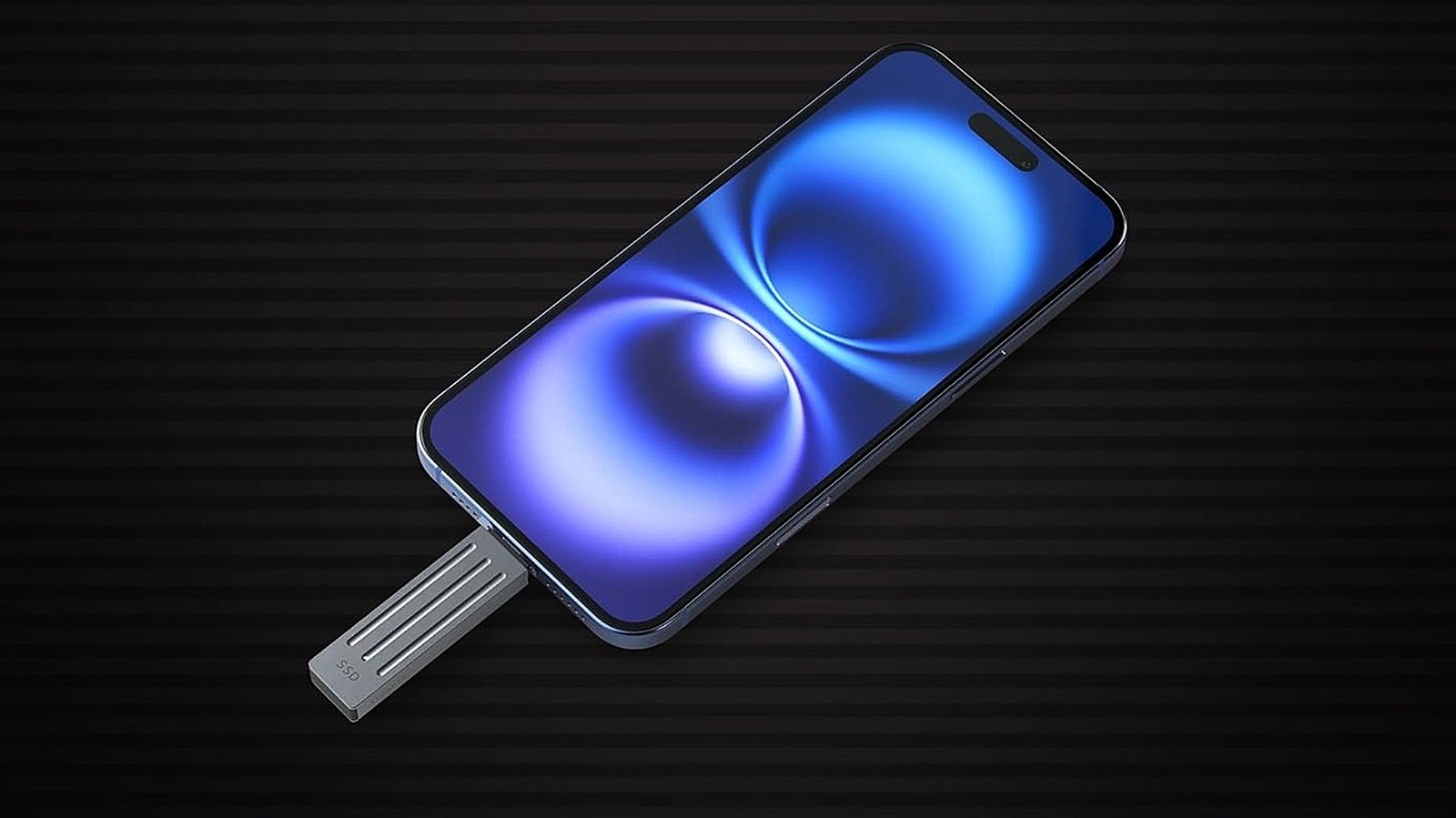
Thanks to a USB-C (USB 3.2 Gen2) connector, you can plug it right into most newer phones and transfer your files and media, backing them up to a physical drive rather than in the cloud. Moreover, because you’re backing up to a separate, external device, you can use it with other computers, tablets, or other devices in your household. Also, when you eventually upgrade your phone to another, you don’t have to worry about transferring all of those old photos on your device; they’re already backed up, as long as you keep up with the task. The compact version of the Seagate is available in 1 TB and 2 TB capacities, with other, larger capacities available in more traditional external formats, like the 16 TB model, which is bigger and meant for desktop use. Seagate isn’t the only company to offer a drive like this — there’s a wireless Kingston SSD that’s comparatively portable.
Why use a portable or external hard drive for photo backups?
The Google Photos versus iCloud debate will continue endlessly as long as these services exist and continue adding new features. But if you’re not comfortable with storing your photos in the cloud and entrusting the safety of your data and visual imagery to tech giants, local backups are your next-best (and only) option. External storage devices come in a variety of sizes and styles, including USB flash drives or external drives, with many flash drives engineered to be compact and portable. But the Seagate is an excellent example of why you might use a portable solid-state drive over a flash drive. With USB-C 3.2 Gen2 support, this solid-state drive can transfer media and files at a rate of up to 10,000 Mbps or 10 Gbps, which is super fast. In ideal conditions, you could transfer 8.8 GB of images (potentially hundreds of photos) in under nine seconds. In comparison to uploading to the cloud or a flash drive, you’ll spend less time waiting around for files to transfer.
Here’s the real kicker. The Seagate Ultra Compact is a convenient, durable solution with hundreds of thousands of positive reviews. It has an IP54 dust and rain resistance, a rubber grip so it’s easier to hold, and drop resistance up to 3 meters, which is just under 10 feet. The built-in USB-C port means you don’t need cables, and it’s plug-and-play with a variety of devices like phones, computers, and game consoles. Toss it in your pocket or bag when traveling, throw it in a backpack before heading out for the day, or store it somewhere safe at home. The freedom is glorious. Plus, if you’re using it to back up photos from your phone, you can free up a lot of storage space for other apps and data — without deleting old memories.