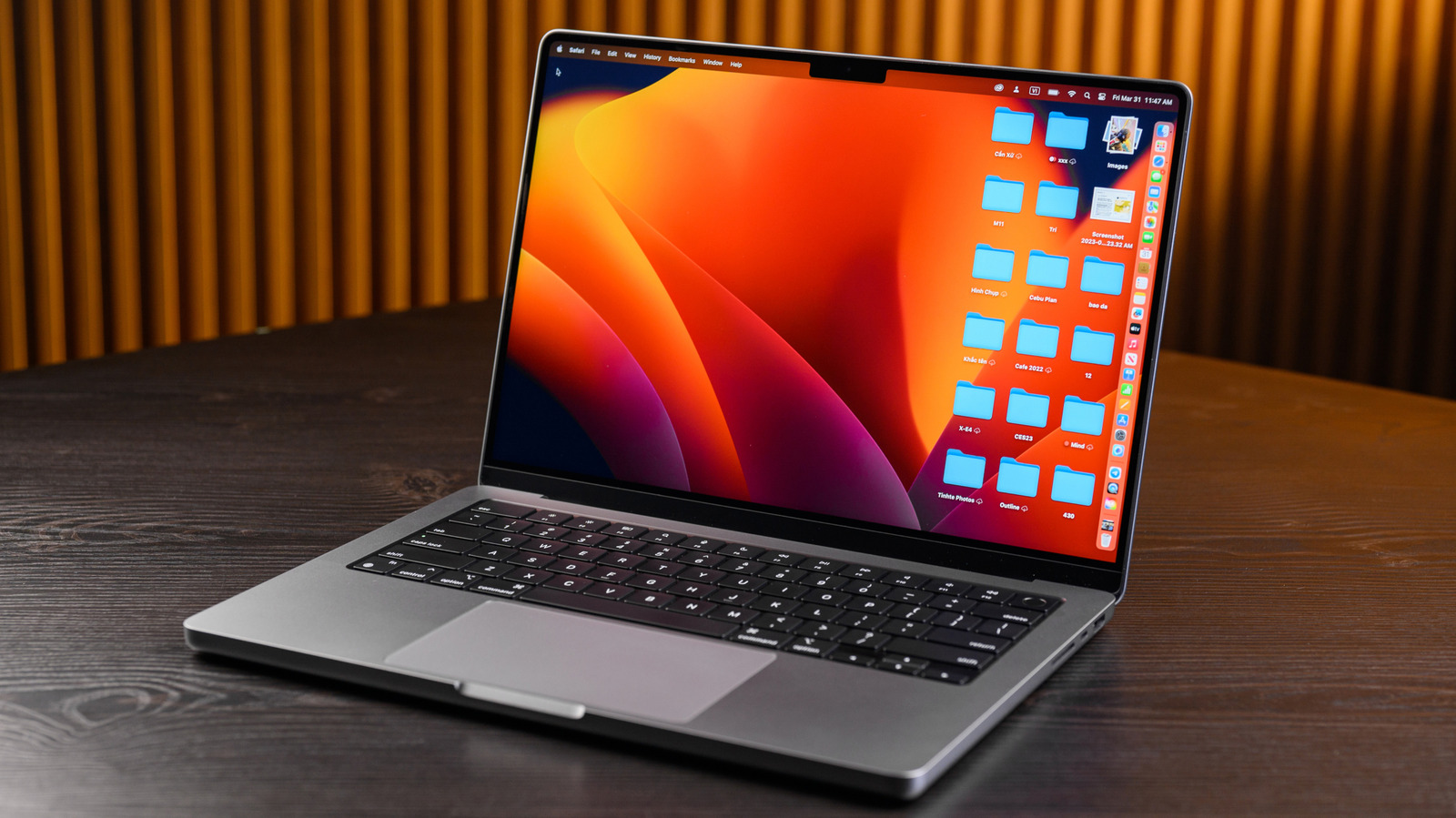
MacBook users weren’t happy in 2016 when Apple removed the beloved, and rather unique, magnetic charging port (MagSafe) from its laptop line and replaced it with USB-C. It took five years for Apple to bring back MagSafe, and the company did it by introducing MagSafe 3 with the redesigned MacBook Pro in 2021. Apple brought MagSafe back to the MacBook Air the following year. But the company didn’t remove USB-C charging support from either model, allowing users to choose how to recharge their MacBooks. If you’re asking yourself which is better for the MacBook Pro, MagSafe or USB-C, the answer may be unexpected: it depends.
For most people, MagSafe is probably the better overall option since it adds a breakaway safety mechanism and an LED charging indicator with no real downsides. But if you want one cable for multiple devices, USB-C becomes the top choice.
Both MagSafe and USB-C can deliver the same charging speeds, provided you pair them with the power adapter that came in the box or one that supports similar wattage. Both cables connect to the power adapter via USB-C. But MacBooks ship only with MagSafe cables in the box, so you’ll need an additional USB-C-to-USB-C cable to charge the MacBook Pro. To take advantage of the maximum charging speeds Apple’s power adapters support, you’ll need to make sure your USB cable can fast charge and handle up to 240 W.
When MagSafe is the best choice
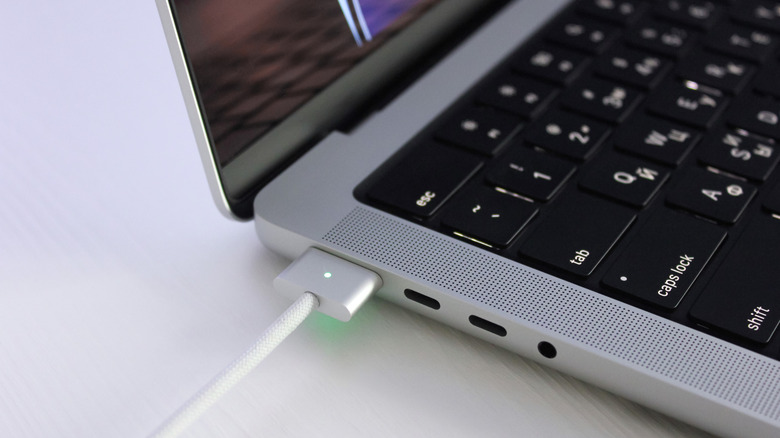
The appeal of MagSafe charging comes from the magnetic connection that prevents yanking the laptop from the desk when somebody inevitably trips on the cable. The MacBook stays put, while the cable disconnects. MagSafe also has a light indicator that will tell you whether it’s charging or fully charged. Finally, MagSafe supports fast charging the MacBook Pro. For 14-inch models, that means the laptop will charge at 96 W or 140 W. The 16-inch MacBook Pros will fast-charge at 140 W with MagSafe.
If you work in places with a lot of foot traffic, or if you have kids at home that rarely pay attention to cables, you may want to stick to MagSafe. That way, you’ll ensure your MacBook Pro is protected from accidental drops while charging at top speeds. Even if there’s no danger to the laptop’s integrity, MagSafe may be the preferred solution when you need to use the USB-C ports on your MacBook Pro for other peripherals and a dock accessory isn’t available. And a final pro-MagSafe argument to consider is that Apple’s proprietary connector is simply easier to plug in than USB-C.
When USB-C is the best choice
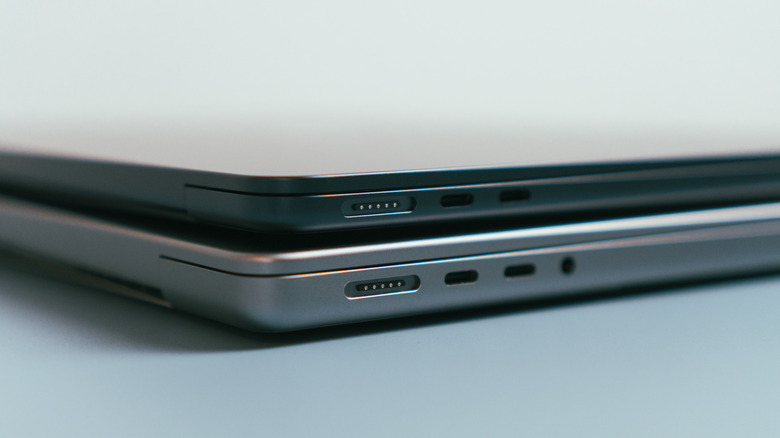
The clear advantage of USB-C charging is that you can take a single cable with you and recharge most of your Apple devices, including your iPhone, iPad, MacBook Pro, and MacBook Air. It’s also the charger of choice for most non-Apple mobile electronics, from Android phones and tablets to PCs. This can come in handy during trips when you don’t want to pack more cables than necessary. Or if you want to keep separate cables at home and the office so you don’t have to carry any while you’re commuting, a pair of USB-C chargers would likely cover all of your devices in this scenario.
The downside is that you can’t purchase just any USB-C cable and expect the same MagSafe-grade fast charging speed. You have to buy a USB-PD cable that supports up to 240 W to ensure that it can fast-charge 14-inch and 16-inch MacBook Pros when paired with the proper adapter. You can go for a 100 W USB-C cable if you have a 14-inch MacBook Pro, which supports 96 W fast charging. There’s another requirement that applies to USB-C fast-charging 16-inch MacBook Pro models released since 2021. Only versions released since November 2023 will support USB-C fast charging, and only if you pair a 240 W USB-C cable with the 140 W power adapter.
Even without fast-charging support, it’s likely you’ll always find a USB-C cable around when you’re in a pinch. Apple says that MacBooks that can recharge via USB-C can do so safely with power adapters and cables with higher or lower wattage ratings than the ones Apple recommends for that model. That kind of baseline compatibility is a big reason why all of your devices use USB-C now.