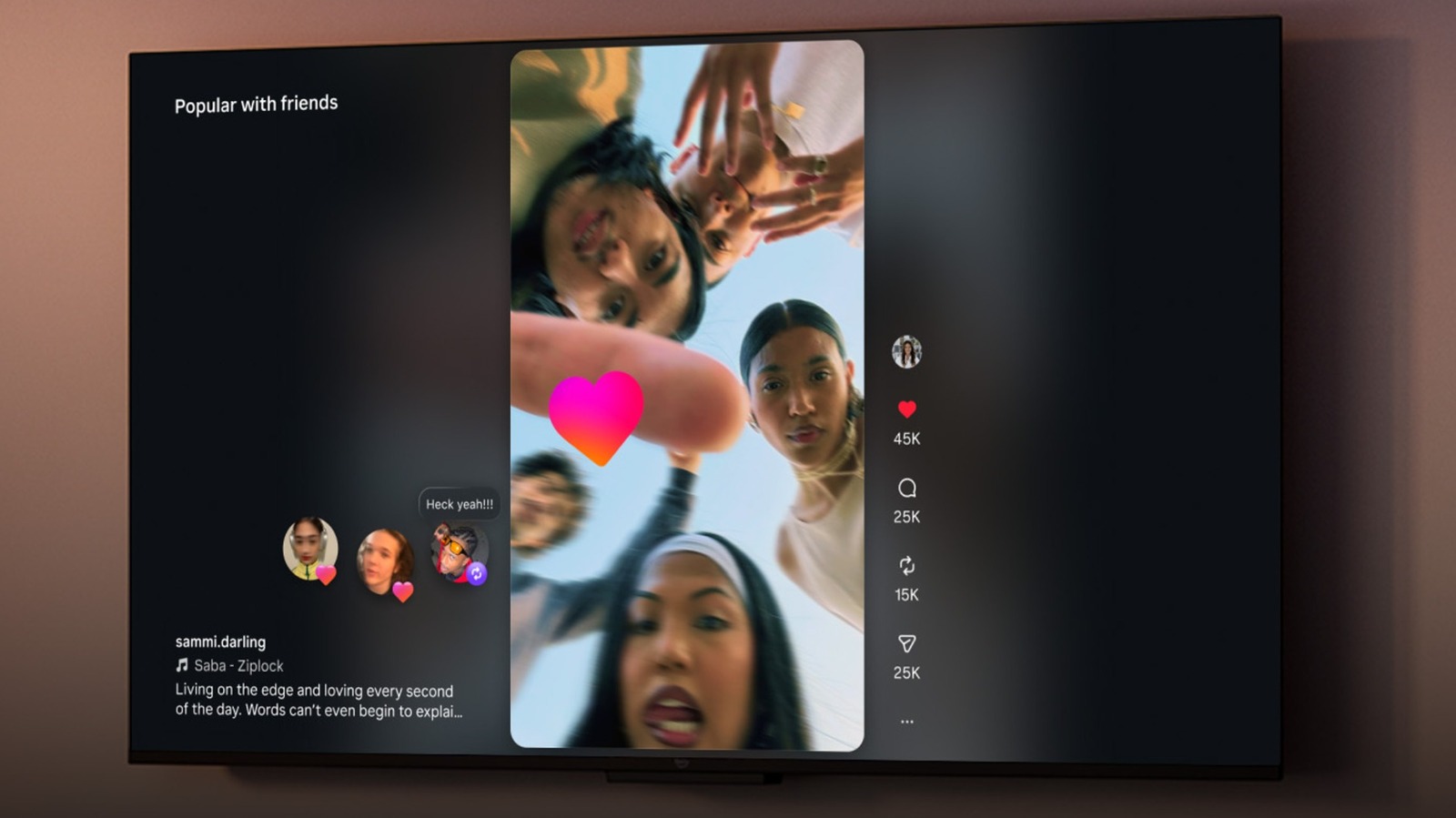
For those who don’t get enough of Instagram on their smartphone, a new app now allows users to scroll through Instagram on their smart TV or streaming stick. Along with Instagram finally releasing an iPad app back in September, Meta is now publicly testing an Instagram for TV app. However, there’s a number of restrictions at the time of this writing, including the fact that the app only supports Amazon Fire TVs and Fire TV Sticks.
Both Meta and Amazon have announced that Instagram for TV is currently available for testing in certain regions. At the time of this writing, the app primarily focuses on Reels, which features short-form, user-generated video content that’s already similar to channel surfing in a number of ways. The Instagram for TV app groups Reels into different channels that will match a user’s interests — like sports and music — and folks will be able to log into multiple accounts for easy sharing. Even better, setting it up is also rather easy.
While the app is heavily focused on Reels for the time being, Meta does have plans to introduce additional features down the road. This includes things like using your smartphone as a remote for the app, sharing feeds with your friends, different ways to surf and explore, and overall making it easier to find content from your favorite creators. Considering the news, it may be a great time to remember that Instagram now allows you to reset your algorithm recommendations.
How to get started with Instagram for TV
The new Instagram for TV app is available at the time of this writing, but bear in mind that Meta is still testing it, and there’s a couple of things you’ll need to know. At the time of this writing, Instagram for TV is only available within the U.S. for individuals who use certain Amazon Fire TV devices. Reels will also stay formatted in the same portrait orientation you would expect on your phone.
These are the devices currently supported:
Here’s how to get started:
-
From your Fire TV, search for the Instagram app by selecting Find from the Main menu.
-
Select the Instagram app.
-
Choose either Get or the Shopping Cart icon.
-
Once installed, sign in to your Instagram account.
-
From here, the app offers search features to get you started with Instagram Reels on your TV.
Folks can also set up an Instagram for TV account through the Settings and Activity menu within the mobile app. Once logged in, you’ll be able to browse creators, view profiles, browse reactions and comments, and more. Users are able to have five Instagram accounts signed into the TV app at any given time, and Meta ensures that only PG-13 content is currently shown. For teens, Instagram for TV also implements the same safety policies as the mobile app, including content moderation and usage limits. If you love scrolling social media and meet the requirements, be sure to give this one a try.