Megan Ellis / Android Authority
I think most of us need a little help when it comes to staying on top of our tasks, which is why productivity apps are so popular. Everyone has a system that works for them, with some people using powerful all-in-one apps that act as an entire system.
For me, segmenting my apps has proven useful. And I don’t just mean using a task app that’s separate from my notes app. In fact, I now use multiple apps for just my to-do list, and it has actually helped me get more done.
How do you manage your to-do list?
0 votes
Having all my tasks in one app became overwhelming

Megan Ellis / Android Authority
For years, I’ve used TickTick to keep me organized. The free app’s ability to snooze reminders repeatedly and set up recurring tasks has been really important for my procrastination-prone habits.
But the last 12 months also saw a few developments that made my usual system start to fail. I went from one full-time job to freelancing for multiple sites. I started needing to do more household chores and grocery runs as my medical costs limited my budget for delivery and extra help considerably.
At the same time, my health got much worse, increasing my fatigue and brain fog and resulting in more delayed tasks. To treat my worsening chronic pain and chronic migraines, I was put on additional medicine that affected my mental clarity and forgetfulness even more.
While a single app served me well for years, my changing health and responsibilities made keeping track of tasks more difficult.
This is the context I found myself in — burnt out and with my existing systems for dealing with my ADHD failing. I started avoiding the notifications I got from TickTick, as more and more tasks got ignored.
Meanwhile, the things I was trying to mentally track were falling by the wayside. I was behind on chores, I kept forgetting to book appointments, and I felt like there was no way to get control over the situation. Switching to another to-do list app didn’t feel like the right choice either.
When I started tracking chores separately, I noticed a difference

Megan Ellis / Android Authority
I’d like to say I intuitively realized that separating my tasks across different apps would reduce some of the notification fatigue I was experiencing, but I stumbled across this by chance. It started when I tried out Donetick, which has become one of my favorite self-hosted apps.
The app is focused on chore management, and since I write about self-hosted apps for work, I figured it was worth trying out. Eventually, I realized that it allowed me to keep track of these household tasks in a less overwhelming way.
While I set these tasks to auto-recur at certain intervals based on the completion date, I didn’t set reminders for most of them. Instead, I would check the app weekly to see if anything needed to be done over the weekend.
Using a separate chores app was the first step towards realizing that using different apps for different tasks made me feel less overwhelmed.
Suddenly, I was staying on top of my chores in a way I hadn’t before. Things I had kept worrying about forgetting, like remembering the last time I switched out my cats’ litter sand, were no longer a concern.
I still had to manage my energy and pain levels, so there were weekends I had to skip or delay certain tasks. But I didn’t feel this constant shame and overwhelm from tasks I that I was struggling to prioritize.
Multiple apps gave me the right balance

Megan Ellis / Android Authority
The final piece of the puzzle fit in place when I tried out another app, Jotty Page. This was once again a self-hosted app I was trying out for work, which supports checklists, Kanban boards, and notes.
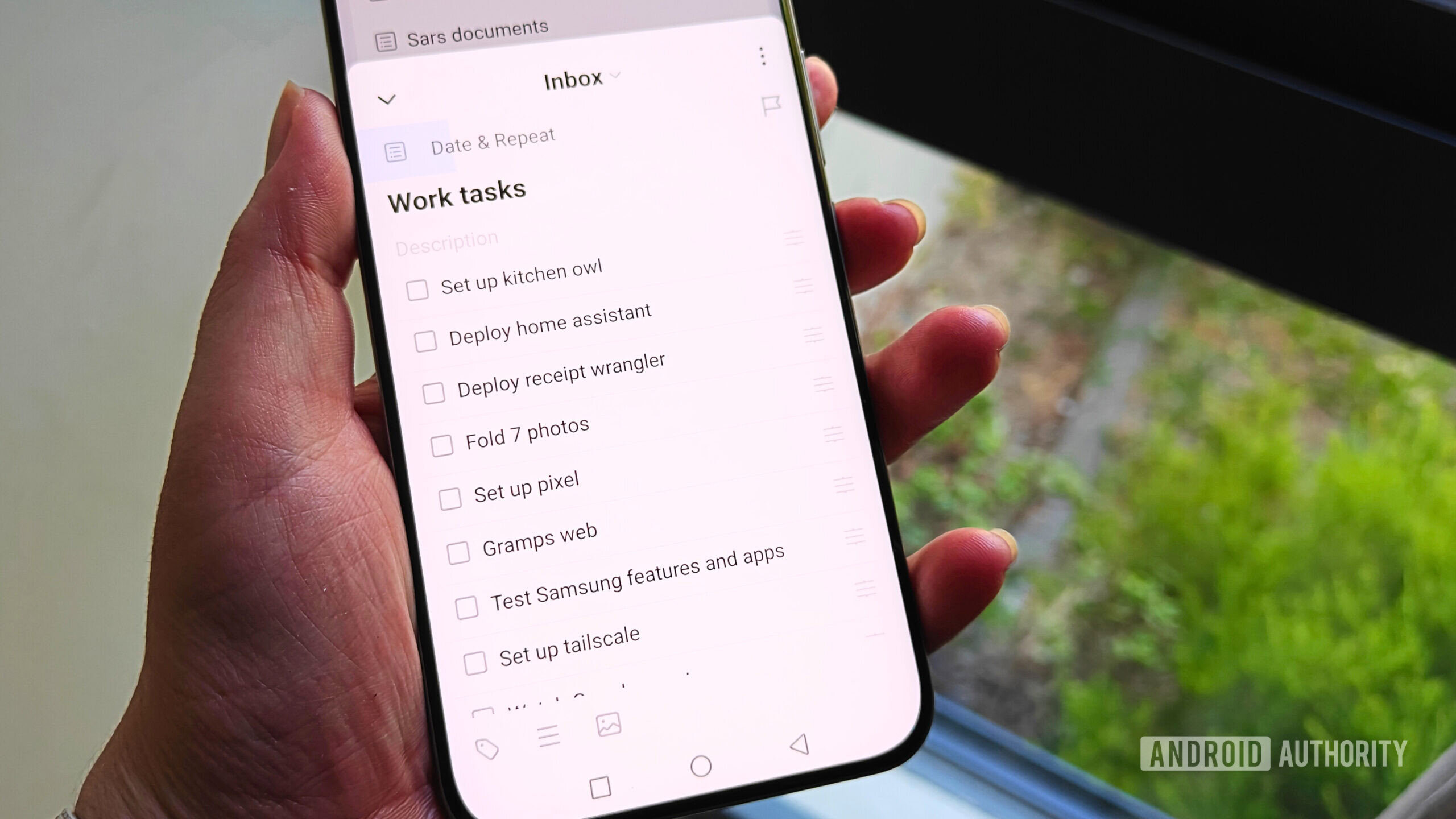
I decided to add some of my personal tasks to the app, but also grocery lists, some work tasks that needed time tracking, and a few hobby projects. Its clean interface made this easy for me to do, and I reserved it for tasks that weren’t urgent.
With a third app in the mix, I found myself forgetting less and keeping track of more things with less effort.
For example, some of my personal tasks were focused around things I need to get done in the next few weeks. This included the car service I had been putting off for months, the electrician quote I had yet to request after weeks, and lists of items I needed to buy for the house and my refurbishing projects.
These tasks are important enough that I need somewhere to put them, so that I can check when I have a moment. But they’re not so urgent that I need to lump them in with the more time-sensitive tasks I add to TickTick.
Every time I tried to add these types of lists or tasks to TickTick in the past, I found myself overwhelmed. This was because they appeared with the same high-priority tasks I had been struggling to complete, creating a general feeling of anxiety when I opened the app.
By using multiple apps, I stopped forgetting things so often. I got that electrician quote, which led to me finally getting the lights in my apartment replaced. Today I happily brought my car back from its first service in over two years.
Because I separated my app functions, TickTick stopped feeling like a source of anxiety, and I could actually start adding helpful reminders to the app again. Meanwhile, Donetick removes the mental load of trying to remember when I last replaced the filter on the cat fountain or replaced their litter sand.
Being able to dump these tasks into separate apps, without one app becoming a single source of everything from urgent tasks to things I just need to keep in mind, means I’m getting more done. I’m not randomly remembering these tasks at moments when I’m trying to relax, like when I’m trying to fall asleep.
Because each app does things differently, I don’t feel like I’m just replicating the same functionality across different apps. However, separating the types of tasks I use for each app does make things simpler overall.
While I don’t think this system would necessarily work for everyone, if you’ve been feeling like me, it might be time to shake things up. Rather than trying out apps that promise to do everything and leave you overwhelmed, maybe try spreading out your tasks across apps with different strengths.
Don’t want to miss the best from Android Authority?


Thank you for being part of our community. Read our Comment Policy before posting.