

Presence at work long ago stopped depending only on sitting at a table. It now also lives in shared calendars, Teams statuses, scheduled meetings, and little cues that we use every day almost without thinking about it. Microsoft wants to add one more layer to that invisible map of hybrid work. We’re not just talking about knowing if someone is busy or available, but about bringing physical location closer to the tools we use to coordinate. And that’s where a seemingly practical feature starts to strike a much deeper chord.
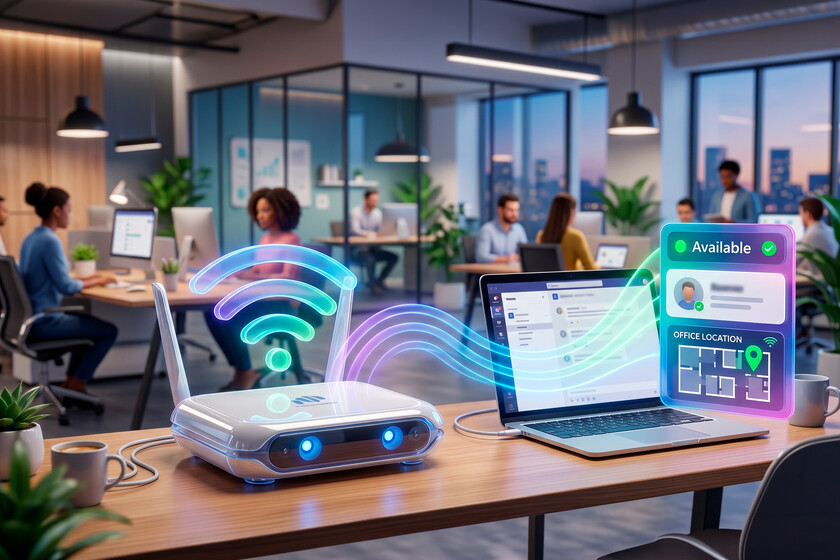
The concrete novelty. The idea is that this change of “today I work from the office” does not always depend on us marking it by hand. The feature is called workplace check-in via WiFi and is intended for Teams and Microsoft Places. The scene is easy to imagine: you arrive at the office, open your laptop, connect to a corporate network set up by the company and the system can update your work location during the day. Microsoft proposes it as a way to keep that information up to date without forcing the employee to touch their status every time they change plans.
How it works. Microsoft is not talking about following the employee’s cell phone around the city as if it were a GPS, but rather a signal generated within a specific work environment. The company must previously register its office networks in Microsoft Places, with their SSIDs and, to associate them with specific buildings, the BSSIDs of the WiFi access points. Microsoft’s documentation adds another important limit: this detection requires the Teams desktop app on Windows or macOS, not the web or mobile versions. If the device is not connected to a network configured as a work location, Microsoft notes that the person will appear as “Remote.”
A coordination tool. It’s not just about putting an “office” label next to someone’s name, but about making that information serve to better coordinate the team, according to Microsoft. The company gives very everyday examples: knowing who is in person to have a coffee, reserving a table near colleagues or converting a meeting planned as remote into a face-to-face meeting. You can also keep your work plan up to date and check-in an existing desk reservation.
The nuance of control. Microsoft insists that this feature is not enabled by default for the entire workforce. Check-in is disabled initially for each tenant and must be enabled by administrators, who can configure the experience as opt-in or opt-out. The company says that each employee retains control over whether and how their device works, and that location permissions are required at the operating system level. It also points out that the user can modify their settings at any time, manually define their work location or overwrite it if necessary.
And in practice? Microsoft says the employee retains decision-making power, but corporate work rarely occurs in a neutral environment. Many companies, especially on Windows, manage laptops, Teams policies, operating system permissions, and Microsoft 365 settings from administrative layers that the user does not fully control. This does not allow us to conclude that this function can be imposed ignoring the employee, because Microsoft itself insists otherwise. It does force us, however, to read the promise of control with obvious caution: it will depend on the actual deployment.
Why it matters. Microsoft’s announcement is not accompanied by a public list of countries or a closed date for each organization. The company talks about an enterprise rollout with Microsoft Places later this year, while its technical documentation still describes wireless check-in as a feature in preview. To use it, each company will have to prepare its tenant, which in practice is the Microsoft 365 environment that each company manages, configure buildings and add approved corporate networks. The bottom line is scale: Teams is not a minor tool on the corporate desktop, but a platform with more than 320 million monthly active users.
Images | with Nano Banana
In | Knowing how to use AI is not a simple advantage: it is the difference between being in a labor market that is growing or one that is stagnating.


