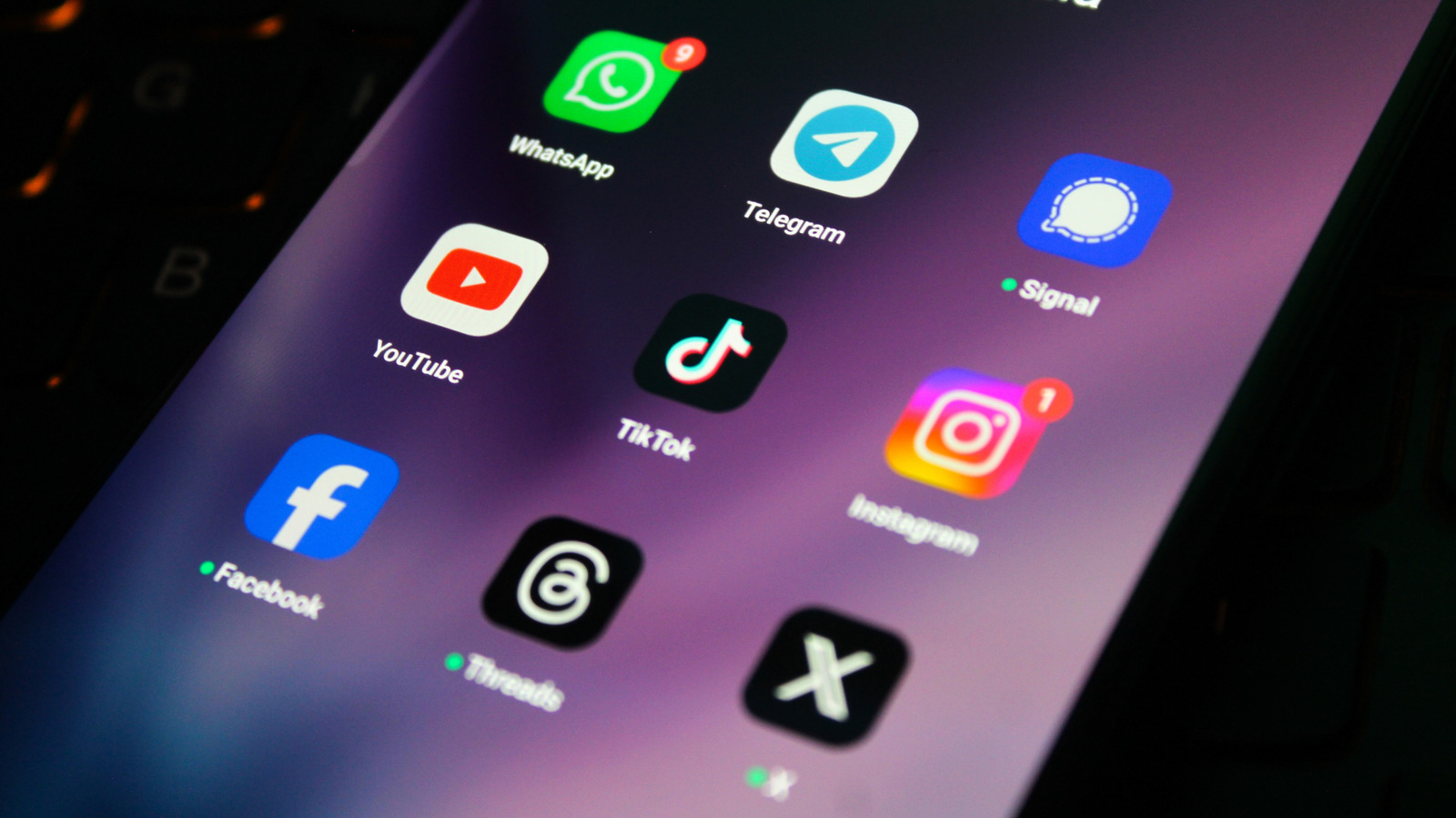
The freedom that an Android phone offers also comes with a price, and one of the biggest is the app overload. Unlike iOS and other Apple devices, where iMessage dominates everyday conversation between users, Google’s ecosystem leaves its users with many options to choose from. This can be a tough choice, since picking the wrong platform might mean blurry videos, security issues, data breaches, and can even leave family and friends scattered across different options.
Traditional SMS is losing traction lately, with many carriers and manufacturers opting for RCS to give “green bubble” chats a boost in functionality. But interoperability issues stemming from apps using different versions of the standard have resulted in an inconsistent experience, particularly when it comes to encryption. With scams driven by generative AI and growing concerns about privacy, it’s more important than ever to choose a messaging app that helps protect your data from unwanted access.
With the gap between many message platforms being closed with every new update, it can be hard to choose only one app to rely on for your everyday use. By doing so, you could very well end up losing touch with someone that prefers to use other services. That’s why it’s important to know which apps are the best and what each one does better — this way, you can keep the right ones installed on your phone so you don’t miss a connection just because you picked the wrong place to talk.
Discord
Discord is a bit different since it’s more of a cross-platform messaging app than one built around phones first and foremost. But it’s still one of the best options in 2026, especially if you’re interested in a topic covered by one of its many communities. Instead of focusing only on private messages, which are still possible anyway, Discord offers servers where people can gather around the same interest, like games or a movie.
Rather than scrolling through a single text chat to find something important, it’s possible to search for a specific channel if you want to see announcements on a topic or talk about spoilers. Also, while text messaging works well on Discord, the app also offers voice calls, letting you join a room and start talking with others — be it for playing games, hanging out, or even sharing your screen.
These features, along with many bots available and deep personalization with roles, colors, and specific permissions for each user, make it one of those essential apps to install first on your laptop and Android phone in 2026. However, it’s also important to note that Discord doesn’t offer complete end-to-end encryption by default, and the interface, especially when you are on a big server, can be a bit overwhelming if you just want a simple way to chat with friends casually.
Facebook Messenger
Facebook Messenger leans heavily on its reach, something that few other apps can really match. Because Facebook has a larger user base, Messenger ends up being one of the easiest ways to contact almost anyone, like old classmates, local businesses, or someone that you haven’t exchanged phone numbers with, but still need to speak to. Also, you don’t need to have the Facebook app installed to use it, since Messenger has a standalone version available.
In terms of features, Messenger covers almost every mainstream use case. You can send texts to someone individually, create a group chat, react to messages, send GIFs or emojis, and also share photos or videos. Voice and video calls are also fully integrated into the app, and you can sync your stories with Instagram. Meta AI is available for anyone who wants an AI chatbot inside Messenger, but it stays in the background and can be ignored if you prefer a more traditional experience.
Things have improved on the security side now that Facebook Messenger has end-to-end encryption for most conversations, which means your private chats are now much better protected than they used to be. Marketplace messages and some professional chats still sit outside those encrypted settings, though, so Messenger is best seen as the most convenient way to contact anyone, rather than the most private app among your options.
Signal
If you don’t care about all the bells and whistles a messaging app can offer and want some of the basics, but also wish to keep your conversations truly private, Signal will be one of your best options. Run by an independent nonprofit company rather than a big tech company, this app doesn’t rely on ads, trackers, or data monetization to make money, which is a big deal if privacy is one of your top priorities. Even better, everything you type, say, or send is encrypted with the open-source Signal Protocol.
The service aims to store as little of your metadata as possible, which, in practice, means it can only provide some basic information about your account, like your signup date or the last connection time. Because of that, it’s important to be careful about how well stored your recovery key and passphrases are, since backups and other things are encrypted by it and if you lose it, your data will be lost forever and cannot be accessed again.
Security and privacy aside, Signal is a pretty simple messaging app to use day to day. It has a clean interface with features like group chats, stories, and voice and video calls — all the basics you’d expect from other messaging apps like Telegram or WhatsApp. However, since it has a smaller user base than its rivals, you’ll probably end up trying to convince friends and family to install another messaging app on their phone.
WhatsApp is the single most popular messaging app in the world, so it’s a great choice if you’re looking for a platform with a large user base. But whether you’re likely to find your friends on the service depends on where you live. The Meta-owned app is actively used by over 90% of adults in 14 different countries and has a global market share of 54% — but those numbers crater to a paltry 30.1% in the United States. Still, with more than 3 billion active users worldwide, if you have to choose only one option to install on your Android phone, this is probably the pick. It offers a simple interface and runs well on many platforms, not just Android.
Feature-wise, WhatsApp may look a bit simpler than some of the app’s direct rivals, like Telegram, but this gap has been shrinking with recent updates brought by Meta. You get end-to-end encrypted chats and calls by default, disappearing messages for individual chats, groups and communities, HD photos, video sharing, and advanced privacy settings that include a new tool to block others from using your chat data. The addition of such options in recent years makes it feel far more modern than its early days.
However, there are still some trade-offs. WhatsApp requires a phone number to sign up, which can be an annoyance for those who want maximum anonymity or account separation, and some users may struggle to trust a Meta-owned app to be safe for privacy. But for most people who just want a simple and practical way to talk with everyone they know, WhatsApp remains one of the best options in 2026 and is an essential part of any smartphone toolkit.
Telegram
If you care about speed, flexibility, and an easy way to use the same account across multiple devices, Telegram is one of the most complete messaging apps to have on your phone. What started as a WhatsApp alternative in 2013 is now closer to a full communication platform, used by over a billion people worldwide. But despite its large user base, it still doesn’t match the 3 billion that WhatsApp has, which means that you might not find everyone here.
On the other hand, Telegram really stands out with the freedom it offers to users. You can send huge files up to 2 GB when using the free tier, and this is doubled with a Premium subscription, which keeps everything synced to the cloud and lets you jump between phone, desktop, and other devices without worrying about backups. Telegram also has some features that aren’t quite as robust in WhatsApp, like chatbots that let you run commands, play games, and use custom keyboards for quick replies.
However, you should know that many of the functions available on Telegram also have some trade-offs, especially around privacy and security. Like WhatsApp, Telegram requires a phone number to sign up, and chats are stored in the cloud where encryption is controlled by the company, with end-to-end only available if you switch to Secret Chats. Also, some advanced options, such as more comprehensive privacy and anti-spam settings, are only accessible if you pay for Premium.
How we picked the best messaging apps for Android
To select apps for this list, we focused on messaging platforms that make communication easier for Android users. The first factor was availability and user base, since in order to be useful, a messaging app needs to be easy to install, maintained by its developers, and used by the people that you want to talk to. A messaging app will only work if the individuals that you need to reach are already there, so adoption of each app and cross-platform support helped decide which ones deserved a place.
We also looked closely at what each app does better than the others, since some options stand out for security and privacy, but don’t offer much in terms of features, while others focus on customization and flexibility. Usability mattered as well, since how intuitive the interface is and how easy it is to manage chats or groups also matter, especially if you aren’t familiar with these apps.