

By using this site, you agree to the Privacy Policy and Terms of Use.
Accept
World of SoftwareWorld of SoftwareWorld of Software
  • News
  • Software
  • Mobile
  • Computing
  • Gaming
  • Videos
  • More
    • Gadget
    • Web Stories
    • Trending
    • Press Release
Search
  • Privacy
  • Terms
  • Advertise
  • Contact
Copyright © All Rights Reserved. World of Software.
Reading: The HDMI Cable Upgrade That’s Perfect For Your Super Bowl Party – BGR
Share
Sign In
Notification Show More
Font ResizerAa
World of SoftwareWorld of Software
Font ResizerAa
  • Software
  • Mobile
  • Computing
  • Gadget
  • Gaming
  • Videos
Search
  • News
  • Software
  • Mobile
  • Computing
  • Gaming
  • Videos
  • More
    • Gadget
    • Web Stories
    • Trending
    • Press Release
Have an existing account? Sign In
Follow US
  • Privacy
  • Terms
  • Advertise
  • Contact
Copyright © All Rights Reserved. World of Software.
World of Software > News > The HDMI Cable Upgrade That’s Perfect For Your Super Bowl Party – BGR
News

The HDMI Cable Upgrade That’s Perfect For Your Super Bowl Party – BGR

News Room
Last updated: 2026/01/30 at 6:28 AM
News Room Published 30 January 2026
Share
The HDMI Cable Upgrade That’s Perfect For Your Super Bowl Party – BGR
SHARE


Vladans/Getty Images

We may receive a commission on purchases made from links.

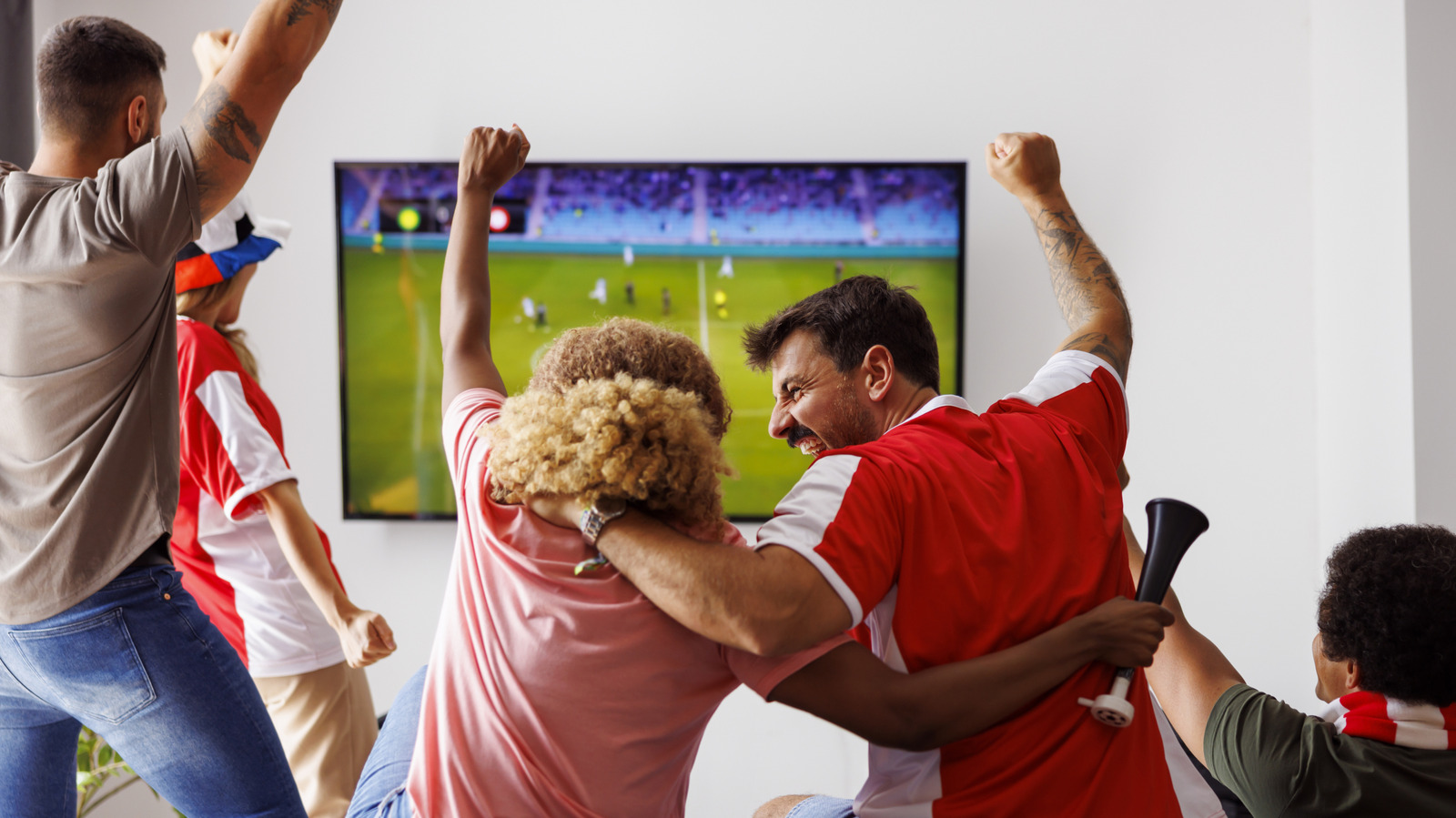
If you’re hosting a Super Bowl party, everything needs to be perfect in time for Sunday. You want to blow everyone’s socks off, but there’s more to it than just getting the best 4K TV that money can buy. Every part of your home entertainment setup is crucial for ensuring smooth on-screen motion, vivid colors, and crisp imagery. Here’s the rundown of what upgrades you should make before the big game: a 4K streaming device, a souped-up router, and a new HDMI cable.

That’s right, upgrading your HDMI cable is essential for having the best Super Bowl experience – especially if it’s been close to 10 years or more since the last time you bought one. The best HDMI cable you can buy right now is an HDMI 2.1 cable. The Ugreen HDMI 2.1 UHS cable is a perfect example of a modern cable that can handle 4K or 8K streaming at a super-high refresh rate. It’s the perfect upgrade to make sure your Super Bowl party goes exactly the way you’re envisioning it.

Why you probably need to upgrade your HDMI cable
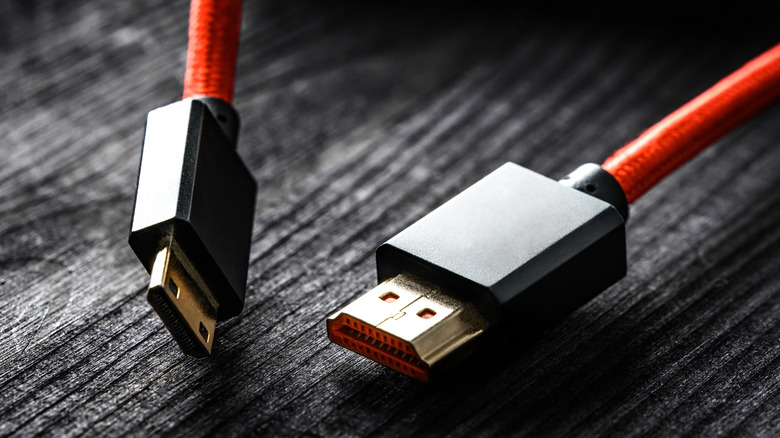

Two types of HDMI cables side by side
Zheka-boss/Getty Images

Not every HDMI cable is the same. Newer standards can handle higher-resolution content at higher refresh rates. This means a more detailed display and less smear or blur when things are moving on-screen. In fact, if you’re trying to stream 4K video with an outdated HDMI cable, you might notice occasional pixelation, audio cuts, or intermittent screen blackouts. This is because older HDMI cables simply don’t have enough bandwidth to handle all the data being transmitted when your device is trying to send 120 frames of 4K video to your TV every second.

The best HDMI cables you can currently find are the HDMI 2.1 standard, also known as Ultra High Speed HDMI cables. If you bought a PlayStation 5 or Xbox Series X video game console in the last few years, you probably already have an HDMI 2.1 cable that came with those devices. Otherwise, it’s worth upgrading ASAP.

Make sure your HDMI cable is plugged in properly
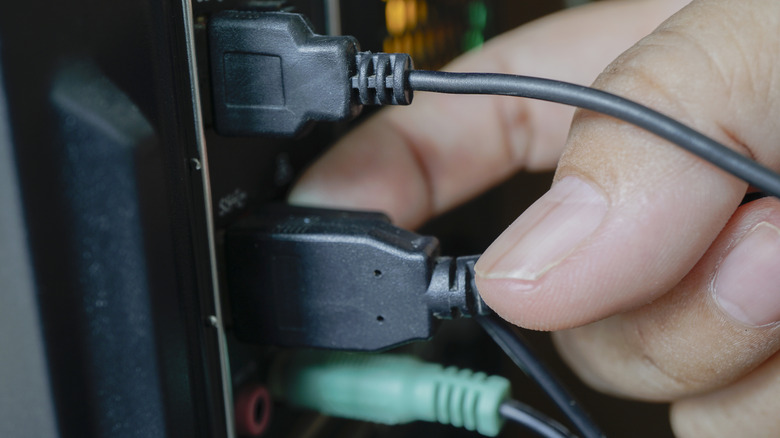

A person plugging an HDMI cable into an HDMI port
Jatupronv/Getty Images

It sounds silly, but it’s actually true that there’s a wrong way to plug in an HDMI cable. Your TV has multiple HDMI ports, and they have different capabilities. It’s important to know which HDMI port to use on your TV for what purpose to get the best results. If you already have a modern HDMI cable, but you’ve noticed that the picture on your display isn’t as good as it should be, this might be the problem. Just like HDMI cables, HDMI ports follow particular standards: Your TV might have an HDMI 2.1 port, an HDMI 2.0 port, etc.

However, the ports are not always clearly labeled. Each manufacturer has its own way of labeling ports and identifying each port’s capabilities. Luckily, there are a few telltale signs you can look for. If a port is labeled as eARC, 4K 60 Hz, or a higher resolution and/or refresh rate, then it is likely an HDMI 2.1 port that supports high-bandwidth data transfer. These are the ideal ports to plug your upgraded HDMI 2.1 cable into on game day.

Upgrade your HDMI cable for cheap
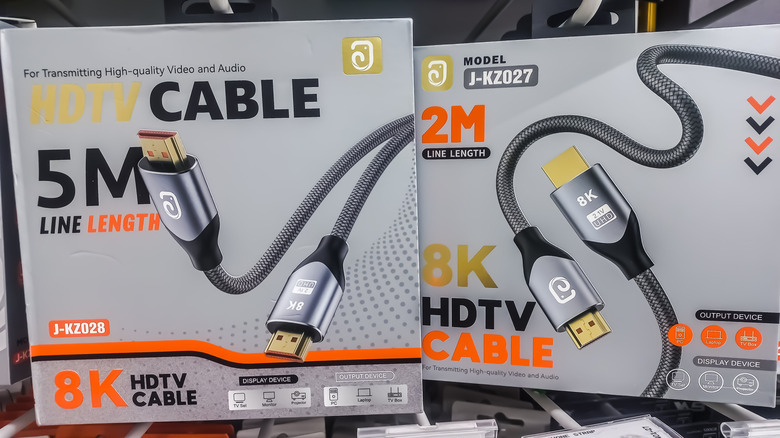

Modern HDMI cables for sale at a retail store
sdss sumbar/Shutterstock

The best part about all of this is that an HDMI cable is one of the cheapest upgrades you can make to your TV setup. An Ultra High Speed HDMI cable will set you back less than $20, despite being one of the most impactful purchases you can make in your TV setup. Consider this: your entertainment center is only as strong as its weakest link. Your 4K TV and 4K streaming device are simply not providing what you paid for if the HDMI cable is holding them back. The cost of the $10-20 upgrade is well worth the price.

Passions flare up when everyone is gathered around to watch the Super Bowl. Imagine the argument when a receiver fumbles the ball, but nobody can agree on who was at fault because the screen was blurry or blacked out. Make it the perfect day by bicker-proofing your party with an easy HDMI fix.



Sign Up For Daily Newsletter

Be keep up! Get the latest breaking news delivered straight to your inbox.
By signing up, you agree to our Terms of Use and acknowledge the data practices in our Privacy Policy. You may unsubscribe at any time.
Share This Article
Facebook Twitter Email Print
Share
What do you think?
Love0
Sad0
Happy0
Sleepy0
Angry0
Dead0
Wink0
Previous Article Intel Xe Linux Driver Updated To Disable GuC Power DCC For Panther Lake Intel Xe Linux Driver Updated To Disable GuC Power DCC For Panther Lake
Next Article Chinese text-to-video startup AIsphere receives .8 million funding from Ant Group: report · TechNode Chinese text-to-video startup AIsphere receives $13.8 million funding from Ant Group: report · TechNode
Leave a comment

Leave a Reply Cancel reply

Your email address will not be published. Required fields are marked *

Stay Connected

248.1k Like
69.1k Follow
134k Pin
54.3k Follow

Latest News

Gemini’s new sidebar in Chrome is surprisingly helpful but I found its limits
News
Linux’s ublk Adding Batch I/O Dispatch Capability For Greater Performance
Computing
Illegal streaming crackdown continues as 29 TV pirates RAIDED by police
News
China’s Lunar New Year box office tops 0 million on second day of holiday · TechNode
China’s Lunar New Year box office tops $390 million on second day of holiday · TechNode
Computing

You Might also Like

Gemini’s new sidebar in Chrome is surprisingly helpful but I found its limits
News

Gemini’s new sidebar in Chrome is surprisingly helpful but I found its limits

11 Min Read
Illegal streaming crackdown continues as 29 TV pirates RAIDED by police
News

Illegal streaming crackdown continues as 29 TV pirates RAIDED by police

2 Min Read

Security Newsletter | 1/29/26

0 Min Read
Autonomous Big Data Optimization: Multi-Agent Reinforcement Learning to Achieve Self-Tuning Apache Spark
News

Autonomous Big Data Optimization: Multi-Agent Reinforcement Learning to Achieve Self-Tuning Apache Spark

31 Min Read
//

World of Software is your one-stop website for the latest tech news and updates, follow us now to get the news that matters to you.

Quick Link

  • Privacy Policy
  • Terms of use
  • Advertise
  • Contact

Topics

  • Computing
  • Software
  • Press Release
  • Trending

Sign Up for Our Newsletter

Subscribe to our newsletter to get our newest articles instantly!

World of SoftwareWorld of Software
Follow US
Copyright © All Rights Reserved. World of Software.
Welcome Back!

Sign in to your account

Lost your password?