By using this site, you agree to the Privacy Policy and Terms of Use.
Accept
World of SoftwareWorld of SoftwareWorld of Software
  • News
  • Software
  • Mobile
  • Computing
  • Gaming
  • Videos
  • More
    • Gadget
    • Web Stories
    • Trending
    • Press Release
Search
  • Privacy
  • Terms
  • Advertise
  • Contact
Copyright © All Rights Reserved. World of Software.
Reading: These 2 HDMI Settings Could Be Ruining Your TV’s HDR Experience – BGR
Share
Sign In
Notification Show More
Font ResizerAa
World of SoftwareWorld of Software
Font ResizerAa
  • Software
  • Mobile
  • Computing
  • Gadget
  • Gaming
  • Videos
Search
  • News
  • Software
  • Mobile
  • Computing
  • Gaming
  • Videos
  • More
    • Gadget
    • Web Stories
    • Trending
    • Press Release
Have an existing account? Sign In
Follow US
  • Privacy
  • Terms
  • Advertise
  • Contact
Copyright © All Rights Reserved. World of Software.
World of Software > News > These 2 HDMI Settings Could Be Ruining Your TV’s HDR Experience – BGR
News

These 2 HDMI Settings Could Be Ruining Your TV’s HDR Experience – BGR

News Room
Last updated: 2025/12/27 at 8:27 AM
News Room Published 27 December 2025
Share
These 2 HDMI Settings Could Be Ruining Your TV’s HDR Experience – BGR
SHARE


Onurdongel/Getty Images

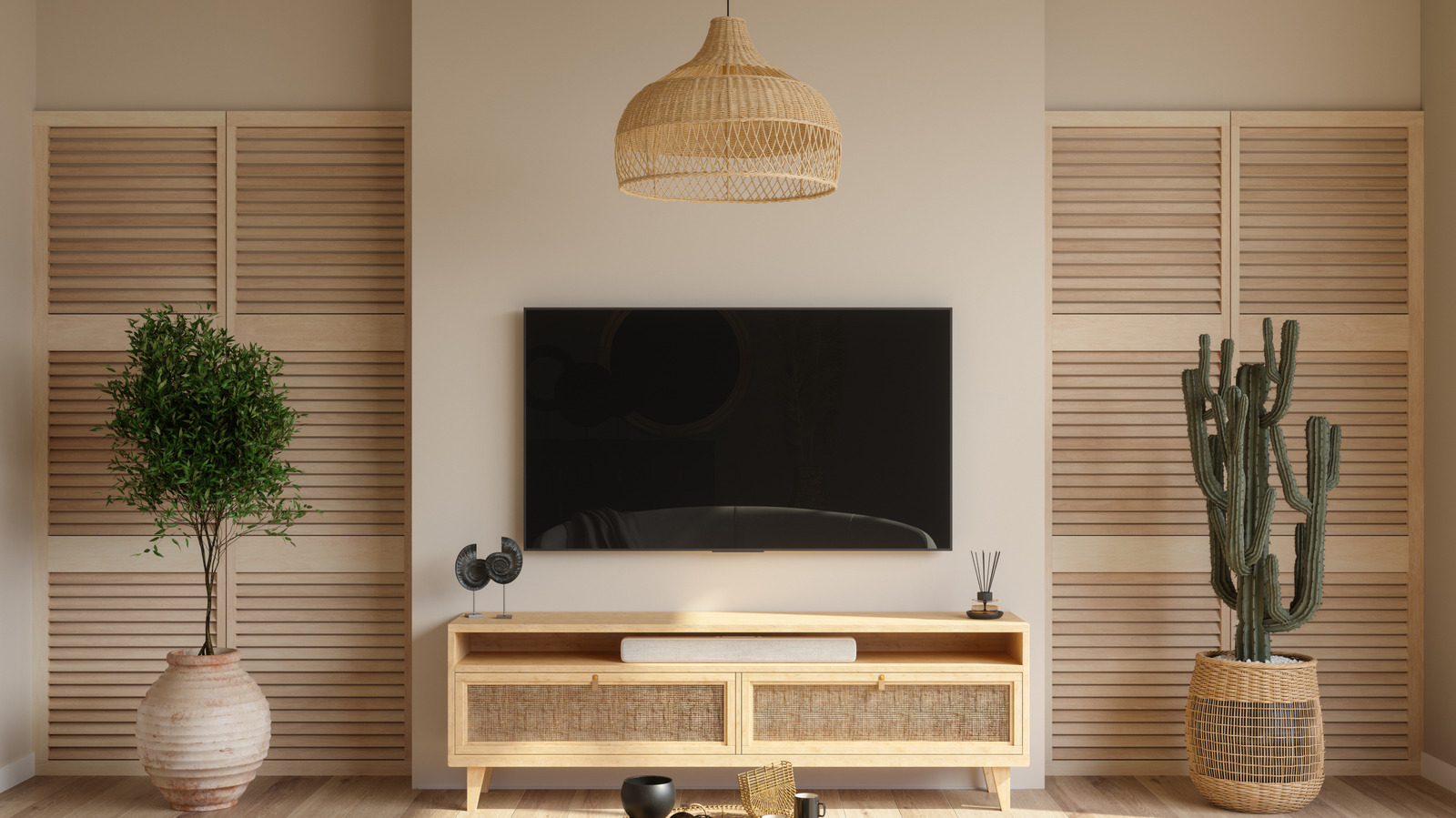
If the image on your shiny new 4K TV looks dim, washed-out, or strangely flat when you try to watch high dynamic range (HDR) movies or fire up your video game console, the problem might not be a mistake you made when you bought it. Instead, it could be your HDMI settings.

Modern TVs promise brighter highlights, deeper contrast, and richer color with HDR, but those improvements only show up when the right HDMI configuration is enabled. However, TVs may ship with these settings disabled by default, even if they fully support HDR. Some manufacturers bury the necessary toggles deep in their menus, labeling them with confusing names like Enhanced format, HDMI signal format, or Enhanced VRR. Sony’s documentation even notes that HDR may not activate unless the correct HDMI input mode is selected. That means a premium streaming device, next-gen console, or high-bandwidth Blu-ray player can end up outputting standard dynamic range without you realizing it. The picture still works, just nowhere near the level you paid for. 

To make things even trickier, HDMI ports aren’t always equal. On some TVs, only certain inputs support full-bandwidth 4K HDR at 60 Hz or 120 Hz, and plugging into the wrong one can quietly decrease image quality. So if you’ve been wondering why Dolby Vision looks muted, why games feel less vibrant, or why highlights never really pop, these two overlooked HDMI settings might be the bottleneck hindering your HDR experience.

The two HDMI settings you need to fix


Close-up photograph of an HDMI cable.
Nextshine/Shutterstock

The first culprit quietly sabotaging your HDR images is the HDMI signal format. If it’s left in the Standard mode, your TV may downgrade HDR sources without warning. Switching the mode to a better signal format, often labeled Enhanced, tells the TV to accept higher-bandwidth signals, including 4K HDR with wide color gamut and higher frame rates. If you choose Enhanced on the HDMI port your console, streaming stick, or Blu-ray player is plugged into, you’ll instantly unlock full HDR capabilities.

The second setting to check is the HDMI port your device is connected to, because not all TV inputs support the same features. On many Sony models, only specific HDMI ports handle 4K HDR at 60 Hz or 120 Hz, and only certain ports handle advanced formats such as Dolby Vision, VRR, or ALLM. If your device is connected to a lower-spec port, the TV can’t deliver true HDR, even if the signal format is set correctly. Moving the cable to a compatible port can make an immediate difference in brightness, color depth, and highlight detail. Since every device is different, check your TV manual to learn more about its HDMI ports and which one to use for HDR support.

Once both of these settings are aligned, HDR should finally look the way it’s supposed to: bright where it should shine, dark where it should deepen, and far more cinematic overall. If you’ve been living with dull HDR without realizing it, a quick trip to your HDMI settings might deliver the biggest picture upgrade your TV has ever seen, with no new hardware required.


Sign Up For Daily Newsletter

Be keep up! Get the latest breaking news delivered straight to your inbox.
By signing up, you agree to our Terms of Use and acknowledge the data practices in our Privacy Policy. You may unsubscribe at any time.
Share This Article
Facebook Twitter Email Print
Share
What do you think?
Love0
Sad0
Happy0
Sleepy0
Angry0
Dead0
Wink0
Previous Article Score a £100 saving on the Garmin Venu 3S in the Boxing Day sales Score a £100 saving on the Garmin Venu 3S in the Boxing Day sales
Next Article Galaxy S Phones Could See BOE Displays As Samsung Explores New Suppliers Galaxy S Phones Could See BOE Displays As Samsung Explores New Suppliers
Leave a comment

Leave a Reply Cancel reply

Your email address will not be published. Required fields are marked *

Stay Connected

248.1k Like
69.1k Follow
134k Pin
54.3k Follow

Latest News

The 3 Best RSS Reader Apps You Need To Start Using In 2026 – BGR
News
We combed the internet for the 25 best after-Christmas sales still available
News
New York to Introduce Mental Health Warning Labels for Social Media
News
Pixel 10 phones and Switch 2 games round out this week’s best deals 
News

You Might also Like

The 3 Best RSS Reader Apps You Need To Start Using In 2026 – BGR
News

The 3 Best RSS Reader Apps You Need To Start Using In 2026 – BGR

9 Min Read
We combed the internet for the 25 best after-Christmas sales still available
News

We combed the internet for the 25 best after-Christmas sales still available

17 Min Read
New York to Introduce Mental Health Warning Labels for Social Media
News

New York to Introduce Mental Health Warning Labels for Social Media

5 Min Read
Pixel 10 phones and Switch 2 games round out this week’s best deals 
News

Pixel 10 phones and Switch 2 games round out this week’s best deals 

4 Min Read
//

World of Software is your one-stop website for the latest tech news and updates, follow us now to get the news that matters to you.

Quick Link

  • Privacy Policy
  • Terms of use
  • Advertise
  • Contact

Topics

  • Computing
  • Software
  • Press Release
  • Trending

Sign Up for Our Newsletter

Subscribe to our newsletter to get our newest articles instantly!

World of SoftwareWorld of Software
Follow US
Copyright © All Rights Reserved. World of Software.
Welcome Back!

Sign in to your account

Lost your password?