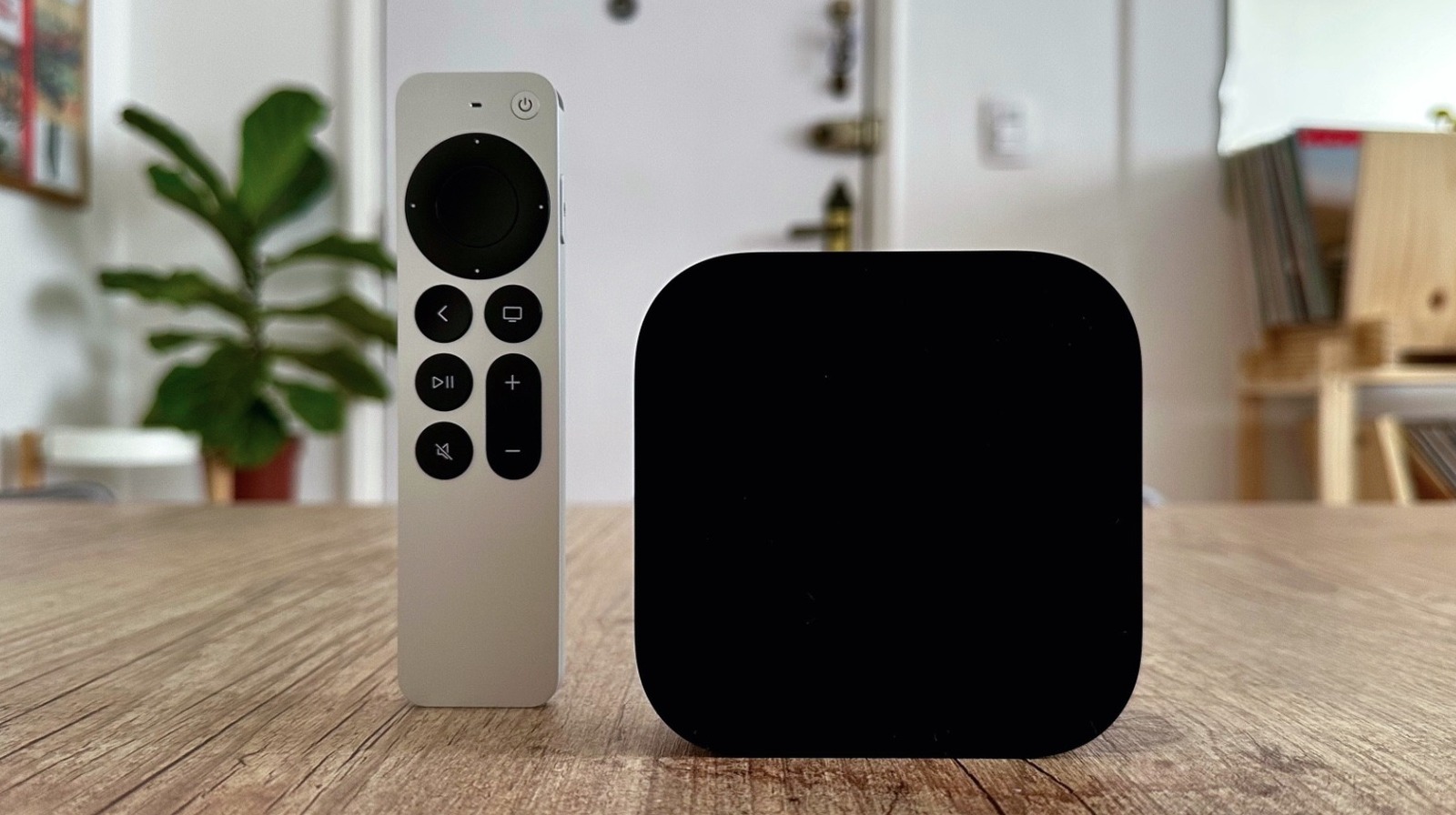
With tvOS 17, Apple introduced the Enhance Dialogue feature on Apple TV, which feels like a magical tool to fix dialogue issues in movies, shows, and documentaries. Whether the content hasn’t been correctly mastered or your TV audio isn’t working as expected anymore, Apple has a quick fix to boost the vocals on the Apple TV 4K.
At first, this feature was exclusive to an Apple TV 4K paired with two HomePod 2 models. However, Apple eventually expanded this functionality with tvOS 18 to support a pair of the original HomePod or HomePod mini, and later by making it available on any smart TV, as long as people were using an Apple TV 4K (2nd generation or later). Even though the feature works on a first-gen Apple TV 4K, you will require a combination of HomePod speakers. With all the requirements in place, here’s how you can enable the feature.
How to enable the Enhance Dialogue feature on your Apple TV
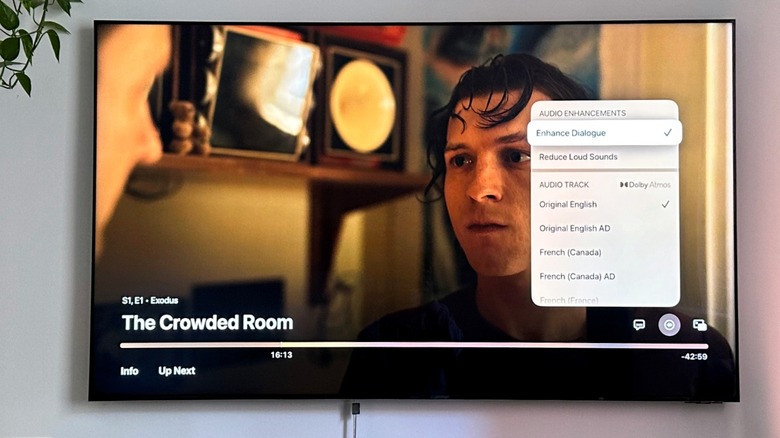
From the Apple TV settings, select Audio Options and enable Enhance Dialogue. The option is available via TV speakers, HDMI-connected devices like soundbars, and Bluetooth-enabled speakers, as long as you have a second-generation Apple TV 4K or later. Enabling the toggle keeps the setting tuned on until you manually turn it off. If you prefer to choose when you want to enable the feature manually, you can activate the Now Playing menu, go to Audio Options, and choose Enhance Dialogue. That said, it’s important to note that the streaming app you use needs to be updated to support this feature.
While we personally prefer using the Enhance Dialogue feature with a pair of HomePod 2 speakers, it does a fairly good job with your TV’s built-in speakers. Interestingly, if you use Apple Fitness+ on your Apple TV, you can choose between enhancing the coach’s voice or the music, depending on what you want to focus on during your workout. Another option is to add Voice Isolation with Enhanced Dialogue, depending on what you’re trying to listen to. You just need to go to the Settings page once again on the Apple TV 4K, select Accessibility, and enable Add Voice Isolation.