Marketing teams in 2026 are managing more content, across more channels, than ever before.
If you’re searching for the top content management tools for marketing teams in 2026, you’re likely trying to streamline content approvals, improve collaboration, and scale content production without losing control.
In this guide, you’ll learn:
- What kinds of content management tools exist
- How to choose the right content management tool
- The best platforms for managing marketing content
What Is a Content Management Tool?
A content management tool is software that helps marketing teams plan, create, organize, publish, and analyze content across multiple channels.
Traditionally, content management referred to website publishing platforms — commonly called content management systems (CMS). These tools allowed teams to upload blog posts, edit pages, and manage site structure. But in 2026, content management means much more than maintaining a website.
Today’s marketing teams manage:
- Blog content
- Social media campaigns
- Landing pages
- Email newsletters
- Digital marketing assets (images, videos, brand files)
- Multi-channel campaign workflows
Types of Content Management Tools
Not all content management tools serve the same purpose. In fact, most marketing teams use a combination of different platforms depending on their content channels and workflow complexity.
Here are the main types of content management tools:👇
- Traditional Content Management Systems – Platforms used to create, manage, and publish website and blog content.
- Headless CMS Platforms – Tools that separate content from presentation, enabling omnichannel publishing via APIs.
- Social Media Content Management Tools – Platforms designed for planning, approving, scheduling, and publishing social content.
- Digital Asset Management (DAM) Platforms – Systems that store, organize, and control access to brand assets like images and videos.
- Content Workflow & Operations Tools – Tools focused on editorial planning, collaboration, and task management.
How to Choose the Best Content Management Tool for Your Marketing Team: A Buyer’s Guide
With so many platforms available, the best content management tool isn’t the one with the most features — it’s the one that fits your team’s workflow, channels, and growth plans.
Here’s what to evaluate before making a decision:
- Your primary content channels. Are you focused on blog SEO, social media, email marketing, or omnichannel campaigns? A website-heavy team may prioritize a CMS, while social-first teams need strong scheduling and content approval systems.
- Team size & scalability. Small teams may need simplicity and ease of use, while larger marketing departments require permission controls, asset organization, and scalable infrastructure.
- Budget vs. long-term ROI. Don’t evaluate a content management tool based solely on monthly pricing. The right tool should reduce bottlenecks, automate repetitive tasks, and improve publishing speed — ultimately saving hours each week and generating measurable return on investment through increased efficiency and revenue impact.
- Ease of adoption & training. A powerful platform is useless if your team doesn’t use it. Look for intuitive interfaces, clear onboarding, and minimal training time to ensure fast adoption across marketing, design, leadership, and client teams.
With these criteria in mind, let’s explore the top content management tools for marketing teams in 2026.
Top 5 Content Management Tools in 2026: An Overview
Before we dive into each platform in detail, here’s a quick snapshot of how the top content management tools for marketing teams compare.
| Tool | Best for | Key feature |
| Gain | Agencies & marketing teams managing multiple social accounts and client approvals | Dedicated client workspaces with fully automated, customizable content approval workflows |
| HubSpot Content Hub | All-in-one marketing teams managing blog, website, and CRM | Integrated CMS with built-in CRM and marketing automation |
| Webflow | Marketing teams managing visually-driven blogs and websites | No-code visual CMS with full design control |
| Contentful | Enterprise teams delivering content across multiple digital channels | API-first headless CMS for omnichannel publishing |
| Bynder | Teams managing large volumes of brand assets | Centralized digital asset management with version control and governance |
1. Gain: Best for Social Media Management & Content Approvals
Gain is first and foremost a social media management platform built specifically for marketing teams and agencies. Its specialty? Fully automated social media content approval workflows. Gain allows teams to build structured approval processes with internal and external review rounds, an AI writer, role-specific permissions, and a time-stamped revision log alongside content.
Beyond approvals, Gain also centralizes social media assets and content management. Instead of juggling shared drives, email attachments, and disconnected tools, teams can store, tag, filter, and organize all social assets (images, videos, documents, and drafts) within dedicated workspaces. Content can be viewed in calendar, gallery, or list formats, labeled by campaign or topic, and easily reused across brands or channels.
Key features:
- Fully automated, customizable approval workflows with internal and external review rounds
- Role-specific permissions for teams, clients, and stakeholders
- Time-stamped audit trails of every edit, comment, and approval
- Centralized asset library with folders, tags, labels, and powerful filters
- Calendar, gallery, and list views for flexible content organization
- Drag-and-drop content calendar for easy scheduling adjustments
| ✅ Pros | ❌ Cons |
| Best-in-class automated content approval workflows | Focused exclusively on social media (not built for blog CMS management) |
| Clean, intuitive interface for both teams and clients | |
| Strong asset organization and filtering capabilities |
Pricing: Gain plans start at $99 per month, with pricing scaling based on the number of users and dedicated workspaces required. All plans include unlimited reviewers and unlimited approval workflows. There’s also a free 14-day trial (no credit card required).
2. HubSpot Content Hub: Best All-in-one Marketing CMS
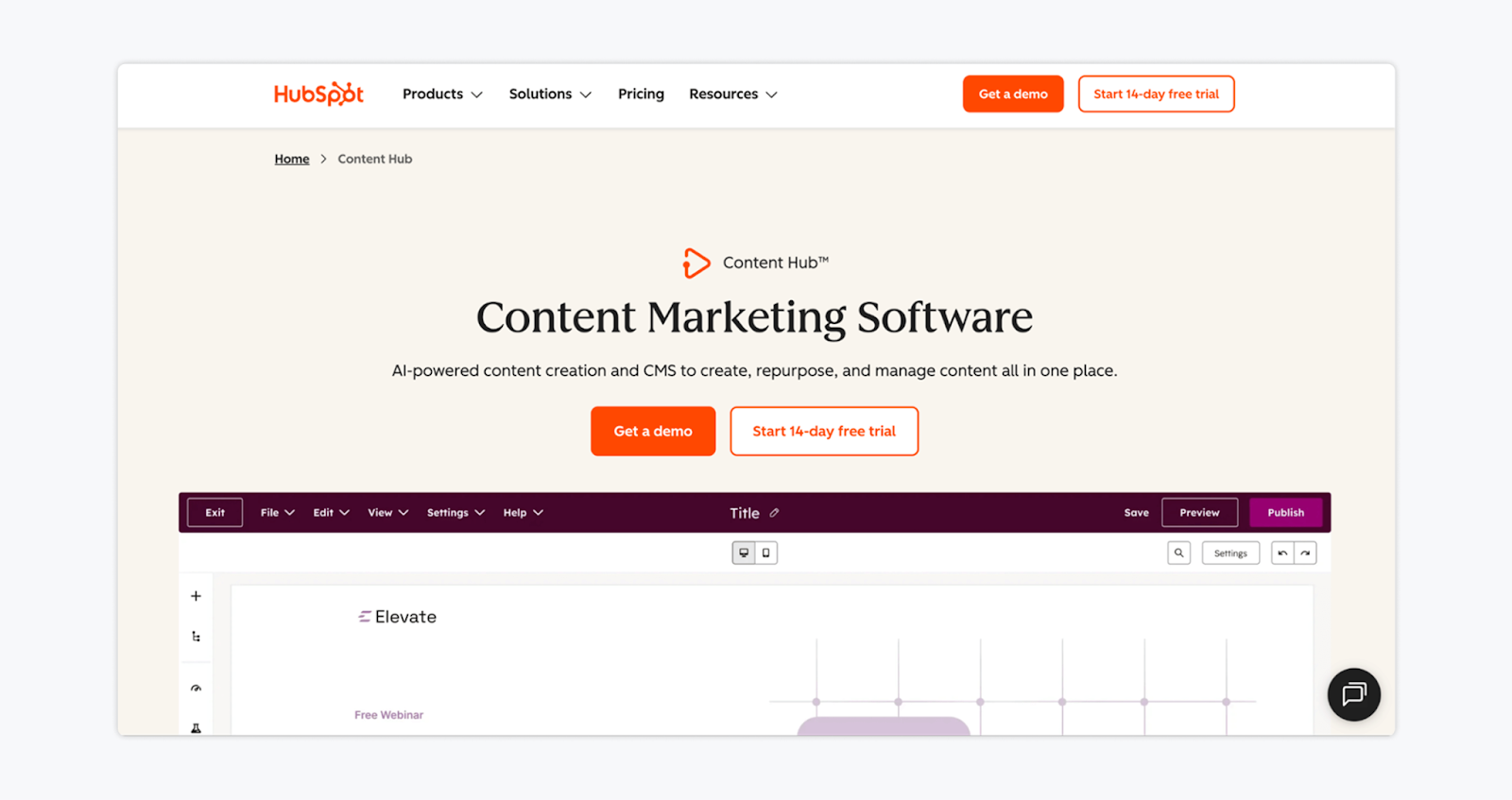
HubSpot Content Hub is an AI-powered content marketing platform that combines a scalable CMS with built-in marketing automation and CRM integration. Designed for growing marketing teams, it allows you to create blog posts, landing pages, podcasts, and multi-channel campaigns while connecting content directly to lead generation and revenue tracking.
Key features:
- AI content tools for blogs, landing pages, and content repurposing
- Scalable CMS with website and landing page builder
- Built-in SEO recommendations and optimization tools
- Integrated reporting dashboards tied to CRM data
| ✅ Pros | ❌ Cons |
| True all-in-one marketing ecosystem | More complex than standalone CMS tools |
| Direct connection between content and revenue reporting | Best value realized when using the full HubSpot ecosystem |
| Scales from small teams to enterprise |
Pricing: Free plan available. Paid plans start at $20 per seat/month.
3. Webflow: Best Visual CMS for Marketing Teams
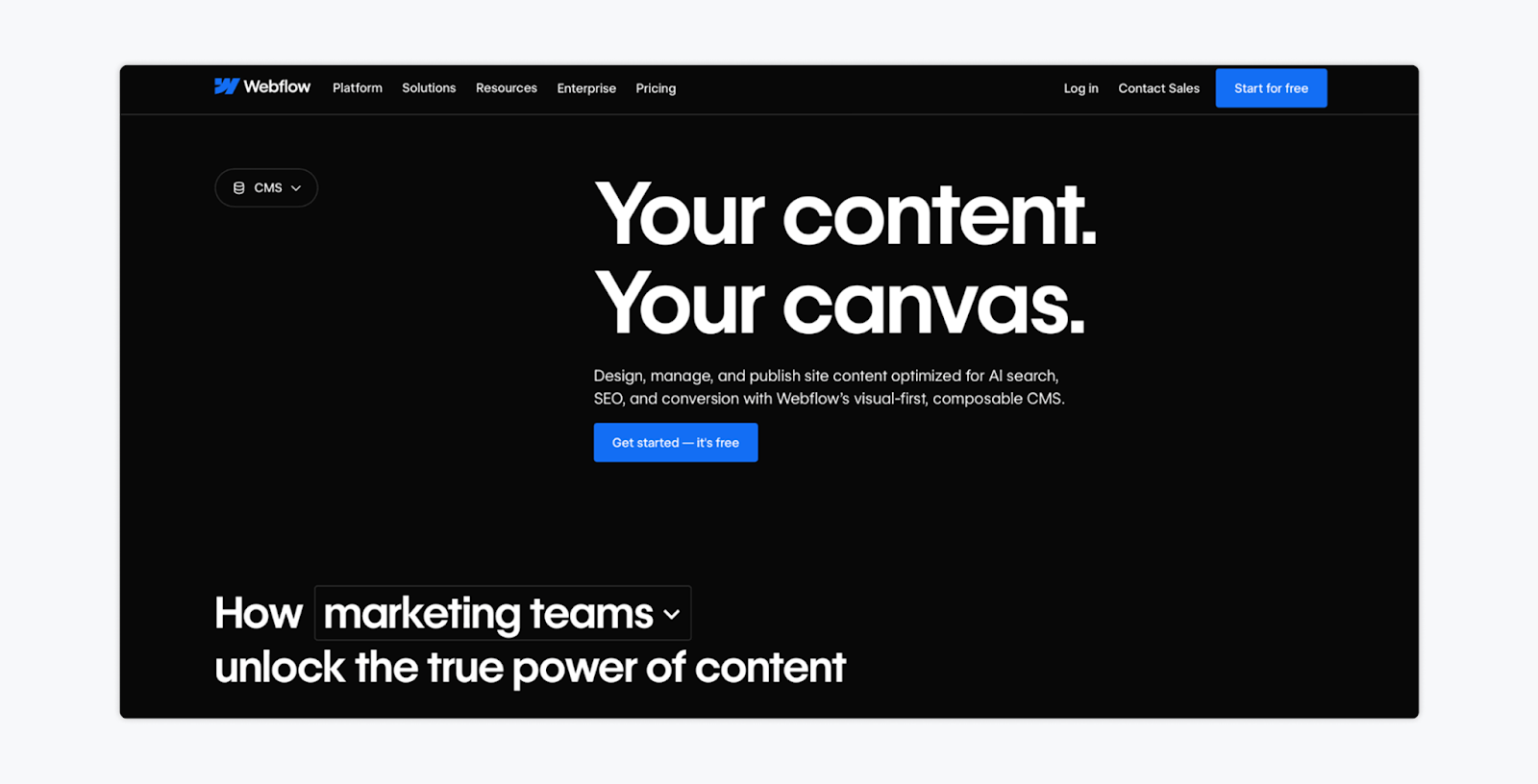
Webflow is a visual-first CMS built for marketing teams that want full design control without relying heavily on developers. It combines a powerful content management system with a drag-and-drop visual canvas, allowing teams to build, edit, and publish blog posts and landing pages in real time.
Key features:
- Visual, no-code CMS with real-time editing
- Built-in SEO controls and sitewide optimization tools
- AI-powered site builder and content generation tools
- Headless APIs for composable, scalable content delivery
| ✅ Pros | ❌ Cons |
| Excellent for SEO-driven blogs and landing pages | Learning curve for advanced design customization |
| Scalable hosting and enterprise-grade performance | |
| Clean interface for marketers and designers |
Pricing: Free plan with limited features available. Paid CMS plans start around $23/month.
4. Contentful: Best Headless CMS for Omnichannel Marketing
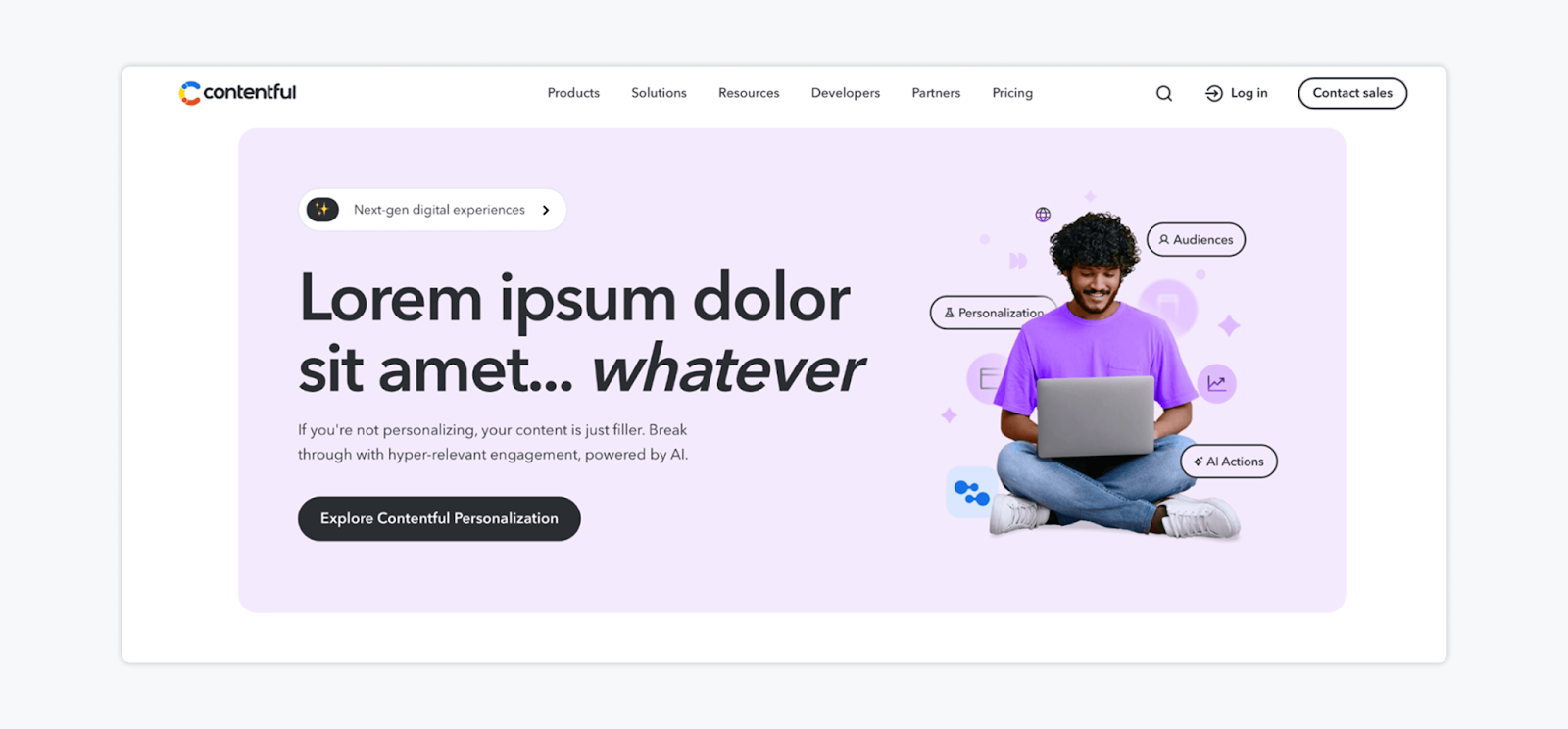
Contentful is a content management platform that helps companies create content once and publish it everywhere — their website, mobile app, online store, digital screens, and more. Instead of tying content to one specific webpage design, it stores everything in structured building blocks that can be reused across channels.
Key features:
- API-first headless CMS architecture
- Structured content modeling for reusable content blocks
- Integrations with modern marketing and development stacks
| ✅ Pros | ❌ Cons |
| Extremely flexible and scalable | Requires technical setup and developer involvement |
| Ideal for multi-brand or global teams | Less visual than traditional CMS platforms |
| Future-proof architecture for composable marketing stacks |
Pricing: Contentful offers a free plan for small projects. Paid plans start at $300/month.
5. Bynder: Best Enterprise Digital Asset Management (DAM) Platform
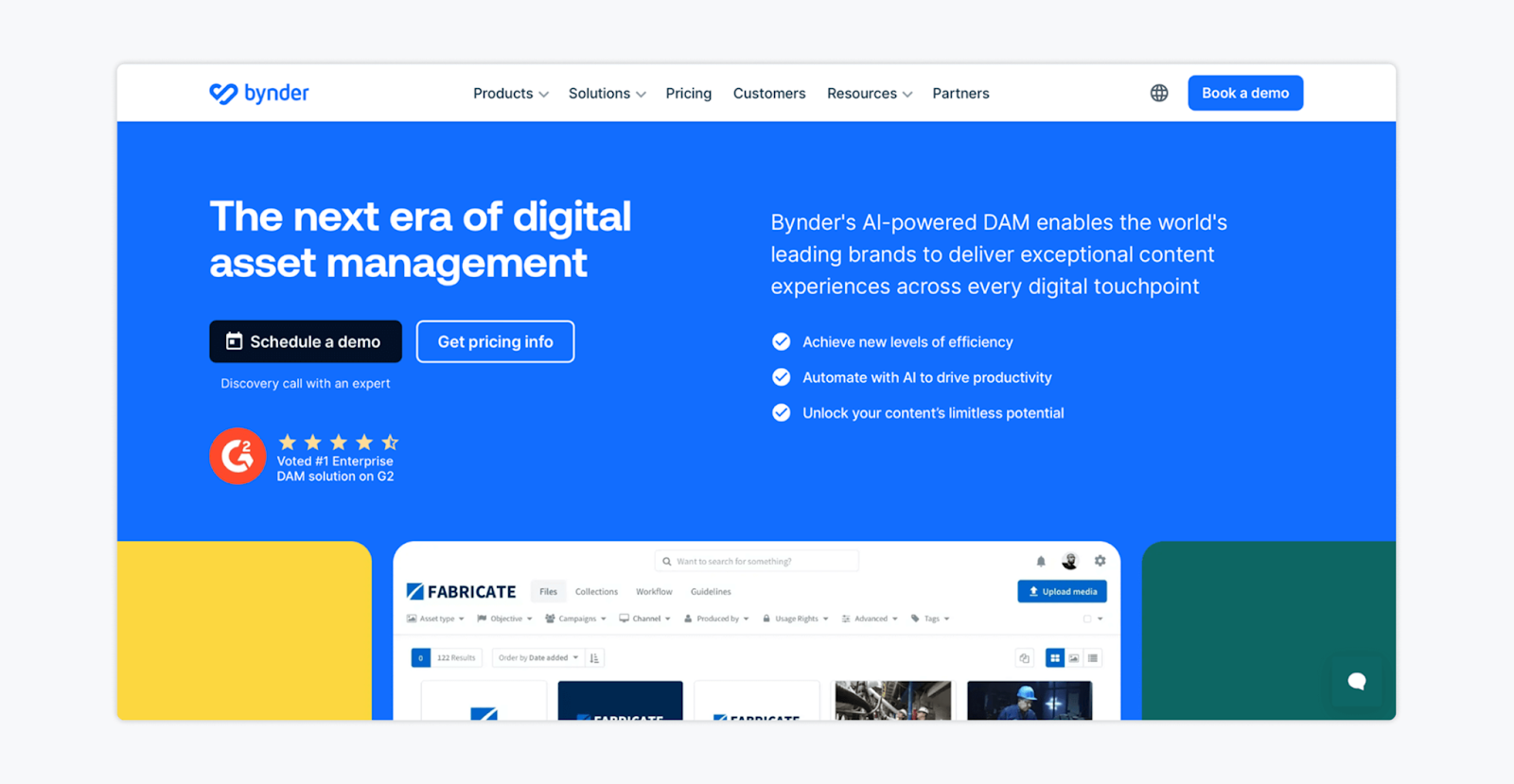
Bynder is an AI-powered digital asset management (DAM) platform that helps marketing teams organize, control, and distribute brand assets at scale. In simple terms, it’s a centralized home for all your images, videos, logos, campaign files, and creative content — making them searchable, secure, and instantly accessible.
Key features:
- Centralized digital asset library with granular user permissions
- AI-powered search, tagging, and duplicate detection
- Content and asset approval workflows
- 145+ integrations to connect with your marketing tech stack
| ✅ Pros | ❌ Cons |
| Built specifically for enterprise-scale asset management | Primarily focused on asset management, not blog publishing |
| Strong governance and permission controls | More complex setup than lightweight tools |
| Highly scalable with global infrastructure |
Pricing: Available upon request.
FAQs
A CMS (Content Management System) typically refers to software used to create and manage website content, such as blog posts and landing pages. A content management tool is broader. It can include CMS platforms, social media management tools, digital asset managers, and workflow systems.
Yes. Social media management tools are a type of content management tool because they help teams plan, approve, organize, and publish content. While they don’t manage websites like a traditional CMS, they control workflow, collaboration, scheduling, and performance tracking for social channels, which is a critical part of modern content operations.
The Best Setup Often Combines Multiple Tools
No single platform can handle every aspect of modern content marketing. And, in all honesty, most high-performing teams don’t rely on just one. You’ll probably need Webflow or HubSpot to manage your website, Contentful to power omnichannel experiences, and Bynder to keep your brand assets organized.
But if social media management and gathering feedback and client approvals are slowing you down, look no further than Gain. Get started today!