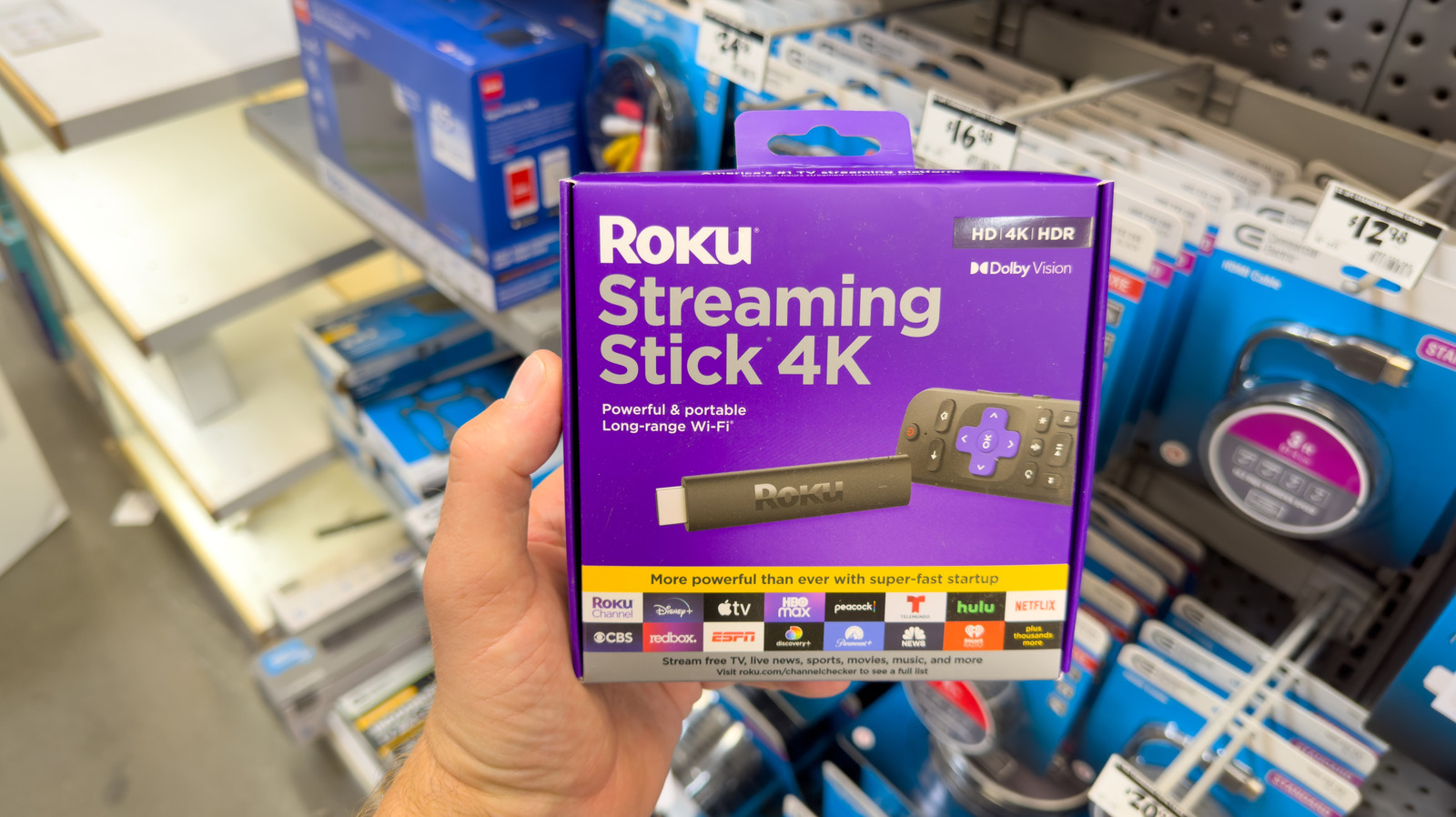
Shopping around for a new streaming device isn’t exactly difficult, but there are numerous options on the table. Products like the Apple TV 4K and Amazon Fire TV Stick lineup have been around for a minute, but these streaming peripherals have nothing on Roku’s longstanding presence on the market. Not only are most Roku streaming devices affordable and user-friendly, but they’re also packed with popular apps like Netflix, Prime Video, Disney+, as well as thousands of free movies and shows — plus other Roku exclusives.
There are several factors to consider when purchasing a new Roku Streaming Stick, and its power consumption is probably a concern raised by many folks. If you’ve been wondering what happens to a Roku product that’s left on all the time, the simple answer is that Roku streaming devices aren’t actually designed to turn off. When a Roku hasn’t been used for 20 minutes, the streamer enters a low-power standby mode, complete with an animated screensaver.
All Roku streaming devices are permanently on because they require a constant internet connection for OS and app updates. When you’re not actively streaming or updating the device, Roku devices consume next to no bandwidth. Waking up a Roku that’s in low-power mode is as easy as turning on the TV it’s plugged into, or pressing any button on your Roku remote.
Your Roku device won’t turn off, but that doesn’t mean you can’t (or shouldn’t) unplug it
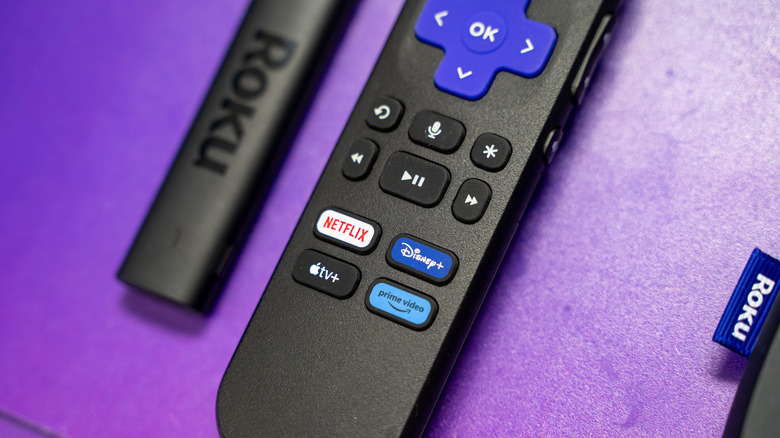
Even though your Roku streaming device won’t automatically power down, that doesn’t mean you can’t unplug it. As a matter of fact, we recommend doing this every so often to let your Roku cool down — literally. Similar to the Amazon Fire TV Stick, Roku devices can get rather toasty, especially if they’re not operating in a well-ventilated space. And while leaving a Roku powered on may not be as consequential as keeping your TV on all the time, heat is never a friend to electronics.
To that end, you might want to consider unplugging your Roku as a semi-regular household chore. Most Streaming Stick products feature a built-in HDMI connector, but that doesn’t supply power; that honor goes to the Micro USB that’s either running from your Roku into your TV, or down to a USB power adapter. After you unplug the USB connection from your device, give it a good 10-15 minutes before reconnecting.
Furthermore, your Roku device’s low-power mode can be customized to showcase personal photos instead of a Roku screensaver. It’s a feature called Photo Streams, and it lets you upload photos from a phone, tablet, or computer to your Roku account (you can also link a Google Photos account). You’ll then be able to use individual photos and full albums as your low-power screensaver.