By using this site, you agree to the Privacy Policy and Terms of Use.
Accept
World of SoftwareWorld of SoftwareWorld of Software
  • News
  • Software
  • Mobile
  • Computing
  • Gaming
  • Videos
  • More
    • Gadget
    • Web Stories
    • Trending
    • Press Release
Search
  • Privacy
  • Terms
  • Advertise
  • Contact
Copyright © All Rights Reserved. World of Software.
Reading: Your Router Is Probably Sitting In The Wrong Spot – BGR
Share
Sign In
Notification Show More
Font ResizerAa
World of SoftwareWorld of Software
Font ResizerAa
  • Software
  • Mobile
  • Computing
  • Gadget
  • Gaming
  • Videos
Search
  • News
  • Software
  • Mobile
  • Computing
  • Gaming
  • Videos
  • More
    • Gadget
    • Web Stories
    • Trending
    • Press Release
Have an existing account? Sign In
Follow US
  • Privacy
  • Terms
  • Advertise
  • Contact
Copyright © All Rights Reserved. World of Software.
World of Software > News > Your Router Is Probably Sitting In The Wrong Spot – BGR
News

Your Router Is Probably Sitting In The Wrong Spot – BGR

News Room
Last updated: 2026/01/18 at 8:06 PM
News Room Published 18 January 2026
Share
Your Router Is Probably Sitting In The Wrong Spot – BGR
SHARE


ronstik/Shutterstock

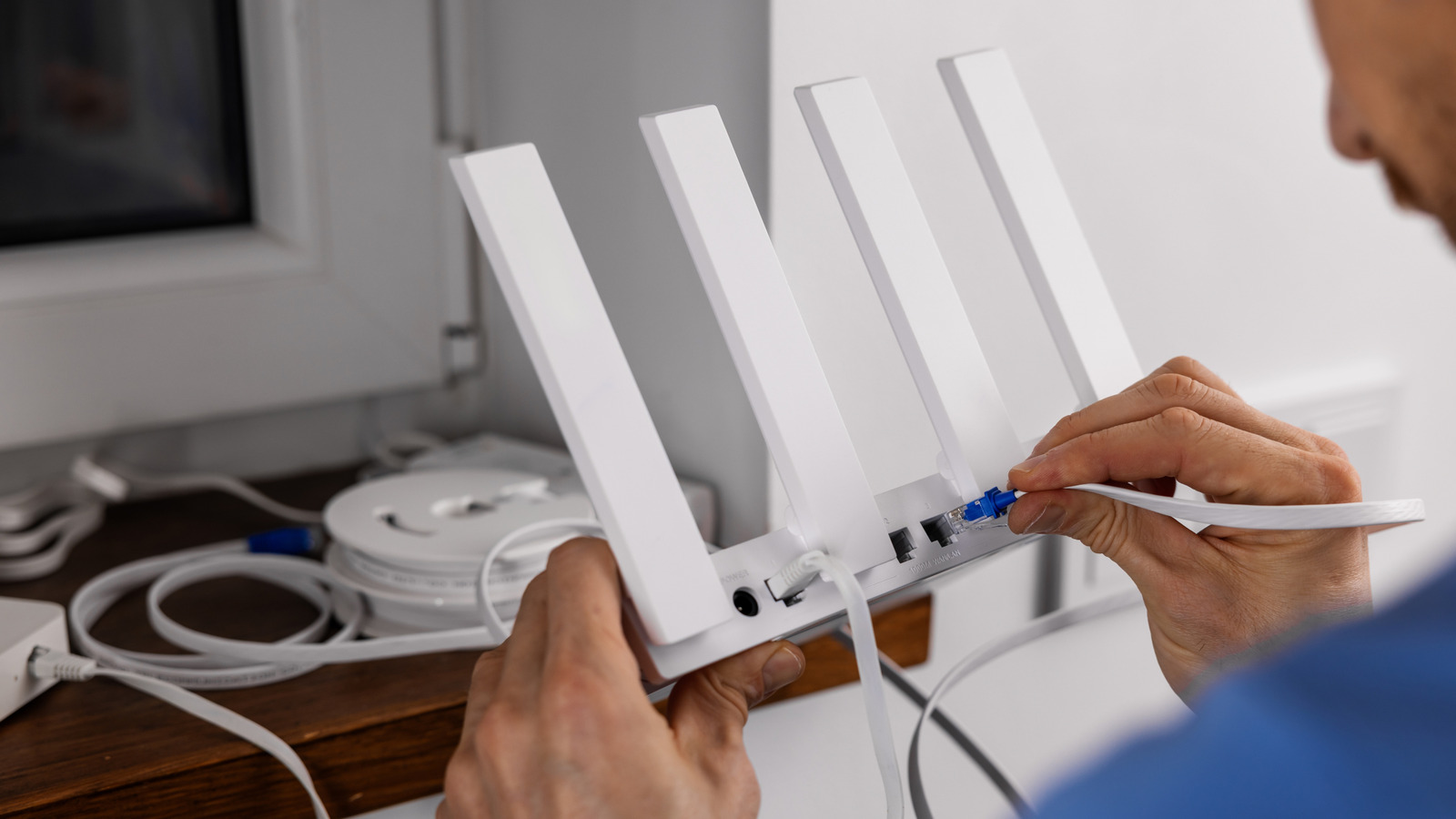
If you’re experiencing slow internet speeds or frequent connection dropouts, it could be that your router is simply sitting in the wrong spot. Buying the best Wi-Fi router or paying for the most expensive internet service plan in the world won’t save you from the pitfalls of poor peripheral placement. Depending on where your router sits, you might only get a fraction of the connection speed you’re paying for. Obstructions, distance, and interference can all weaken your router’s signal or even render it unreliable.

The naked eye can’t see how Wi-Fi signals travel, nor is it possible to see how those signals interact with walls, surfaces, or other electronic devices. This makes it extremely easy to leave your router in a less-than-ideal location. However, there are a simple rules of thumb you can follow that will help you steer clear of common mistakes and maintain the best possible environment for your Wi-Fi network. The goal is to move your router away from any enclosed or obstructed areas and into a place where its signal can reach your other devices with ease.

Avoid obstructions and interference with your Wi-Fi router
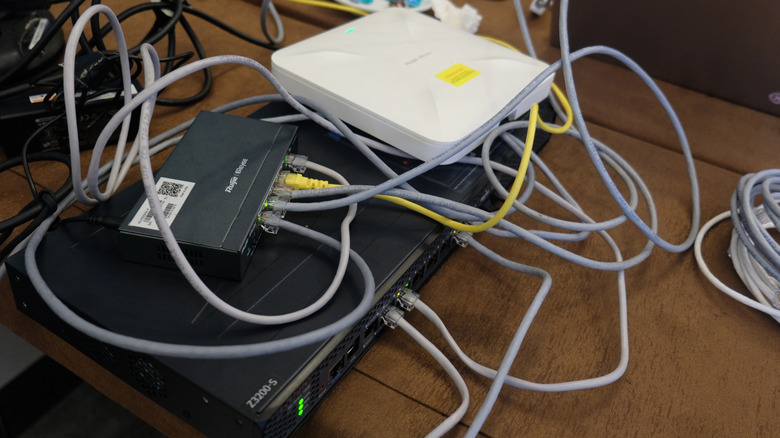

Many network devices stacked atop each other creates signal interference
RedRaisa/Shutterstock

There are many nuances that can hamper a Wi-Fi router’s efficiency, but the first and most important rule is to avoid putting the router in certain spots that are critically bad for its signal strength. Perhaps the most common of these risk zones is behind the TV. Putting your router here keeps it out of sight and near your most-used devices, but TVs are large obstructions that contain metal plates and other components that interfere with Wi-Fi signals. You should also keep your router out of enclosed spaces such as cabinets, closets, or even bookshelves, as these present additional obstructions that a Wi-Fi signal needs to pass through.

Distance is another key factor, especially if your router is on a different floor. Wi-Fi struggles to pass through flooring, carpeting, and plumbing infrastructure. Be aware of other 2.4 GHz and 5 GHz devices in your home, too. Signals from multiple routers can interfere with one another, as can other wireless devices and even 2.4 GHz microwaves. The more of these devices there are between your router and your internet-connected devices, the weaker your connection is likely to be.

If you’re in a situation where you can’t move your router to a better location, there are some tricks you can try that may still increase your internet speed. Switching from the router’s 2.4 GHz band to a 5 GHz band can help if there are many 2.4 GHz devices nearby, causing congestion. You might also consider setting up a Wi-Fi mesh system using additional router nodes that can massively boost your network’s coverage area.

Find a central location for your router
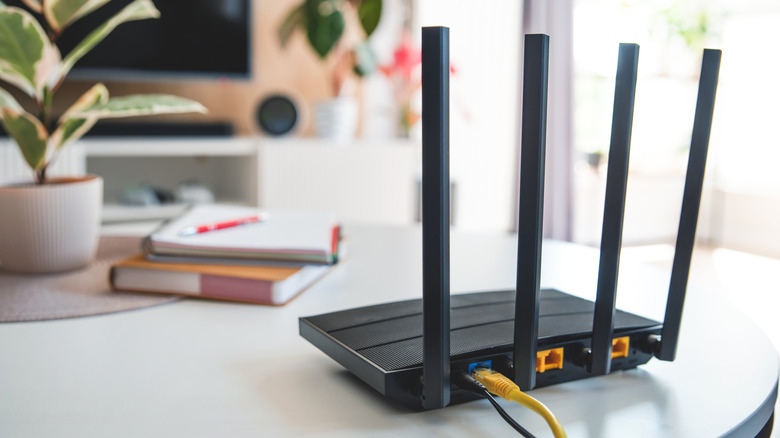

A router sits in an ideal spot atop a table in an open room
Simpson33/Getty Images

The best place to put your router is on a raised surface in your living room or other wide-open area of the house. The more central the location, the better. Your router radiates its signal outward in all directions, so placing it near a window or in a distant room means that much of its coverage area is actually outside the house. If your router has adjustable antennae, you can compensate for this by directing the signal inward toward other areas of the house. Even so, you will only get the best possible wireless connection by keeping the router in closer proximity to the other devices it’s meant to serve.

It’s understandable to feel like your router is an eyesore that should be tucked away and forgotten after setting it up. Admittedly, your router can likely satisfy most of your needs even if it’s in a sub-optimal place. For the sake of efficiency, though, being out of sight probably means it’s in the wrong spot.



Sign Up For Daily Newsletter

Be keep up! Get the latest breaking news delivered straight to your inbox.
By signing up, you agree to our Terms of Use and acknowledge the data practices in our Privacy Policy. You may unsubscribe at any time.
Share This Article
Facebook Twitter Email Print
Share
What do you think?
Love0
Sad0
Happy0
Sleepy0
Angry0
Dead0
Wink0
Previous Article Donald Trump, Kate Middleton, and a Shark: The Rise of AI-Edited Images | HackerNoon Donald Trump, Kate Middleton, and a Shark: The Rise of AI-Edited Images | HackerNoon
Next Article Build a Vector Search Engine in Python with FAISS and Sentence Transformers | HackerNoon Build a Vector Search Engine in Python with FAISS and Sentence Transformers | HackerNoon
Leave a comment

Leave a Reply Cancel reply

Your email address will not be published. Required fields are marked *

Stay Connected

248.1k Like
69.1k Follow
134k Pin
54.3k Follow

Latest News

Even Starlink Wants Your Data for AI Model Training. How to Opt Out
News
Mixue’s coffee arm sets 10,000-store goal for 2025, eyes higher-tier cities · TechNode
Computing
MacBook Pro Buyers Now Facing Up to a Two-Month Wait Ahead of New Models
News
Laptop Upgrades Cheaper Than Buying A New Computer – BGR
News

You Might also Like

Even Starlink Wants Your Data for AI Model Training. How to Opt Out
News

Even Starlink Wants Your Data for AI Model Training. How to Opt Out

8 Min Read
MacBook Pro Buyers Now Facing Up to a Two-Month Wait Ahead of New Models
News

MacBook Pro Buyers Now Facing Up to a Two-Month Wait Ahead of New Models

5 Min Read
Laptop Upgrades Cheaper Than Buying A New Computer – BGR
News

Laptop Upgrades Cheaper Than Buying A New Computer – BGR

19 Min Read
The Army will update its software guidance and pursue a new funding category for software
News

The Army will update its software guidance and pursue a new funding category for software

5 Min Read
//

World of Software is your one-stop website for the latest tech news and updates, follow us now to get the news that matters to you.

Quick Link

  • Privacy Policy
  • Terms of use
  • Advertise
  • Contact

Topics

  • Computing
  • Software
  • Press Release
  • Trending

Sign Up for Our Newsletter

Subscribe to our newsletter to get our newest articles instantly!

World of SoftwareWorld of Software
Follow US
Copyright © All Rights Reserved. World of Software.
Welcome Back!

Sign in to your account

Lost your password?