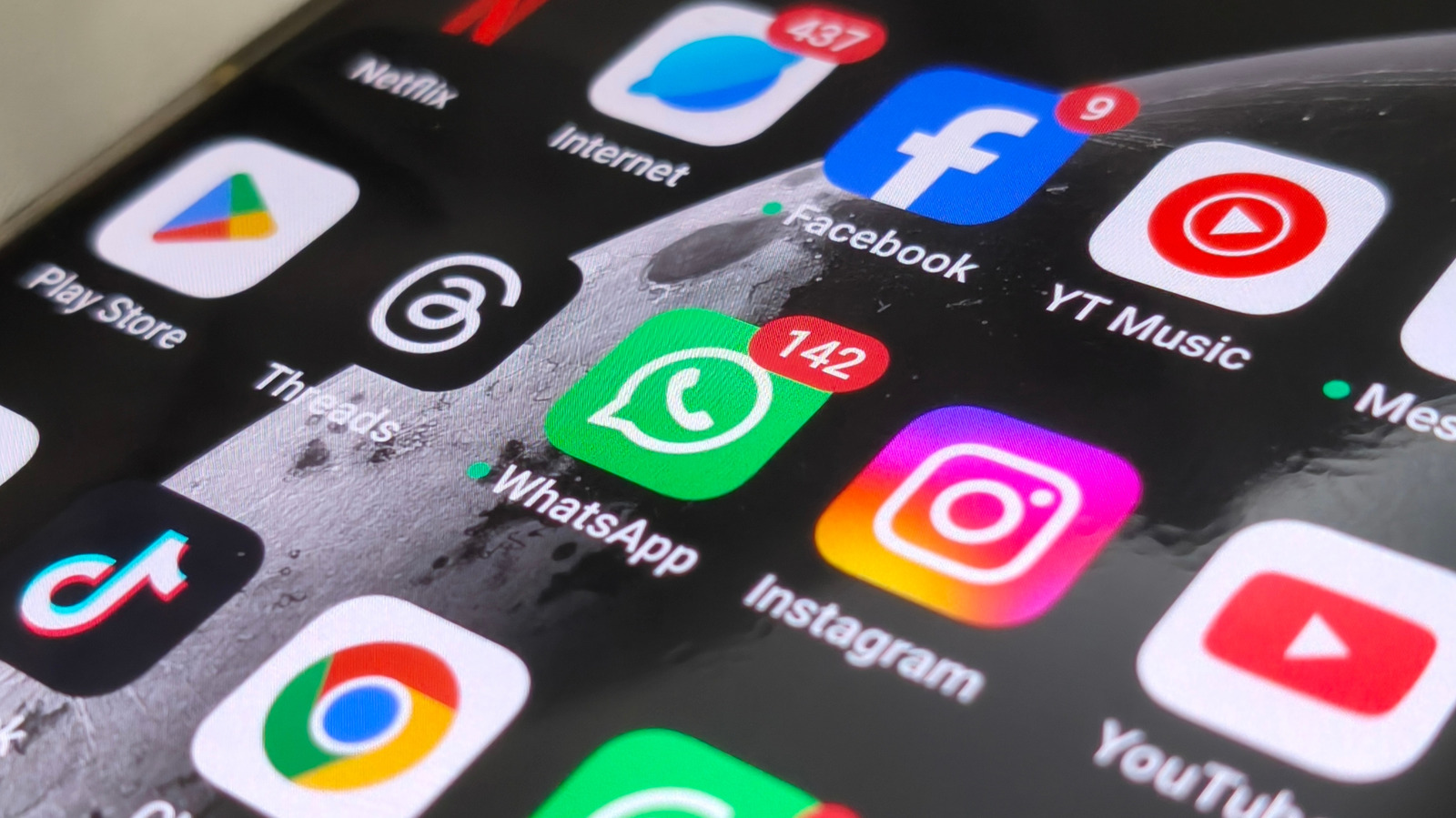
The apps you actively use and have installed on your phone can be the primary reason your phone seems slow. That’s because apps use your device’s RAM and CPU to keep them running smoothly. So at some point, if you’re running a phone with really low RAM, like less than 8GB (8GB to 12GB is the sweet spot for RAM), and you’re using power- and data-hungry apps, you’re going to face problems. You can, of course, manage your cache, clear your storage, disable app permissions, and restrict background usage to keep some apps under control, but that’s not always feasible, or even pleasant to deal with. Some apps require specific permissions and need to continue running in the background to properly function — especially apps that depend on your location data, such as pedometer apps or apps that use the Google Maps API for real-time geographical tracking.
If you’re unsure how many resources your favorite apps are consuming, there’s an easy way to check: go to the OEM’s battery health settings and search for any app infographic that shows battery consumption. Typically, the more battery these apps consume, the more likely they are sucking power from the CPU and data, which slows down your phone. But if these problems keep plaguing you, you may need to either remove these apps entirely and replace them with more lightweight alternatives or, at the very least, accept some imposed background and permissions restrictions. Making some easy changes could restore a sluggish device into something that runs like it is new again.
TikTok
TikTok caches a lot of data to maintain instant video feedback within the app. But that’s also a common feature for any app that hosts playable media content inside a scrollable feed. That’s because it uses the app cache to preload the media beforehand. Moreover, that’s not the only source for device slowdown problems — you’re also likely using the app to stream videos in high definition (at 60FPS), which requires more processing power to render.
Overall, no matter how you interact with this app, unfortunately, it is a bit greedy with your CPU and storage, and still excessively uses the cache. Plus, if you’re really unlucky, you might even run into compatibility issues with the app, even if your phone has sufficient RAM to run it. Luckily, there’s still a solution if you’re worried TikTok is too demanding for your phone, since some online sources suggest trying TikTok Lite instead. TikTok Lite is a more lightweight alternative to the regular app. It is designed to load faster, use less storage, and also be a better performing option for old hardware.
Google Photos
Google Photos comes pre-installed on many Android phones. So the odds are high that you’ve already had a few encounters with this app. Any experienced user will quickly find out that this app is anything but a local gallery storage app. Additionally, if you are looking for an offline, local storage app by Google, Google Gallery is the better option, since Google Photos is still mostly a cloud-based storage option for videos and photos.
Of course, like any app or service that needs to communicate with cloud services to function, it will slow down your phone. For example, you’ll notice hiccups immediately (because it indexes the image) when you turn on Google Photos backups in the Google Photos app. That’s because this app is a complete drain on your background resources; every time you snap a photo and sync it to Google Photos, it stores it in the cloud. This process is typically done in the background, which requires using your CPU and network resources to get the job done. Then, a consequence of always doing this is that the app likely eats up your Google account’s storage; if you’re a free user, that 15GB will fill up very quickly if you enable Google Photos to upload everything to the cloud. Plus, dealing with both kinds of issues at once is never fun, which is why you may want to turn off backups if you plan to regain CPU/network performance and maybe even some sanity, too.
Spotify
No matter how you slice it, Spotify slows down your phone, even when you turn on options like the app’s Data Saver mode to curb its gluttony. Spotify caches content for streaming and offline use aggressively. This means that the app downloads part of the song, so you don’t have to deal with buffering problems.
While Spotify’s aggressive caching is meant to prevent buffering, it can backfire if your phone is low on storage. When your device is nearly full, the operating system struggles to manage files, leading to system-wide lag. Plus, you will notice other issues if you use settings like Battery Saver mode, which sometimes can force the CPU to throttle. CPU throttling can, in turn, make your apps, like Spotify, also throttle; as a result, you might notice stuttering or minor interruptions, since you’re heavily restricting Spotify’s background usage and performance.
Moreover, downloading songs for offline listening doesn’t really help the overall slowdown (it can help with data consumption since you can download over Wi-Fi first). One problem is that it takes up storage space, so if you manage a massive Spotify library, you’re already in trouble. Plus, it still requires RAM to manage those stored files, and if you only have 4GB of RAM, that’s not a lot of wiggle room to multitask between apps.
Google Maps
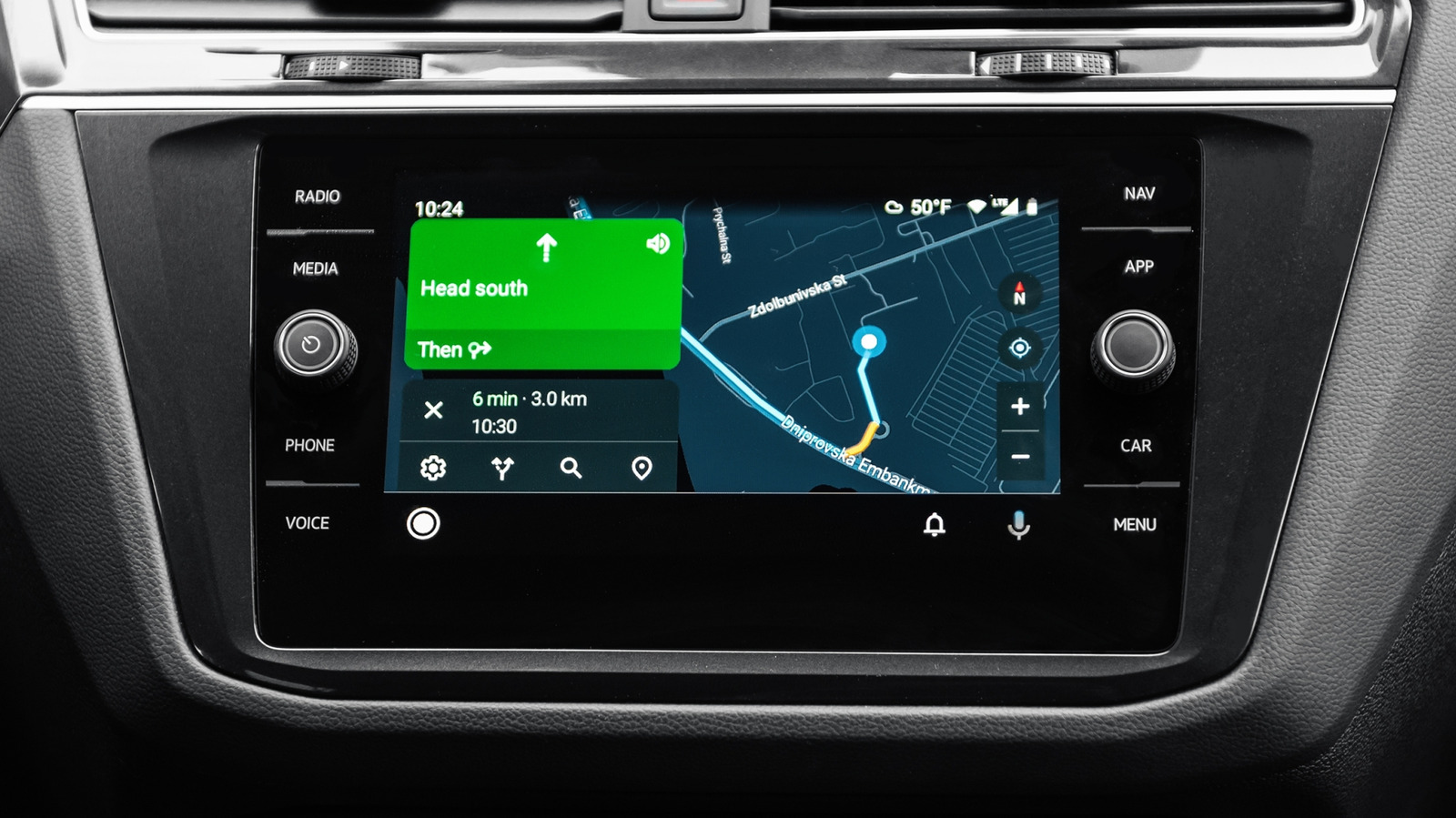
Unfortunately, Google Maps can hurt your phone’s performance because it requires a lot of resources, like your device’s GPS hardware, to keep its geographical information up to date. You often use this app to get real-time information about your local area and travel directions with GPS tracking. And if you are already using the app for real-time traffic alerts, chances are it’s also running in the background to continuously pull relevant data. Other side effects of you potentially using its location services while you’re outside Wi-Fi range mean you’re also using up your data plan.
The downside of this is that managing the cache doesn’t help, since excessively clearing it won’t improve loading times (because it will need to rebuild the data around your location). Even battery-saving modes on your device can make the app run wonky, too. Though if you’re lucky enough to own any of the Google Pixel 10 series, you can use the in-app power-saving feature to save your battery. Otherwise, you’ll need to be careful when and how you use Google Maps if you’re trying to regain speed.
Instagram isn’t the only culprit for being data-hungry; any social media app, like Snapchat or Facebook, will behave similarly. So it’s no use trying to trade one app for another to make the slow phone situation better. Social media apps love sending notifications, especially push notifications, which can sometimes drain battery. If push notifications aren’t aggregated properly, they will constantly wake the screen and processor whenever an alert gets sent through. Unless you turn it off in your system settings (though some apps use a remote push anyway), the app can also run in the background to refresh its app data (which requires resources from your processor and also uses your data). You can primarily fix this by reducing the number of incoming notifications in your device settings and turning off certain alerts in-app.
Another reason the Instagram app is slowing down your phone is that it preloads a lot of media to let you scroll through the feed seamlessly. That means it loads the data ahead of time, before you see or interact with it. This is especially common with video content; in this case, the app cache is partly to blame, since it can use up storage space or the cache could become corrupted or outdated, making your phone run slower than usual.