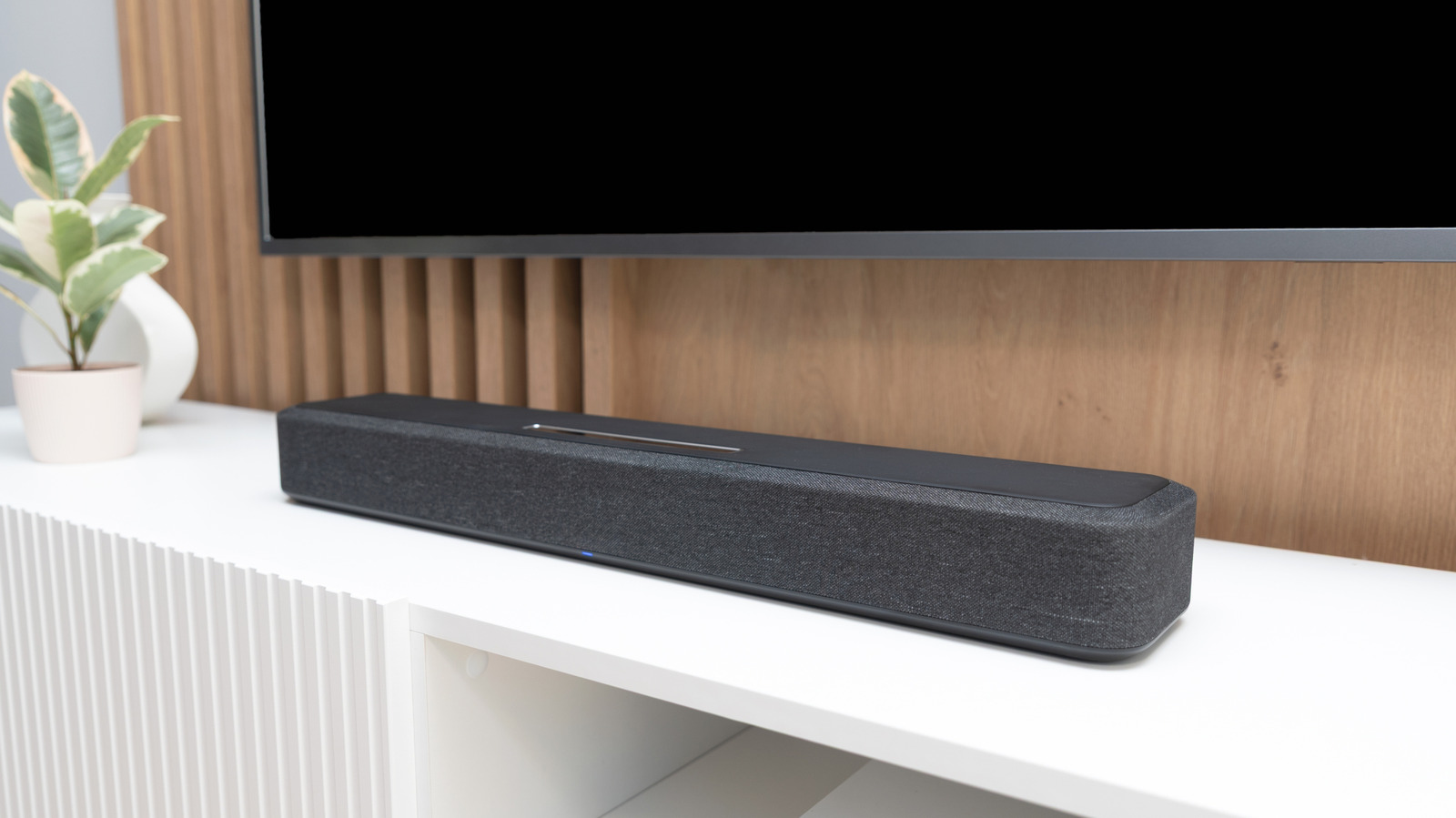
Integrating a soundbar into your TV audio setup enhances the sound quality of your favorite films, shows, games, and music. However, if you’re noticing your soundbar is performing suboptimally — maybe the audio distorts now and again, or the bass isn’t as powerful as it should be — you shouldn’t sleep on these issues. They could be a sign that you’re making some common soundbar mistakes, which mean you’re not getting the most out of your audio setup.
Even if there are no clear effects right now, there are several ways you could be quietly ruining your soundbar’s overall longevity and wasting its capabilities without even knowing it. Sticking with the out-of-the-box factory settings could see your soundbar prioritizing volume over balance, which could strain the speakers over time. Incorrectly placing your soundbar could result in muffled audio due to furniture bounce-back or overheating issues that can knock years off its lifespan. Foregoing firmware updates may see you missing enhancements, new features, and bug fixes that could improve your soundbar’s performance and usability.
Below, we’ll break down these three simple ways you could be ruining your soundbar without even knowing it. Here’s what you can do right now to ensure its audio stays crisp, clean, and balanced for as long as possible.
Incorrect placement
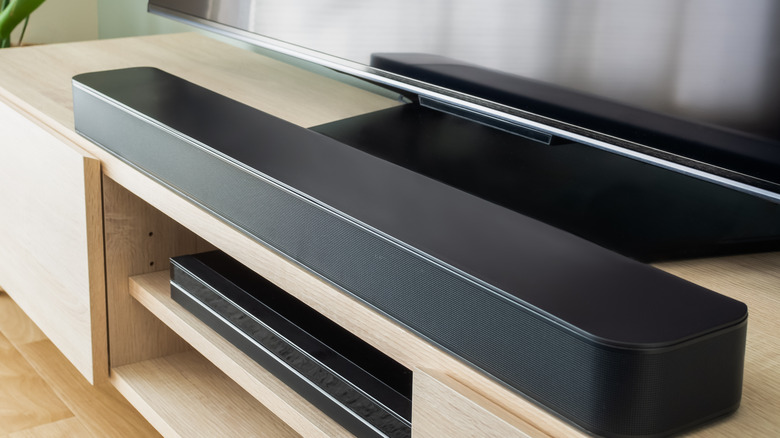
Placing your soundbar in the wrong spot could have a detrimental effect on your audio experience. Ideally, you should place your soundbar below your TV screen, on a flat, stable surface, as this helps ensure the sound doesn’t bounce off any obstructions.
When placing your soundbar, you should also consider a spot that offers it ample breathing room for its vents. Blocking or obstructing these vents can lead to overheating, which can impact performance or lead to longer-term issues. As such, you should also make sure to give these vents a wipe up with a dry, microfiber cloth; or a once over with a can of compressed air if you see dust building up.
Another way to prevent overheating is to place your speaker in a cool, dry space out of direct sunlight. As with most electronic devices, overexposure to direct sunlight can lead to overheating, even if the soundbar isn’t on. If your space is limited, however, covering your soundbar between uses can help with this.
Not fine-tuning your audio settings
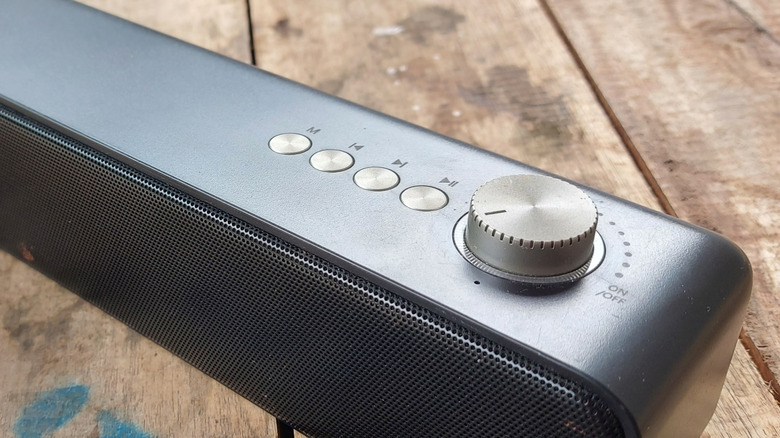
Adjusting your soundbar’s audio settings to your needs is key to ensuring optimal sound quality. Out of the box, most soundbars come with factory presets that you may be inclined to use if you’re not the most audio proficient, or have concerns about accidentally ruining the sound experience. While these presets may provide an average sound experience, they likely won’t provide an optimal one and could, in fact, ruin your soundbar’s performance in the long run. This is because factory settings aren’t tailor-made for your set-up and room.
The size of a room, the furniture in it, where you plan to sit, and more can affect your audio experience. By not adjusting these settings, not only will the balance of the sound be off, but you could inadvertently make the volume or bass too loud, which (if extreme) may deteriorate the soundbar’s effectiveness over time by straining the speakers.
To avoid this, place your soundbar, sit where you normally would when using your TV, and then adjust any relevant sound modes, EQ profiles, and adaptive features using the companion app (if applicable) or via your TV. Don’t forget to adjust your TV’s audio settings , too. You want to ensure voices are clear, the bass isn’t too powerful, and that you don’t need to pump the volume for impact. What settings are available to adjust will depend on your soundbar make and model. Make sure to check out our list of soundbar tips and tricks, too, for more suggestions to enhance your soundbar’s sound quality.
Not updating firmware

Updating your soundbar’s firmware may seem like a given, but it’s easy to forget about updates – especially if you don’t have auto-update enabled. Firmware updates can help address bugs, improve sound quality, or even introduce new features. They could also be critical to ensuring your soundbar functions correctly. In other words, you need to stay on top of them.
New firmware updates can be found on brand websites or via your soundbar’s companion app (if applicable). If your speaker comes with a companion app, you should enable auto-updates if possible, to ensure you don’t miss the latest firmware.
If your soundbar doesn’t come with a companion app, you may need to download the firmware from the company’s website to a USB, plug it into the device, and follow the instructions. If you want to ensure you don’t miss these new updates, it’s worth subscribing to the brand’s update newsletter or similar to keep updated on the latest releases.