By using this site, you agree to the Privacy Policy and Terms of Use.
Accept
World of SoftwareWorld of SoftwareWorld of Software
  • News
  • Software
  • Mobile
  • Computing
  • Gaming
  • Videos
  • More
    • Gadget
    • Web Stories
    • Trending
    • Press Release
Search
  • Privacy
  • Terms
  • Advertise
  • Contact
Copyright © All Rights Reserved. World of Software.
Reading: Google is turning video creation into a one-click experience with latest Vids updates
Share
Sign In
Notification Show More
Font ResizerAa
World of SoftwareWorld of Software
Font ResizerAa
  • Software
  • Mobile
  • Computing
  • Gadget
  • Gaming
  • Videos
Search
  • News
  • Software
  • Mobile
  • Computing
  • Gaming
  • Videos
  • More
    • Gadget
    • Web Stories
    • Trending
    • Press Release
Have an existing account? Sign In
Follow US
  • Privacy
  • Terms
  • Advertise
  • Contact
Copyright © All Rights Reserved. World of Software.
World of Software > News > Google is turning video creation into a one-click experience with latest Vids updates
News

Google is turning video creation into a one-click experience with latest Vids updates

News Room
Last updated: 2026/04/03 at 3:04 AM
News Room Published 3 April 2026
Share
Google is turning video creation into a one-click experience with latest Vids updates
SHARE

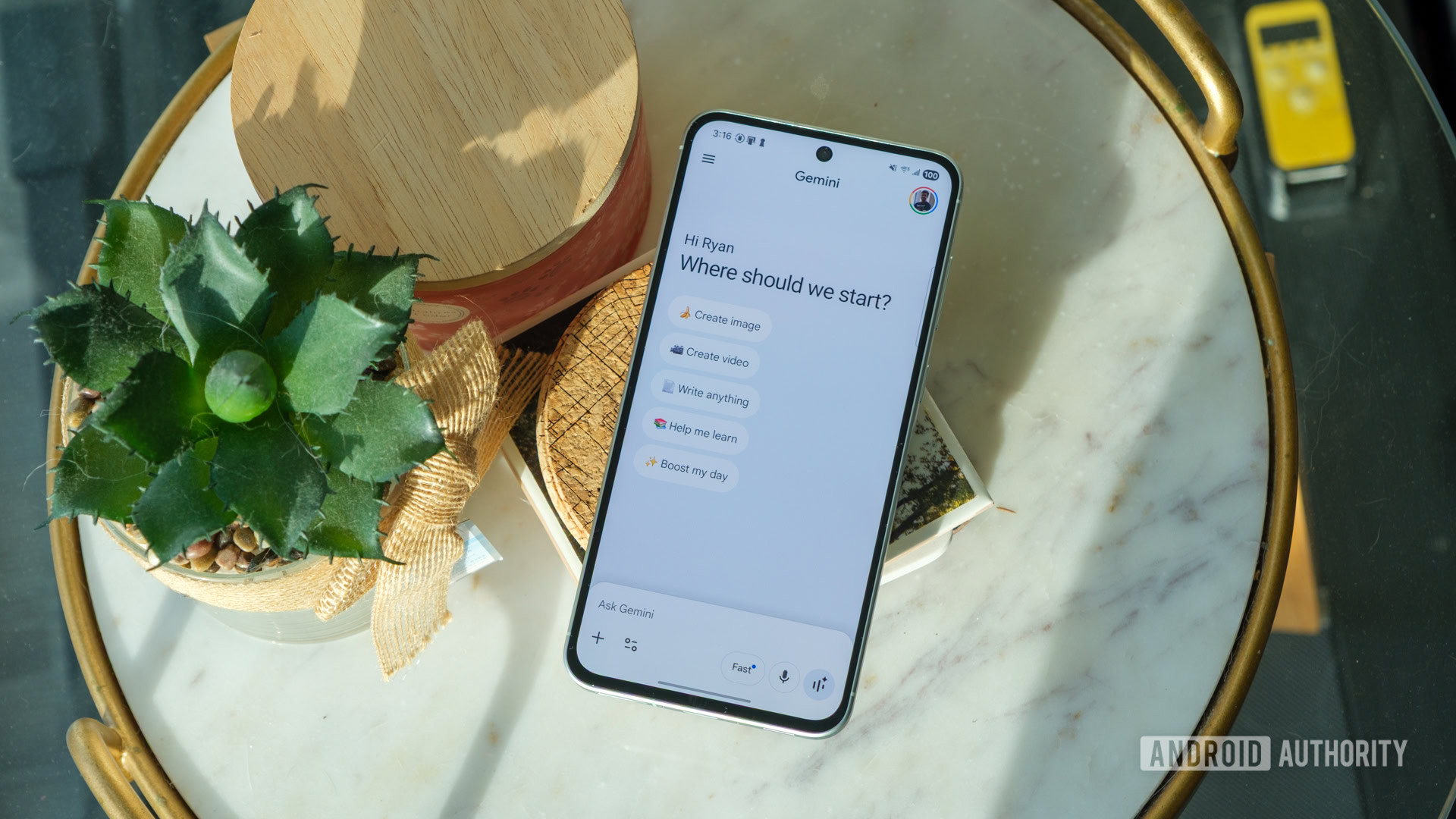
Ryan Haines / Android Authority

TL;DR

  • Google Vids just integrated Veo 3.1, letting you create polished video clips from a simple text or image prompt.
  • Every Google account gets 10 free generations a month, while top-tier Workspace users get up to 1,000.
  • AI avatars are now fully customizable and stay consistent across scenes.

Making high-quality video content often meant buying costly equipment, doing lots of retakes, and spending hours editing. Google wants to change all that. Today, the company unveiled a big set of AI-powered updates for Google Vids, putting advanced studio tools right in your web browser.

The latest Google Vids update uses AI to make video production much simpler. What once took many steps now feels as easy as typing a prompt. And for the first time, many of these features are available for free.

The main feature is Veo 3.1, Google’s newest video generation model. Now, you can make short, polished video clips just by describing your idea or uploading an image and letting the AI handle the rest. Every Google account gets 10 free video generations per month, which is likely meant to attract new users before offering paid options for heavier use.

Don’t want to miss the best from Android Authority?

google preferred source badge light@2xgoogle preferred source badge dark@2x

AI avatars are also getting a big upgrade. Now you can fully customize them by changing outfits, adjusting appearances, and swapping backgrounds. Everything stays consistent throughout your video, so there are no awkward changes in voice or visuals, even across different scenes.

creating custom avatars in Google Vids

Google is also adding a new feature called “direct avatars.” These avatars can now interact with objects in a scene, not just act as talking heads. You can upload a product image, place your avatar in a setting, and it will present or demonstrate the product like a real host.

If you have a higher-tier plan like Google AI Ultra, you can generate up to 1,000 videos each month.

You can now create custom music with Lyria 3 and Lyria 3 Pro, making anything from short 30-second clips to full three-minute tracks. Avatars and voiceovers also support more languages, such as French, German, Japanese, Korean, Portuguese, Spanish, and Italian.

Lyria 3 interface for Google Vids

For quick content capture, there is now a Chrome extension that lets you record your screen instantly. You do not need to open Vids first. Just hit record, capture your content, and you are done.

When your video is finished, you can publish it straight to YouTube without downloading it first. By default, exports are set to private, so you have time to review before making them public.

For professionals, Gemini is now smarter across the Workspace ecosystem. You can use the “Help me schedule” feature in Gmail to easily set up group meetings. Ask Gemini in Google Meet now also supports the seven new languages, offering private help during meetings.

You can visit vids.new today to try out these free studio tools and see what they can do for your next project.

Thank you for being part of our community. Read our Comment Policy before posting.

Sign Up For Daily Newsletter

Be keep up! Get the latest breaking news delivered straight to your inbox.
By signing up, you agree to our Terms of Use and acknowledge the data practices in our Privacy Policy. You may unsubscribe at any time.
Share This Article
Facebook Twitter Email Print
Share
What do you think?
Love0
Sad0
Happy0
Sleepy0
Angry0
Dead0
Wink0
Previous Article Why Water Became Our Universal Reference (and Why O Coins Use It) | HackerNoon Why Water Became Our Universal Reference (and Why O Coins Use It) | HackerNoon
Next Article What Brands & Creators Can Learn From BookTok | What Brands & Creators Can Learn From BookTok |
Leave a comment

Leave a Reply Cancel reply

Your email address will not be published. Required fields are marked *

Stay Connected

248.1k Like
69.1k Follow
134k Pin
54.3k Follow

Latest News

20+ Best Creator Tools For Content Creators in 2026 |
Computing
Musk Forces Banks to Use Grok, Ahead of SpaceX IPO
News
hid-omg-detect: Linux Driver In Development To Detect Malicious HID Devices
Computing
An AI bot invited me to its party in Manchester. It was a pretty good night
News

You Might also Like

Musk Forces Banks to Use Grok, Ahead of SpaceX IPO
News

Musk Forces Banks to Use Grok, Ahead of SpaceX IPO

5 Min Read
An AI bot invited me to its party in Manchester. It was a pretty good night
News

An AI bot invited me to its party in Manchester. It was a pretty good night

10 Min Read
4 Clever Uses For The Thunderbolt Port On Your PC – BGR
News

4 Clever Uses For The Thunderbolt Port On Your PC – BGR

9 Min Read
Are any of the big three carriers still worth it in 2026? It’s complicated…
News

Are any of the big three carriers still worth it in 2026? It’s complicated…

10 Min Read
//

World of Software is your one-stop website for the latest tech news and updates, follow us now to get the news that matters to you.

Quick Link

  • Privacy Policy
  • Terms of use
  • Advertise
  • Contact

Topics

  • Computing
  • Software
  • Press Release
  • Trending

Sign Up for Our Newsletter

Subscribe to our newsletter to get our newest articles instantly!

World of SoftwareWorld of Software
Follow US
Copyright © All Rights Reserved. World of Software.
Welcome Back!

Sign in to your account

Lost your password?