

Refactoring Agent Skills: The Day My Context Window Died
There’s a specific kind of pain you only experience once:
You’re in Claude Code, you trigger a couple of “helpful” Skills, and suddenly, the model is chewing through thousands of lines of markdown + snippets it didn’t ask for.
Your “AI co-pilot” stops feeling like a co-pilot and starts feeling like a browser tab you can’t close.
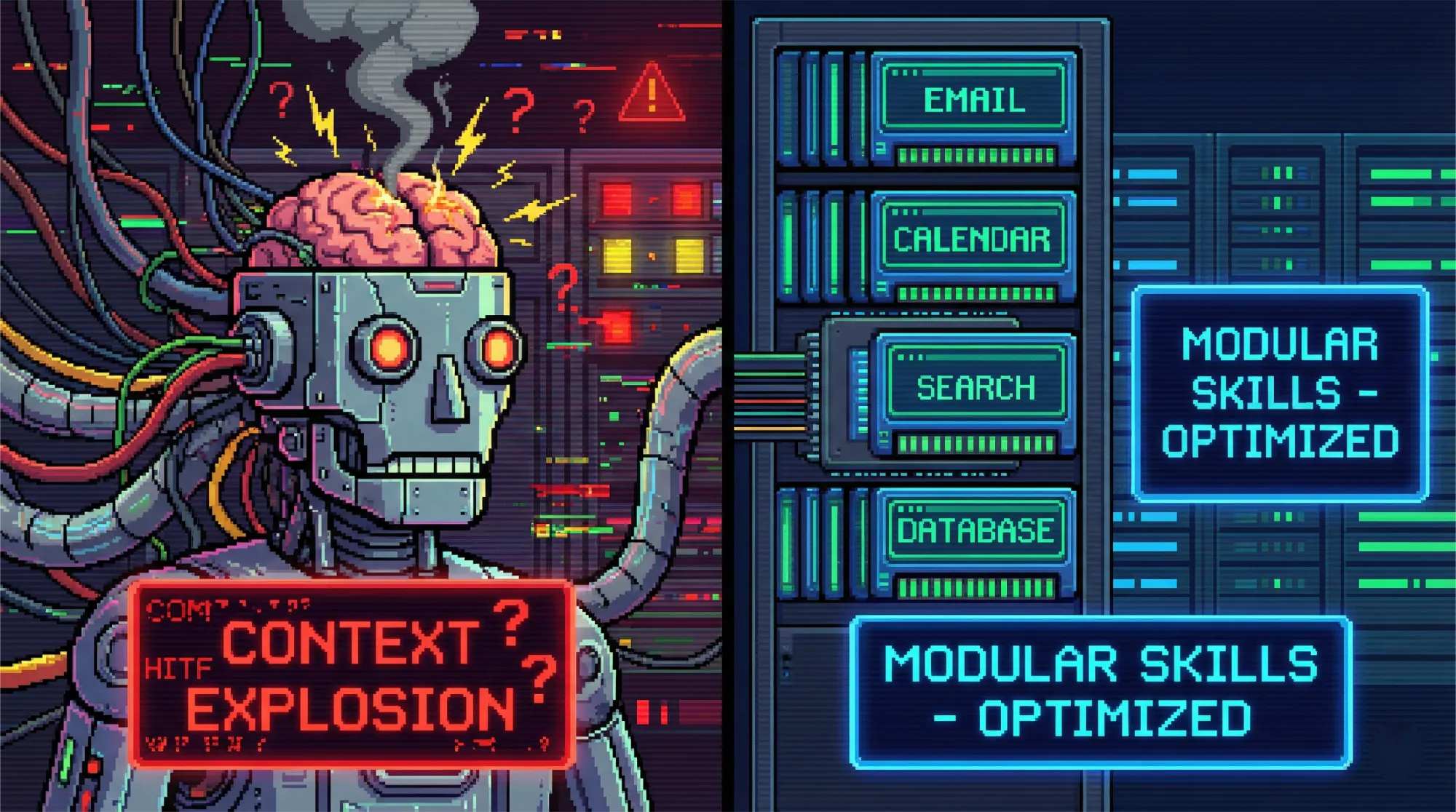
This piece is a practical rewrite (and upgrade) of a popular Claude Code community refactor story: a developer thought “more info = better,” built Skills like mini-wikis, and accidentally created a context explosion. The fix wasn’t a clever prompt. It was an architectural refactor. The result: dramatically leaner initial context and much better token efficiency.
Let’s steal the playbook.
1. The Root Cause: Treating Skills Like Docs ============================================
The first trap is incredibly human:
“If I include everything, the model will always have what it needs.”
So, you create one Skill per tool, and each Skill becomes a documentation dump:
- setup steps
- API references
- exhaustive examples
- “don’t do X” lists
- every edge case since 2017
Then a task like “deploy a serverless function with a small UI” pulls in:
- your Cloudflare skill,
- your Docker skill,
- your UI styling skill,
- your web framework skill…
…and the model starts its job already half-drowned.
Claude Code’s own docs warn that Skills share the context window with the conversation, the request, and other Skills — which means uncontrolled loading is a direct performance tax. (You feel it as slowness, drift, and “why is it ignoring the obvious part?”)
So: your problem isn’t “lack of info.” It’s “too much irrelevant info.”
2. The Fix: Progressive Disclosure (Three Layers) =================================================
Claude Code docs explicitly recommend progressive disclosure: keep essential info in SKILL.md, and store the heavy stuff in separate files that get loaded only when the task requires them.
This maps cleanly to a three-layer system:
Layer 1 — Metadata (always loaded)
A short YAML frontmatter: name + description + the “routing signal.”
Think of it like a book cover and blurb. You’re not teaching. You’re helping the model decide whether to open the book.
Layer 2 — Entry point: SKILL.md (loaded on activation)
Your navigation map:
- what the Skill is for
- when to use it
- what steps to follow
- what files to open next
Not a tutorial. Not a wiki.
Layer 3 — References & scripts (loaded only when needed)
Small, focused files:
- one topic per file
- 200–300 lines per file is a good target
- scripts do deterministic work, so the model doesn’t burn tokens “describing” actions
Here’s what that looks like in a real folder:
.claude/skills/devops/
├── SKILL.md
├── references/
│   ├── serverless-cloudflare.md
│   ├── containers-docker.md
│   └── ci-cd-basics.md
└── scripts/
    ├── validate_env.py
    └── deploy_helper.sh
3. The “200-Line Rule”: Brutal, Slightly Arbitrary, Weirdly Effective =====================================================================
In the community refactor story, the author landed on a hard constraint:
Keep SKILL.md under ~200 lines. If you can’t, you’re putting too much in the entry point.
Claude’s own best practices docs recommend keeping the body under a few hundred lines (and splitting content as you approach that limit). But “200 lines” is a sharper knife: it forces you to write a table of contents, not a textbook.
Why it works:
- The model can scan the entry quickly
- It can decide what reference file to load next
- Total “initial load” stays small enough that the conversation still has room to breathe
A quick test you can steal
- Start a fresh session (cold start)
- Trigger your Skill
- If your first activation loads more than ~500 lines of content, your design is likely leaking scope
4. The Real Mental Shift: From Tool-Centric to Workflow-Centric ===============================================================
This is the part most people miss.
Tool-centric Skills look like:
cloudflare-skilltailwind-skillpostgres-skillkubernetes-skill
They’re encyclopedias. They don’t compose well.
Workflow-centric Skills look like:
devops(deploy + environments + CI/CD)ui-styling(design rules + component patterns)web-frameworks(routing + project structure + SSR pitfalls)databases(schema design + migrations + query patterns)
They map to what you actually do during development.
A workflow Skill answers:
“When I’m in this stage of work, what does the agent need to know to act correctly?”
Not:
“What is everything this tool can do?”
That one reframing prevents context blowups almost by itself.
5. A Minimal, Production-Grade SKILL.md (Example) ===================================================
Here’s a deliberately small entry point you can copy and customise. Notice what’s missing: long examples, full docs, and “everything you might ever need.”
---
name: ui-styling
description: Apply consistent UI styling across the app (Tailwind + component conventions). Use when building or refactoring UI.
---

# UI Styling Skill

## When to use
- You are building UI components or pages
- You need consistent spacing, typography, and responsive behaviour
- You need to align with existing design conventions

## Workflow
1. Identify the UI surface (page/component) and constraints (responsive, dark mode, accessibility)
2. Apply styling rules from the references (pick only what you need)
3. Validate output against the checklist

## References (load only if needed)
- `references/design-tokens.md` — spacing, font scale, colour usage
- `references/tailwind-patterns.md` — layouts, common utility combos
- `references/accessibility-checklist.md` — keyboard, focus, contrast

## Output contract
- Use UK English in UI strings
- Prefer reusable components over copy-paste blocks
- Keep className readable (extract when it gets messy)
That’s it.
The Skill’s job is to route the agent to the right file at the right moment — not to become an on-page encyclopedia.
6. Measuring Improvements (Without Lying to Yourself) =====================================================
If you want repeatable results, track metrics that actually matter:
- Initial lines loaded on activation
- Time to activation (roughly: how “snappy” it feels)
- Relevance ratio (how much of the loaded content is used)
- Context overflow frequency (how often long tasks crash)
You don’t need a full observability stack. A simple repo audit script helps.
Tiny Python audit: count lines per Skill
from pathlib import Path

skills_dir = Path(".claude/skills")

def count_lines(p: Path) -> int:
    return sum(1 for _ in p.open("r", encoding="utf-8", errors="ignore"))

for skill in sorted(skills_dir.iterdir()):
    skill_md = skill / "SKILL.md"
    if skill_md.exists():
        lines = count_lines(skill_md)
        status = "OK" if lines <= 200 else "REFACTOR"
        print(f"{skill.name:20} {lines:4} lines  ->  {status}")
If you run this weekly, you’ll catch “documentation creep” before it becomes a crisis.
7. Common Failure Modes (And How to Avoid Them) ===============================================
Failure mode: Claude writes “a doc” instead of “a Skill”
LLMs love expanding markdown into tutorials.
Fix:
- explicitly tell it: this is not documentation
- remove “beginner” filler
- keep examples short, push detail into references
Failure mode: Entry point bloats because the Skill scope is too wide
Fix:
- split the Skill by workflow stage
- or move decision trees into references
Failure mode: Too many references, still hard to navigate
Fix:
- put a short “map” section in
SKILL.md - keep reference files single-topic and named by intent, not by tool
8. A Copyable Refactor Checklist
================================
- Audit: list Skills + line counts, find any
SKILL.md> 200 lines - Group by workflow: merge tool-specific Skills into capability Skills
- Create references: move detailed info out of
SKILL.md - Enforce entry constraints: keep
SKILL.mdlean and navigational - Cold start test: ensure first activation stays under your chosen budget
- Keep scripts deterministic: offload “do the thing” to code where possible
- Re-check monthly: Skills drift over time; treat them like code
Final Take: Context Engineering Is “Right Info, Right Time”
The big lesson isn’t “200 lines” or “three layers.”
It’s this:
Context is a budget. And the best Skill design spends it like an engineer, not like a librarian.
Don’t load everything. Load what matters — when it matters — and keep the rest one file away.


