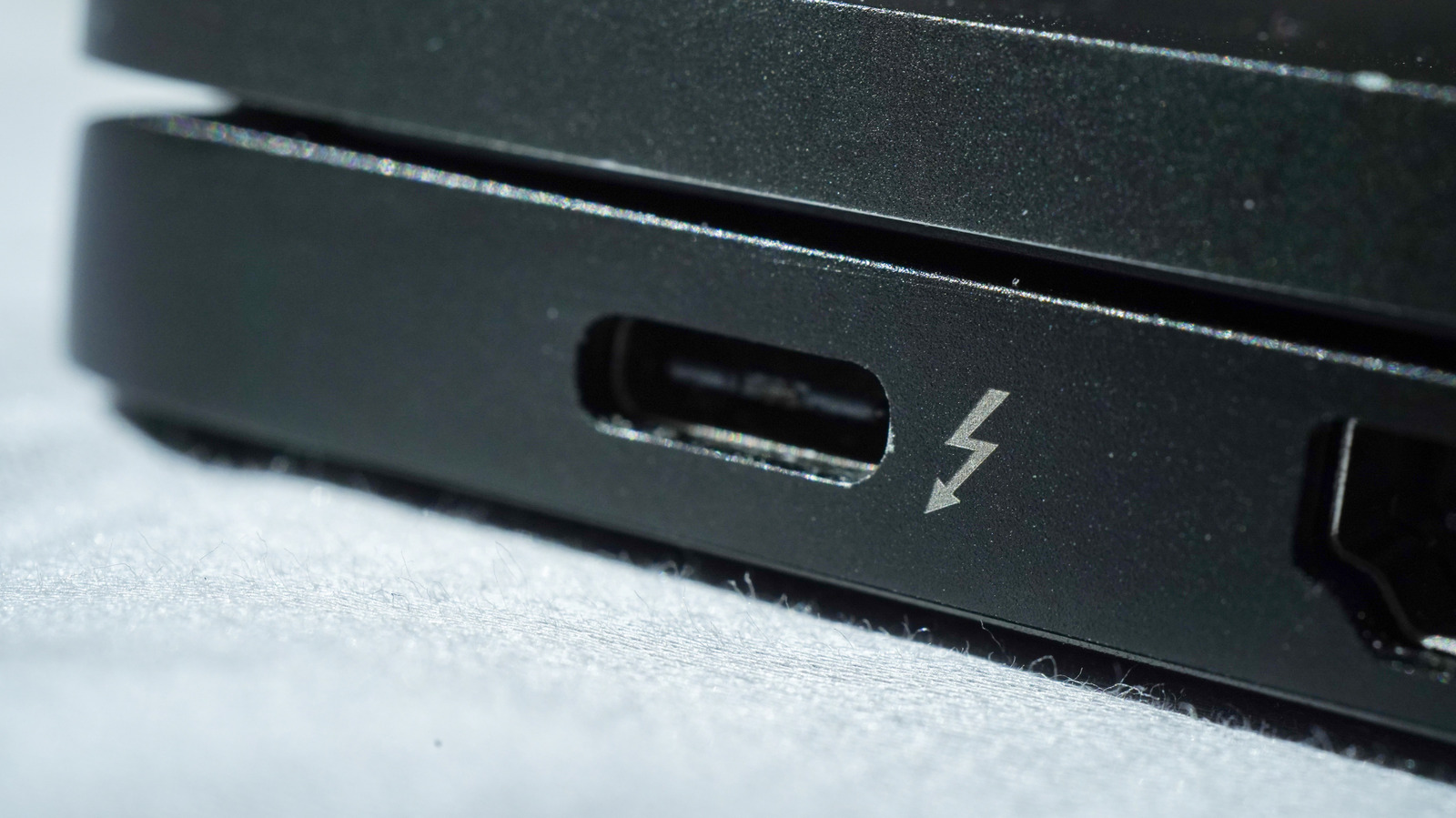
Whether you’re buying Apple’s new blazing fast M5 MacBook Air or the affordable new MacBook Neo, you’ll notice that both laptops have oval-shaped USB ports. However, diving deeper, you’ll find that while the MacBook Air boasts dual Thunderbolt 4 ports, the Neo has dual USB-C ports with different capabilities, despite both featuring the same physical port layout. This can be confusing, and may leave you wondering what the differences are and whether a Thunderbolt port is compatible with the USB-C version.
Although Thunderbolt (TB), which is a connectivity protocol developed by Intel in collaboration with Apple, originally relied on the Mini DisplayPort connector, it has since moved to USB-C. So, any TB port you encounter in a modern device will have the USB-C connector shape. With the switch to USB-C — which has become increasingly common — Thunderbolt ports became fully compatible with USB-C devices. However, there are several key operational differences between TB and non-TB USB-C ports, which govern how devices perform when connected. Here’s what you need to know.
Thunderbolt vs. USB-C ports
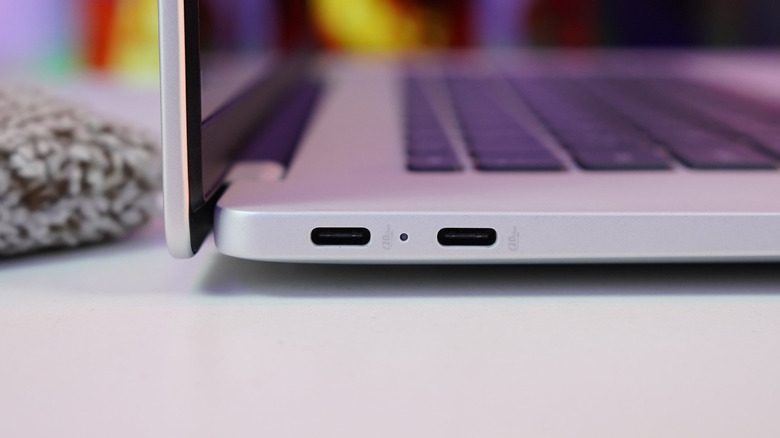
It’s important to understand that USB-C is just the physical connector and not a connectivity protocol like Thunderbolt, so different versions of USB-C ports can have different features, like the two on the MacBook Neo. For example, USB-C 3.2 can can reach 20 Gbps data transfer rates, while USB-C 2.0 is limited to a transfer rate of 480 Mbps. It depends on aspects like the USB generation being supported, power delivery capabilities, and the presence of any Alt modes.
Thunderbolt, on the other hand, is a wired connectivity standard, which has the same capabilities, like transfer rates of up to 40 Gbps, across the board. It is compatible with USB-C protocols, and you can use everything from peripherals to storage drives without any trouble. However, when you plug a Thunderbolt device into a USB-C port, the level of functionality depends on the capabilities of the USB-C port being used.
Some TB devices may work with downgraded capabilities, others may only be capable of charging, while some might not work at all. So, it’s typically best to use Thunderbolt devices with Thunderbolt ports for the best performance; however, your USB-C devices will work just fine whether you connect with a Thunderbolt port or not.