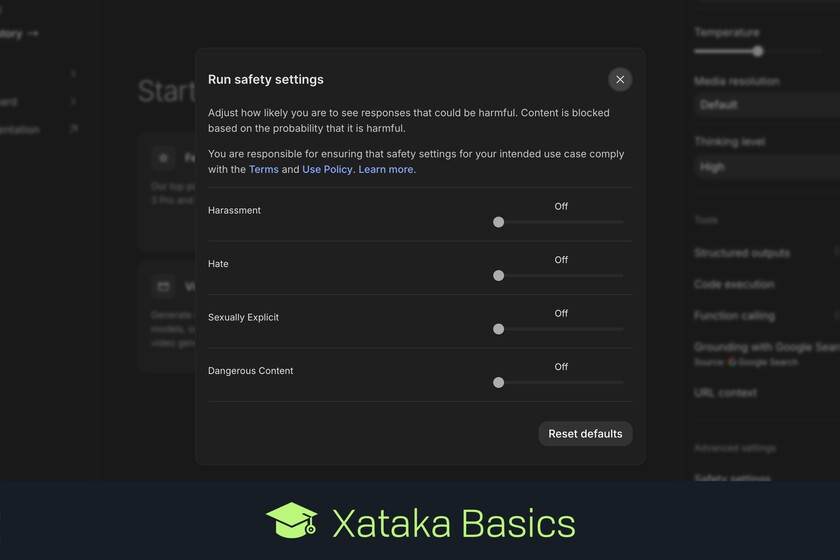
Let’s explain to you how to use Google AI Studio to set up a Gemini chat that does not have security filters. Thus, you will be able to chat without the protections that the Gemini website has by default with the same model that the chat with artificial intelligence uses.
Google AI Studio is a page that has many functions, you can from creating applications and code to playing with the AI models created by Google by configuring the way it responds to you. And this second is what we are going to teach you in a quick and simple way.
Gemini’s filter is a Google AI Studio
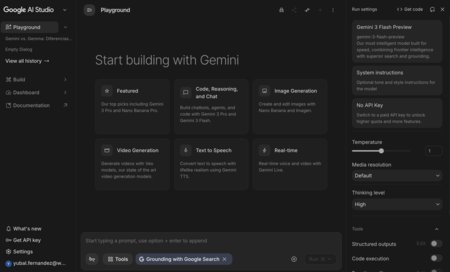
The first thing you have to do is enter Google AI Studio and open a new chat. For that, you have to click on the option Playground or enter directly at aistudio.google.com/prompts/new_chat, although this will be what the tool itself does by default when you enter.
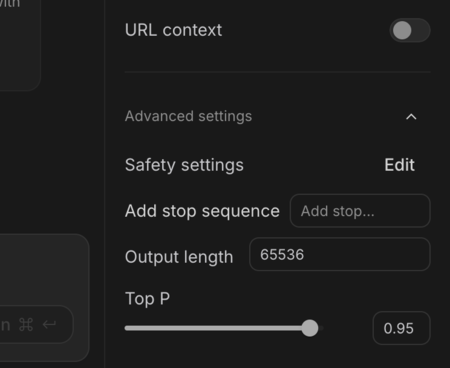
This will put you in a new chat. In it, in the right column you will have several options to configure it. Here you have to go down to the bottom and open the section Advanced settingswhich will be closed by default. Once inside, click on Safety Settings to proceed to configure chat security.
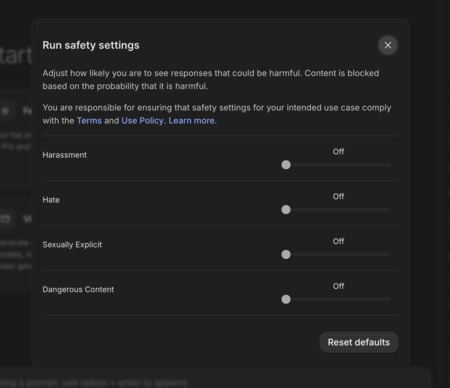
This will open the key window, where you can completely disable security filters that censor the content of your chats. Of course, even if you reduce it there will still be minimal protectionssuch as for adult content.
Therefore, basically what you are going to do is reduce the filters to a minimum. And once you have it, just close the window and start chatting normally. The conversation will take place with these filters.

Two small details to take into account
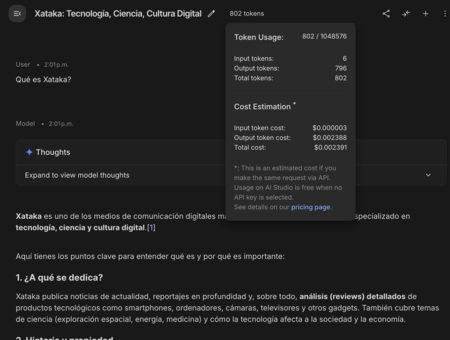
Although just using Google AI Studio to chat does not involve the use of the APIat the top of the chat you will be able to see the account of tokens you are spending and their equivalent in money. Thus, if you built an app that requires the API to make these dialogues, you would know the money it costs you.
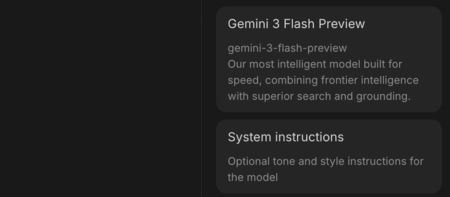
Another thing to note is that on the right you will be able to choose the Gemini model that you want to use. Each of them will have a different token consumption, but also more or less possibilities. Besides, you can configure some system instructions in case you want to define the tone you want Gemini to use or its responding style.
In WorldOfSoftware Basics | Free Gemini API: what it is, what it is for and how you can get one to use in your projects