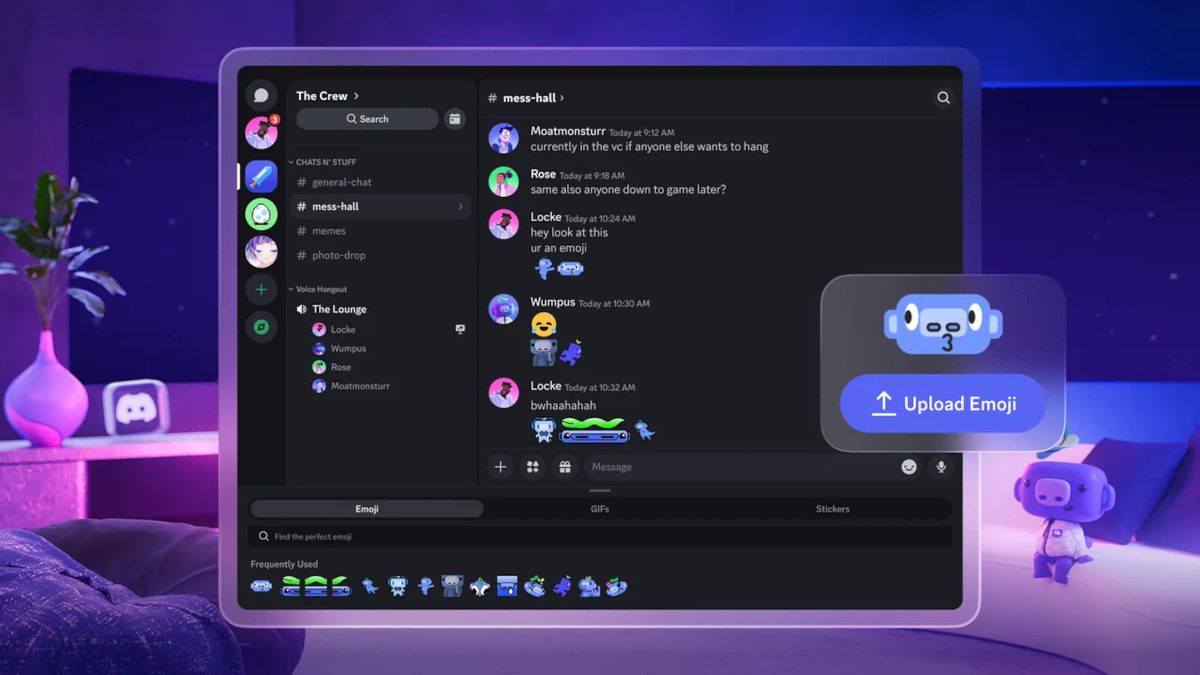
Discord is now available as a native application on Meta Quest headsets. Accessible for free from the Meta Horizon Store, this version puts an end to the obligation to use the headset’s web browser, a method often considered impractical.
The app is compatible with the Meta Quest 2, Quest Pro, Quest 3 and Quest 3S range of headsets.
The expected features of Discord are present
The Discord application on Meta Quest includes most of the functionalities. Users can join voice and text lobbies directly from their headset, while remaining in-game.
The experience is multiplatform with guaranteed communication with contacts, whether they are on PC, mobile or consoles.
It is possible to follow gameplay streams from friends on a large, immersive virtual screen. Conversely, VR players can stream their own experience or share screenshots directly from the headset.
Familiar for regulars, the interface is controlled via VR controllers or hand tracking. The possible avatars Meta are preserved.
An introductory offer is proposed
To celebrate the launch of Discord on Meta Quest, users who download and connect to the app on their headset between June 30 and September 30 can receive a free month of subscription to Discord Nitro.
The offer is exclusive to new Nitro subscribers and unlocks premium benefits like HD streaming, larger file uploads up to 500MB, and advanced customization options for avatars and profiles.
A launch that is not free from flaws
The beginnings of the application do not escape bugs. Users report stability issues, including crashes of the application which closes for no reason after a few minutes. Screen sharing also seems to suffer from disconnections.