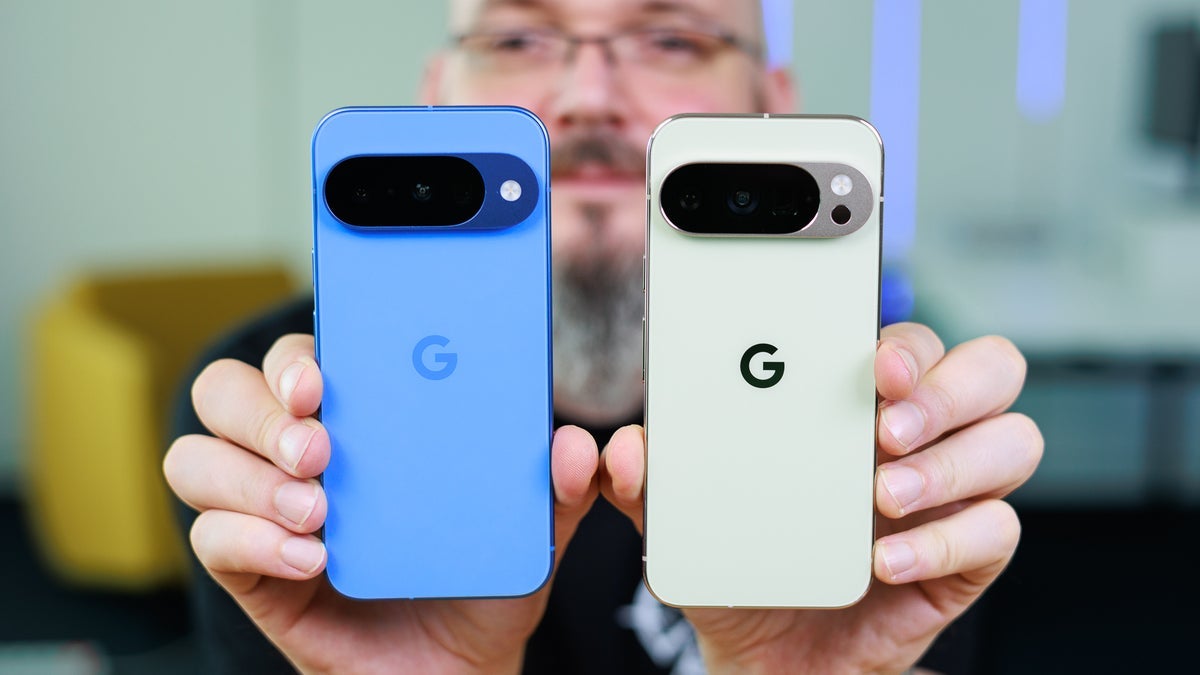
One of the features that I really like about Pixel phones is the At a Glance widget. Truthfully, there are many who agree with me and many who find it to be waste of screen space. At a Glance will show you how much time remains on a timer you’ve set, expected temperature changes for the next day, how many minutes until your rideshare or food delivery arrives, an image of who is at your Nest or Ring doorbell camera, whether your flashlight is on and a way to turn it off with a tap, and much more.
Did you know that the At a Glance widget does so many things?
If you own a Pixel and have always wondered about all the things you can monitor with the widget, long press on some empty homescreen real estate and a popup menu appears with three options:
- Dismiss
- Settings
- About this content
Select Settings and you’ll see a menu that allows you to toggle on or off certain At a Glance features such as the one that shows an earthquake warning whenever a quake measuring 4.5 or higher on the Richter scale is detected nearby. One cool feature that is available with the widget is one that suggests a specific departure time so you can arrive at an appointment or event on time. And Google has made an improvement to At a Glance that should improve how the information looks on your Pixel’s screen.
Google adds a new At a Glance feature that many have asked for
Because the At a Glance widget is transparent, the information being shown can sometimes blend in with light wallpaper making it hard to read. As a result, Google has added a new “high-contrast” toggle. When enabled, it adds a translucent dark background with rounded corners behind the widget, and it runs the entire width of the homescreen. This toggle shows up when you long press the empty space on your homescreen and press Settings on the popup menu. At the top, you’ll see two toggles.
The first toggle allows you to enable or disable At a Glance and the one underneath it is for the high-contrast background. If you don’t see that second toggle, it is because you haven’t had the update hit your phone yet. You need to be running the latest version of the Android 16 QPR3 Beta release and install a 90MB Google Play update. However, I have this on my Pixel 6 Pro but do not have the high-contrast toggle on my phone yet.
Apparently, many Pixel users have requested such a feature from Google and this time, the company listened.
Read the latest from Alan Friedman