Megan Ellis / Android Authority
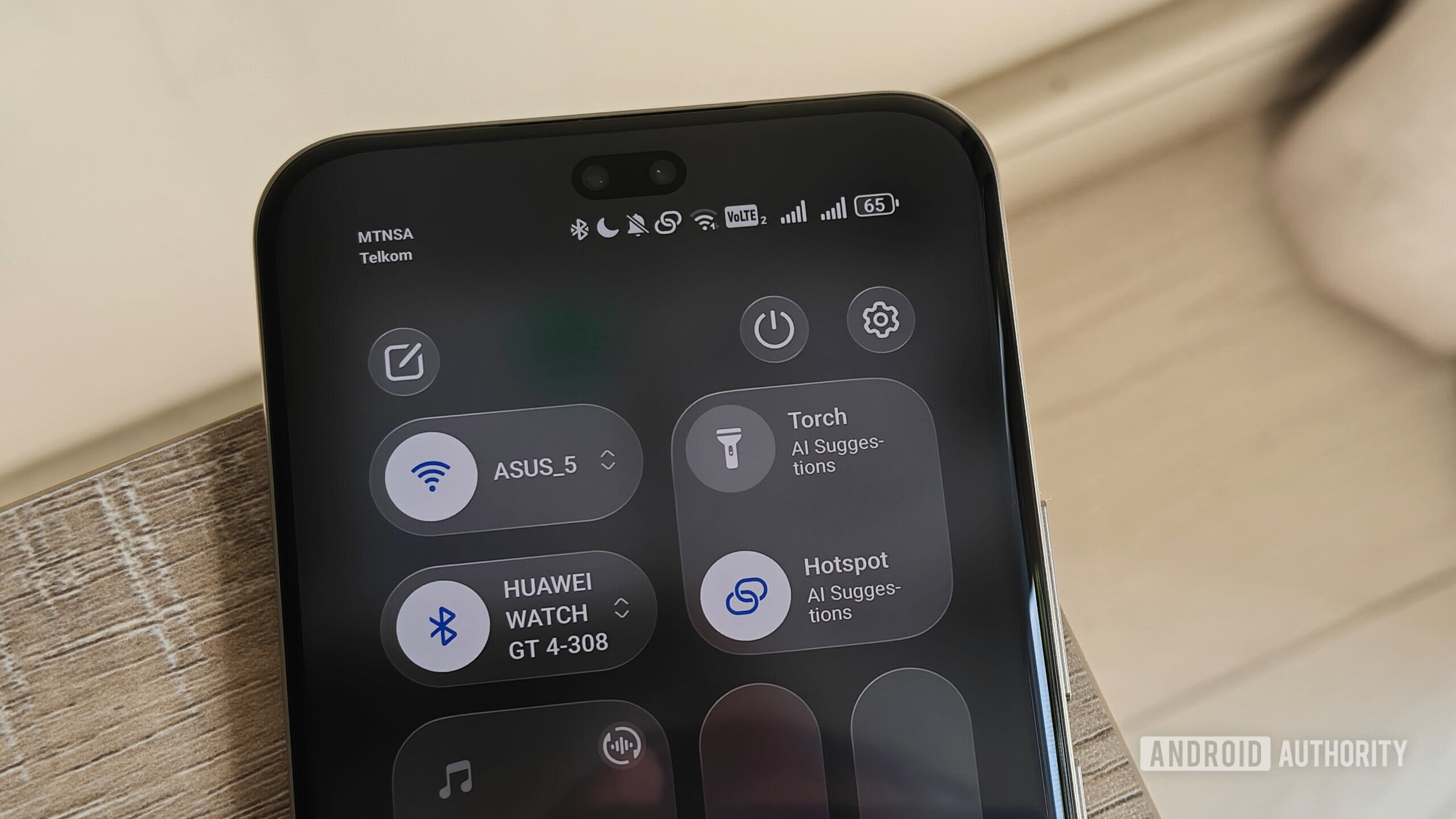
It’s no secret that I love using mobile hotspots and my mobile router to connect multiple smartphones to a single data connection. I mostly do this for privacy, but it also gives me flexibility when I’m traveling between places with no Wi-Fi.
I do this while traveling for work, but also when playing Pokémon Go. But after using this setup on a limited data plan on a few recent trips, I realized that I was using a lot more of my monthly cap than I intended.
Do you use specific settings to save data on your mobile hotspots and routers?
1 votes
Hotspots are treated as Wi-Fi, creating a usage problem

Megan Ellis / Android Authority
When you set up a hotspot on your smartphone or use a mobile router with a data SIM, the devices connecting to it usually treat this as regular Wi-Fi. This means that all the data-saving settings reserved for mobile networks often go out the window.
I had been sharing my mobile connection between devices for a few months, but this never really presented a problem until a trip in February. I simply hadn’t noticed because my previous hotspot instances lasted about 3 to 5 hours, while these work trips lasted closer to 24 hours. On my previous outings, my phones had never used more than 200MB at a time.
Using a mobile router and hotspots resulted in my data cap running out much quicker than usual.
However, this picture looked vastly different during my overnight trips. Suddenly, my S23 Ultra would blow through my 3GB monthly limit in a single evening. The first time this happened, I attributed it to an inconveniently timed system update. On the next trip, I disabled automatic updates, but again the phone used up the additional data I had bought.
I realized that this was down to the way that the phone was treating the connection, so disabling updates was not enough. Luckily, I found the solution when I delved into my Wi-Fi connection settings.
Setting connections as metered immediately fixed the problem

Megan Ellis / Android Authority
When creating a hotspot, some Android phones will provide a pop-up allowing you to set a data limit or to treat the connection as metered. However, getting your connected device to treat a connection as metered is more useful, since it forces devices to adjust behavior by recognizing that the connection has limited data, restricting background data usage, and preventing automatic app updates.
However, for many users, this setting is somewhat buried. For example, on my Samsung Galaxy S23 Ultra, I need to tap the cog icon next to a network and access the View more options. There, I can select Metered network and choose the option to Treat as metered.
On the realme GT 7 Pro, I just need to scroll down to the bottom of the About this network menu of a connection and select Metered > Metered.
However, some devices, like my HONOR 400 Pro, don’t have this option. So it’s worth checking your phone’s settings to see whether it’s available.
This is particularly helpful when using a mobile router, since you can’t always access the settings for the router itself. In my case, I often put my data SIM into my mobile router to save battery power.
Since my S23 Ultra was the biggest culprit, changing the connection to metered for both my hotspot and mobile router made a big difference to my overall hotspot usage. My Windows 11 laptop also has this setting available, so I enabled it out of an abundance of caution.
Setting a connection as metered on my phone quickly resolved the issues I had with data-hungry updates.
Some phones also let you set a data limit, but I don’t find this feature all that helpful, except for avoiding unexpected costs. For example, you can have a limit of 500MB, but there’s nothing to stop a connected device from using up this entire allocation on something that’s not important — like an update for an app you don’t need to currently access. The data limit can save you from running up a large bill, but it didn’t save me from needing to buy multiple top-up bundles over the month.
Given how much of a difference metered connection settings made to my hotspot data consumption, I only wish the option were more consistent across different Android skins. Trusting a device to automatically detect a connection as metered or unmetered, which is what I had previously done, leaves a bit too much to chance.
Don’t want to miss the best from Android Authority?


Thank you for being part of our community. Read our Comment Policy before posting.