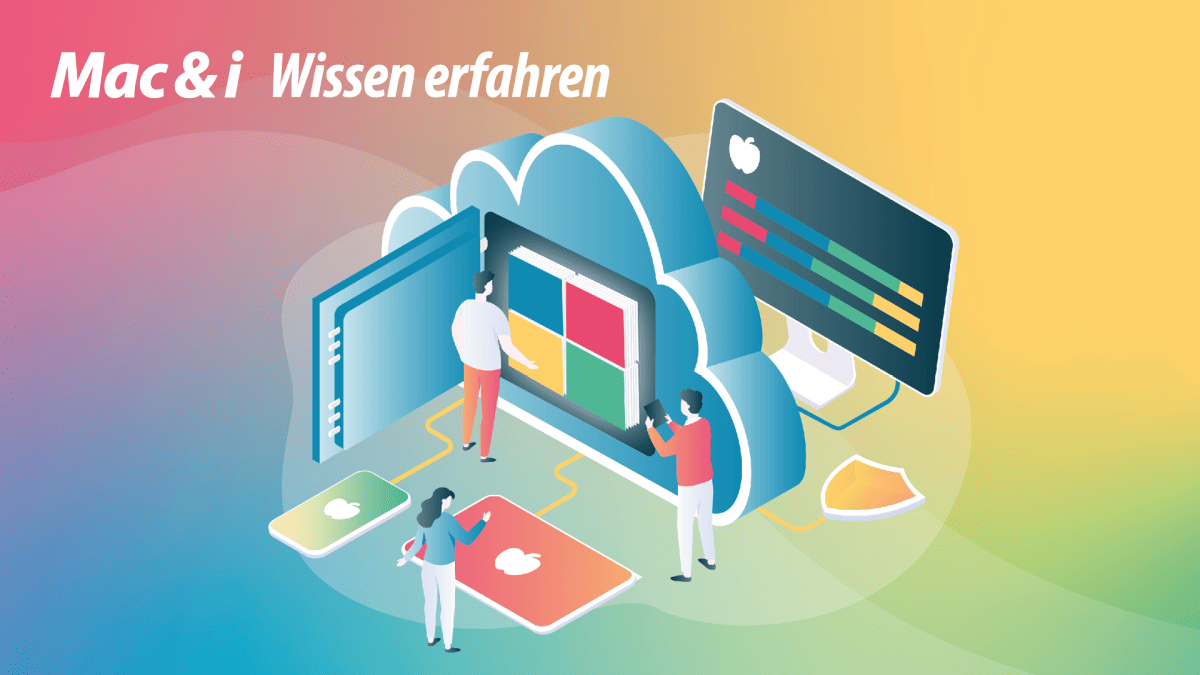
With Microsoft Intune it is possible to centrally manage Windows PCs, Macs and mobile devices. The focus of the two webinars under the title Apple MDM in companies with Intune is the management of iOS, iPadOS and macOS devices.
Read more after the ad
Apple MDM in companies with Intune – basics, integration, deployment and special features
In the first webinar you will learn how Intune interacts with Apple Business Manager – also in the construct of the new Apple Business service. The experienced speaker explains the possible deployment models and explains what you need to know about app management, compliance guidelines and identity management with Entra ID. The typical problems with configuration, inventory and updates are also explained in a practical way.
Apple MDM in the enterprise with Intune – focus on macOS with zero touch, apps and hardening
The second webinar focuses on macOS management. You’ll learn how to implement zero-touch deployments, app rollouts, security policies, and compliance models in real-world conditions. In addition to enrollment strategies and workflows for device replacement and on/off boarding, you will learn how to create and distribute .pkg apps and develop update strategies for first- and third-party software. Further content includes configuration profiles and custom profiles. Best practices for hardening with FileVault, Firewall and Privacy Preferences (PPPC).
Two webinars in May
Please note that the two webinars start at different times:
Read more after the ad
A recording is available after each webinar.
The two live webinars are aimed at IT administrators, system owners, endpoint managers and decision makers who manage or plan to manage Apple devices with Intune. Basic knowledge of Microsoft Intune and Apple devices is recommended. For the second webinar, basic experience with macOS in a corporate context is also recommended.
Learn more and sign up: Apple Enterprise MDM with Intune.
(ims)