By using this site, you agree to the Privacy Policy and Terms of Use.
Accept
World of SoftwareWorld of SoftwareWorld of Software
  • News
  • Software
  • Mobile
  • Computing
  • Gaming
  • Videos
  • More
    • Gadget
    • Web Stories
    • Trending
    • Press Release
Search
  • Privacy
  • Terms
  • Advertise
  • Contact
Copyright © All Rights Reserved. World of Software.
Reading: Yes, You Should Be Cleaning Your 3D Printer – Here’s How To Do It – BGR
Share
Sign In
Notification Show More
Font ResizerAa
World of SoftwareWorld of Software
Font ResizerAa
  • Software
  • Mobile
  • Computing
  • Gadget
  • Gaming
  • Videos
Search
  • News
  • Software
  • Mobile
  • Computing
  • Gaming
  • Videos
  • More
    • Gadget
    • Web Stories
    • Trending
    • Press Release
Have an existing account? Sign In
Follow US
  • Privacy
  • Terms
  • Advertise
  • Contact
Copyright © All Rights Reserved. World of Software.
World of Software > News > Yes, You Should Be Cleaning Your 3D Printer – Here’s How To Do It – BGR
News

Yes, You Should Be Cleaning Your 3D Printer – Here’s How To Do It – BGR

News Room
Last updated: 2026/04/13 at 8:07 PM
News Room Published 13 April 2026
Share
Yes, You Should Be Cleaning Your 3D Printer – Here’s How To Do It – BGR
SHARE


Stenko Vlad/Shutterstock

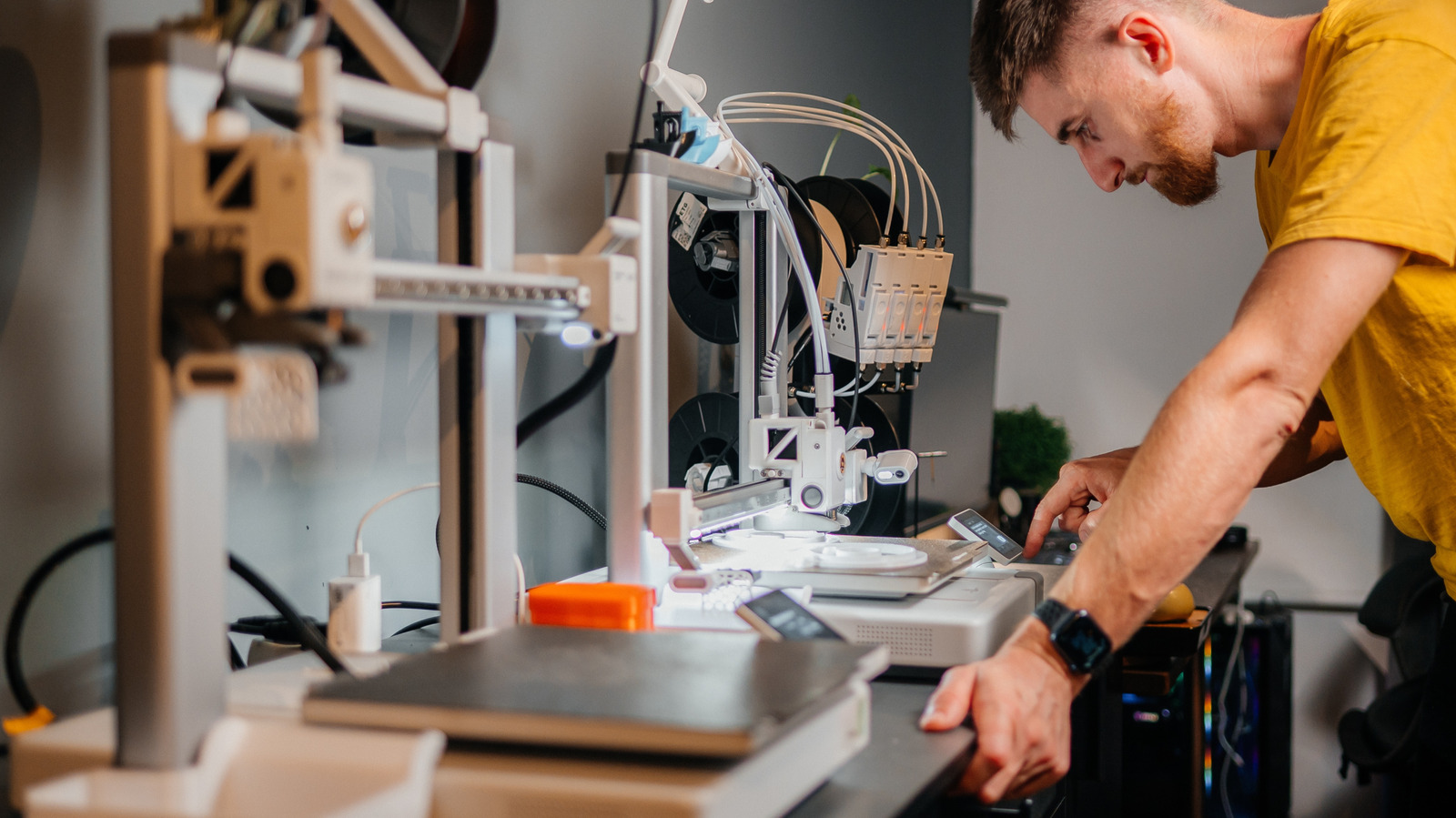
If you’re thinking about getting a 3D printer, or you already have one, it might surprise you to know that you have to clean it to keep it in optimal shape. During a thorough cleaning, several parts have to be serviced, including the nozzle, the bed, and more. While a user manual or a quick YouTube video tutorial might point out some cleaning tips, it always helps to have a guided reference, which is exactly the point of this article.

You should do a basic clean after every few prints, certainly if you notice any adhesion or performance issues with the printer itself. Good maintenance can keep a printer working long-term. It’s so influential that poor maintenance is important to watch out for when shopping for used printers. The basics involve refreshing the nozzle, cleaning the print bed, dusting internal components or the internal chassis, lubricating rails and screws, and possibly doing firmware or software checks. It’s also best practice to calibrate your printer every time you clean it, adjust it, or replace parts, like swapping out the nozzle. 

Begin by cleaning the nozzle. This prevents dried filament from clogging it. Heat it to the same temperature as the last filament used. Take a brush or nozzle tool and gently clean it (remember, the nozzle is hot, so you might want to wear heat-resistant gloves). If it’s clogged, you can use a needle, a wire brush, or a cleaning filament to remove obstructions. Be careful not to damage the nozzle while cleaning, and replace it if you notice it’s damaged before printing again. You should also clean the printer bed with a scraper tool to remove any dried residue or glue. Afterward, wipe the bed with a damp cloth using either isopropyl alcohol or warm water and mild soap, depending on your bed type, to remove dust and stubborn oils.

What else needs to be cleaned and maintained on a 3D printer?
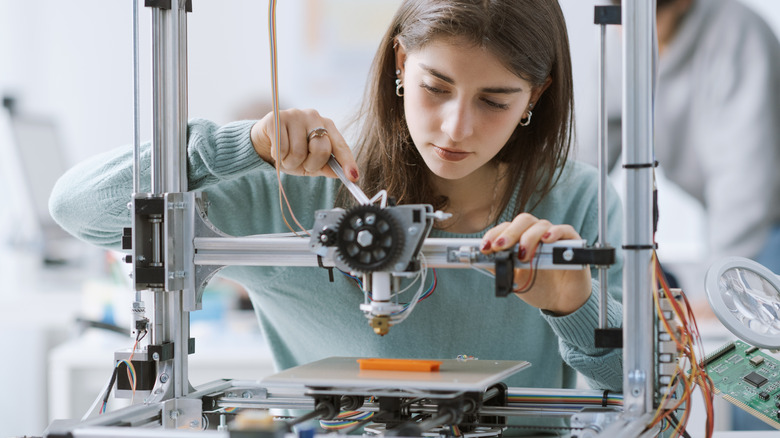

Someone making adjustments to a 3D printer.
Stokkete/Shutterstock

After cleaning the nozzle and bed, you should also dust off the internal components. This applies to both open-air and enclosed 3D printers. Make sure the system is off, and any heated elements are cooled. It’s a good idea to unplug the printer for safety, too. Use a compressed air tool to blow dust and debris out of components, including the fans, motors, electronics, and surfaces. You could also use a microfiber cloth, but you’ll want to be extra careful not to snag the material on the internals, like gears or motors.

You’ll also want to use a microfiber cloth to wipe down the rails and screws before applying lubricant. That prevents dust and debris from sticking to the aforementioned parts. You should also use an applicator or wear gloves when applying the lubricant, rather than using your bare hands. When that’s done, use your discretion to administer additional maintenance, such as tightening loose belts or screws, checking for firmware and software updates, calibrating, including aligning the extruder, and, if you haven’t already, cleaning your workstation or the space around the printer.

If you don’t have a printer yet, and you’re still mulling over a purchase, it’s a good idea to know what kind of maintenance you’re getting yourself into. However, there are a few other things you should know before buying a 3D printer, like the different types of printers available, the best materials for your specific printer, and the challenges you’ll face designing your own digital blueprints. There are some very affordable 3D printers worth considering, as well, so don’t think you have to buy the most expensive printer on the market.


Sign Up For Daily Newsletter

Be keep up! Get the latest breaking news delivered straight to your inbox.
By signing up, you agree to our Terms of Use and acknowledge the data practices in our Privacy Policy. You may unsubscribe at any time.
Share This Article
Facebook Twitter Email Print
Share
What do you think?
Love0
Sad0
Happy0
Sleepy0
Angry0
Dead0
Wink0
Previous Article China’s Dongfeng to launch Tesla Model Y rival with Huawei ADAS · TechNode China’s Dongfeng to launch Tesla Model Y rival with Huawei ADAS · TechNode
Next Article How to Set Up a Claude Cowork Project: A Step-by-Step Guide | HackerNoon How to Set Up a Claude Cowork Project: A Step-by-Step Guide | HackerNoon
Leave a comment

Leave a Reply Cancel reply

Your email address will not be published. Required fields are marked *

Stay Connected

248.1k Like
69.1k Follow
134k Pin
54.3k Follow

Latest News

How To Optimize The Post-Click Content Experience |
Computing
Texas man accused of throwing molotov cocktail at Sam Altman home charged
News
The MVP of Deals: Save Over 0 on This Speedy 27-Inch LG Gaming Monitor
The MVP of Deals: Save Over $300 on This Speedy 27-Inch LG Gaming Monitor
News
Music fans guessing as record stores are being shipped “mystery vinyl” from a “major artist” with pitched-down vocals
Software

You Might also Like

Texas man accused of throwing molotov cocktail at Sam Altman home charged
News

Texas man accused of throwing molotov cocktail at Sam Altman home charged

2 Min Read
The MVP of Deals: Save Over 0 on This Speedy 27-Inch LG Gaming Monitor
News

The MVP of Deals: Save Over $300 on This Speedy 27-Inch LG Gaming Monitor

6 Min Read
Best gaming monitor deal: Save over 0 on the Samsung 40-inch Odyssey G7 curved gaming monitor
News

Best gaming monitor deal: Save over $500 on the Samsung 40-inch Odyssey G7 curved gaming monitor

3 Min Read
What Happens When A Pilot Ejects From A Fighter Jet At High Speeds? – BGR
News

What Happens When A Pilot Ejects From A Fighter Jet At High Speeds? – BGR

5 Min Read
//

World of Software is your one-stop website for the latest tech news and updates, follow us now to get the news that matters to you.

Quick Link

  • Privacy Policy
  • Terms of use
  • Advertise
  • Contact

Topics

  • Computing
  • Software
  • Press Release
  • Trending

Sign Up for Our Newsletter

Subscribe to our newsletter to get our newest articles instantly!

World of SoftwareWorld of Software
Follow US
Copyright © All Rights Reserved. World of Software.
Welcome Back!

Sign in to your account

Lost your password?