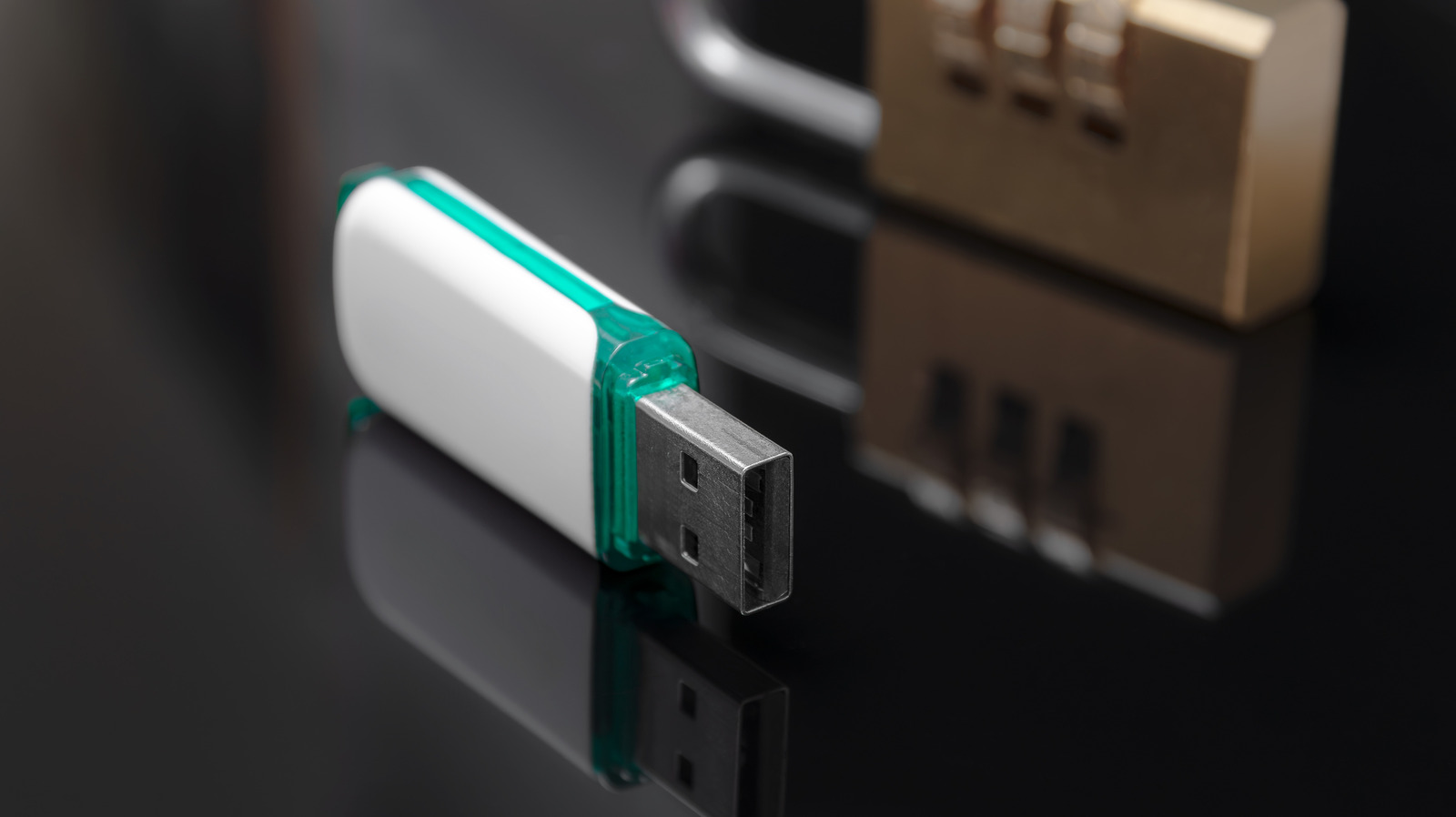
USB drives or flash drives, sometimes called USB sticks, are conveniently small and portable, which makes owning one a bit of a double-edged sword. Unless you securely hang them on a keychain or have a dedicated pocket in your bag to store them, they can be easily misplaced or carelessly left in areas not meant for long-term storage.
While these tiny rewritable data-storage devices are generally sturdy and compact, they can’t withstand environments that stress their components over the long term. Settings with large temperature fluctuations or exposure to liquids and moisture are a complete no-go for these devices. When handling USB drives, one common mistake is storing them in places where they can easily get lost or damaged. So, if you want to keep your stored data safe and uncorrupted on your USB drive, and make sure you can find it when you need it, you’ll want to avoid these common storage places if you can.
In your pockets
A lot of accidents can happen when items are stored in your pockets. How many times have you put your clothes in the wash and then found a worn-down ChapStick, destroyed paper, or random objects like coins and keys in a pocket when you’re folding laundry later? A USB drive is a perfect fit for your pocket — but that doesn’t mean it belongs there. It’s easy to forget and then realize later that you’ve just done laundry with it still in your pocket. While they are resilient, USB drives are no match for a heavy wash cycle with plenty of water, heat, and detergent to cause you trouble. And, as bad as the washer is, it may be the dryer that you really need to worry about.
Clothes dryers typically run at 120 or 160 degrees Fahrenheit. That hot air and metal surfaces can melt the plastic casing of your USB drive or even warp the internal components. Plus, the tumbling motion of the dryer might accidentally bend connectors or fracture internal circuit boards. All in all, you’ll want to prevent too many USB drive laundry incidents, so avoid leaving them in your pockets.
In your bathroom
Lots of bad things can happen in the bathroom if you leave your USB drive lying around. For one, you can have the USB drive fall into the bathroom sink, forcing you to retrieve it from the drain. It can also technically land inside a toilet or a bathtub. But most of the time, if it’s a quick bathroom trip, you’re likely just leaving it on the bathroom counter, nowhere near your toilet, sink, or tub. Even then, it still isn’t a great idea to leave it there, because the bathroom is a place with high humidity and moisture.
Bathrooms can also be a significant source of steam: every time you take a shower, you can wipe the mirror clean and see condensation droplets forming on its surface. The humid environment exposes your USB drive to undetected moisture. Trapped moisture inside the drive can actually short-circuit the gadget if it’s not dried properly before connecting it to a computer, and continuous exposure can also cause corrosion that will damage the internal parts. The bottom line is, don’t leave your USB drive in the bathroom. It’s just not worth the risks — and the dry-ice trick is among the viral tech lifehacks that don’t work and can actually be harmful if you’re trying to fix a wet USB drive.
On top of or in hot electronics
Stacking your electronics and peripherals on top of each other can be a space saver. It’s also a convenient way to store your items, especially if you think you’ll need them together later. Unfortunately, that type of thinking is a bit of a trap, as you might forget that you have it stacked up in a corner somewhere. Plus, the other issue is that these electronics (when powered on) could produce a bit too much heat, also heating up your USB drive in the process.
You also need to be careful about how you place your USB drive on and around other devices. Be careful to avoid placing a drive on or near heat-emitting vents, which can damage the case and internals of your USB drive. Then, of course, none of that matters if you accidentally knock the drive off the top of another device. The flash drive might fall under tables, through cracks, or into tight spaces, making it really easy to misplace, or it might break on impact.
Besides storing USB drives on top of hot electronics, you should avoid keeping them permanently plugged in unless you know what you’re doing. Though the risk to the device is nowhere near as bad as accidentally whacking it out of the port with your hand (or leg if your PC tower is down below), long-term charging can lead to heat damage.
In public places like libraries or internet cafes
Carrying a USB drive while you’re traveling or far from your office makes practical sense. While there are other methods for transferring and storing your data, and a case can be made that there’s no longer a need for USB drives, people still like to use small, removable storage for convenience. The scary part is that these tiny storage devices are not secure. If you leave them hanging around in a public place, such as a restaurant or kiosk, you risk theft or cybercriminal activity.
Leaving your USB stick in these places risks downloading malware if the port is tampered with or compromised, or if that public computer is already infected with ransomware or spyware. Computers with poor security could also have an autorun script that adds a virus to the drive when the drive is inserted. The flash drive then becomes a source of malware and could potentially infect any device you plug it into. So, not only are you risking all the stored data on that drive, but you’re also turning it into something that could potentially harm your laptop or any device you plug it into.