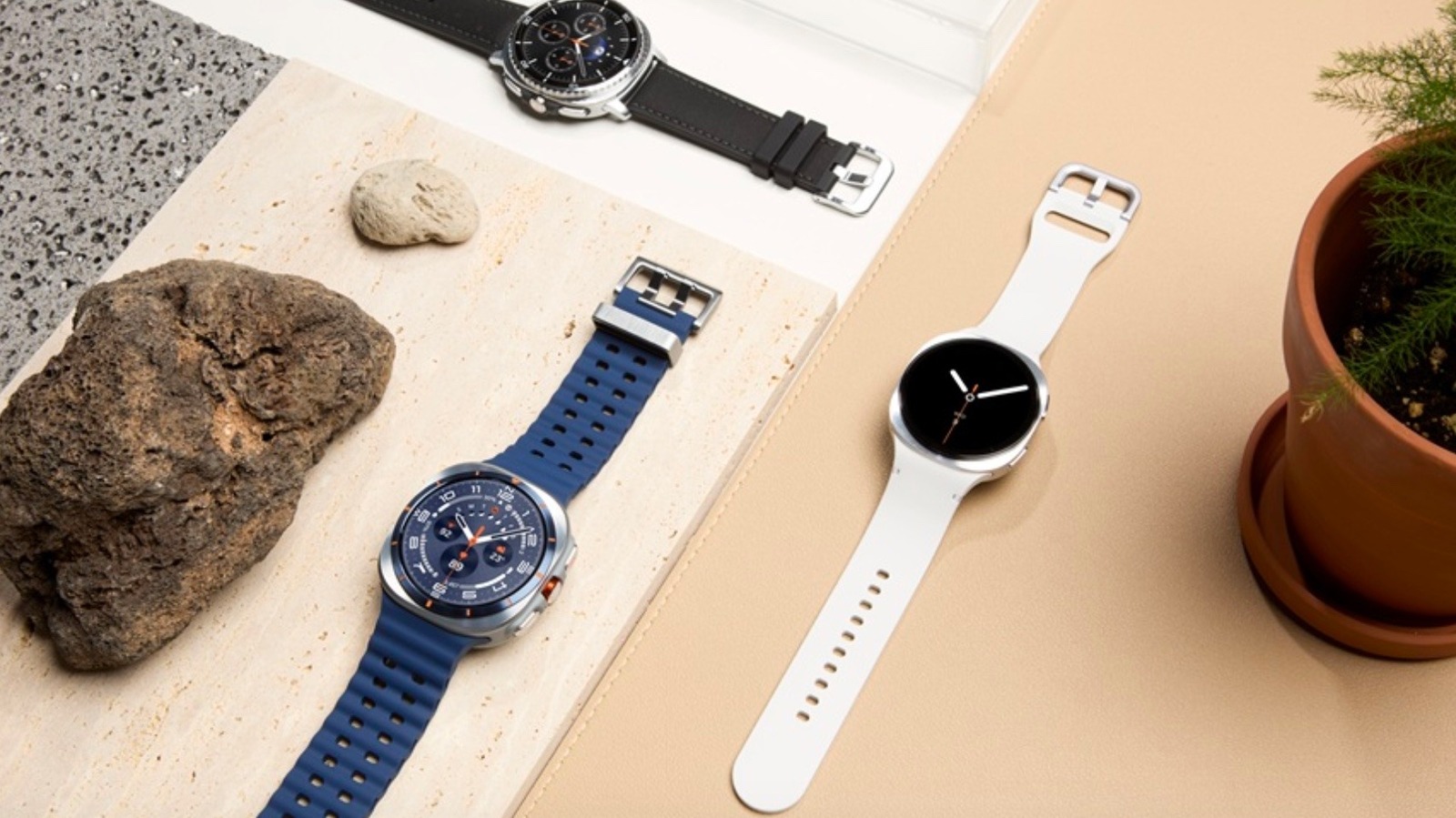
Samsung’s Galaxy Watch series has given us attractive options like the stunning Galaxy Watch 8 Classic and other fantastic offerings that are loaded with clever smartwatch features for Android users. While the built-in functionality is more than robust, owners should remember they don’t have to settle for the default watch face if they’d like to experiment with a different look. Partnering with Samsung, Google introduced Watch Face Format to help developers more easily create their own watch faces for Wear OS devices.
Why opt for a different watch face than the one your Samsung Galaxy Watch already comes with? It might simply come down to a question of taste. Third-party watch faces can boast unique designs that some users might find particularly appealing. Additionally, they may offer features that distinguish them from the default watch face. If you’re looking for options to test out on your Samsung Galaxy Watch, these are some of the more noteworthy choices to keep in mind. They highlight the way Watch Face Format has allowed developers to create new watch faces that stand out on their own while still functioning reliably, much like native apps.
InfoGraph by Amoled Watch Faces is perfect for digital design fans
Amoled Watch Faces offers a wide range of custom watch faces compatible with Wear OS devices. Choosing one that will appeal to all users is a fool’s errand. Some might prefer the minimalism of the aptly named MNML Thin style, others might go for the UNIX-reminiscent Terminal, while those with a love for retro gaming might prefer the nerd-certified aesthetics of the Gamer VI watch face.
However, an option with relatively general appeal is the InfoGraph style. As the name implies, this watch face’s look recalls the way effective infographics deploy basic colors and images to efficiently convey information in a manner that’s easy on the eyes and easy for a user to digest. Like most in the Amoled Watch Faces line, the InfoGraph allows for a certain degree of customization thanks to multiple color gradients and complications options. It’s not necessarily the fanciest or most unique watch face this company offers, but it’s an option that aligns with recognizable design styles in the digital age.
Minimal Black v30 by Monkey’s Dream is ideal if you want something simple
A smartwatch can display much more information than a traditional watch. However, this comes with a trade-off. For some, finding a watch face that properly balances all that information without being visually overwhelming is a challenge. Such users might prefer a sleek option like Minimal Black v30 from Monkey’s Dream.
This is one of the best Galaxy watch face apps because it strikes the right balance between timeless design trends and tech innovation. Its name tells you everything you need to know about its appearance, with information displayed in basic white and off-white tones and common typography against a black background. However, as is the case with any strong watch face app for Samsung Galaxy Watch devices, it still allows for a certain degree of customization. It’s an option to keep in mind if you’re looking for something a little more elegant than a stock watch face that nevertheless doesn’t call too much attention to itself.
Shiny Colorful by ZKin brings brightness and vitality to the Samsung Galaxy Watch
On the other end of the spectrum is Shiny Colorful by ZKin. A user who wants their watch face to take full advantage of a smartwatch’s display capabilities might lean in this direction. This watch face manages to cram a lot of information onto a small screen, potentially displaying such info as the time, date, day of the week, temperature, step count, heart rate, battery life, and more.
That might sound like it could cause the screen to get a little too busy. When so much is on display, actually taking in the information you want can be more demanding than it should be. However, Shiny Colorful uses various bright colors against a dark background to ensure that all the information on the screen stands out vividly and clearly. Along with basic text, the watch face incorporates common visual icons to help users clearly navigate the interface.
Typograph by Luka Kilic is the right Samsung Galaxy Watch face app for analog watch lovers
Typograph is one of many watch face apps for Wear OS devices that replicates the appearance of a classic analog watch. What makes this option stand out is the fact that it’s one of the most customizable watch face apps of its kind. Users can choose from 400 color combinations and 16 fonts to design an analog-style display that matches their specific tastes. It’s essentially a smartwatch face that gives a user the freedom to unleash their inner designer while ensuring style doesn’t get in the way of basic functionality.
Just remember that the best watch face app for one Samsung Galaxy Watch user won’t be the same for another. An athlete might not prefer the same option as a busy professional. The apps here represent just some of the interesting custom designs developers have come up with. By exploring watch face apps like these, you’ll get a better sense of what features and visual qualities matter most to you. Researching other types of apps for Wear OS devices can also help you further appreciate the versatility of these products.