By using this site, you agree to the Privacy Policy and Terms of Use.
Accept
World of SoftwareWorld of SoftwareWorld of Software
  • News
  • Software
  • Mobile
  • Computing
  • Gaming
  • Videos
  • More
    • Gadget
    • Web Stories
    • Trending
    • Press Release
Search
  • Privacy
  • Terms
  • Advertise
  • Contact
Copyright © All Rights Reserved. World of Software.
Reading: This Easy Trick Shows You Which Side Of Your USB Port Faces Up – BGR
Share
Sign In
Notification Show More
Font ResizerAa
World of SoftwareWorld of Software
Font ResizerAa
  • Software
  • Mobile
  • Computing
  • Gadget
  • Gaming
  • Videos
Search
  • News
  • Software
  • Mobile
  • Computing
  • Gaming
  • Videos
  • More
    • Gadget
    • Web Stories
    • Trending
    • Press Release
Have an existing account? Sign In
Follow US
  • Privacy
  • Terms
  • Advertise
  • Contact
Copyright © All Rights Reserved. World of Software.
World of Software > News > This Easy Trick Shows You Which Side Of Your USB Port Faces Up – BGR
News

This Easy Trick Shows You Which Side Of Your USB Port Faces Up – BGR

News Room
Last updated: 2026/04/07 at 2:09 PM
News Room Published 7 April 2026
Share
This Easy Trick Shows You Which Side Of Your USB Port Faces Up – BGR
SHARE


Show_low/Shutterstock

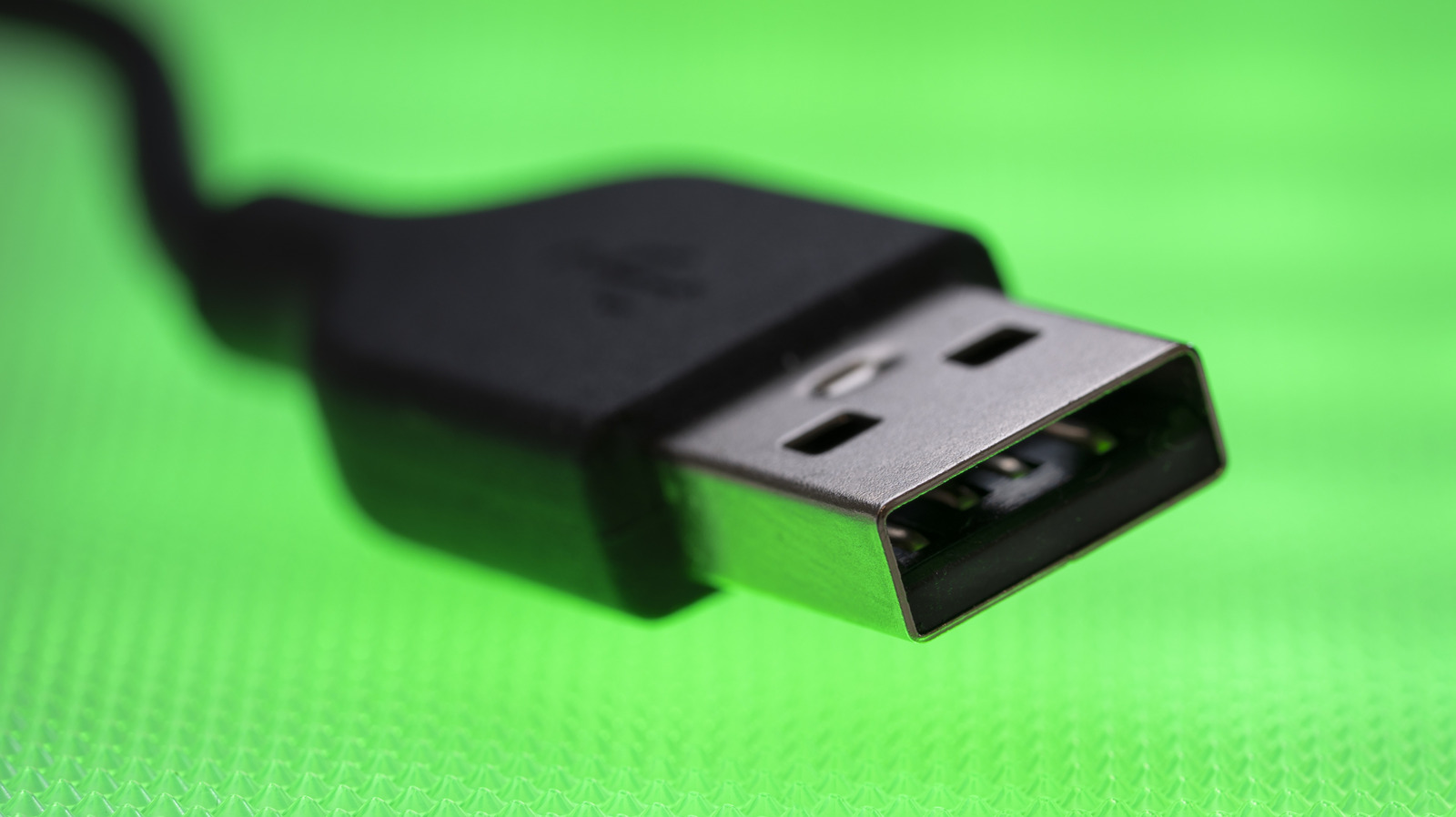
The USB-A connector is surprisingly tricky. You never know which side is up, and it almost always takes three attempts before you manage to figure that out. Plug the USB-A device once, and it doesn’t connect. Flip it and try again, and you still get the same result. But the moment you switch back to the original orientation, it suddenly plugs in fine. This is often referred to as the USB paradox. With so many useful USB-A gadgets around, whether it’s wired mice and keyboards, storage drives, laptop cooling pads, or webcams, this confusion can often lead to frustration. But it doesn’t have to be this way. You can quickly identify which side of the USB-A connector faces up.

Although both sides of a USB-A connector appear symmetrical and identical, they aren’t the same, both inside and out. If you look closely, you will notice that one side has a slight zigzag seam on the outside and a plastic plate on the inside. That’s the bottom side, while the one that’s perfectly smooth is the top side of the USB-A connector. This distinction alone can save you a couple of seconds every time you connect a USB-A device. When plugging in, hold the device such that the top side faces upwards. And if your PC features vertical ports, the side with the seam should face left. Some devices also have upside-down ports, but this should be evident the first time you plug in a USB-A device. 

Some USB-A devices have markings for easier identification
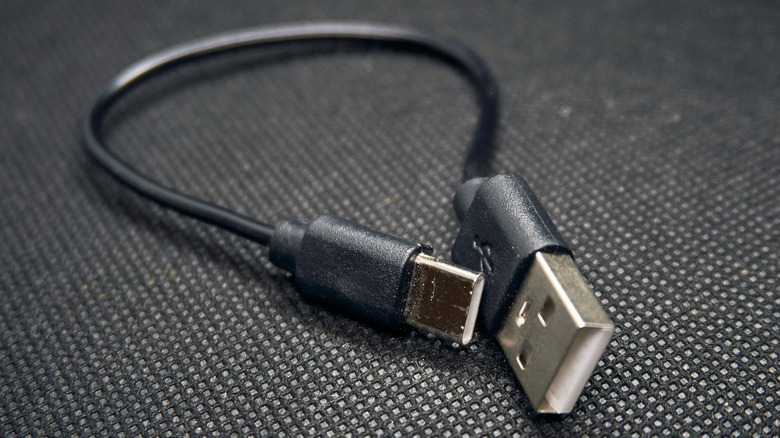

a black USB cable with one USB-A connector on side and USB-C on the other
Nick Anyone/Shutterstock

To make things easier, many manufacturers print the USB logo on the top side of the connector. Some even mold it into the plastic casing. Either way, there’s generally a USB logo on the top face of the connector. The official USB specifications state that manufacturers must print the USB logo, but not everyone does it. Still, if you have devices that bear these markings, you now know which side faces up.

Keep in mind that you might not have to deal with this confusion at all in a few years. Virtually everything uses the USB-C port now due to its faster speeds, and the best part is that it is reversible. That means you can plug in the connector either way, as there’s no top and bottom face. Both PC and smartphone manufacturers are now adopting the USB-C standard. Modern laptops as well as newer iPhones feature USB-C ports for charging. We now even have USB-C flash drives for storage. It will take a couple of years before USB-C largely replaces the USB-A standard, but until then, at least you won’t be confused about which side faces up.


Sign Up For Daily Newsletter

Be keep up! Get the latest breaking news delivered straight to your inbox.
By signing up, you agree to our Terms of Use and acknowledge the data practices in our Privacy Policy. You may unsubscribe at any time.
Share This Article
Facebook Twitter Email Print
Share
What do you think?
Love0
Sad0
Happy0
Sleepy0
Angry0
Dead0
Wink0
Previous Article Epson WorkForce ES-550W and ES-590W, hybrid-ready wireless document scanners Epson WorkForce ES-550W and ES-590W, hybrid-ready wireless document scanners
Next Article Russian State-Linked APT28 Exploits SOHO Routers in Global DNS Hijacking Campaign Russian State-Linked APT28 Exploits SOHO Routers in Global DNS Hijacking Campaign
Leave a comment

Leave a Reply Cancel reply

Your email address will not be published. Required fields are marked *

Stay Connected

248.1k Like
69.1k Follow
134k Pin
54.3k Follow

Latest News

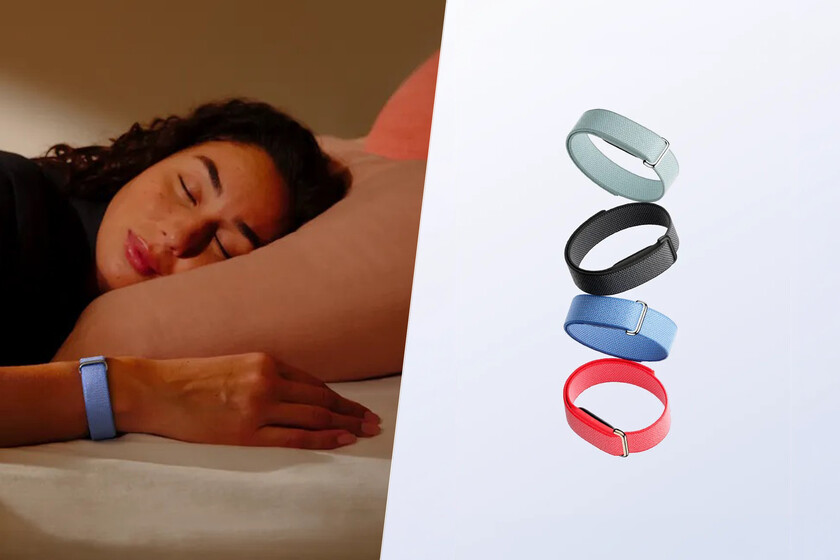
Fitbit Air, features, price and technical sheet
Gaming
OpenAI launches ad manager for ChatGPT
Computing
Judgment against 1&1: Customers are allowed to insert SIM cards into modems
Software
Boulanger slashes the price of this sublime JBL Authentics 500 speaker
Mobile

You Might also Like

Vodafone relies on AWS for its cloud services
News

Vodafone relies on AWS for its cloud services

1 Min Read
Become a millionaire with bug hunting on Android
News

Become a millionaire with bug hunting on Android

1 Min Read
Switches will be up to 40 percent more expensive, Gartner predicts
News

Switches will be up to 40 percent more expensive, Gartner predicts

3 Min Read
Kubernetes dominance is eroding | Computer Week
News

Kubernetes dominance is eroding | Computer Week

4 Min Read
//

World of Software is your one-stop website for the latest tech news and updates, follow us now to get the news that matters to you.

Quick Link

  • Privacy Policy
  • Terms of use
  • Advertise
  • Contact

Topics

  • Computing
  • Software
  • Press Release
  • Trending

Sign Up for Our Newsletter

Subscribe to our newsletter to get our newest articles instantly!

World of SoftwareWorld of Software
Follow US
Copyright © All Rights Reserved. World of Software.
Welcome Back!

Sign in to your account

Lost your password?