By using this site, you agree to the Privacy Policy and Terms of Use.
Accept
World of SoftwareWorld of SoftwareWorld of Software
  • News
  • Software
  • Mobile
  • Computing
  • Gaming
  • Videos
  • More
    • Gadget
    • Web Stories
    • Trending
    • Press Release
Search
  • Privacy
  • Terms
  • Advertise
  • Contact
Copyright © All Rights Reserved. World of Software.
Reading: USB Sticks Might Be The Best Way To Listen To Music In The Car – Here’s Why – BGR
Share
Sign In
Notification Show More
Font ResizerAa
World of SoftwareWorld of Software
Font ResizerAa
  • Software
  • Mobile
  • Computing
  • Gadget
  • Gaming
  • Videos
Search
  • News
  • Software
  • Mobile
  • Computing
  • Gaming
  • Videos
  • More
    • Gadget
    • Web Stories
    • Trending
    • Press Release
Have an existing account? Sign In
Follow US
  • Privacy
  • Terms
  • Advertise
  • Contact
Copyright © All Rights Reserved. World of Software.
World of Software > News > USB Sticks Might Be The Best Way To Listen To Music In The Car – Here’s Why – BGR
News

USB Sticks Might Be The Best Way To Listen To Music In The Car – Here’s Why – BGR

News Room
Last updated: 2026/04/12 at 6:35 PM
News Room Published 12 April 2026
Share
USB Sticks Might Be The Best Way To Listen To Music In The Car – Here’s Why – BGR
SHARE


Natallia Ploskaya/Shutterstock

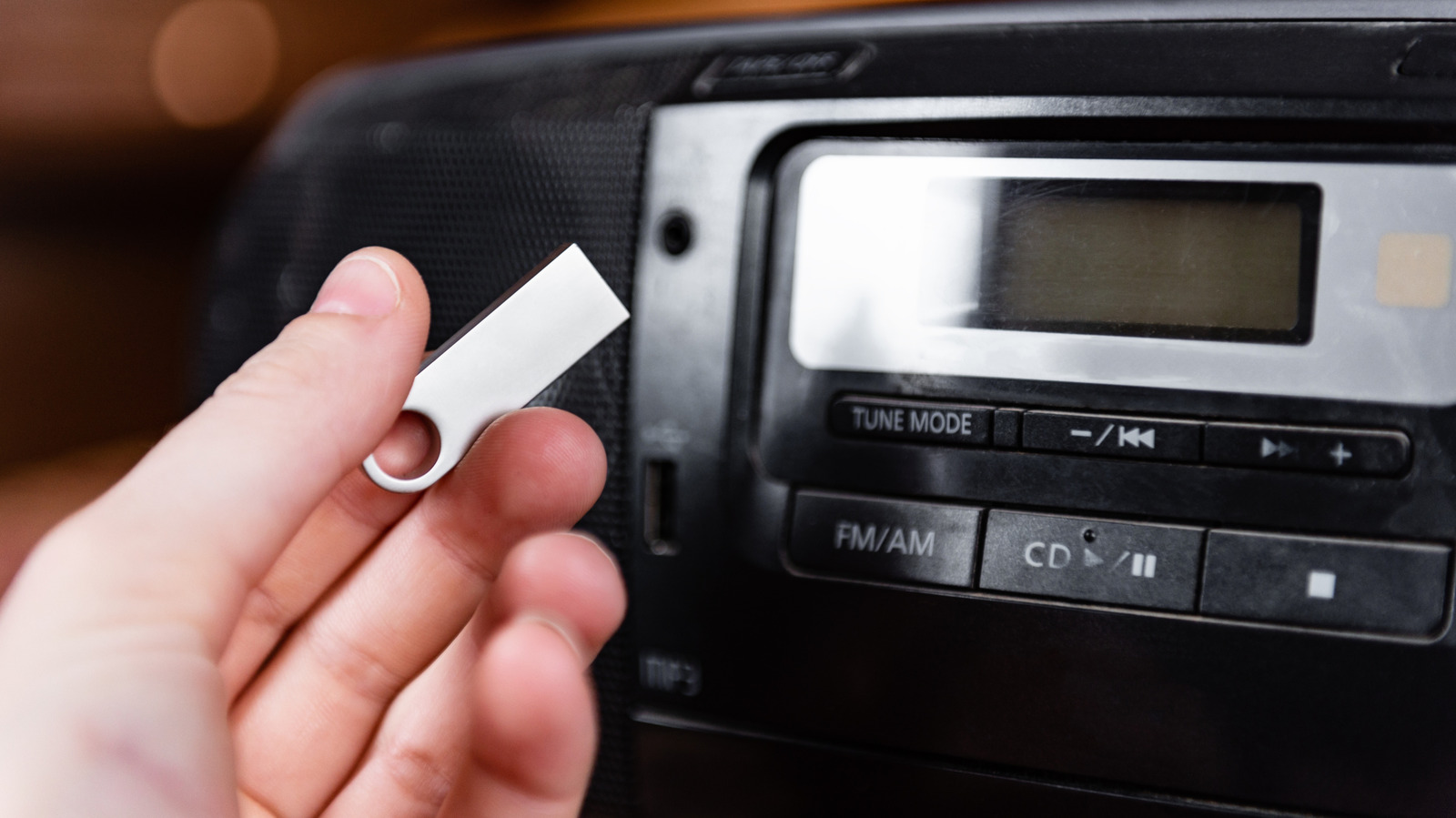
Some will never know the glory of creating a mixtape — an actual cassette mixtape — or burning your favorite playlist to a CD before heading out the door. Both were strangely enjoyable, but also added a lot of character to music playlists. Sure, now you can open an app, add a bunch of songs with a few taps, and go. But if you want to listen in your car, Bluetooth isn’t actually the best way to do it. The wireless connection is convenient and fast, but you’ll get much better quality if you plug your phone directly into the system using USB. There is another way that has a lot of parallels to the mixtapes of yore. You can use a USB drive and load your favorite tunes.

Why? For starters, depending on where you source your music, you don’t have to pay for subscriptions to listen. Moreover, you can play FLAC and lossless audio with their true fidelity via USB. Bluetooth does not support lossless audio except through very specific codecs, like Qualcomm aptX Lossless. 

Moreover, you can make your own collection, adding whatever artists, songs, genres, and playlists you want. With USB drive capacities so high, you can fit a lot of music on a single drive. A 256GB USB drive can hold over 83,000 songs at 3MB each. You can also remove the USB anytime to add more tracks, or leave it plugged into your car’s port indefinitely. Most cars offer this functionality, but if your car doesn’t have a USB port, you’ll need an adapter or a device with an aux-output like a DAC. If your car’s USB port isn’t working, you’ll need to troubleshoot first.

How to add music to a USB drive to play in your car?
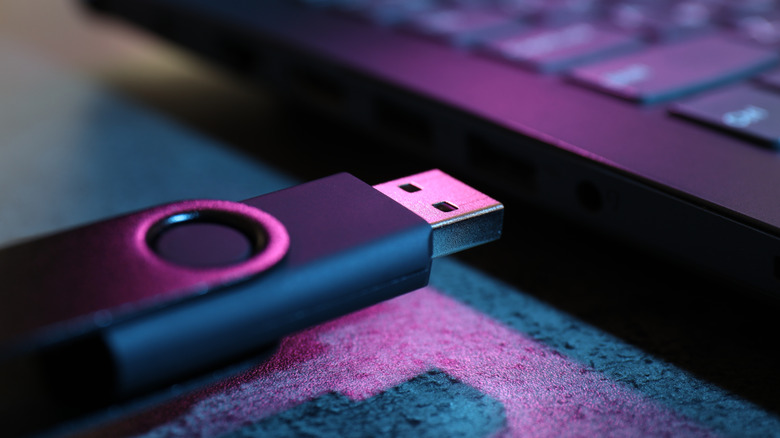

USB drive being plugged into the port on a side of a laptop with a purple glow.
New Africa/Shutterstock

I highly recommend loading a single MP3 or music file on your fresh USB drive and testing it out in your vehicle before loading a ton of tracks. Try to use the file format that you will primarily have, whether that’s MP3, AAC, OGG, FLAC, or something else. Make sure to format the USB drive using a common file structure, like FAT or FAT32. Move a single track over to the drive when it’s ready, plug it into your car’s entertainment-related USB port, as there can be multiple USB ports available, and make sure to select the correct input. If the track plays without a problem, you’re good to go. Make sure you use the same file format for future tracks.

You should also organize the tracks on the drive, instead of sticking them all in a single root folder. It’s best to use a logical hierarchy, with folders such as artist > album for each group or artist. You may be able to use your phone for this, but you’ll have an easier time using a computer or a laptop. It’s definitely easier to organize the file structure on a computer. Once your music is on there and organized, you’re good to go.

In addition to playing music, there are some really cool gadgets you can use in your car’s USB port, even some that will make your car safer, but nothing quite so entertaining as making your own playlists and listening in high-fidelity audio while you’re cruising down the highway.


Sign Up For Daily Newsletter

Be keep up! Get the latest breaking news delivered straight to your inbox.
By signing up, you agree to our Terms of Use and acknowledge the data practices in our Privacy Policy. You may unsubscribe at any time.
Share This Article
Facebook Twitter Email Print
Share
What do you think?
Love0
Sad0
Happy0
Sleepy0
Angry0
Dead0
Wink0
Previous Article Apple Car Key Support Coming to Lexus Vehicles Apple Car Key Support Coming to Lexus Vehicles
Next Article I Let Karpathy’s AutoResearch Agent Run Overnight! | HackerNoon I Let Karpathy’s AutoResearch Agent Run Overnight! | HackerNoon
Leave a comment

Leave a Reply Cancel reply

Your email address will not be published. Required fields are marked *

Stay Connected

248.1k Like
69.1k Follow
134k Pin
54.3k Follow

Latest News

Ant International, Google to collaborate on AI commerce protocol · TechNode
Computing
Ethereum Price Prediction as ETH Transfers Hit 1.34M, Pepeto Tops M
Ethereum Price Prediction as ETH Transfers Hit 1.34M, Pepeto Tops $8M
Gadget
You Should Clean Your Keyboard More Often Than Your Bathroom – Here’s Why – BGR
News
Create a Perfect Product Review Blog for Pinterest
Computing

You Might also Like

You Should Clean Your Keyboard More Often Than Your Bathroom – Here’s Why – BGR
News

You Should Clean Your Keyboard More Often Than Your Bathroom – Here’s Why – BGR

4 Min Read
Real life example of SIM swap hits Verizon customer in the wallet
News

Real life example of SIM swap hits Verizon customer in the wallet

5 Min Read
Digital Fraud Is On The Rise – Here’s What Consumer Reports Recommends For Protection – BGR
News

Digital Fraud Is On The Rise – Here’s What Consumer Reports Recommends For Protection – BGR

7 Min Read
5 Clever Uses For Your PC’s Ethernet Port (Other Than Plugging In Your Router) – BGR
News

5 Clever Uses For Your PC’s Ethernet Port (Other Than Plugging In Your Router) – BGR

9 Min Read
//

World of Software is your one-stop website for the latest tech news and updates, follow us now to get the news that matters to you.

Quick Link

  • Privacy Policy
  • Terms of use
  • Advertise
  • Contact

Topics

  • Computing
  • Software
  • Press Release
  • Trending

Sign Up for Our Newsletter

Subscribe to our newsletter to get our newest articles instantly!

World of SoftwareWorld of Software
Follow US
Copyright © All Rights Reserved. World of Software.
Welcome Back!

Sign in to your account

Lost your password?